No products in the cart.

Sale

 ACASIS Thunderbolt 4 Dock-21 P...
 Products
-
 Original price was: ₹14,999.00.₹4,999.00Current price is: ₹4,999.00.
 -
Original price was: ₹69,999.00.₹24,999.00Current price is: ₹24,999.00.
-
Original price was: ₹59,999.00.₹28,999.00Current price is: ₹28,999.00.
-
Original price was: ₹29,999.00.₹14,999.00Current price is: ₹14,999.00.
-
Original price was: ₹49,999.00.₹26,290.00Current price is: ₹26,290.00.


 21 Ports 40Gbps Dock
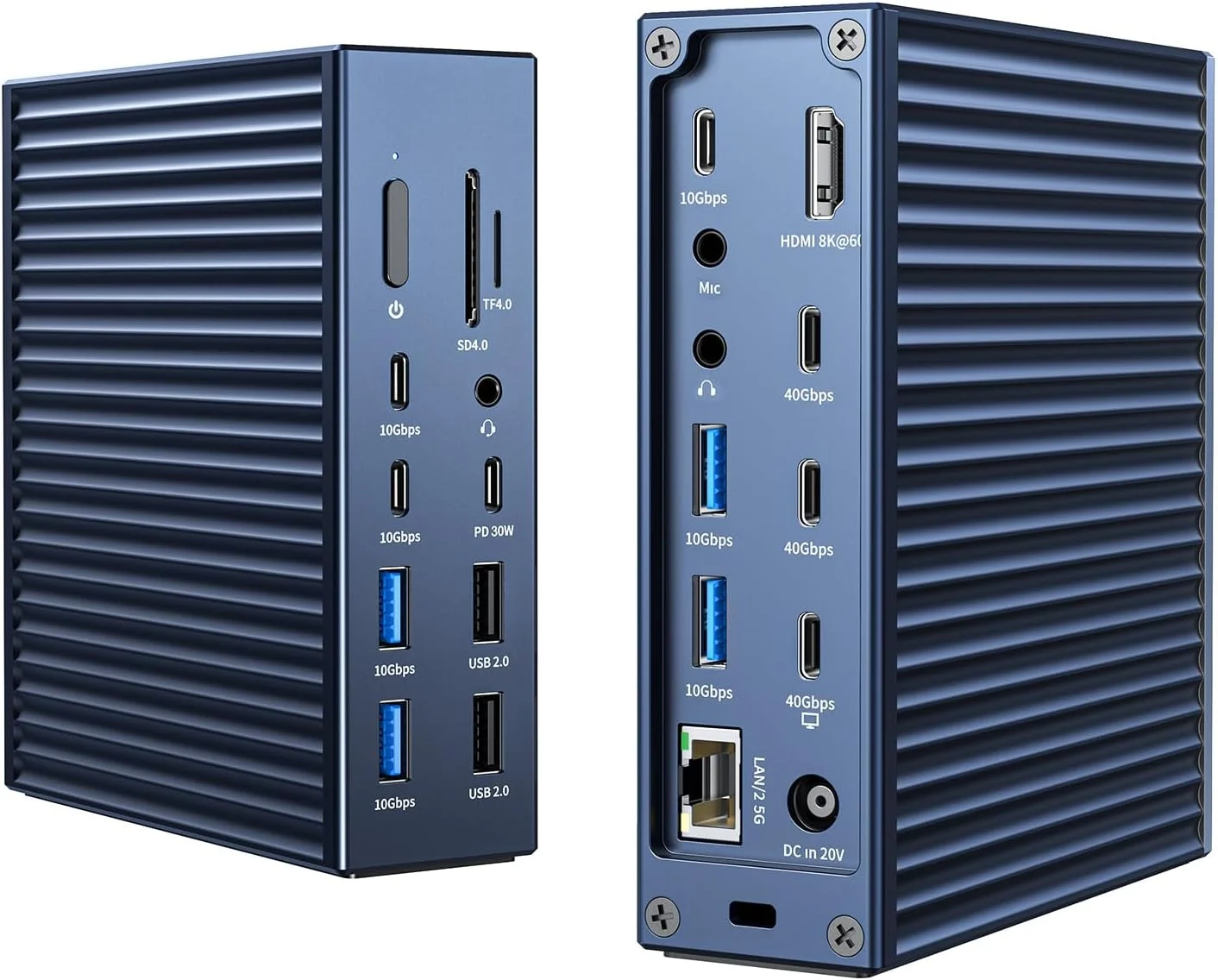
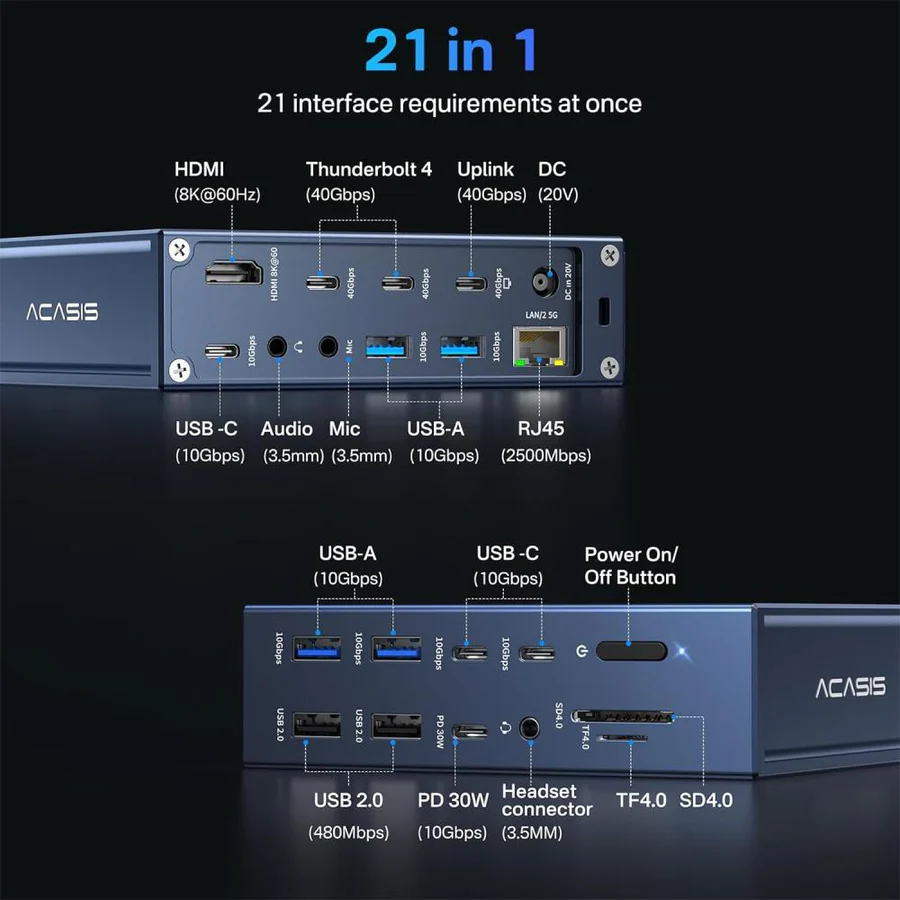
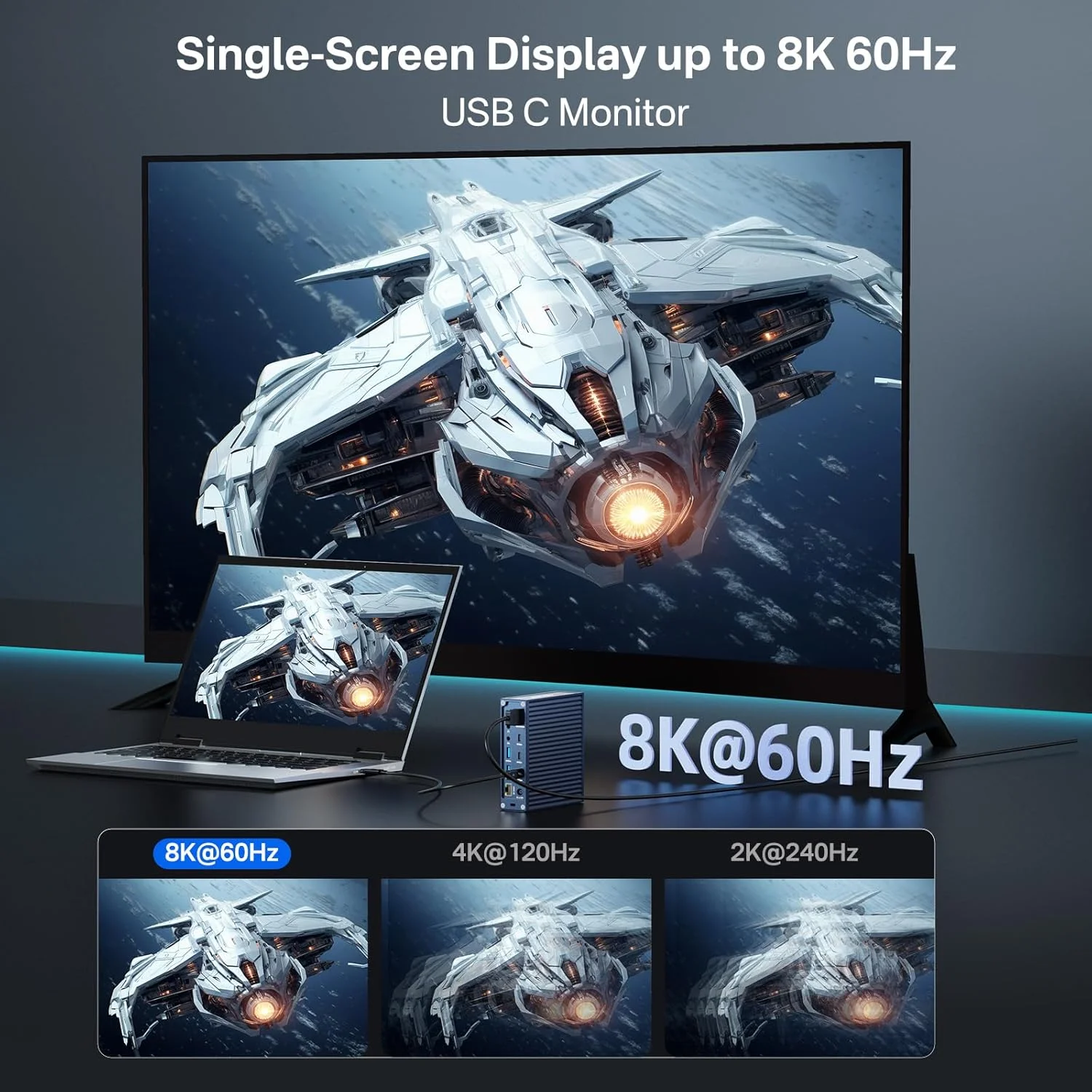
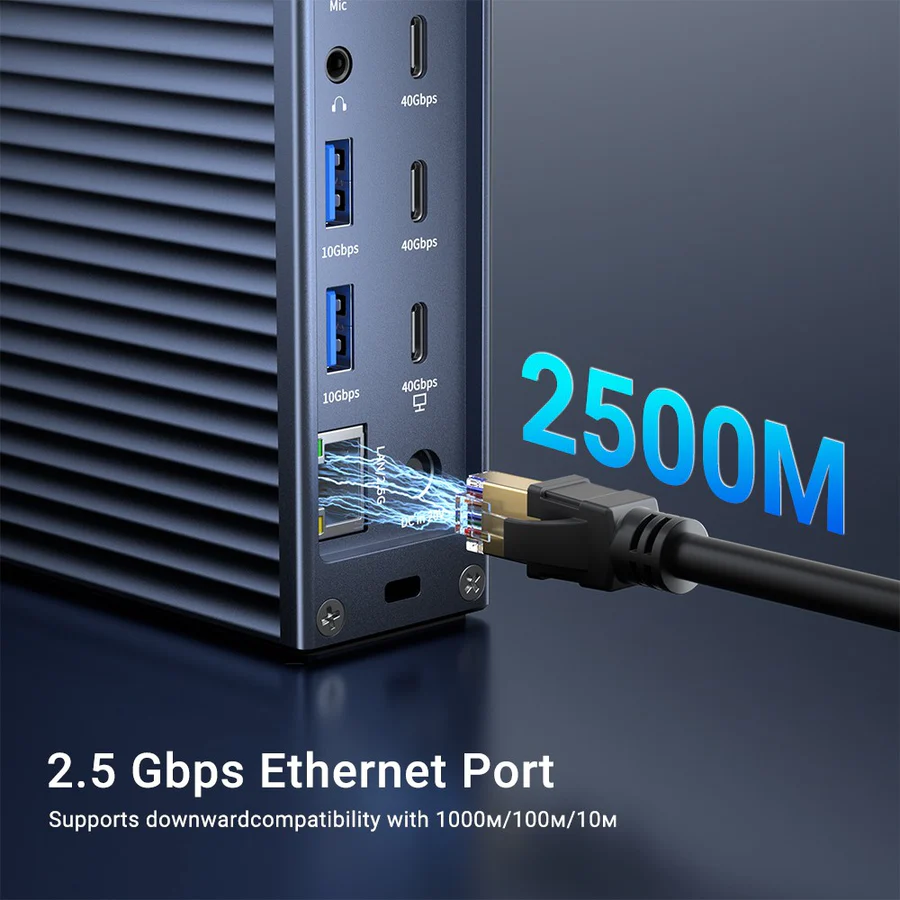
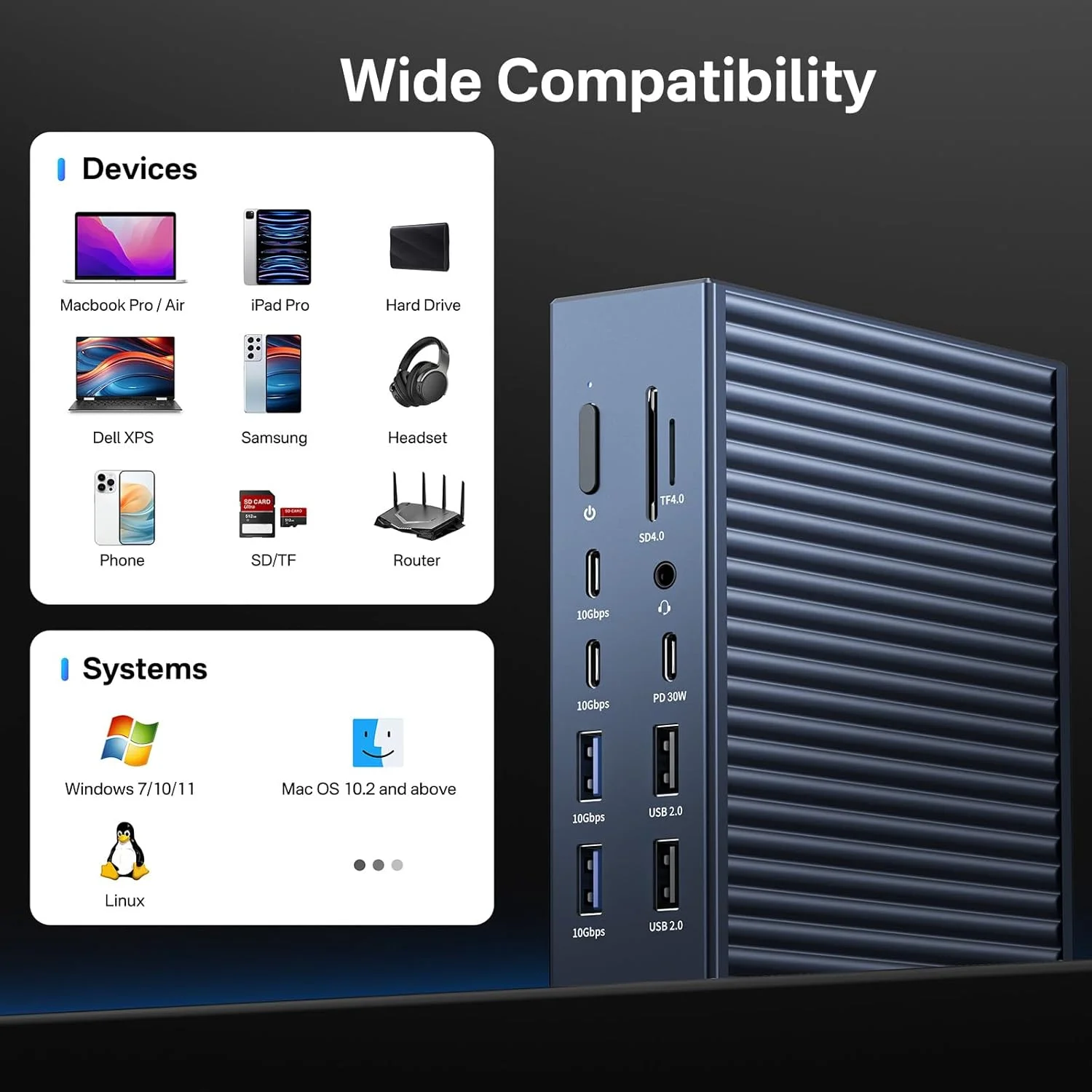
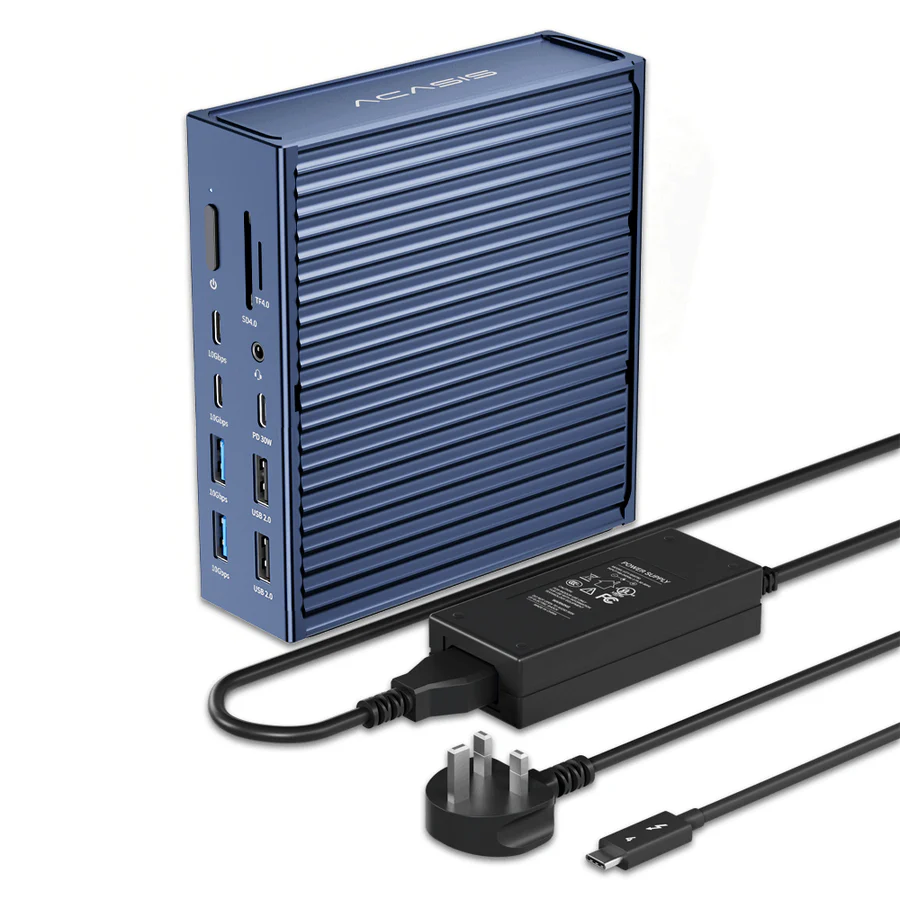
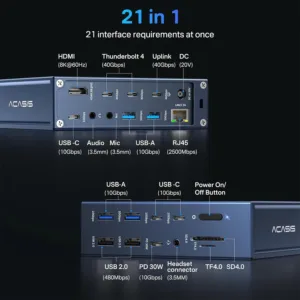
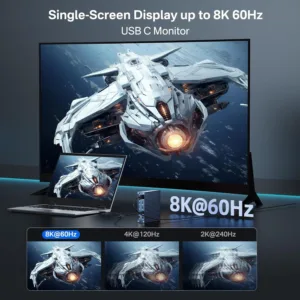
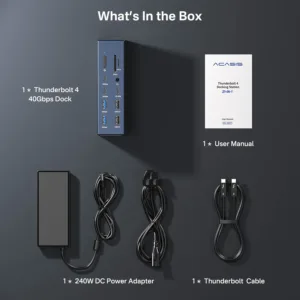
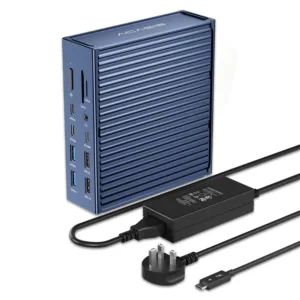
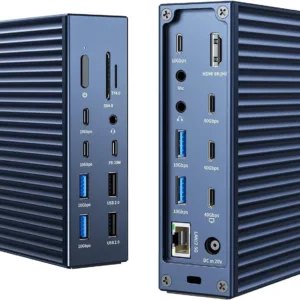
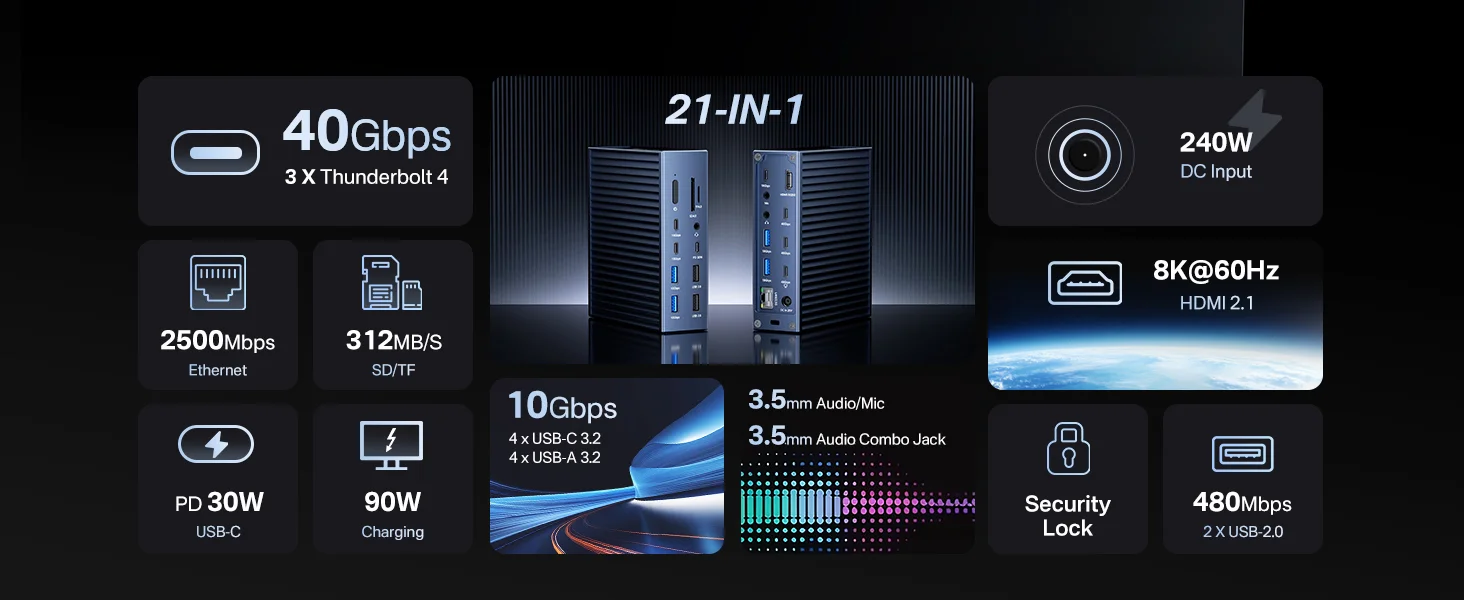
Featuring an 8K@60Hz HDMI, 2.5 GbE Ethernet, 3x USB4 (40Gb/s, 8K@60Hz) ports, 8x USB C/A 3.2 Gen2 ports with full 10Gbps performance, 2x USB 2.0 ports for mouse and keyboard, SD/TF 4.0, and 3x 3.5mm Audio, this ACASIS 40Gbps Dock simply consolidates all user connection needs for any port into a single dock. A single cable will charge your laptop and connect 21 devices at the same time.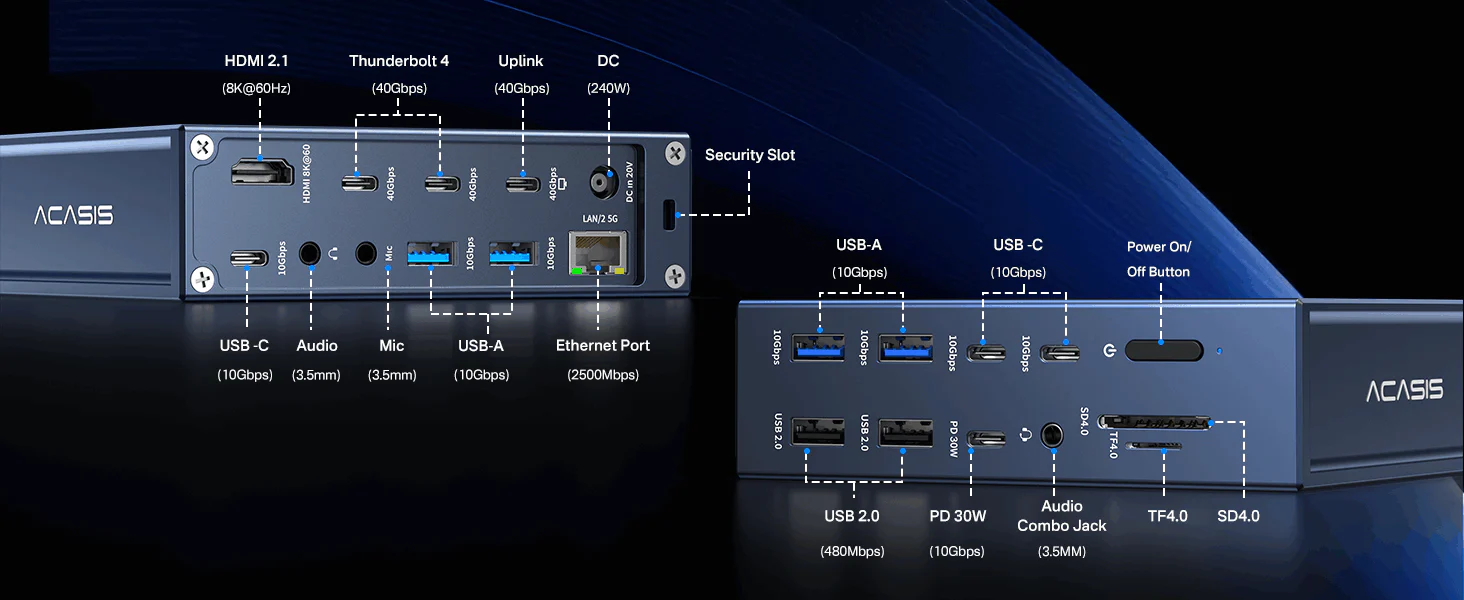 3 x USB4 (40Gb/s,8K@60Hz)
4 x USB-C (10Gb/s)
4 x USB-A (10Gb/s)
1 x HDMI 2.1 (8K@60Hz)
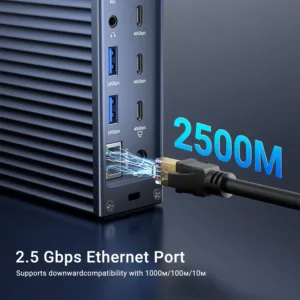
1 x 2.5 Gigabit Ethernet (2500Mb/s)
1 x SD 4.0 (UHS-II)
1 x micro SD 4.0 (UHS-II)
2 x USB 2.0 (480Mb/s)
1 x Audio Combo Jack (3.5mm)
1 x Mic (3.5mm)
1 x Audio (3.5mm)
1 x DC In (240W)
1 x Security Slot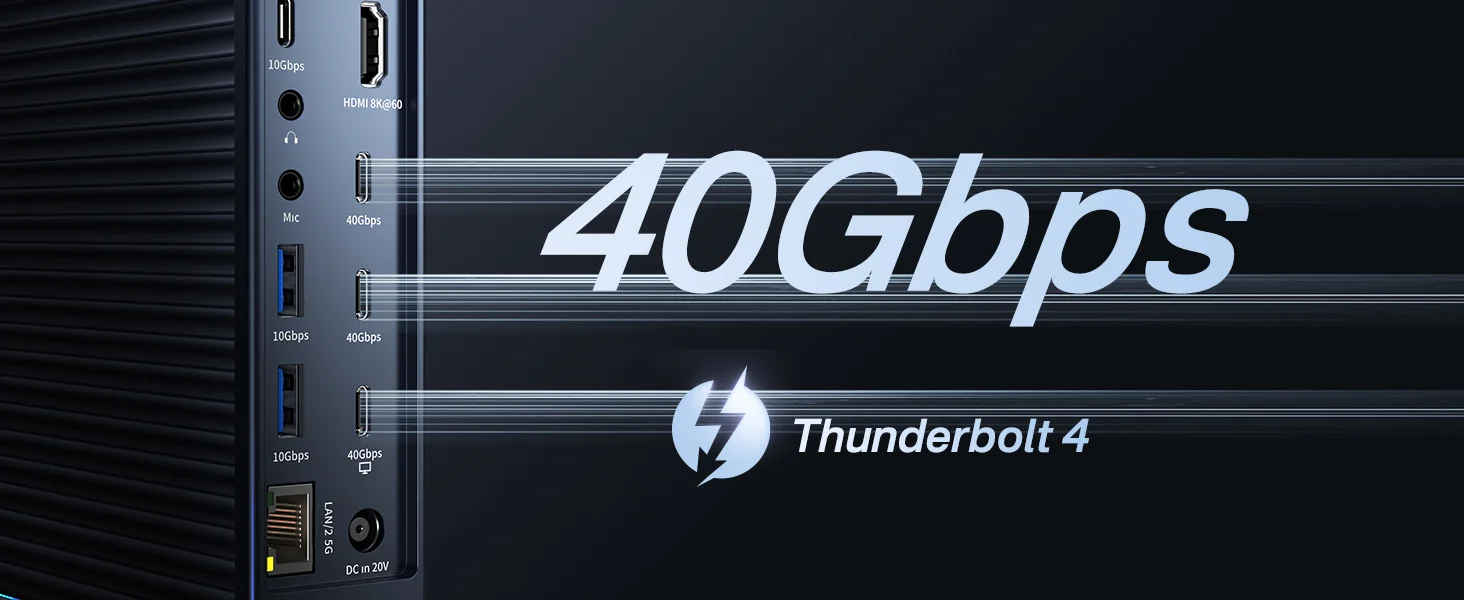
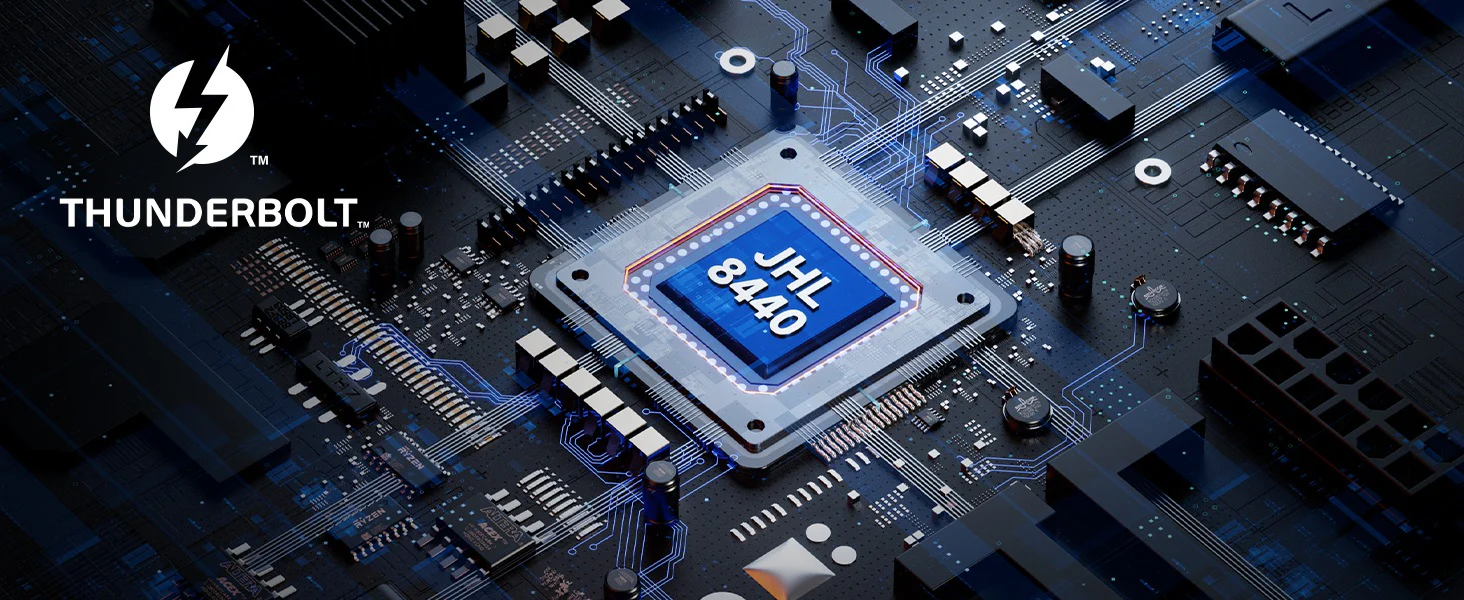 ACASIS 21-in-1 40Gbps Docking Station: The Fast, Secure, and Compatible Solution for Modern Connectivity
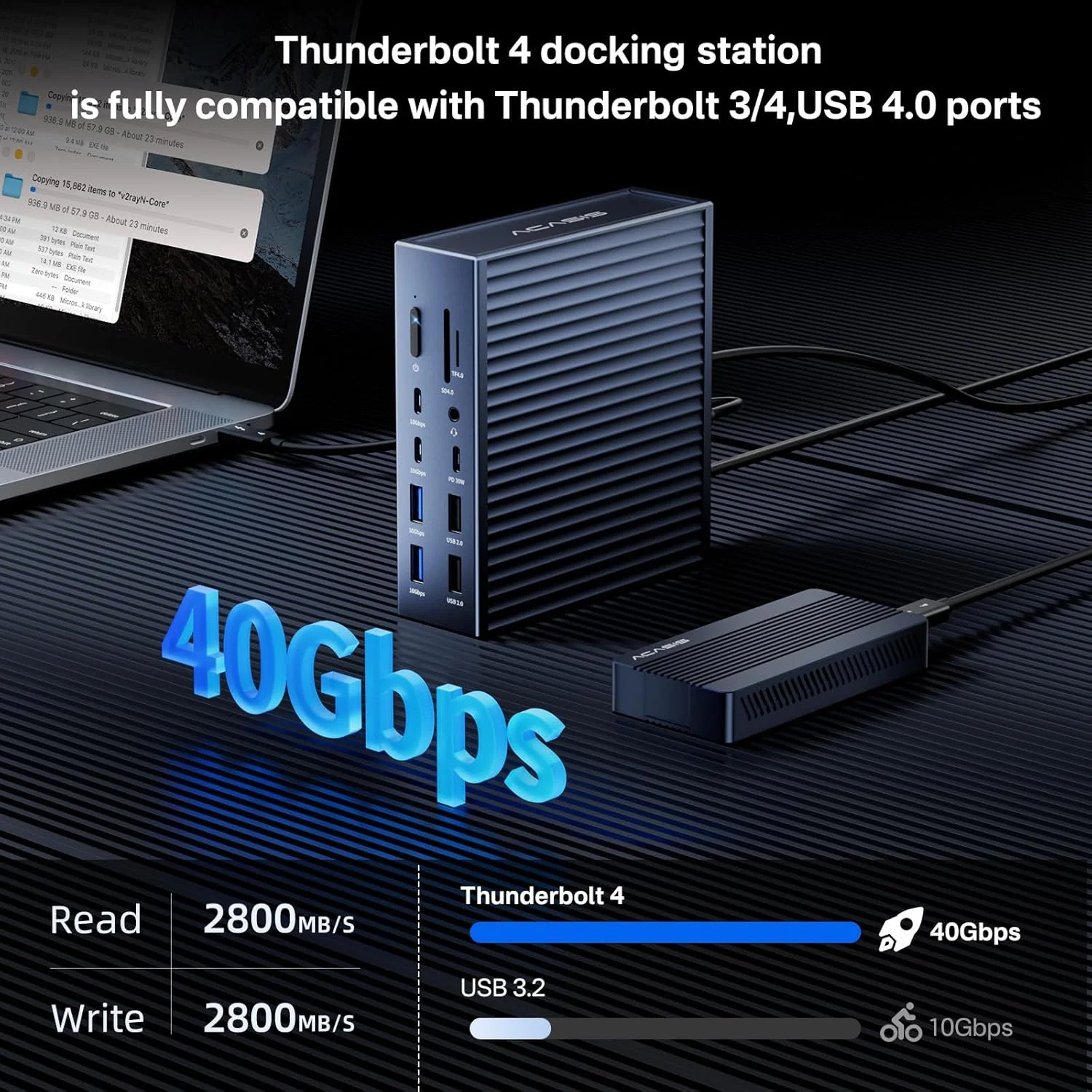
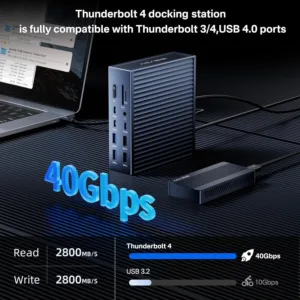
• Intel chip for 40 Gbps data transfer
• Dual 4K or single 8K display support
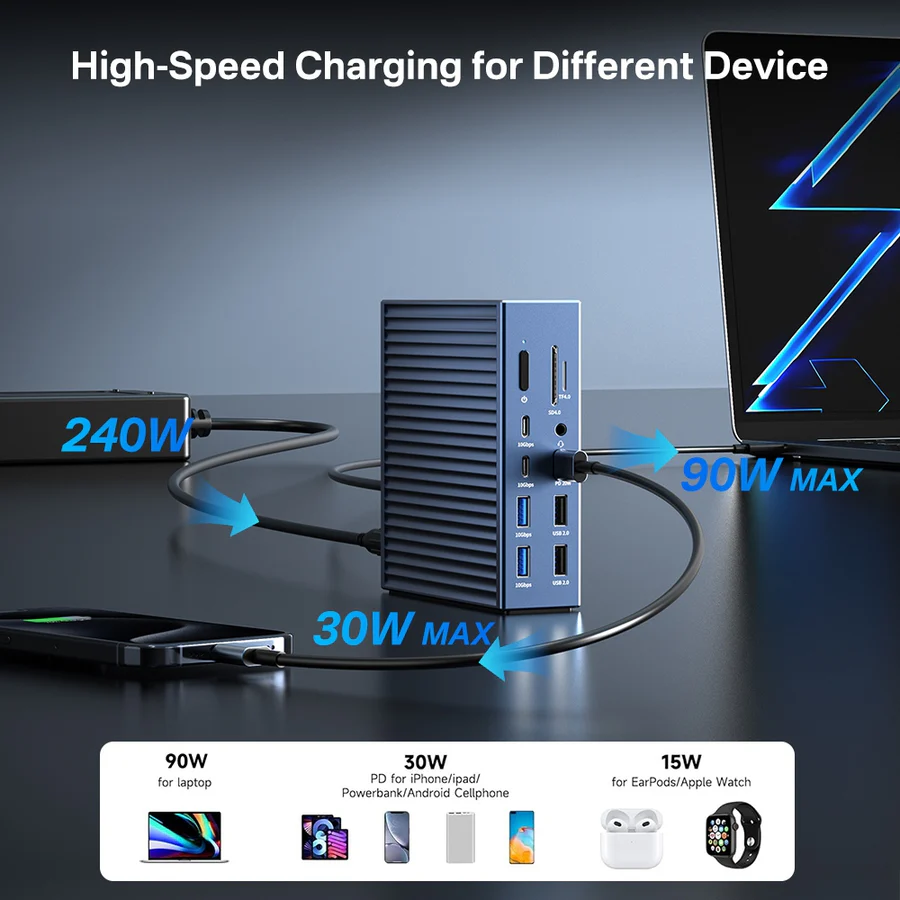
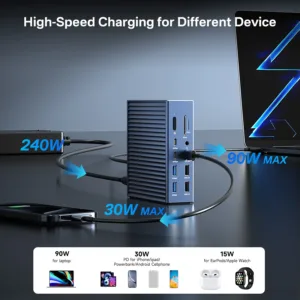
• Fast charging capability
• Powerful multi-device expansion
• Intel® VT-d based DMA protection for data security
• Compatible with Thunderbolt 4/3,USB4 and other USB-C devices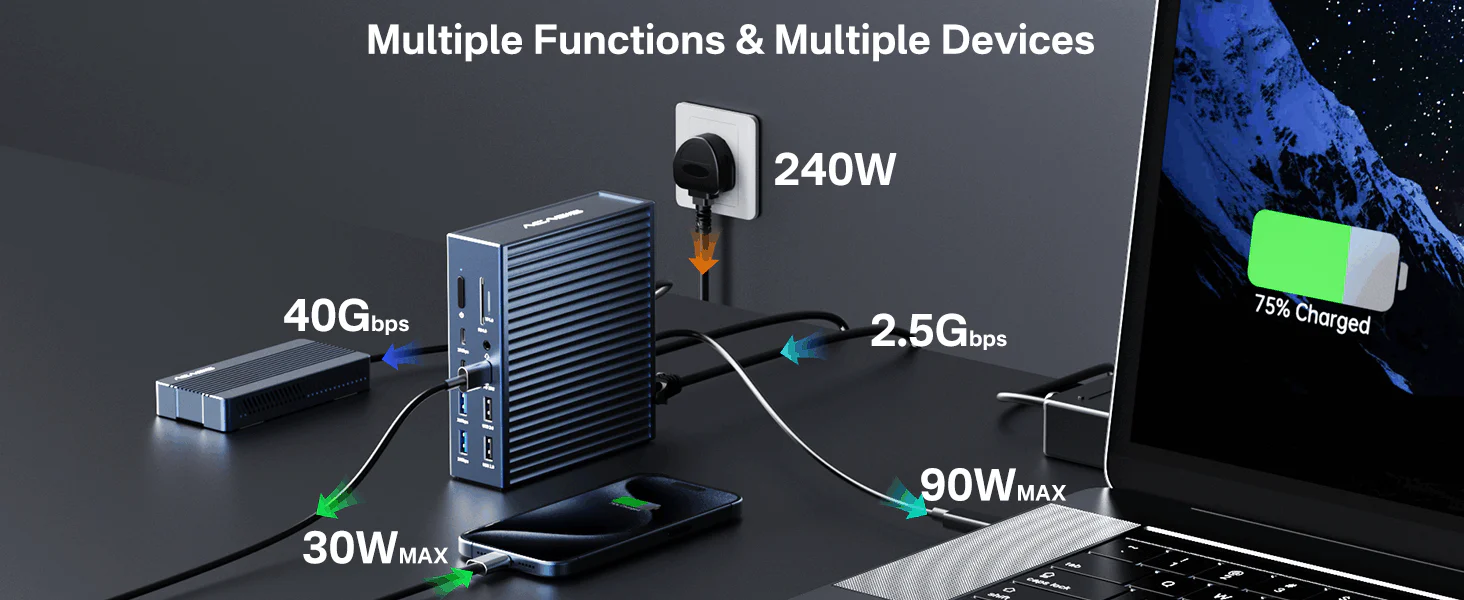 Most laptops typically require around 60W of power for normal operation. For gaming laptops with higher power consumption, it’s recommended to provide 85W or more power.
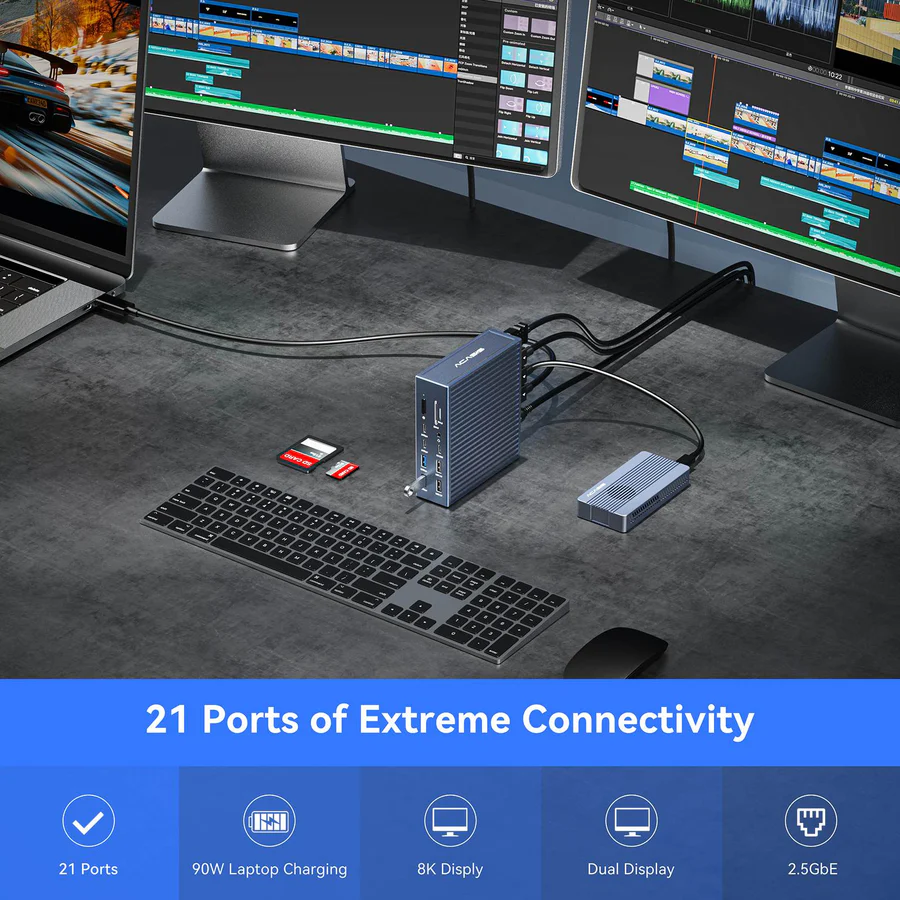
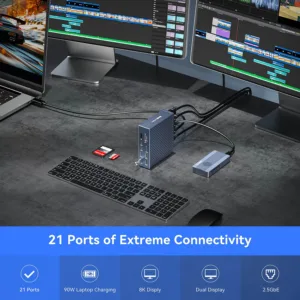
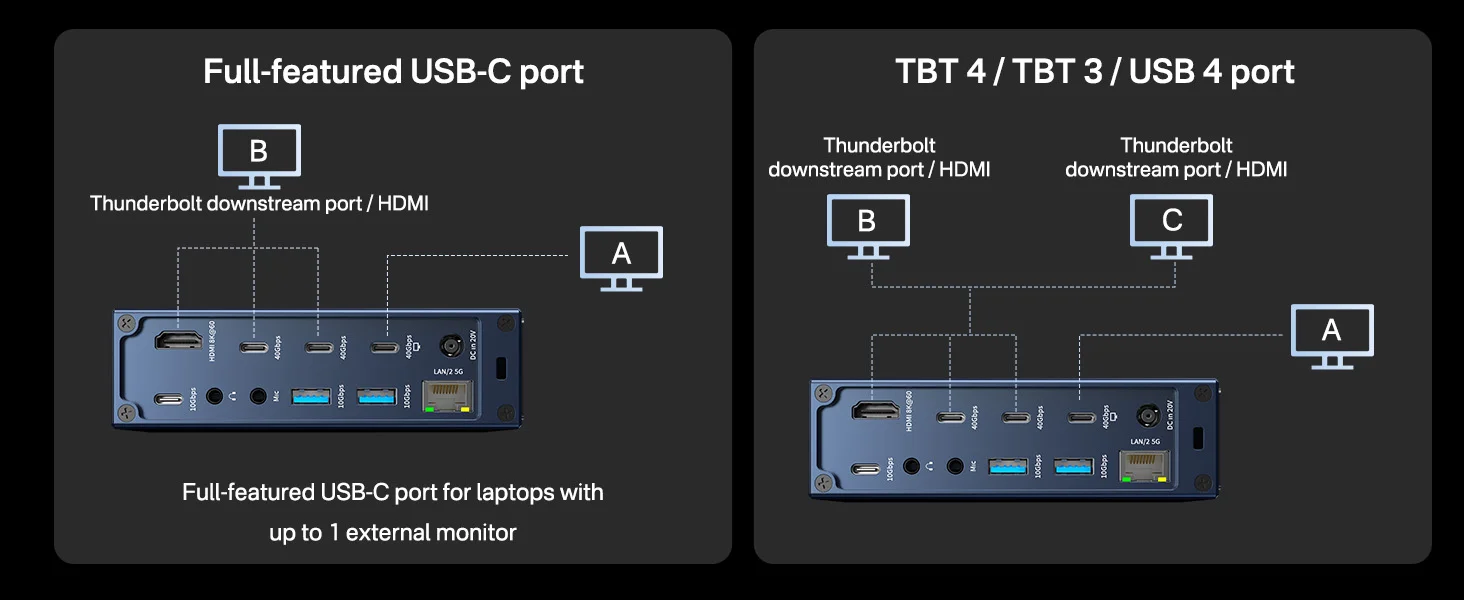
Tests have shown that the ACASIS 21-in-1 40Gbps Docking Station can consistently provide up to 90W power delivery, meeting the needs of all users. For laptops or tablets that require less than 90W, the 40Gbps dock will only supply the wattage required by your device.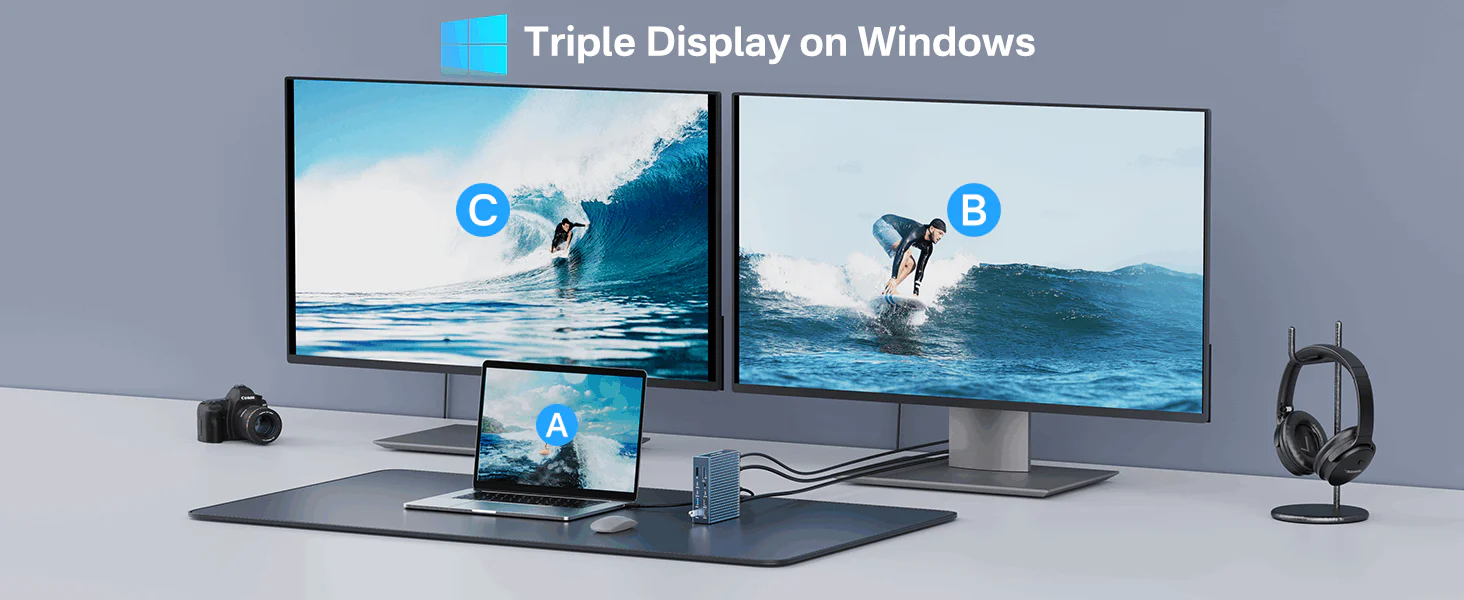 With this 40Gbps dock, Windows computers can connect up to 2 displays using 2 USB4 ports (or 1 HDMI port and 1 USB4 port), supporting dual-screen display with resolution up to 4K@60Hz. It can also be used as a single-display dock.
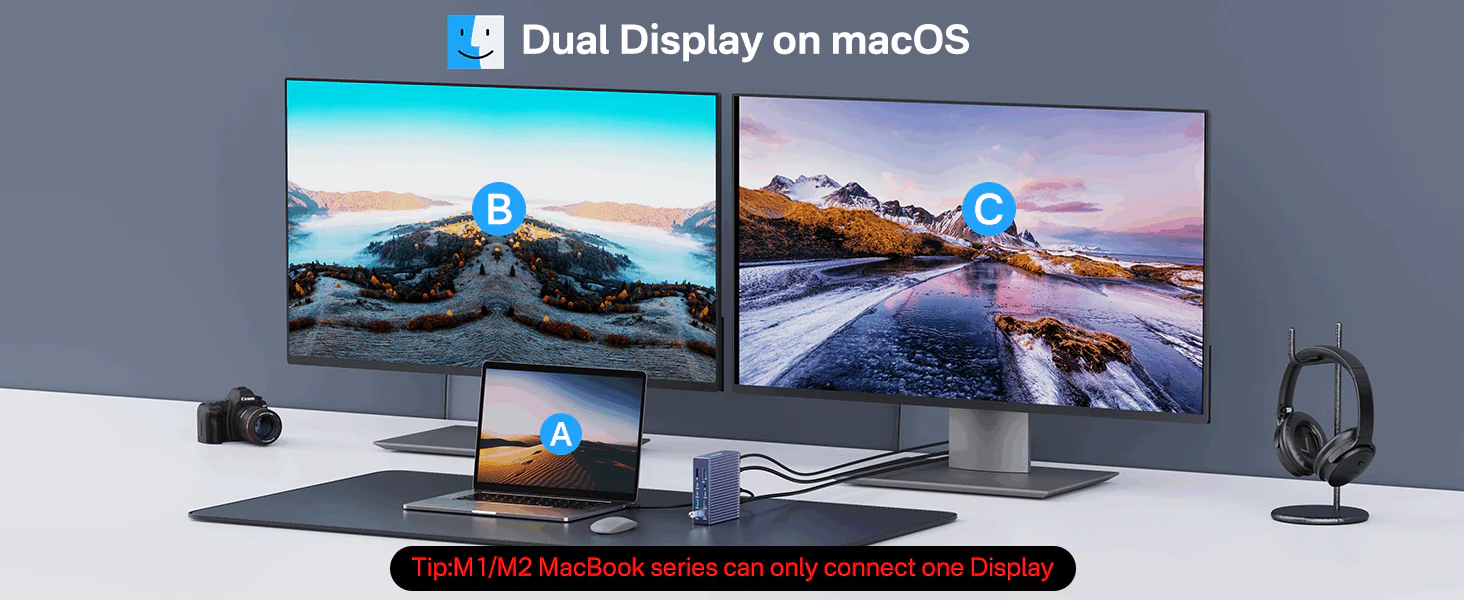 On Macs (with Intel, M1/M2/M3 Pro/Max CPUs), you can expand your desktop to two screens using any combination of HDMI and USB4 ports. Macs equipped with M1/M2/M3 CPUs only support one external display.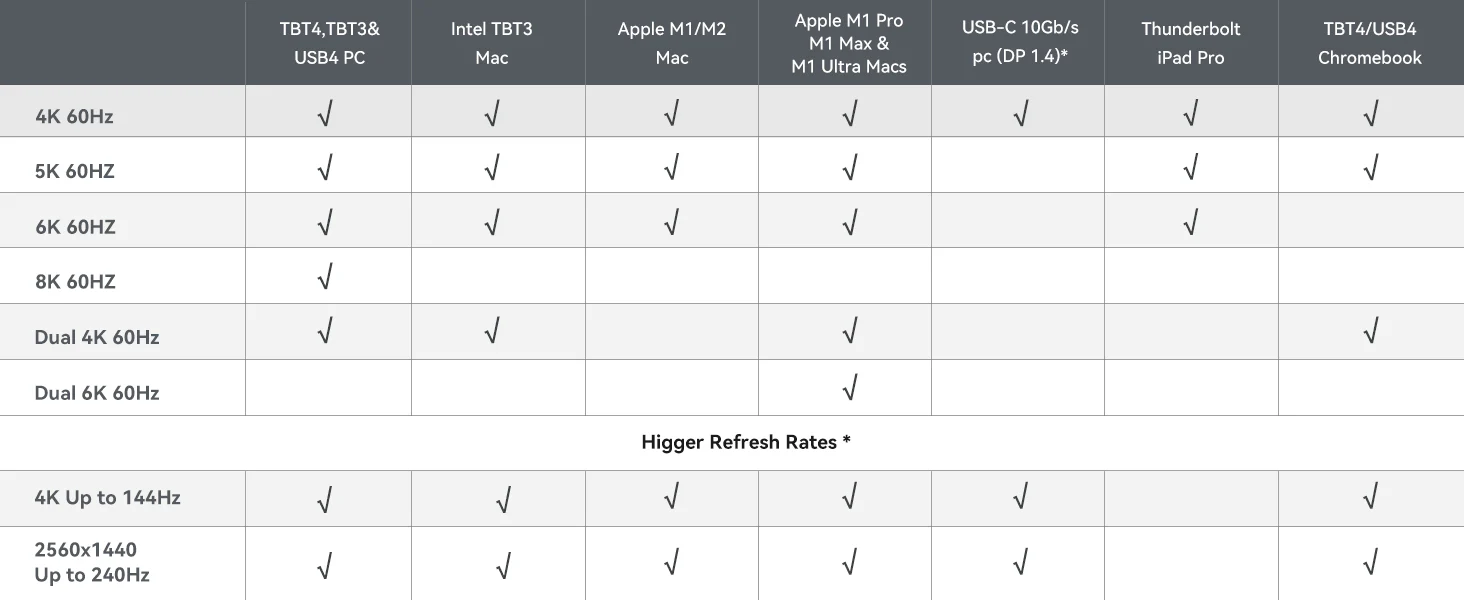

 With just one ACASIS 21 Ports 40Gbps Dock, transform your cluttered desk into a clean, tidy workspace.
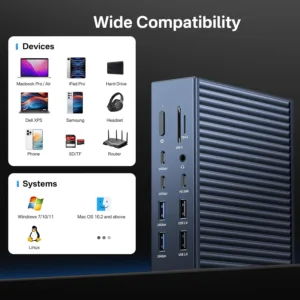
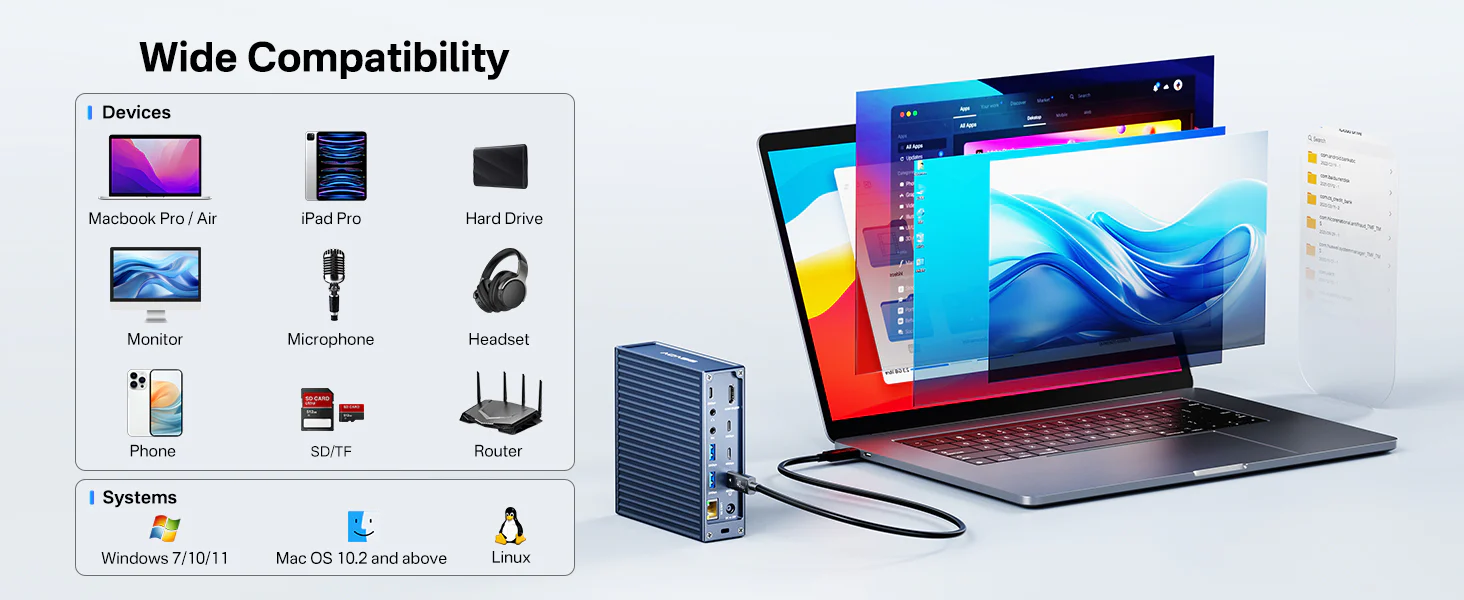 The ACASIS 21-in-1 40Gbps Docks works with USB-C computers, including Apple M2, M1, M1 Pro, M1 Max, M1 Ultra, Intel based Macs, Windows PCs, Linux, and Chrome OS devices. It is also compatible with the new USB-C iPhone 15 and 15 Pro, and tablets including iPads and Windows tablets that feature USB-C.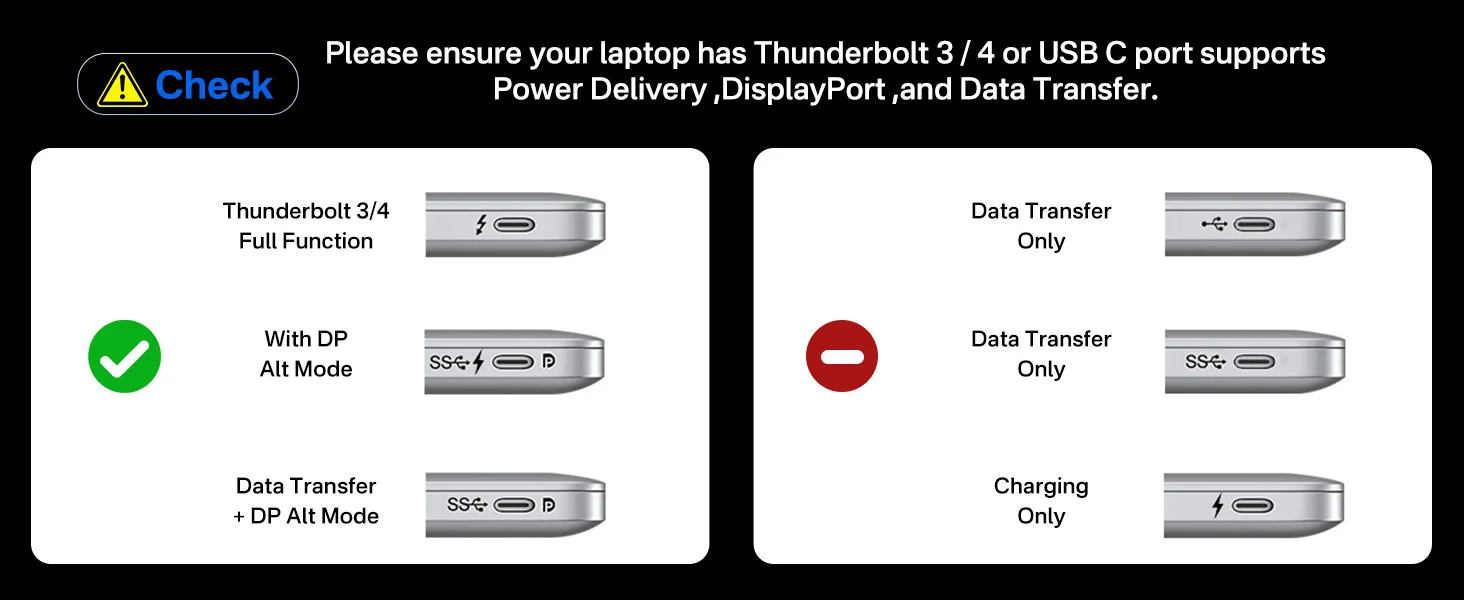

19 reviews for ACASIS Thunderbolt 4 Dock-21 Ports, Dual Monitor, 8K60Hz HDMI, 2.5 GbE, SD/TF4.0,10Gbps USB C/A 3.2 Gen2, 3.5mm, 40Gbps Dock for Mac M1/M2/M3 Pro/Max
Related products
Sale
ACASIS 14-in-1 Dock with 40Gbps Dual SSD Enclosure for M4/M4PRO Mac Mini, 3×3.2 USBA 10Gbps, 2xDP 4k@60Hz, SD/TF4.0, PD30W, Software RAID | Upto 16TB
Original price was: ₹29,999.00.₹14,999.00Current price is: ₹14,999.00. Add to cartSale
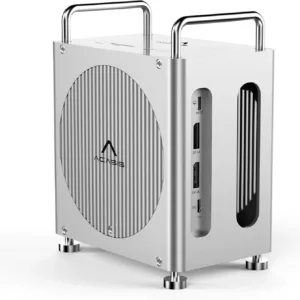
ACASIS Mac Mini M4 Workstation: 11-in-1 Dual SSD 40Gbps Dock For Mac Mini M4 (Pro) | Dual SSD Software RAID | Compatible Thunderbolt 5/4/3 USB 4.0 | Dual Display 4K@60Hz | Up to 16TB
Original price was: ₹34,999.00.₹16,499.00Current price is: ₹16,499.00. Add to cartSale
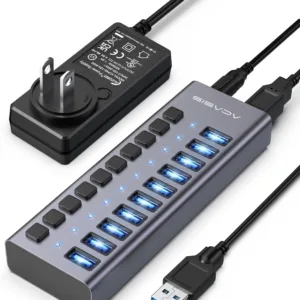
ACASIS 10 Ports USB 3.2 Hub with 10Gbps Data Speed, 48W Power Adapter, Individual On/Off Switches and Lights for Laptop, PC, Desktop
Original price was: ₹14,999.00.₹6,999.00Current price is: ₹6,999.00. Add to cartSale

ACASIS 40Gbps 15-in-1 Dock, Thunderbolt 3/4/ USB 4 Host Devices, Single 8K60Hz or Dual 4K60 Display, 3x40Gbps Port, 2xUSB A3.1, SD/TF4.0, GbE, 3.5mm
Original price was: ₹39,999.00.₹19,999.00Current price is: ₹19,999.00. Add to cartSale

Isha Bhatt –
Stable performance even with lots of devices plugged in.
Parth Patel –
Setup was easy.
Neel Shah –
The HDMI 2.1 is excellent for 8K displays and high-refresh productivity.
Arjun Kapoor –
The 2.5 Gb Ethernet is so much faster than basic gigabit. perfect for my large file transfers.
Sakshi Gupta –
Made my MacBook desk setup much more efficient.
Amit Deshmukh –
Ethernet and high-speed data ports make working from home seamless.
Rhea Kapoor –
Excellent for creators and professionals who need lots of connectivity.
Kunal Verma –
Plenty of ports means I never reach for extra dongles.
Shraddha Joshi –
Impressive performance and connectivity for the price.
Priya Singh –
Plenty of ports! The 21-port layout lets me plug in monitors, drives, card readers, Ethernet, and more without adapters.
Devansh Yadav –
Fast Thunderbolt ports handle my NVMe enclosures without any slowdown.
Yash Malhotra –
The dock stays cool even with heavy usage.
Neha Rao –
Love that I can use dual 4K displays and even an 8K monitor through this dock.
Harsh Kulkarni –
Great for home office. just one cable and everything is connected.
Arnav Singh –
Ideal all-in-one dock for modern laptops and desktops.
Meera Nair –
No more USB hubs. this dock covers everything I need from one place.
Vikram Gupta –
Beautiful aluminum build feels solid.
Rohan Mehta –
This dock transformed my laptop setup. all my peripherals connect through one Thunderbolt cable and work reliably.
Shruti Desai –
Charging through the dock while running multiple devices is super convenient.