No products in the cart.

Sale

 ACASIS 4-Bay SATA/SAS to USB 3...
 Products
-
 Original price was: ₹14,999.00.₹4,999.00Current price is: ₹4,999.00.
 -
Original price was: ₹69,999.00.₹24,999.00Current price is: ₹24,999.00.
-
Original price was: ₹59,999.00.₹28,999.00Current price is: ₹28,999.00.
-
Original price was: ₹29,999.00.₹14,999.00Current price is: ₹14,999.00.
-
Original price was: ₹49,999.00.₹26,290.00Current price is: ₹26,290.00.
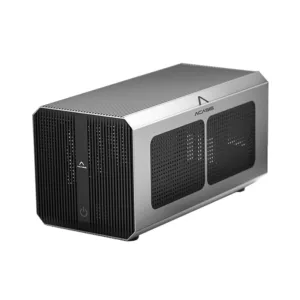
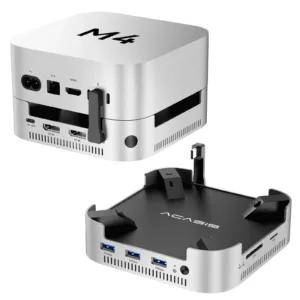
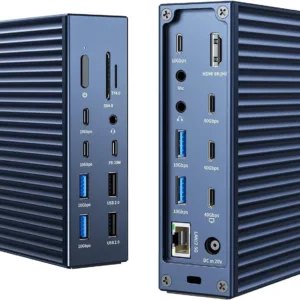
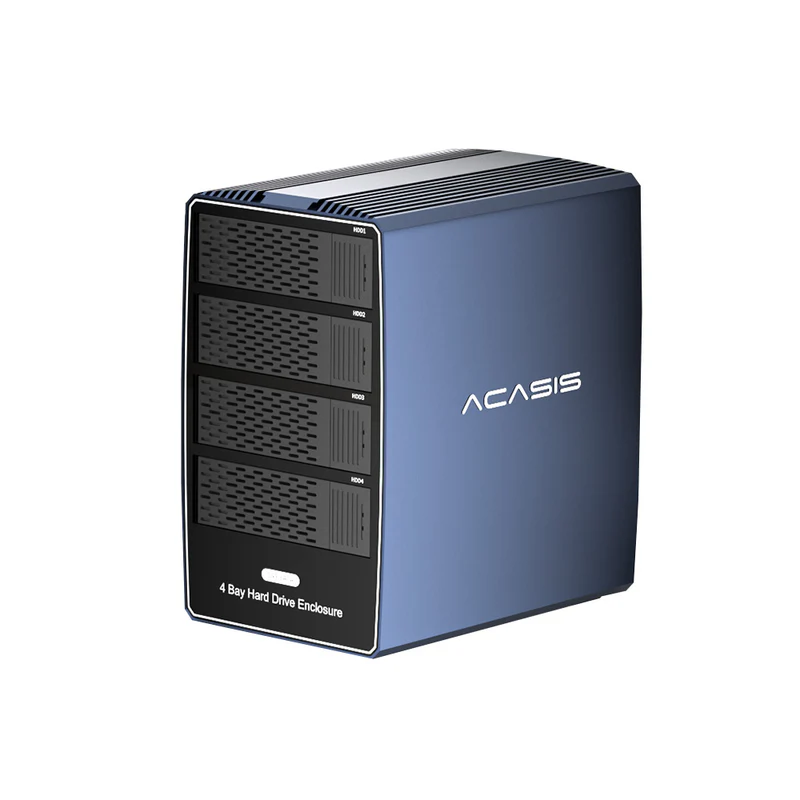
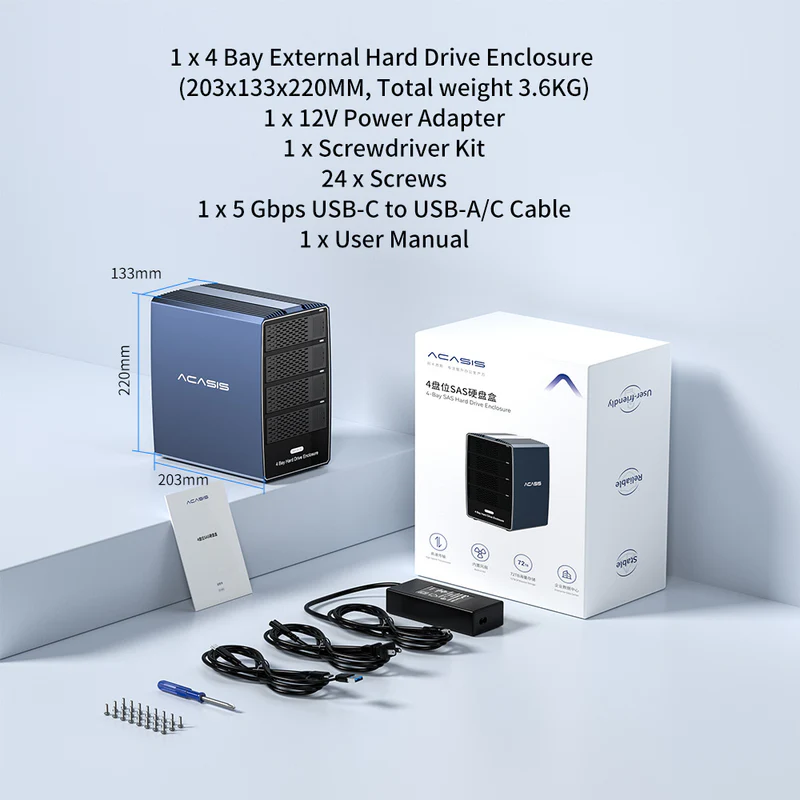
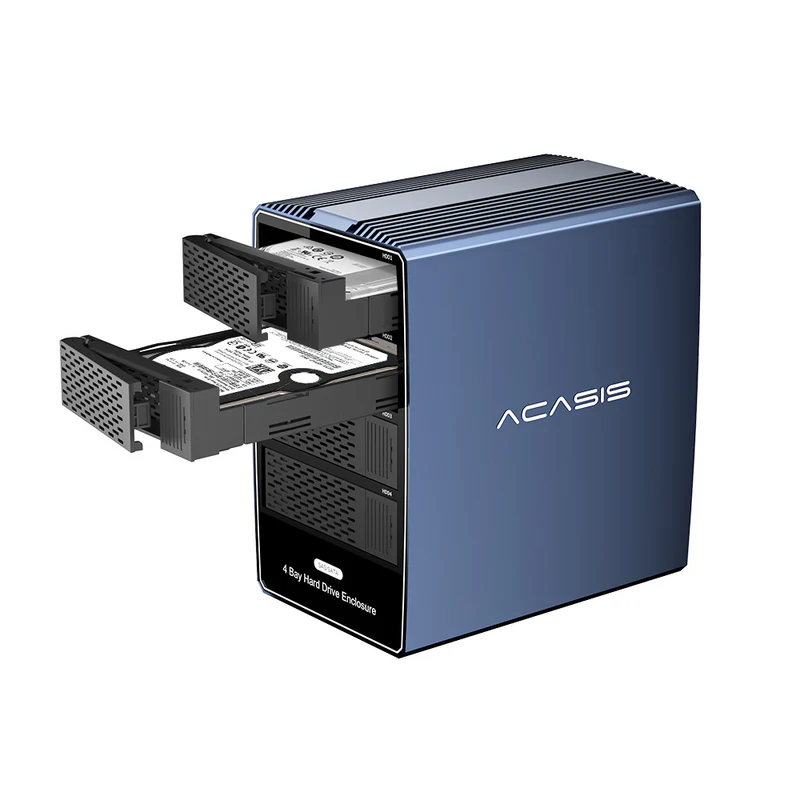
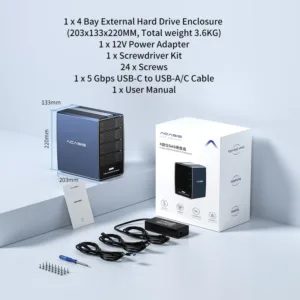
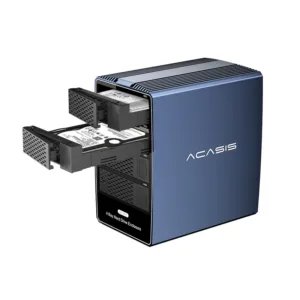
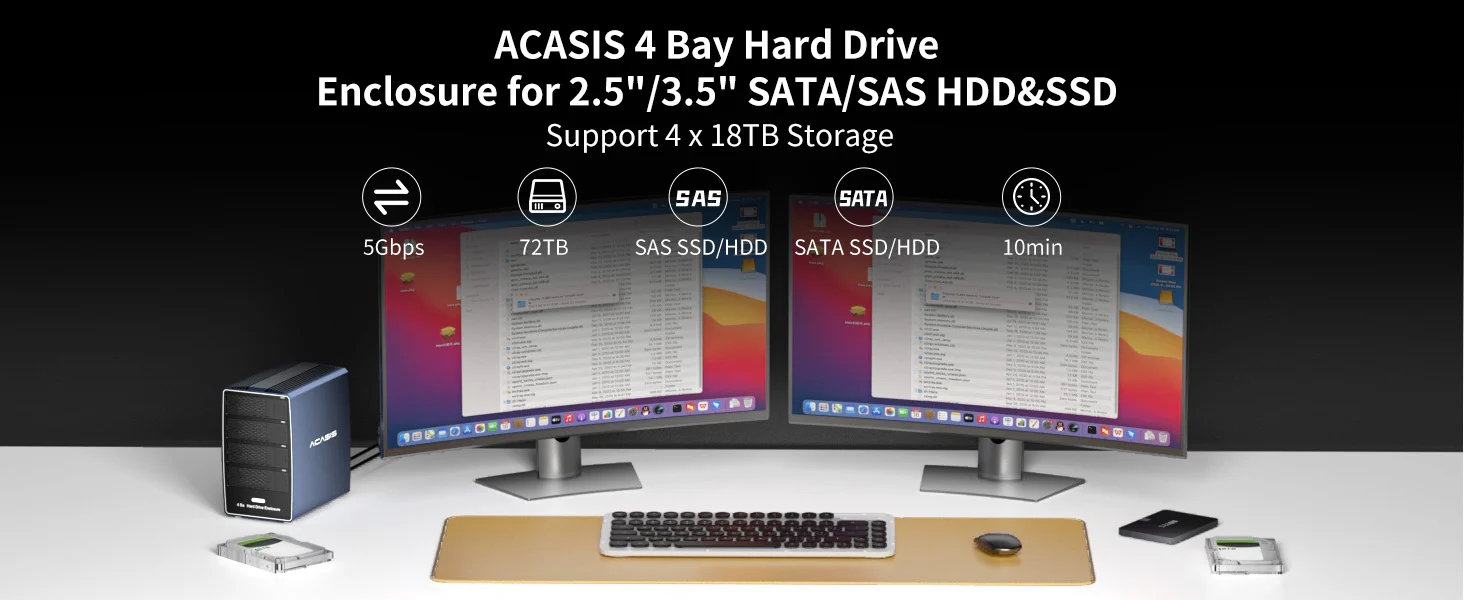 ACASIS 4-bay 2.5/3.5-inch SATA/SAS HDD/SSD enclosure supports up to 72TB of external storage capacity, making it ideal for labs and office.
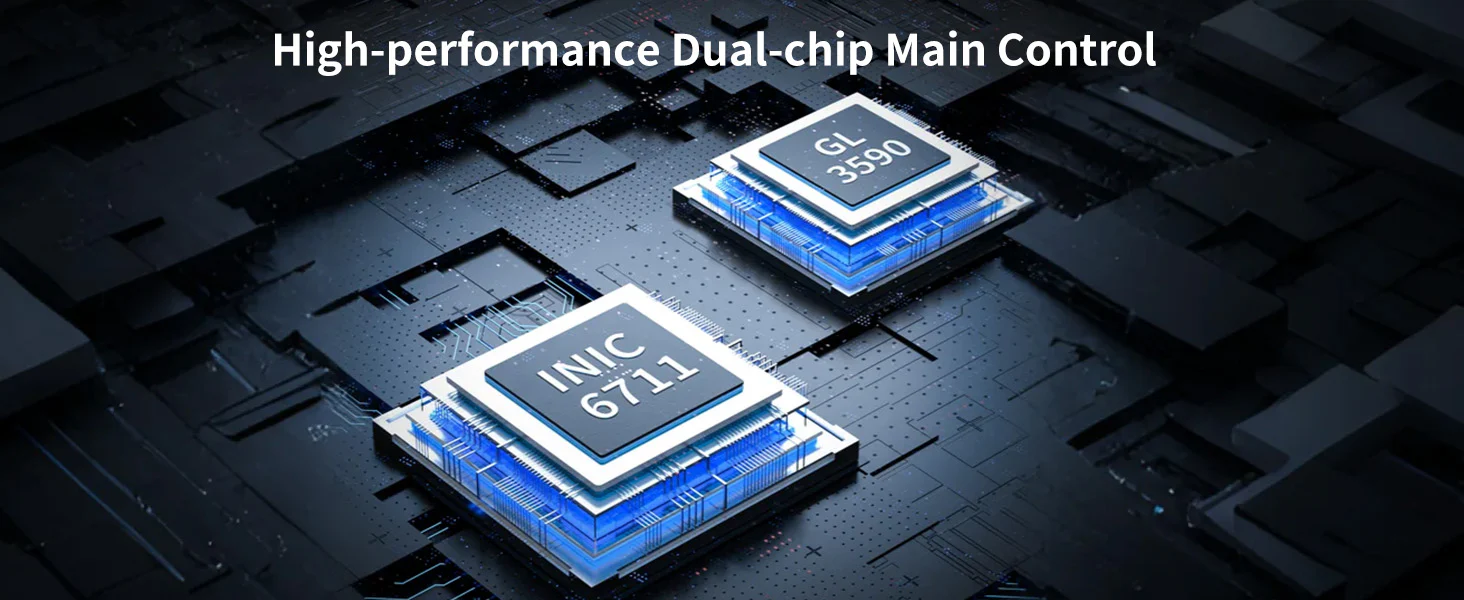 Powerful Dual Chips
This hard drive enclosure uses the industry’s high-performance INIC6711+GL3590 dual main control chips, which can easily carry large-capacity data transmission, allowing you to enjoy a high-speed and stable data transmission experience.
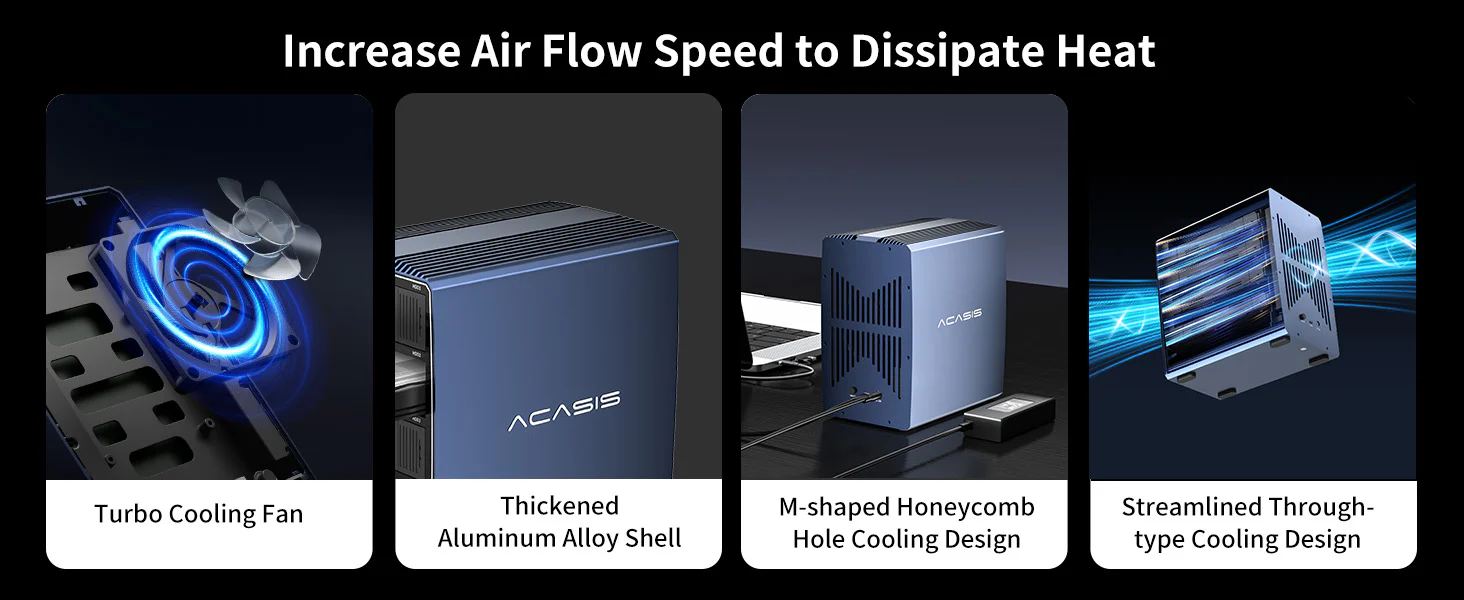 Multiple Cooling Features
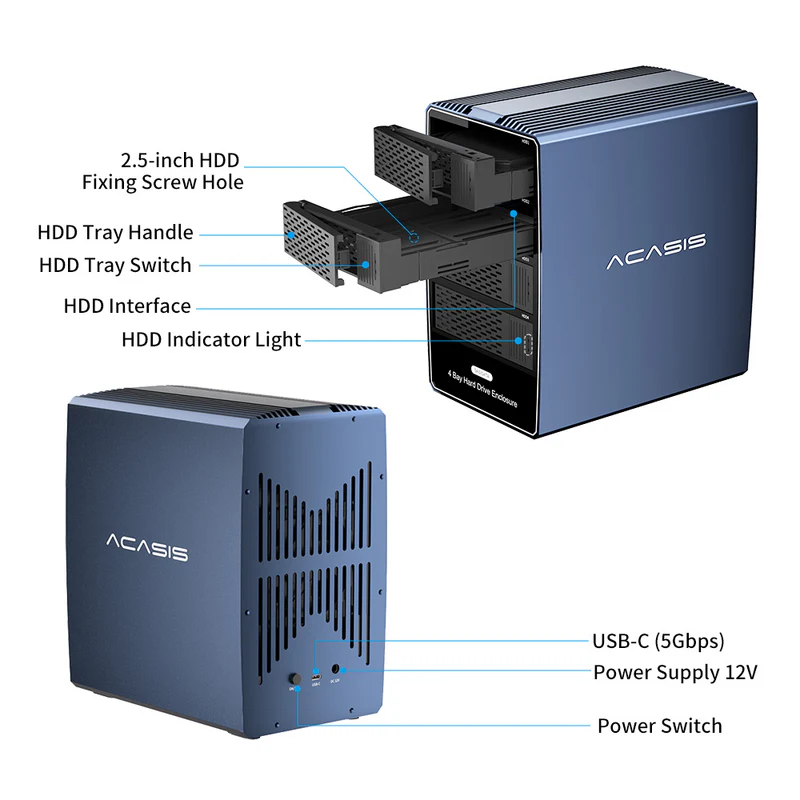
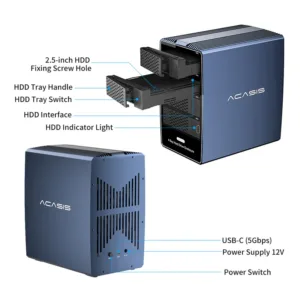
Equipped with a powerful 80*80MM cooling fan and a thickened aluminum alloy shell. The back of the shell has a large area of M-shaped honeycomb holes and a streamlined through-hole design to increase air flow speed and dissipate heat.
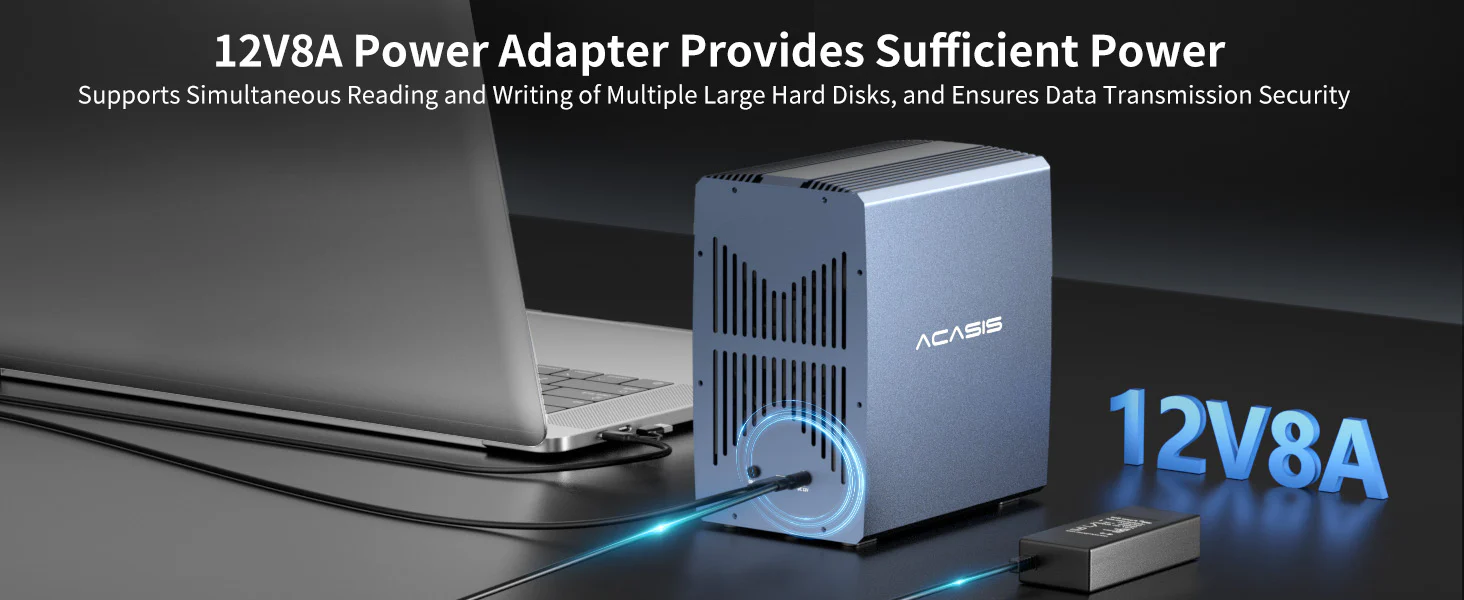
96W Power Supply
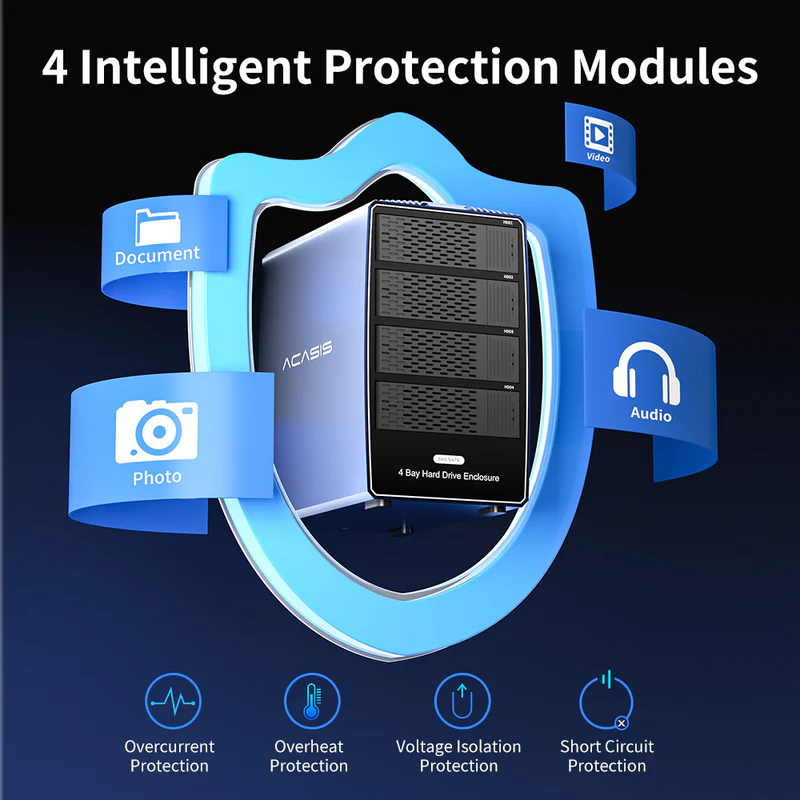
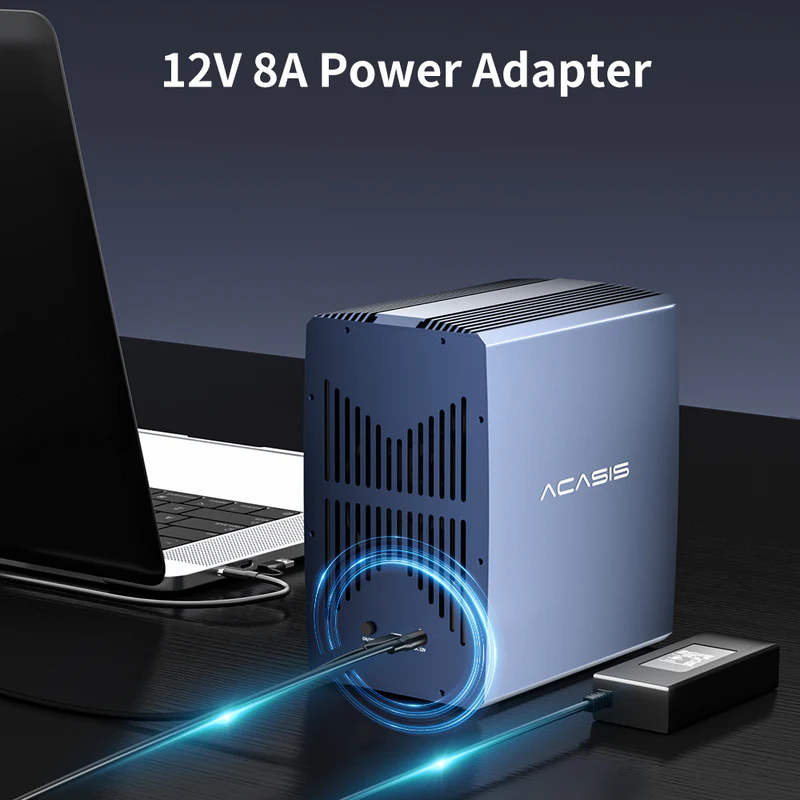
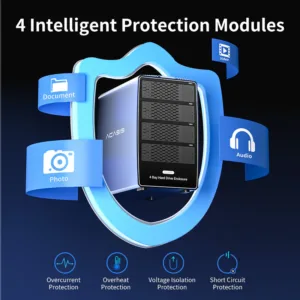
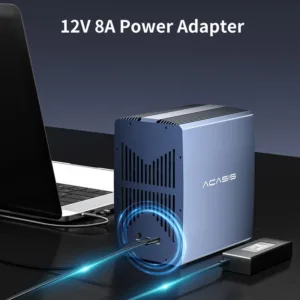
Equipped with 12V8A high-power power supply, it supports simultaneous reading and writing of multiple large hard disks. It provides sufficient power for big data interaction and ensures data transmission security.
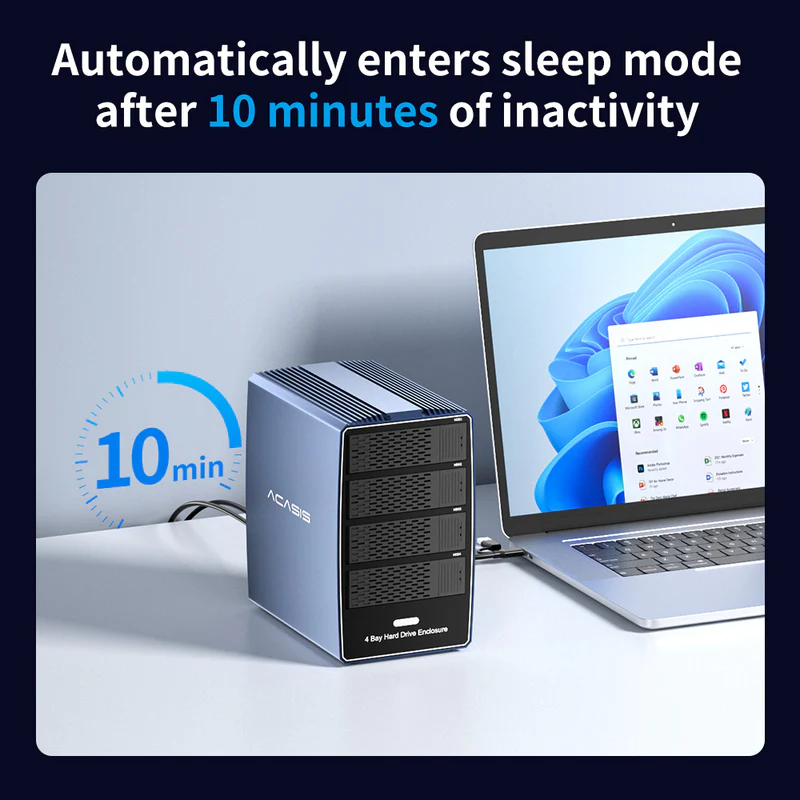
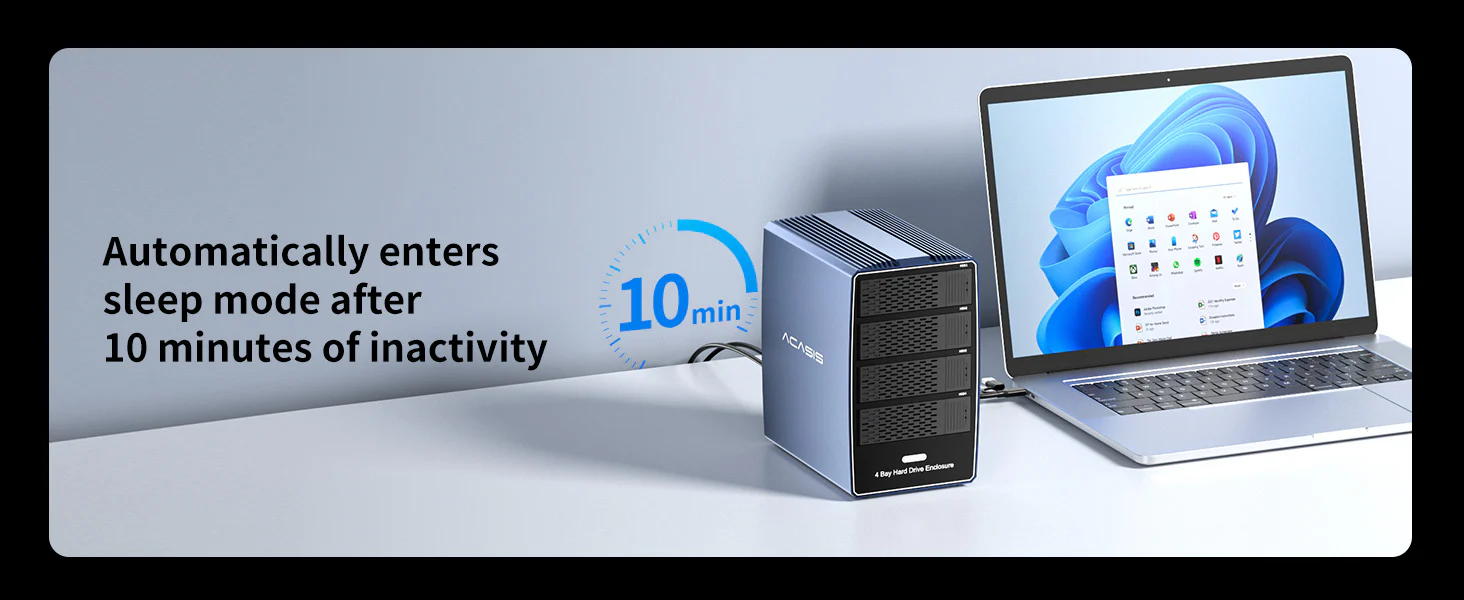 10-minute Automatic Sleep Mode
When the hard disk is not transmitting data, the hard disk enclosure will enter automatic sleep mode. Move the mouse or keyboard to wake up the hard disk enclosure.
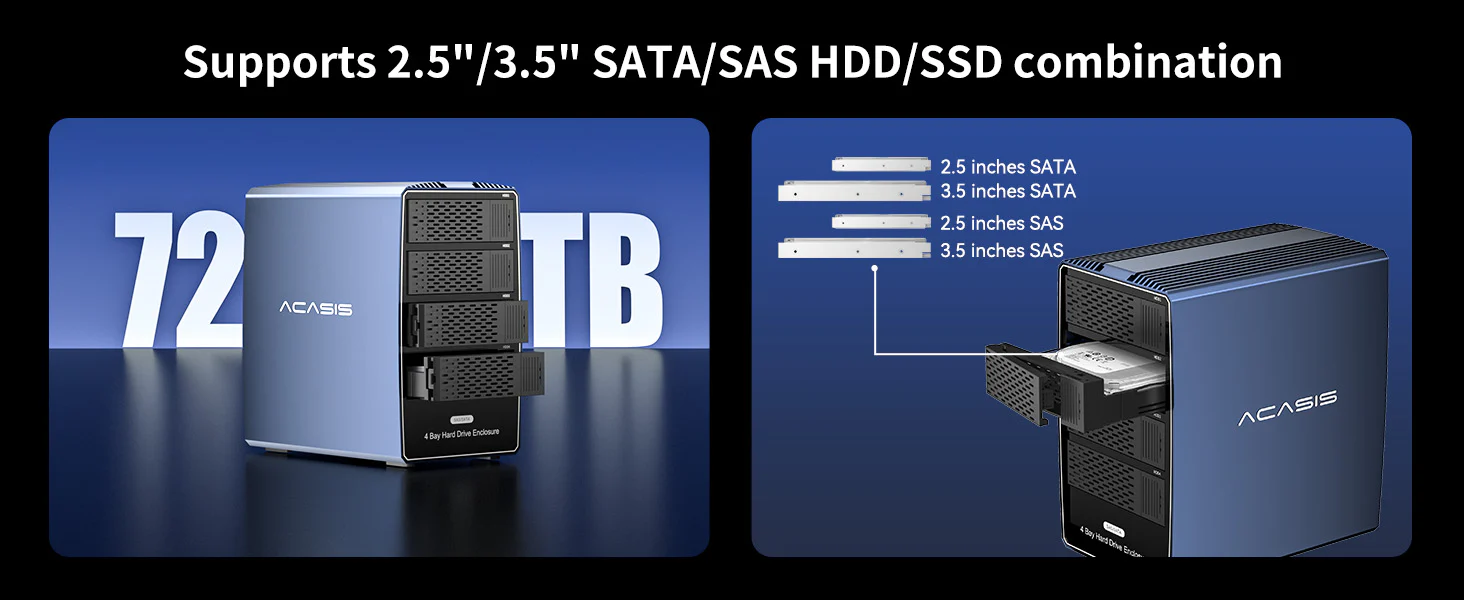 72TB Large-capacity Storage
A single disk can support hard disks with a capacity of up to 18TB, and the combined storage capacity of 4 disks can reach 72TB. Supports simultaneous reading of 2.5/3.5-inch SATA/SAS hard disks.
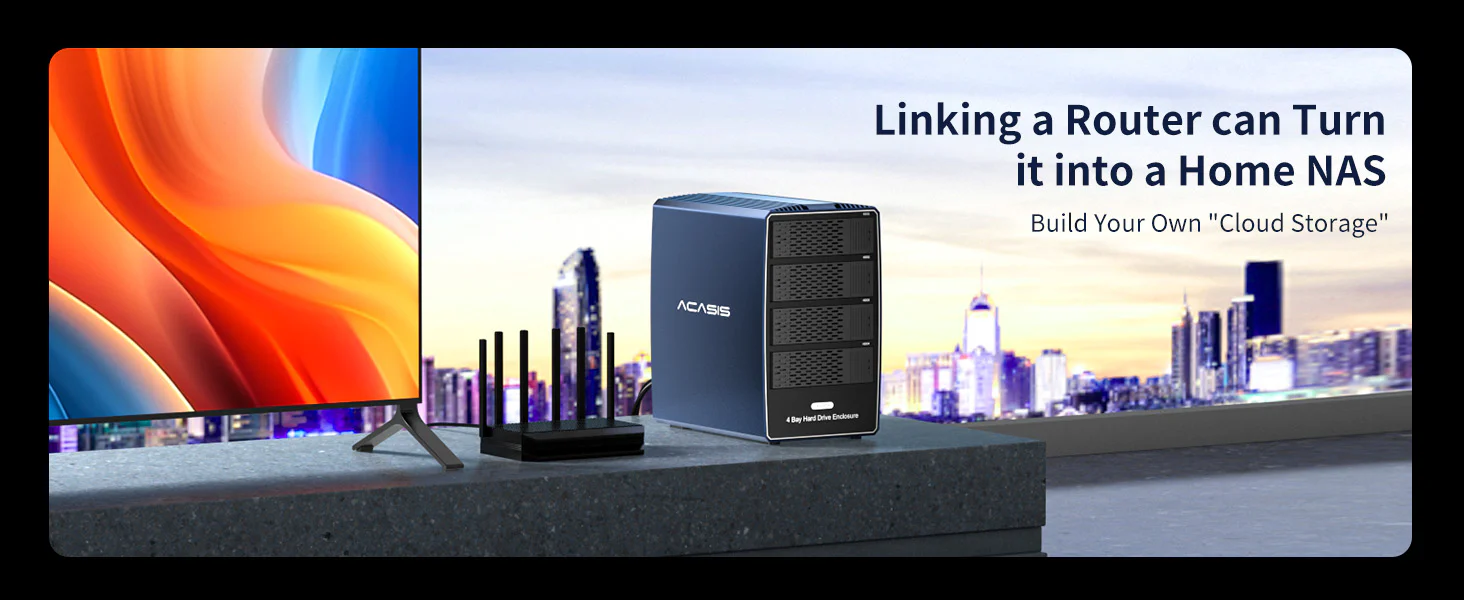 Transform into a “light NAS”
Connect the hard disk storage cabinet with the router to build your exclusive “private cloud”. Access the home storage center anytime, anywhere via mobile phone/tablet/TV.
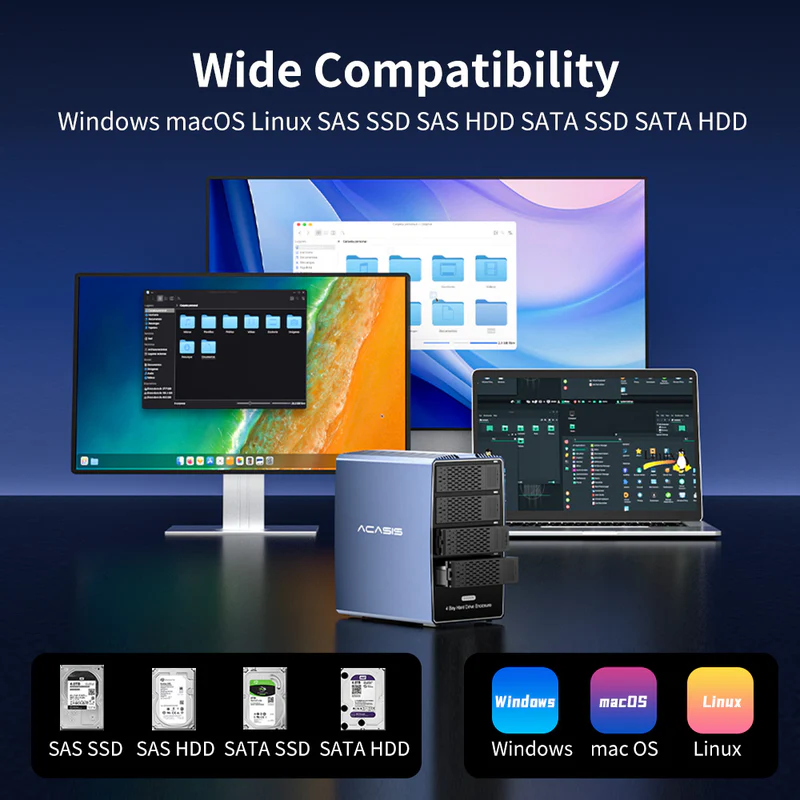
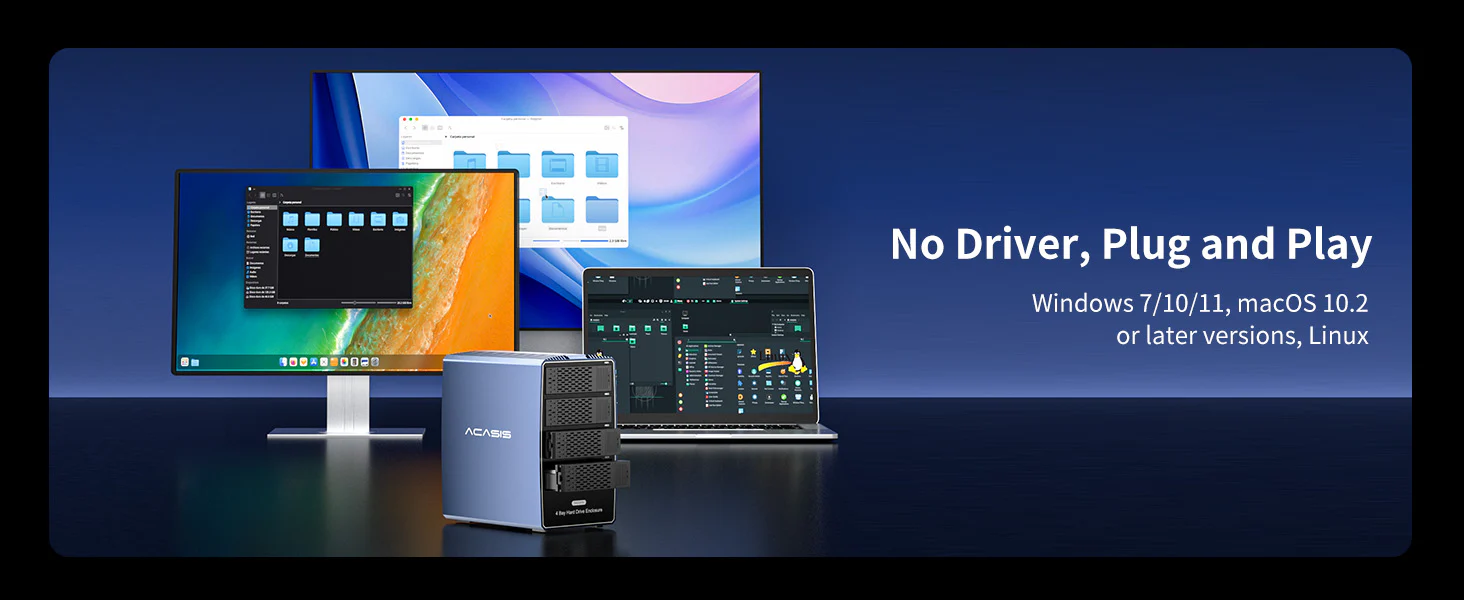 Widely Compatibility
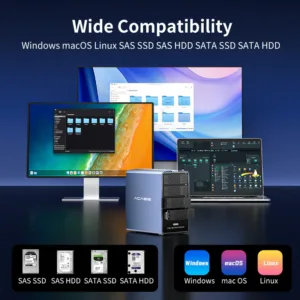
Supports 2.5/3.5-inch SATA/SAS hard drives. Driver-free and compatible with Windows 7/10/11, macOS 10.2 or the latest version, Linux systems, plug and play.
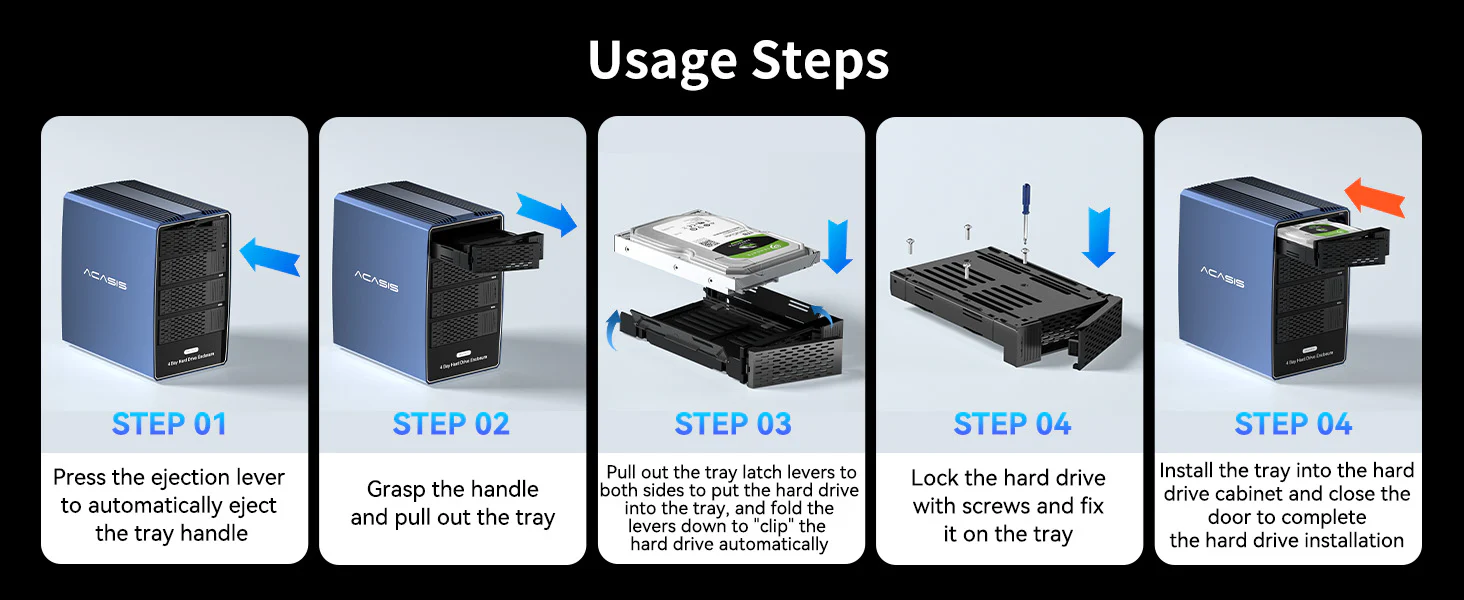 Product Operation
1. First connect the 2.5/3.5-inch hard drive;
2. Use a data cable to connect the product to the computer USB, and then connect the power adapter for power supply;
3. Click to turn on the power switch.
20 reviews for ACASIS 4-Bay SATA/SAS to USB 3.0 Hard Drive Docking Station with 12V/8A Power Adapter for 2.5 & 3.5 inch SATA & SAS HDD/SSD, Support 4x18TB Upto 72TB
Related products
Sale
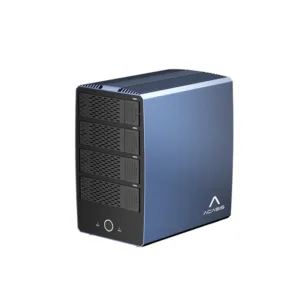
ACASIS 40Gbps 6-Bay (4 HDD + 2 SSD) Hybrid HDD & NVMe Enclosure, Support 4 RAID Mode, In-Built Cooling fan, 8K DisplayPort Output, Up to 136TB Storage
Original price was: ₹49,999.00.₹27,999.00Current price is: ₹27,999.00. Add to cartSale

ACASIS 10-in-1 Dock with 10Gbps Dual SSD Enclosure for M4/M4PRO Mac Mini, 4xUSB A 10Gbps, 1xHDMI 4k@60Hz, SD/TF3.0, PD30W, Software RAID | Up to 16TB
Original price was: ₹19,999.00.₹9,999.00Current price is: ₹9,999.00. Add to cartSale
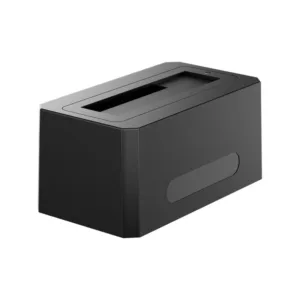
ACASIS SATA/SAS to USB 3.0 Hard Drive Docking Station with 12V/2A Power Adapter for 2.5 & 3.5 inch SATA and SAS HDD/SSD, Support up to 18TB
Original price was: ₹29,999.00.₹14,599.00Current price is: ₹14,599.00. Add to cartSale
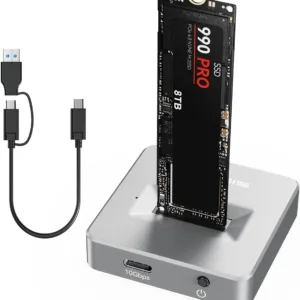
ACASIS 10Gbps M.2 NVMe/SATA Type-C SSD Enclosure for Windows & MAC, 360° All-Around Heat Dissipation, Tool-free & Driver-free, Supports upto 8TB
Original price was: ₹9,999.00.₹3,999.00Current price is: ₹3,999.00. Add to cartSale

Yash Bhandari –
I needed a proper storage solution for my growing data and this enclosure solved everything. Running 4 drives together smoothly without any issues.
Farhan Ansari –
Stable connection and no random disconnections. That was my biggest concern but it works perfectly.
Rohit Shetty –
Nice product for IT professionals. Helps manage multiple drives without clutter.
Riddhi Shah –
Setup was surprisingly easy. Just plugged it in and it worked instantly on my Mac. No complicated steps.
Devika Nambiar –
I use it for storing RAW photos and editing files. Access speed is consistent and reliable.
Lakshay Grover –
Very useful for managing multiple HDDs in one place. I use it for backups and media storage, and it performs well.
Tanushree Banerjee –
The build feels solid and professional. Doesn’t feel like a cheap plastic enclosure at all.
Danish Qureshi –
I like the fact that it supports both 2.5 and 3.5 inch drives. Gives a lot of flexibility for different setups.
Juhi Bansode –
Perfect for my video archive. I can store all my project files in one place without worrying about space.
Kritika Lamba –
Neat design and doesn’t take too much desk space considering it holds 4 drives.
Muskaan Oberoi –
Really helpful for organizing data. Before this, I had drives lying everywhere.
Keshav Batra –
Power supply is strong and stable. Even with all bays filled, performance remains consistent.
Saumya Tripathi –
Clean and professional look. Fits nicely into my workspace setup.
Sana Mirza –
No heating issues so far even after long usage. That’s a big plus for me.
Chirag Dholakia –
Overall a reliable enclosure for anyone dealing with large data. Does exactly what it promises.
Aakash Talwar –
Good performance overall. Transfer speed is decent for daily usage and backups.
Nishant Purohit –
Works well with my Windows PC. Didn’t need any drivers, just plug and use.
Rhea Mukherjee –
Very convenient for backups. I use different drives for different purposes and this keeps everything sorted.
Parth Joshi –
Installation of drives was simple and quick. Took me hardly 10 minutes to set everything up.
Imran Sheikh –
Good value for money considering it supports multiple drives and large storage capacity.