No products in the cart.

Sale

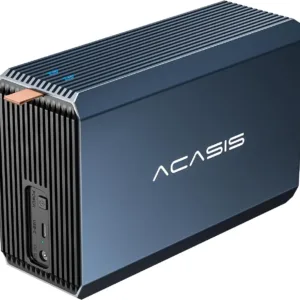 ACASIS External Dual-Drive RAI...
 Products
-
 Original price was: ₹14,999.00.₹5,499.00Current price is: ₹5,499.00.
 -
Original price was: ₹69,999.00.₹26,999.00Current price is: ₹26,999.00.
-
Original price was: ₹59,999.00.₹28,999.00Current price is: ₹28,999.00.
-
Original price was: ₹19,999.00.₹6,999.00Current price is: ₹6,999.00.
-
Original price was: ₹29,999.00.₹14,999.00Current price is: ₹14,999.00.
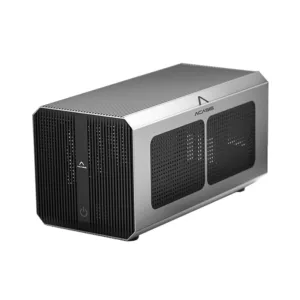
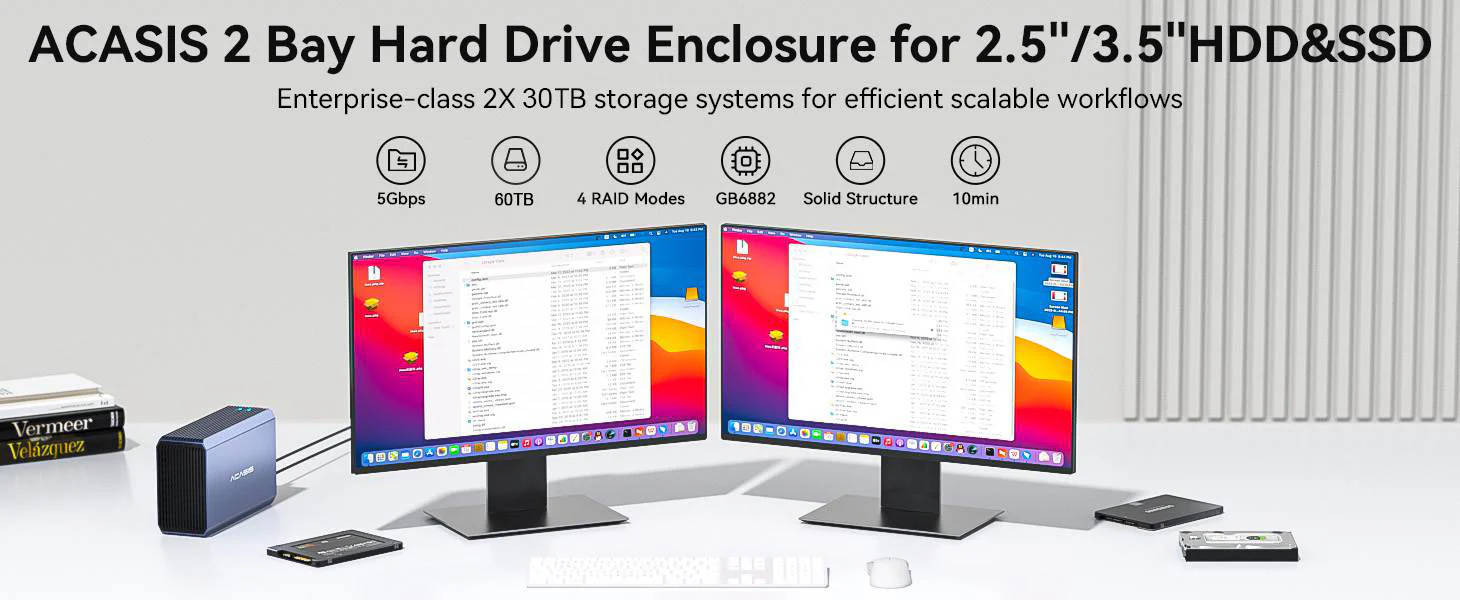
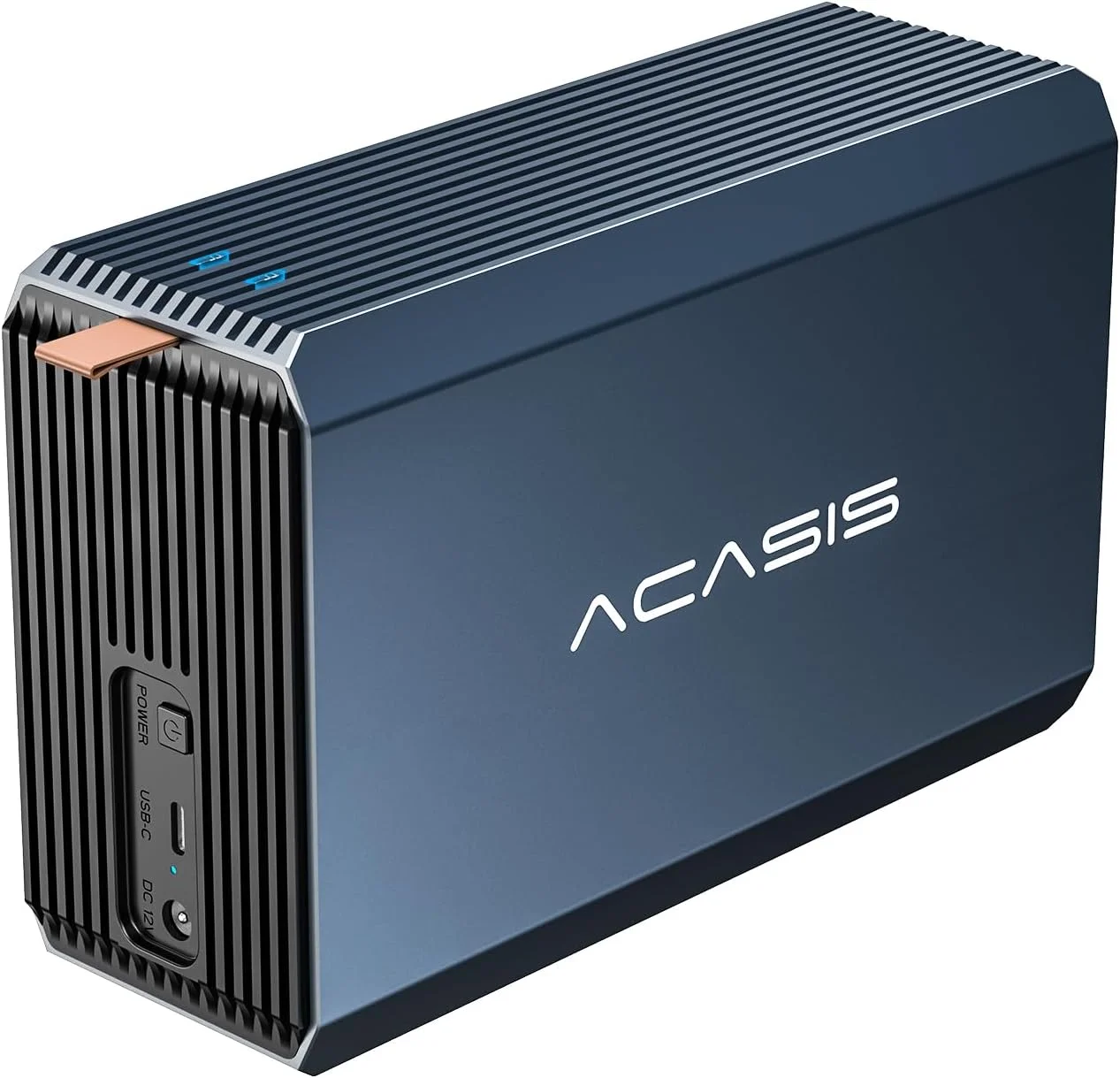
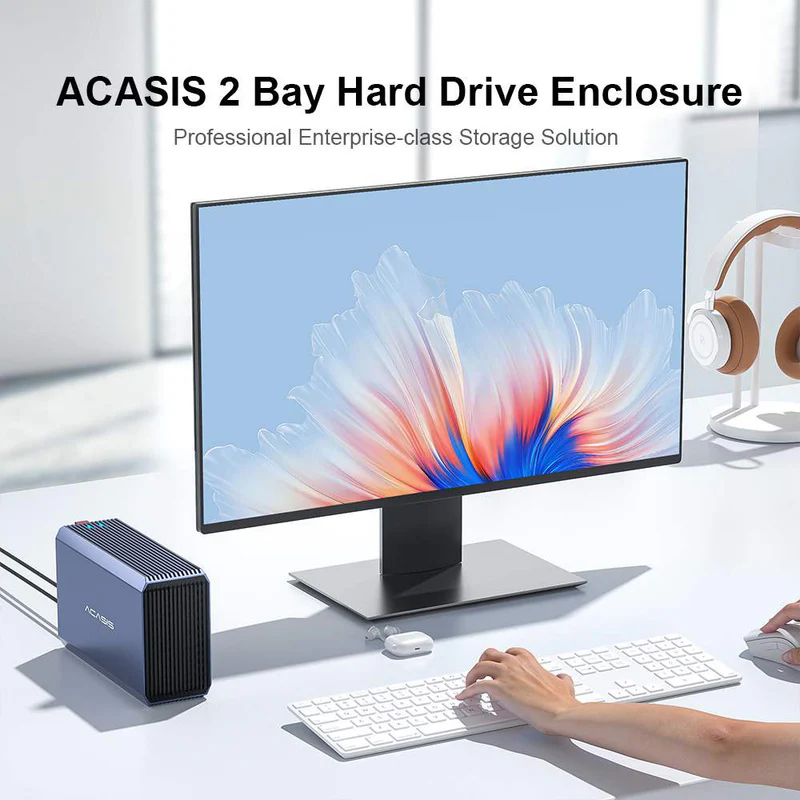
Performance and beauty at the same time, easy to realize the high-capacity external storage!
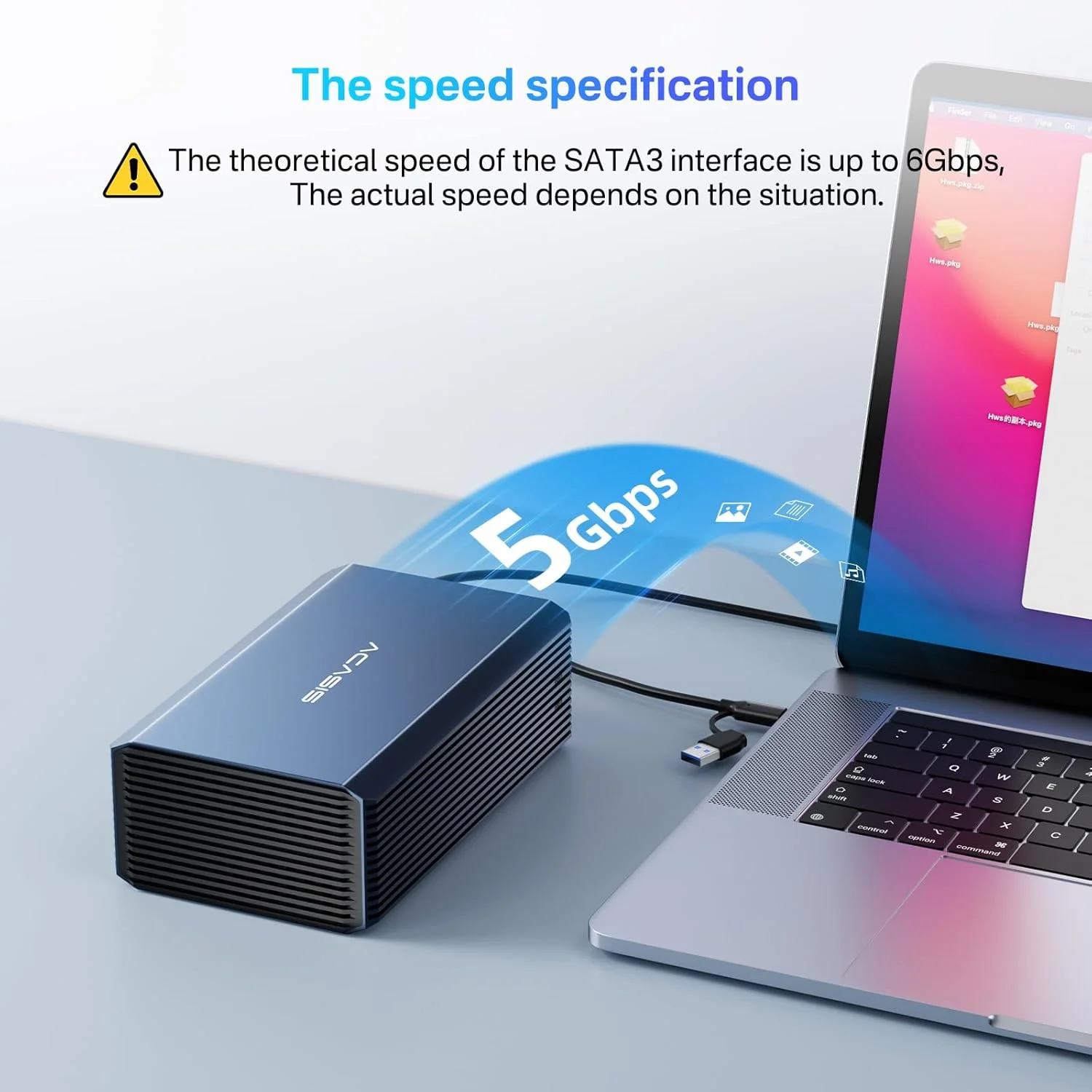
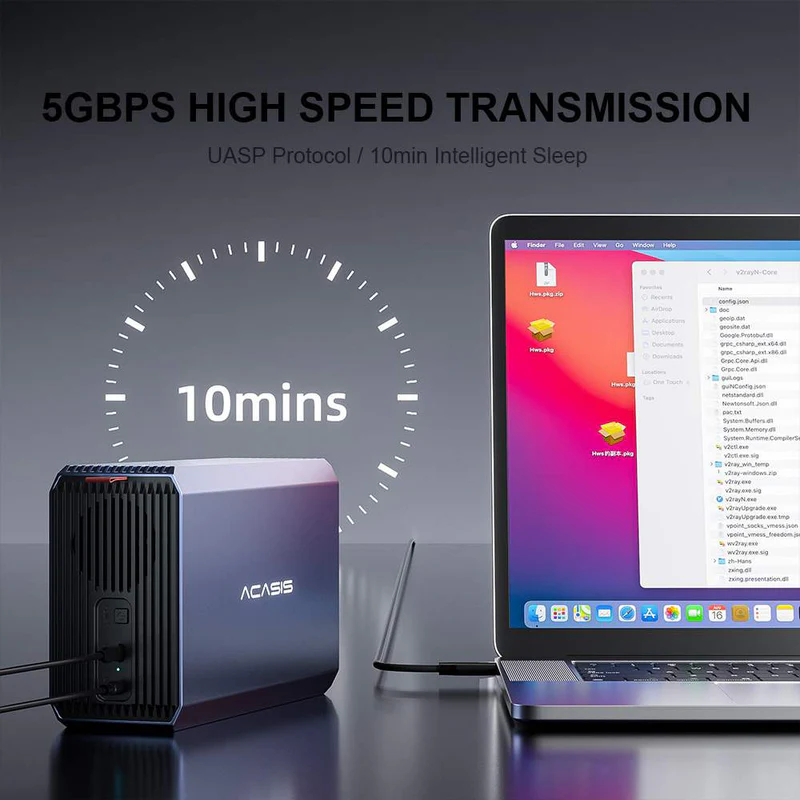
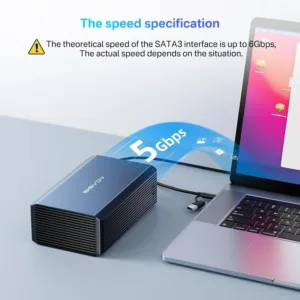
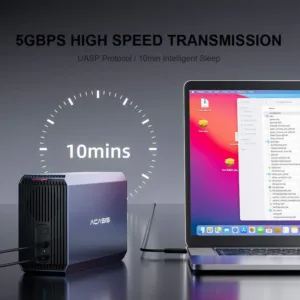
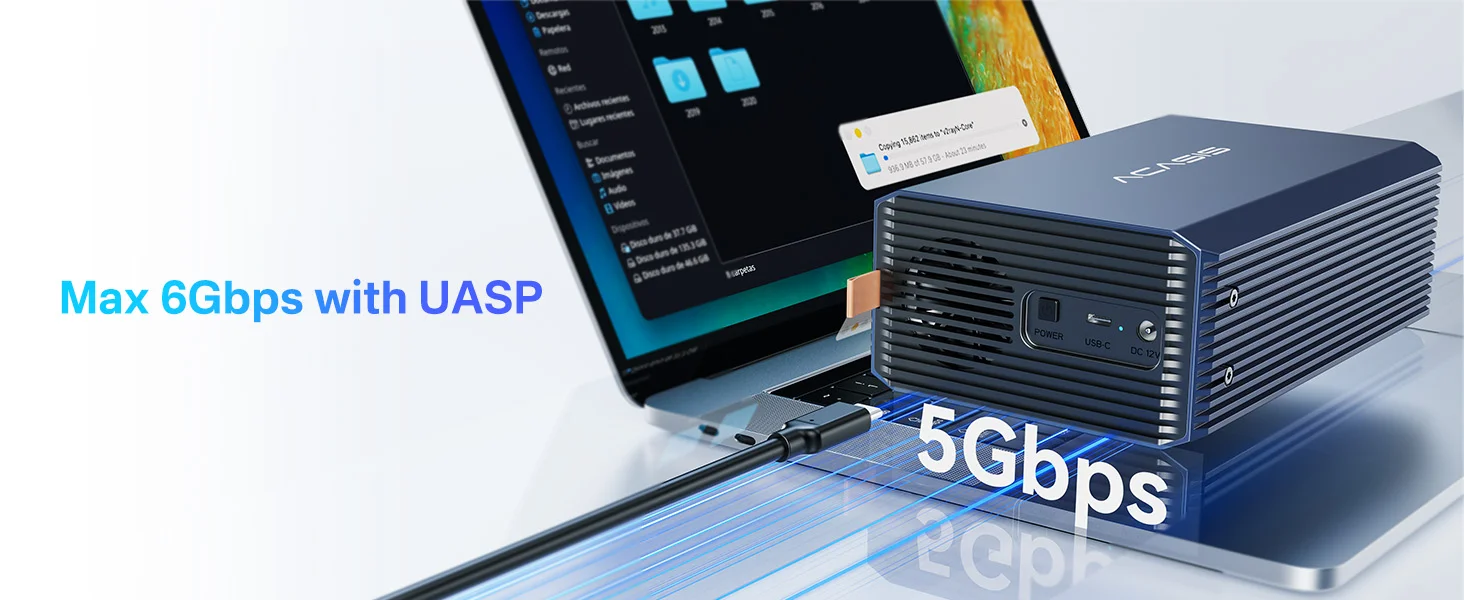
– Super speed USB 3.0 interface with transfer rates up to 5Gbps
– Plug-and-play with no driver installation required
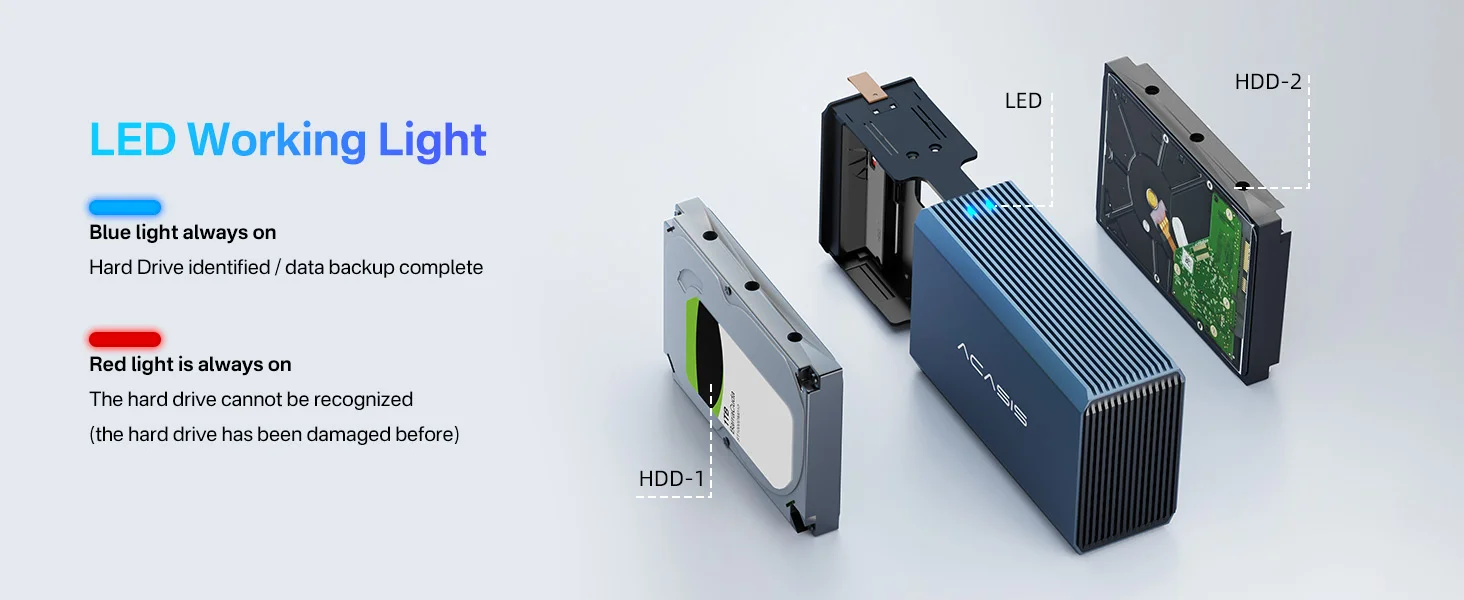
– Front LED indicators monitor drive activity and RAID status
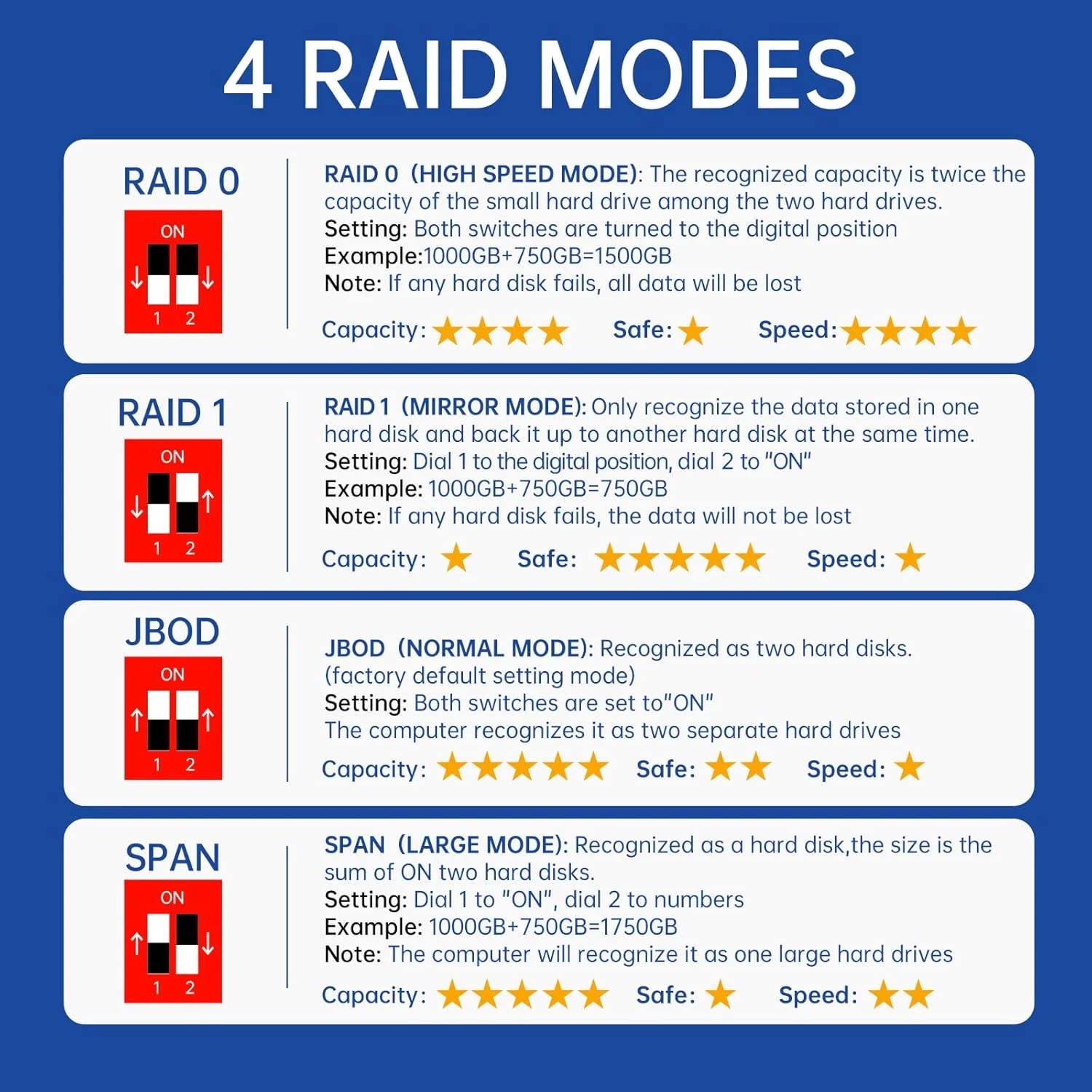
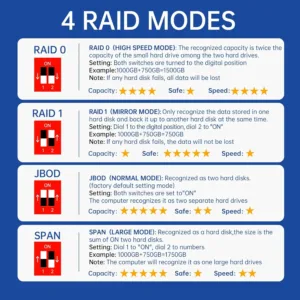
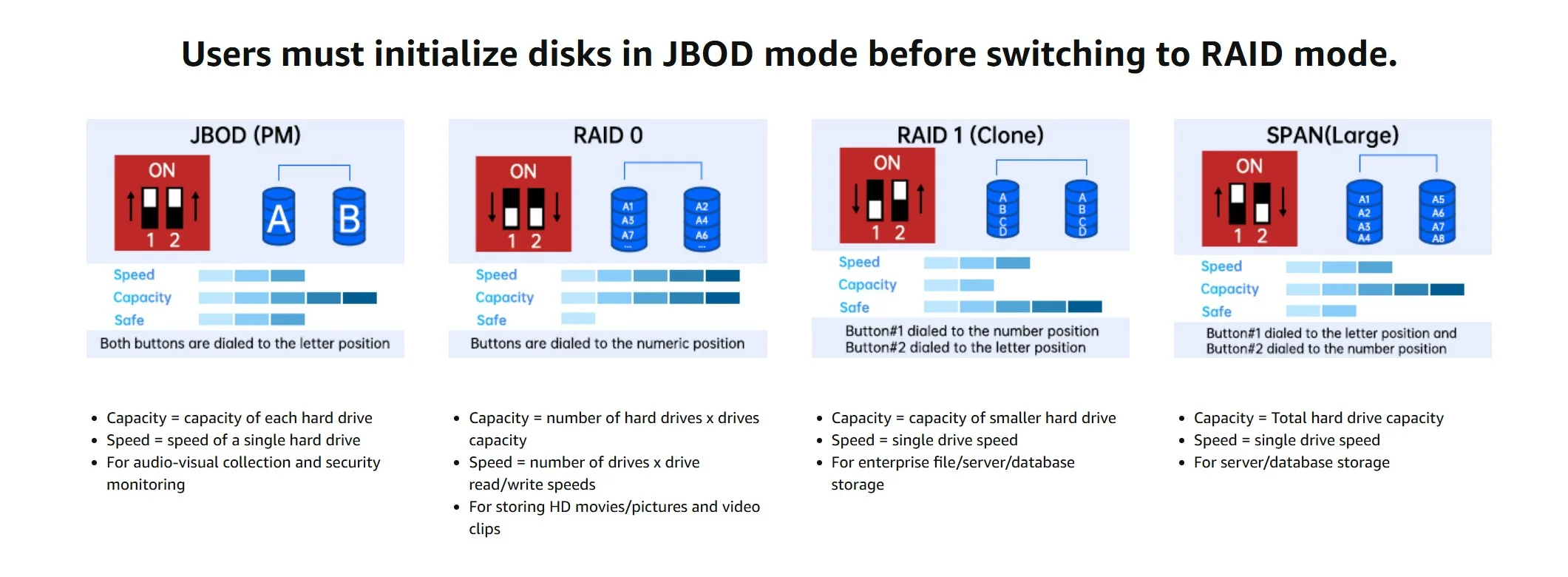
– Supports RAID 0/1/SPAN/JBOD for flexibility and performance
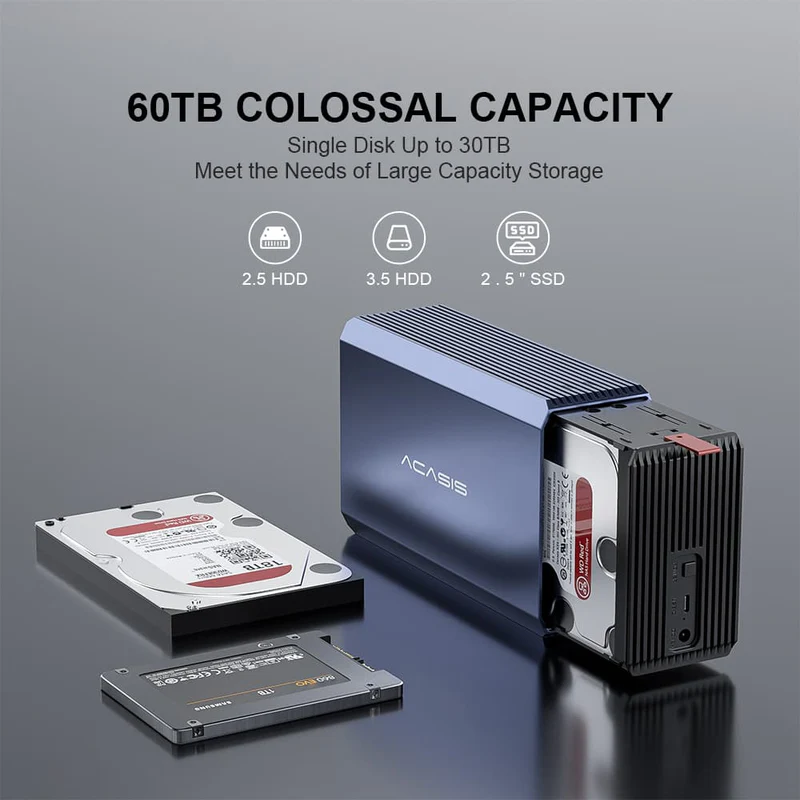
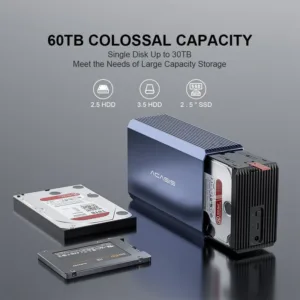
– 60TB storage capacity, providing you with high quality storage experience
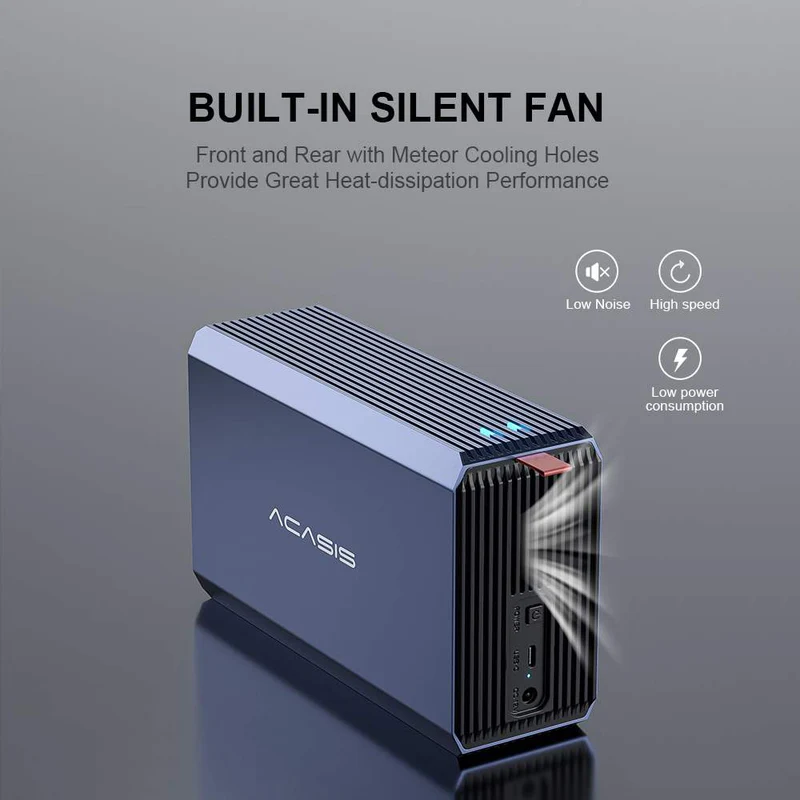
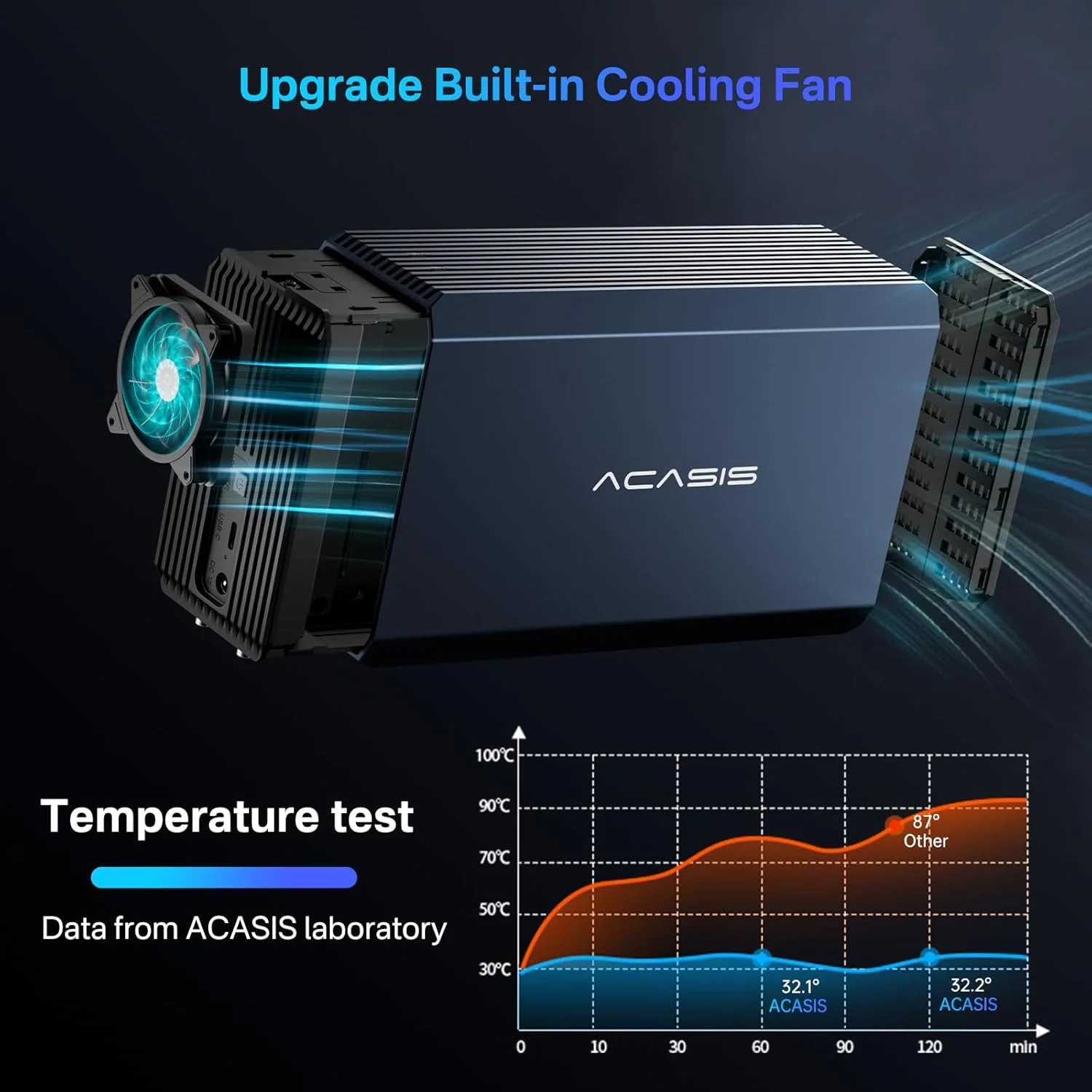
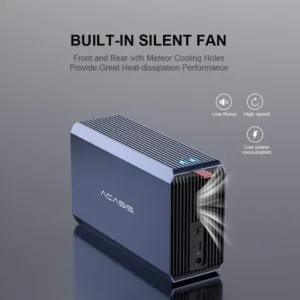
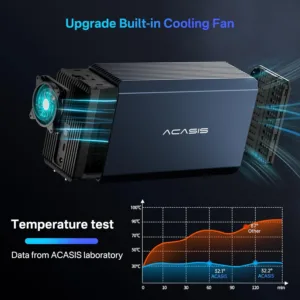
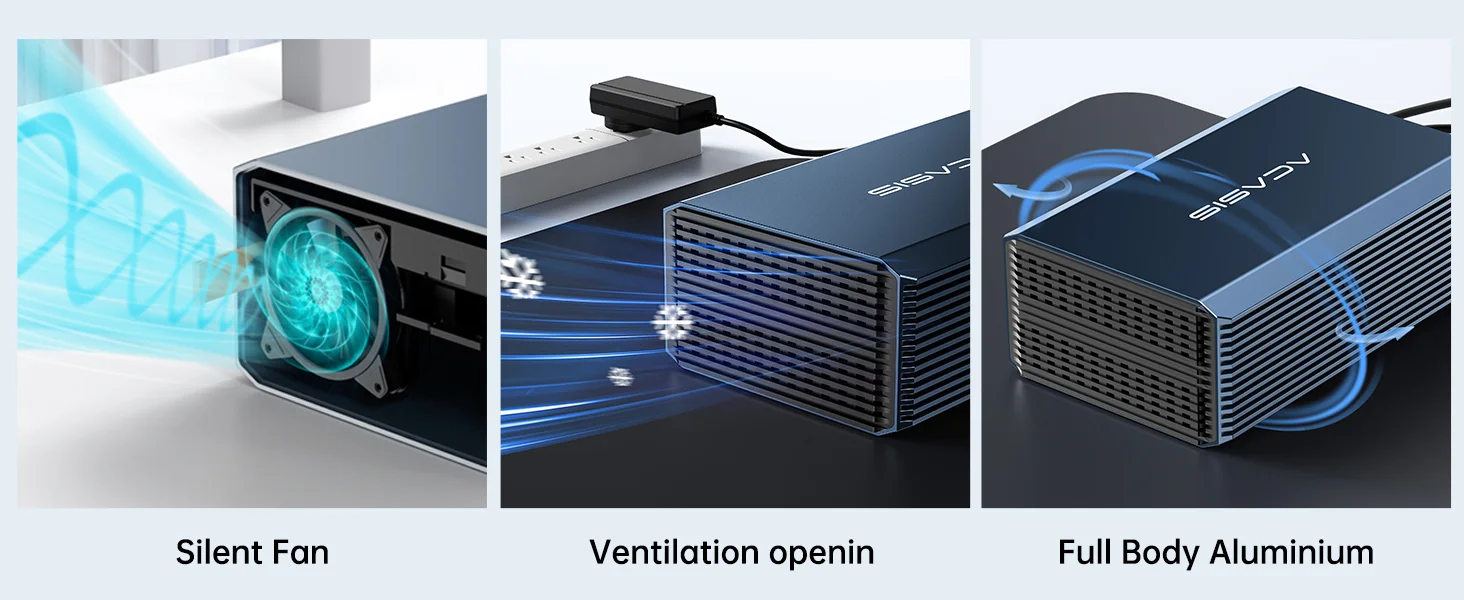
– Built-in intelligent temperature control fan, reduce your hard disk consumption
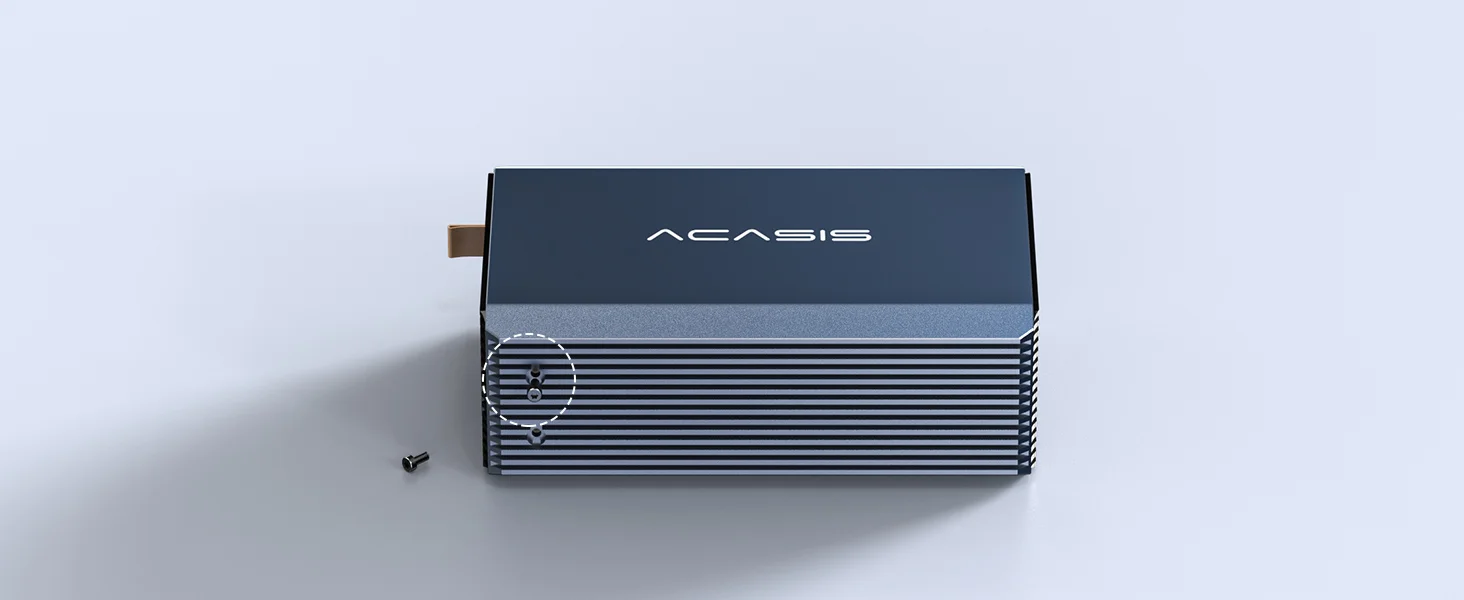
– Aluminum alloy shell, simple and fashionable, beautiful and sturdy
If you need high performance external storage, the ACASIS EC7352 is undoubtedly the best choice!With huge capacity and cutting edge connectivity, it delivers the ultimate storage experience.
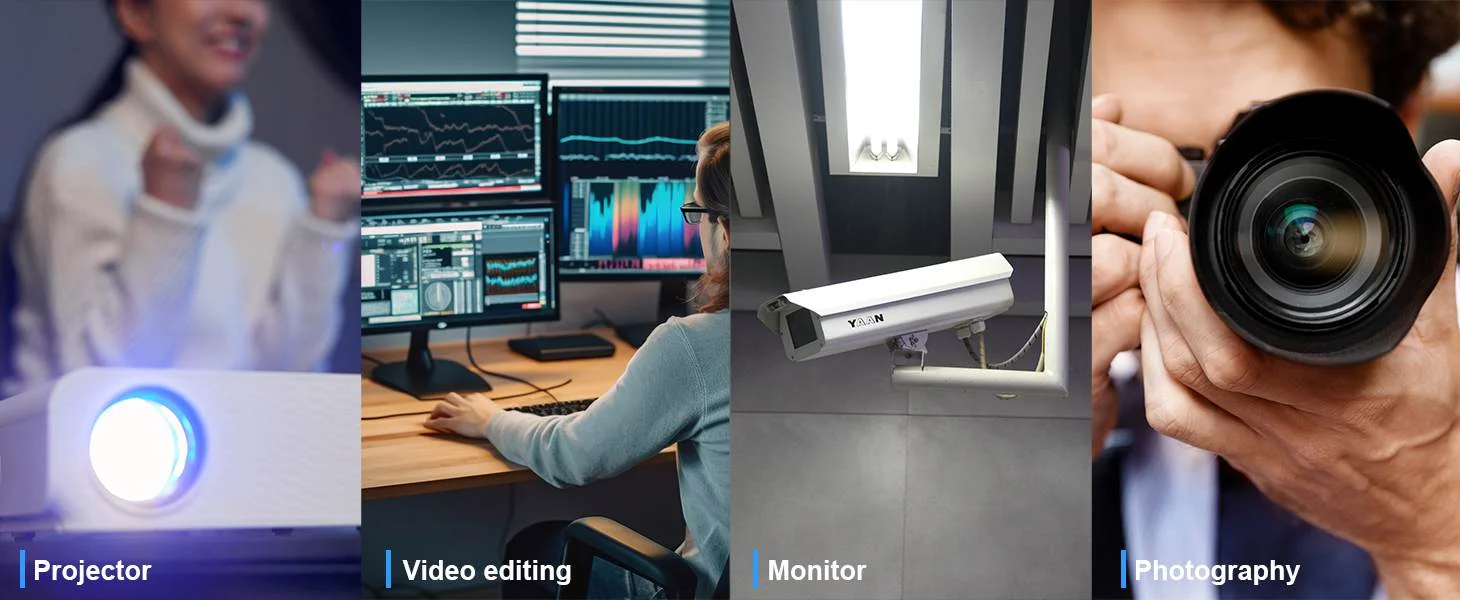
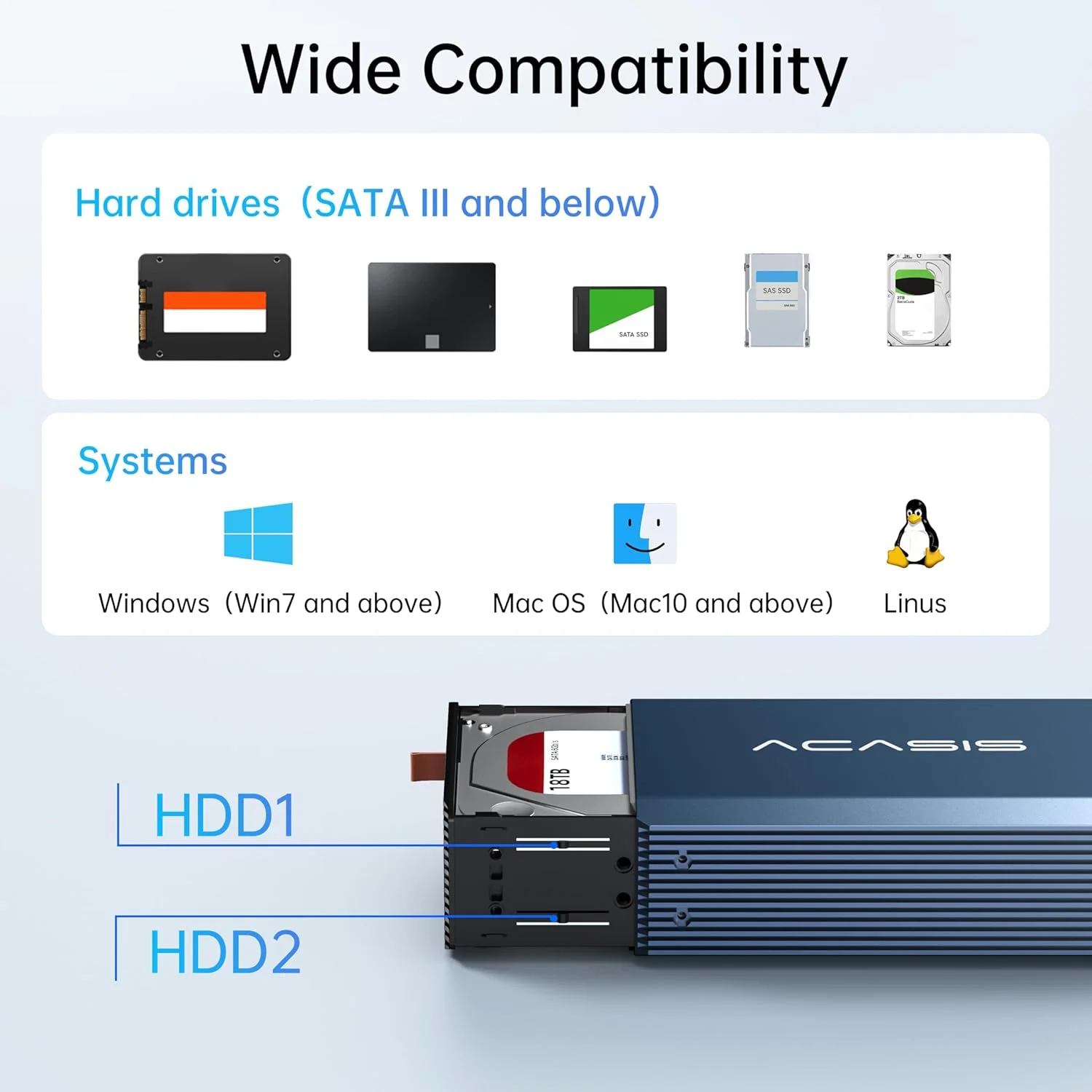
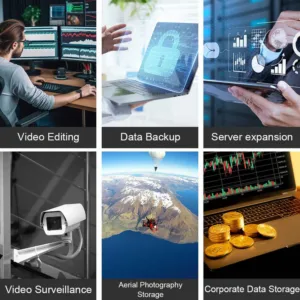
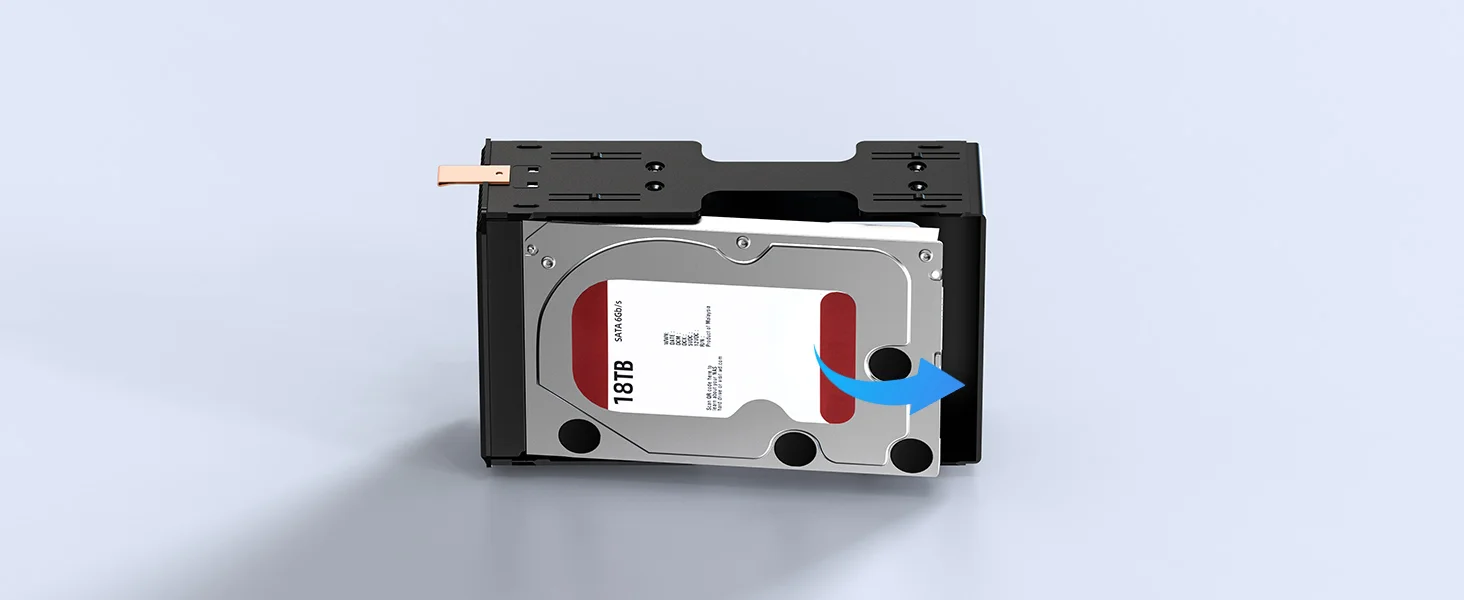
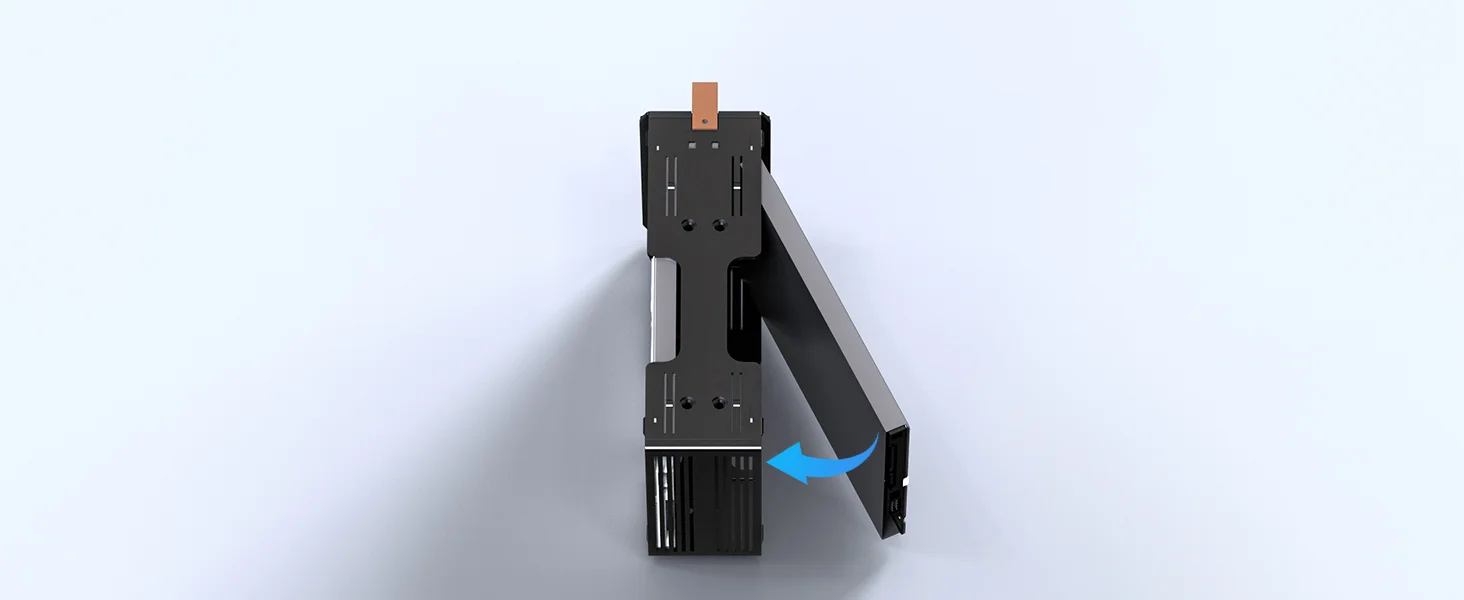
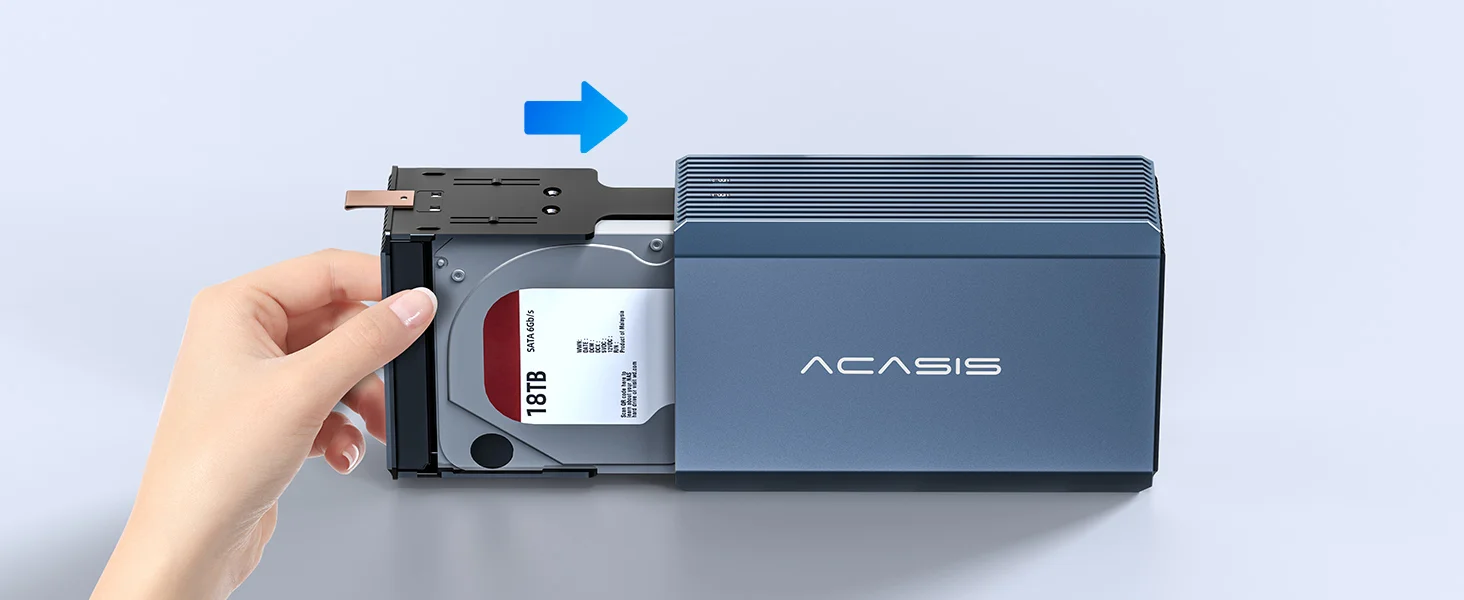
This versatile 2.5/3.5 inch SATA hard drive enclosure is thoughtfully designed to meet the needs of professionals across various industries. It’s the ideal solution for security monitoring, film/HD video editing, gaming storage, digital photography, office expansion, large data cloud storage, and more.
14 reviews for ACASIS External Dual-Drive RAID Enclosure with Cooling Fan for 2.5/3.5″ SATA HDD/SSD, USB A/C 3.0, Support RAID 0/1/JBOD/SPAN, 6Gbps with UASP, 36TB
Related products
Sale
New
ACASIS 80Gbps M.2 NVMe SSD Enclosure with Intel Certified JHL9480 Chipset, in-Built Cooling Fan for MacBook/Mac Mini M4 Pro, Razer Blade18, Up to 8TB
Original price was: ₹69,999.00.₹26,999.00Current price is: ₹26,999.00. Add to cartSale
New

ACASIS 10-in-1 Dock with 10Gbps Dual SSD Enclosure for for M4/M4Pro/M5Pro/M6 Mac Mini, 4xUSB A 10Gbps, 1xHDMI 4k@60Hz, SD/TF3.0, PD30W | Up to 16TB
Original price was: ₹19,999.00.₹9,999.00Current price is: ₹9,999.00. Add to cartSale
New
ACASIS 40Gbps 4-Bay (2 HDD + 2 SSD) Hybrid HDD & NVMe Enclosure , Support 4 RAID Mode, In-Built Cooling fan, 8K DisplayPort Output, Up to 76TB Storage
Original price was: ₹49,999.00.₹25,499.00Current price is: ₹25,499.00. Add to cartSale
ACASIS type C USB 10Gbps to NVME Clone Dual-Bay External Duplicator for M.2 SSD 2230/2242/ 2260/2280,Supports up to 8TB with Offline Clone Auto Sleep
Original price was: ₹19,999.00.₹7,999.00Current price is: ₹7,999.00. Add to cartSale
New

Kunal Sood –
One of the best dual-bay RAID storage enclosures for backup, media storage, and professional workflows.
Neha Bhonsle –
Good for office backups. We use it for storing important company data.
Faheem Rizvi –
This enclosure gave me confidence in storing my long-term data. It feels reliable and built for serious users.
Devvrat Kulkarni –
If you are looking for a high-capacity RAID enclosure with USB 3.0 speed and dual-bay flexibility, this is a solid option.
Harshil Parekh –
It’s not the cheapest enclosure, but the features and reliability make it worth the investment.
Omkar Waghmare –
RAID modes are easy to switch once you understand them. Very useful for different use cases.
Rehan –
I upgraded my storage setup with this and the difference is noticeable. Faster workflow and better organization overall.
Zoya –
Great for photographers. I store all my RAW images here and access is quick.
Arnav Lohia –
Earlier I had multiple external drives lying around. Now everything is neatly organized in this one enclosure. Feels like a professional upgrade.
Yuvansh Kapoor –
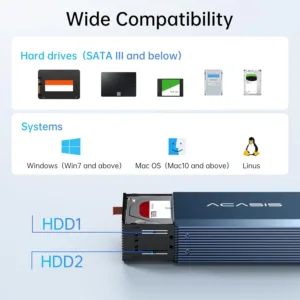
I like how it supports both 2.5 and 3.5 inch drives. Very flexible for different storage needs.
Bhumi Panchal –
Perfect for storing large design files. Transfer speed is consistent and reliable.
Sarthak Jindal –
Performance is solid, but the RAID switch setup took a bit of reading to understand. Once configured, it runs perfectly.
Veer Pratap Singh –
As a freelance filmmaker, managing footage used to be stressful. After switching to the EC7352 RAID enclosure, I finally feel in control—fast access, safe backups, and everything in one place.
Alisha Makhija –
Great dual-bay RAID enclosure for everyday use. I use RAID 1 for safety and it gives me peace of mind for my work files.