No products in the cart.

Sale
 ACASIS M.2 SSD Duplicator with...
 Products
-
 Original price was: ₹14,999.00.₹5,499.00Current price is: ₹5,499.00.
 -
Original price was: ₹69,999.00.₹26,999.00Current price is: ₹26,999.00.
-
Original price was: ₹59,999.00.₹28,999.00Current price is: ₹28,999.00.
-
Original price was: ₹19,999.00.₹6,999.00Current price is: ₹6,999.00.
-
Original price was: ₹29,999.00.₹14,999.00Current price is: ₹14,999.00.
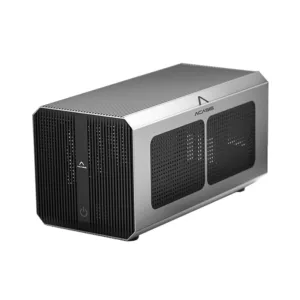
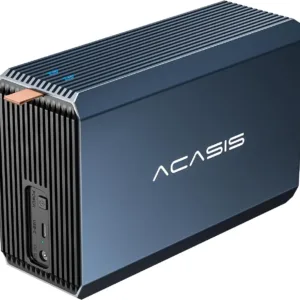
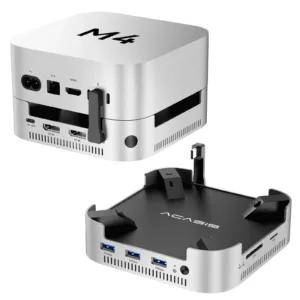
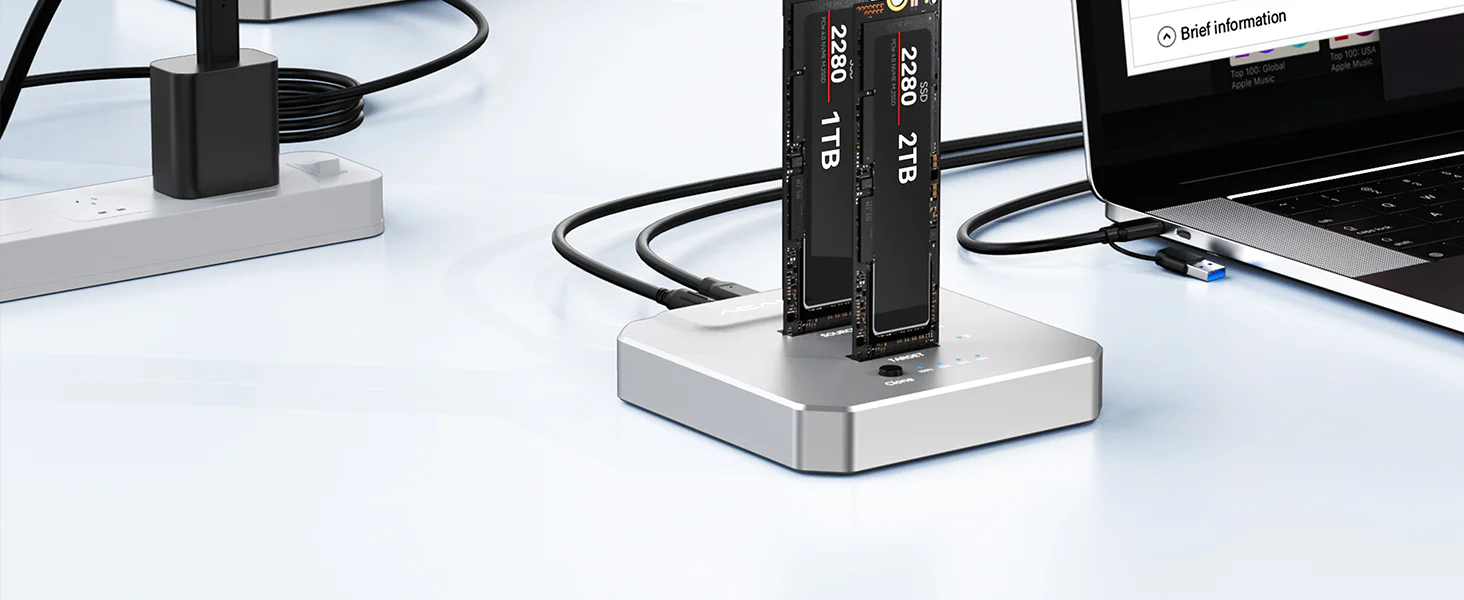
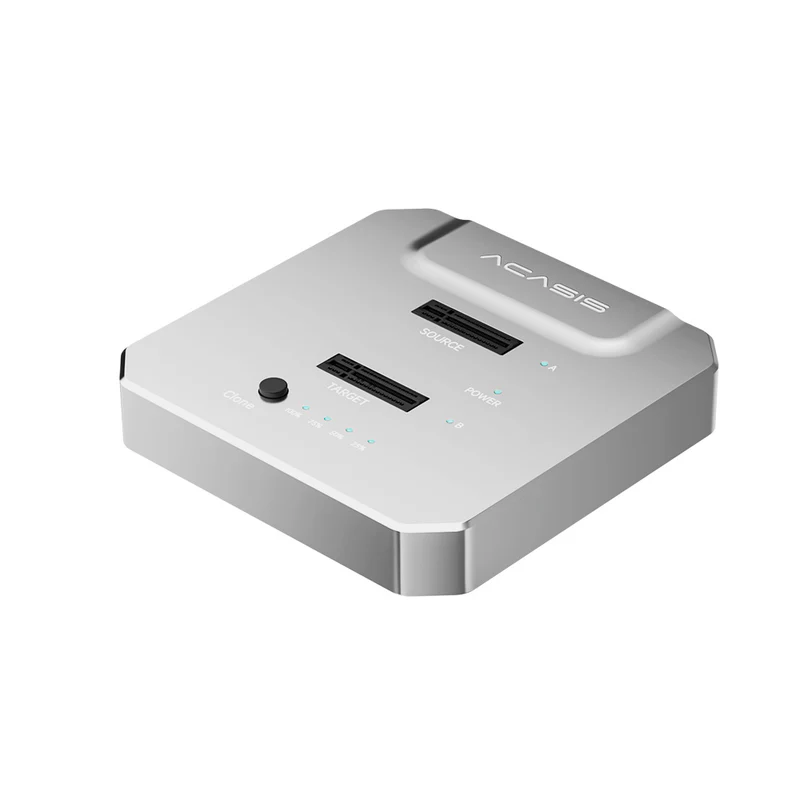
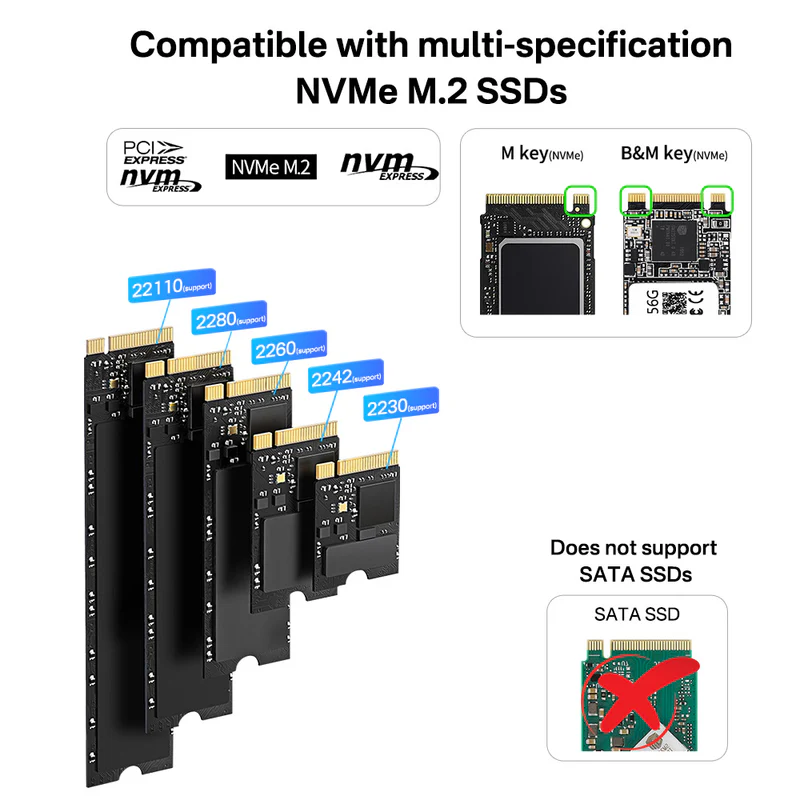
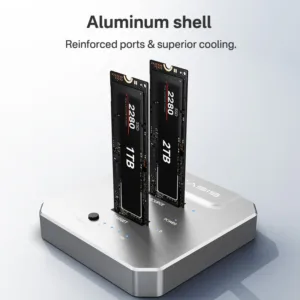
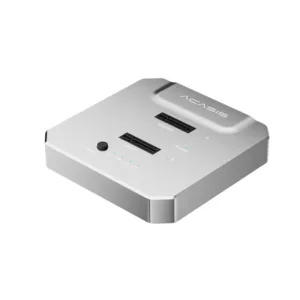
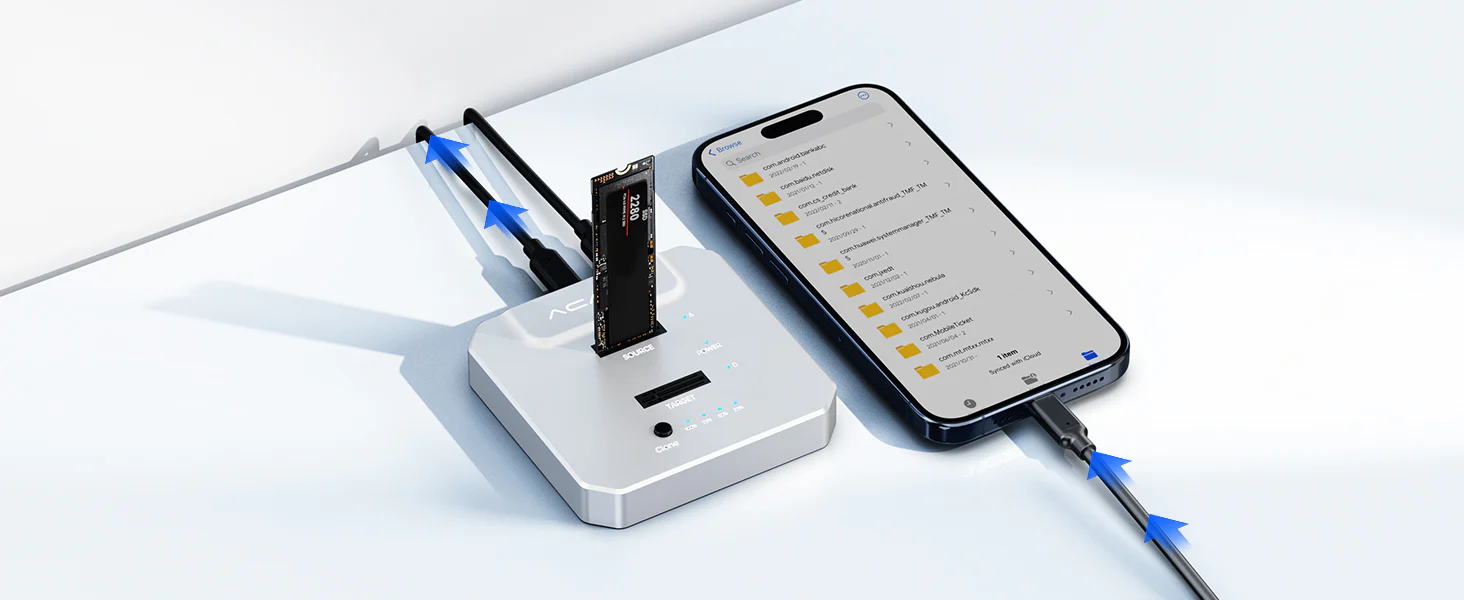
Effortlessly clone or expand NVMe SSDs with dual-bay 20Gbps performance. Designed for speed, reliability, and heat-efficient operation to meet professional data transfer and storage needs.
Warm Tips
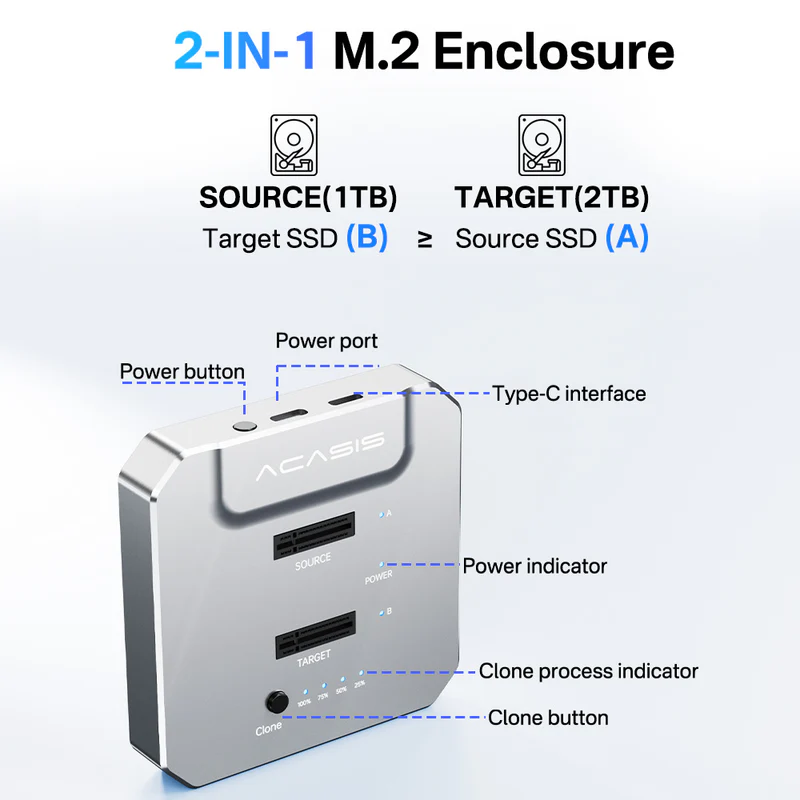
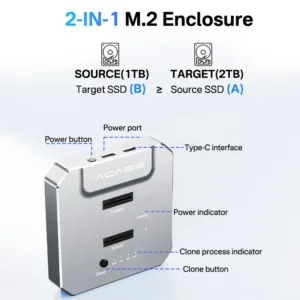
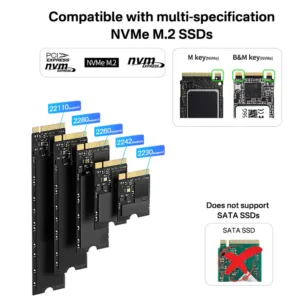
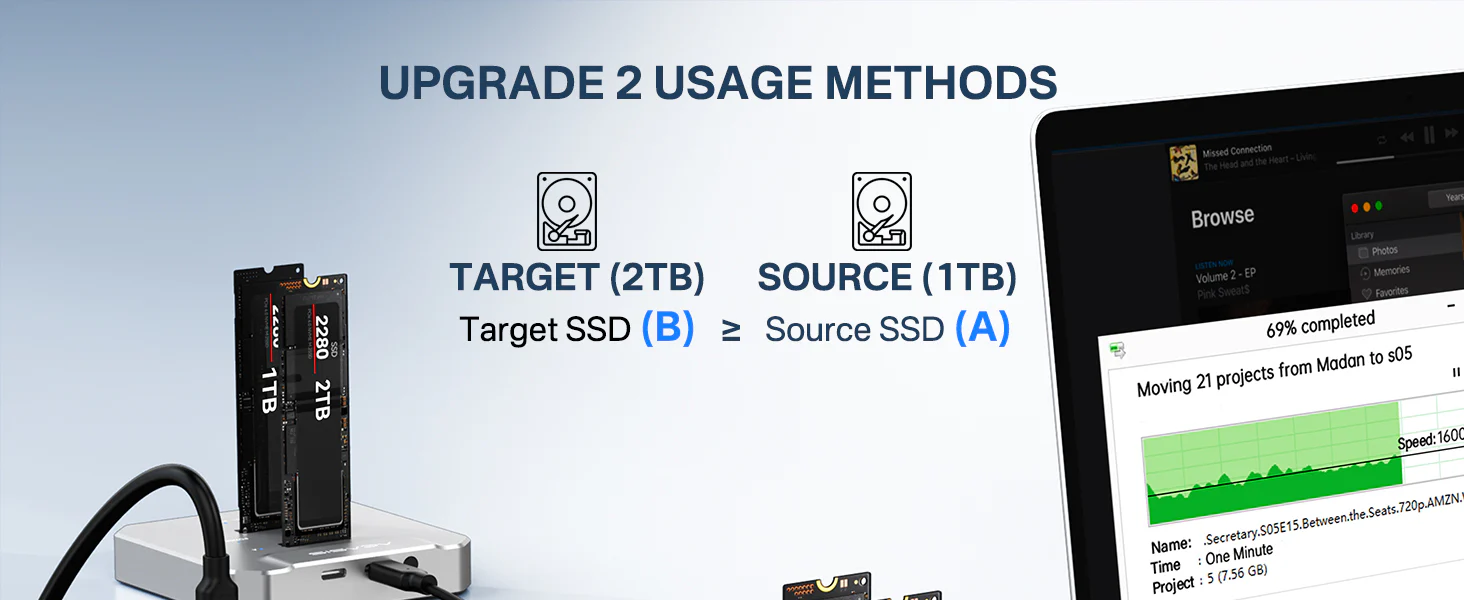
● TARGET(B) SSD ≥ SOURCE(A) SSD.
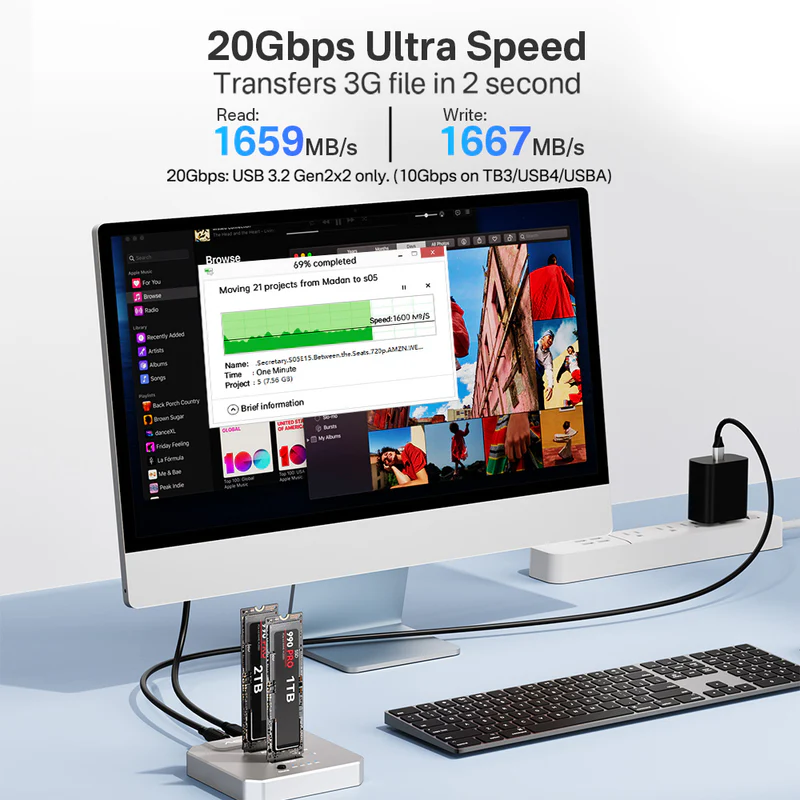
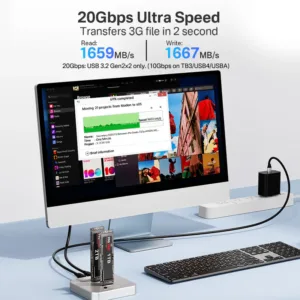
● Insert and remove your SSD carefully only when the power is off.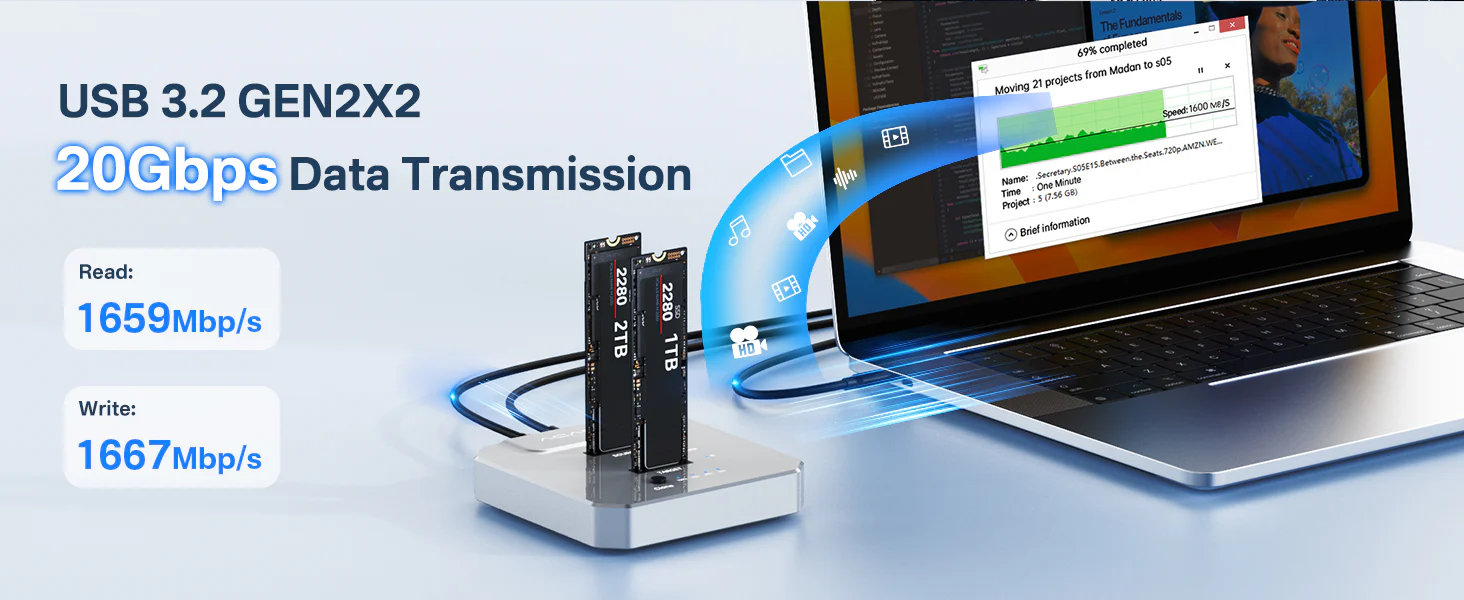 20Gbps Super-Speed Transfer. Achieve up to 1667MB/s read and 1659MB/s write speeds when connected to a 20Gbps USB-C interface. Supports fast data transfer for large files, videos, and games with simple plug-and-play operation.
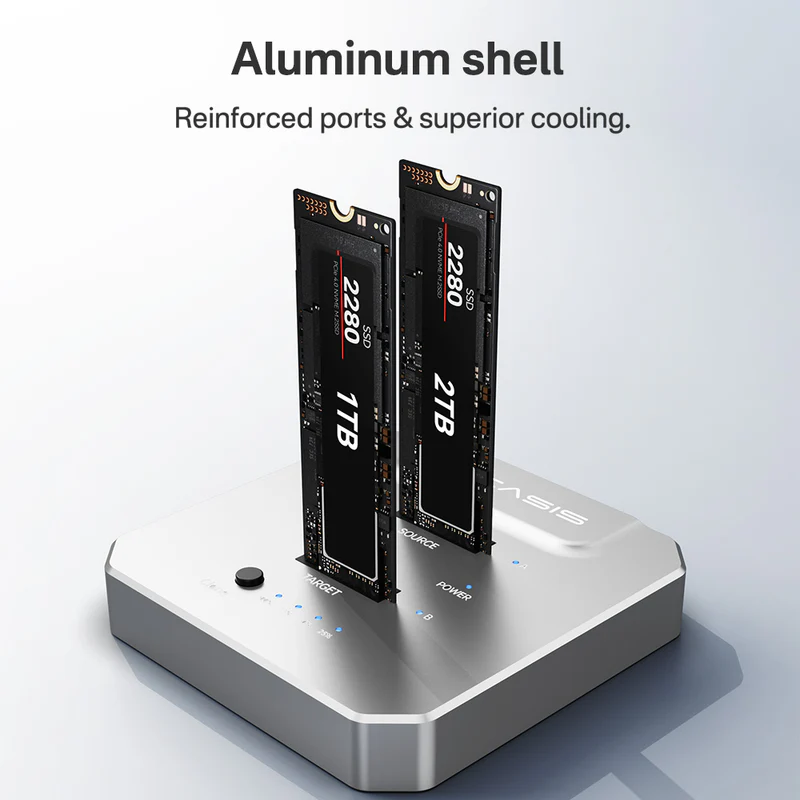
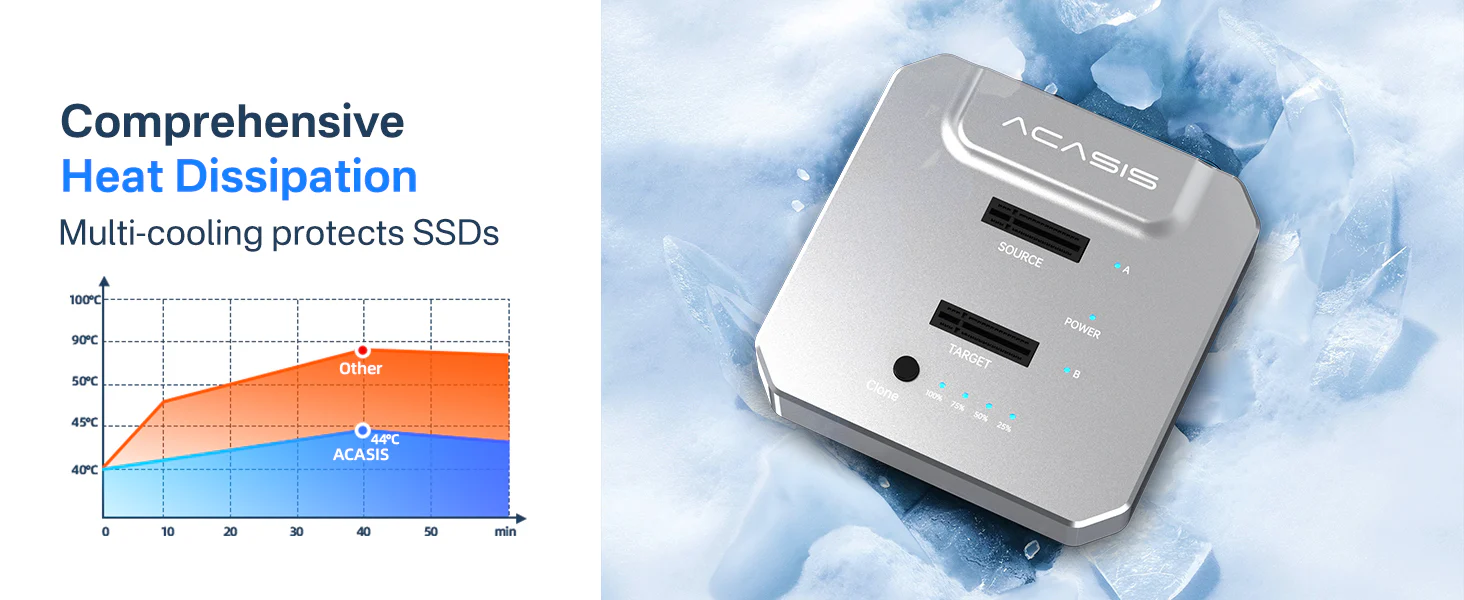 Built with a high-quality aluminum alloy enclosure, this design ensures efficient heat dissipation and stable performance during operation. Aluminum offers superior thermal conductivity compared to other materials, allowing heat to transfer quickly and evenly away from the SSD. Because of this effective heat transfer, the surface may feel warm to the touch — a normal and safe characteristic of proper heat dissipation.
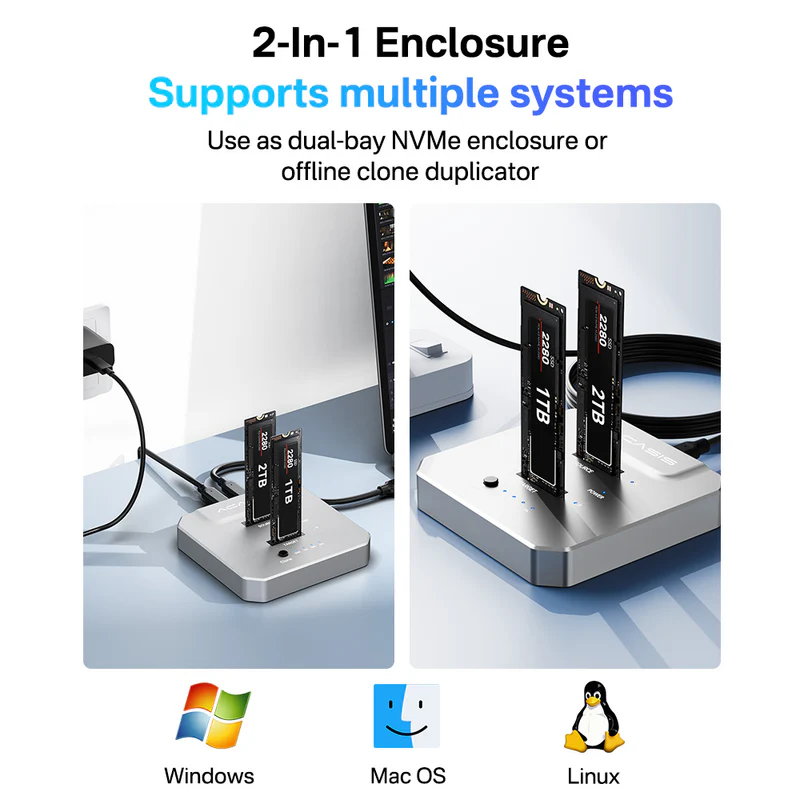
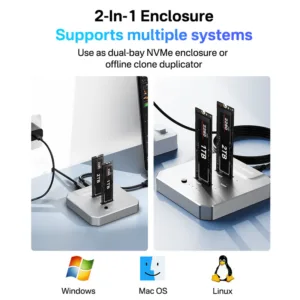
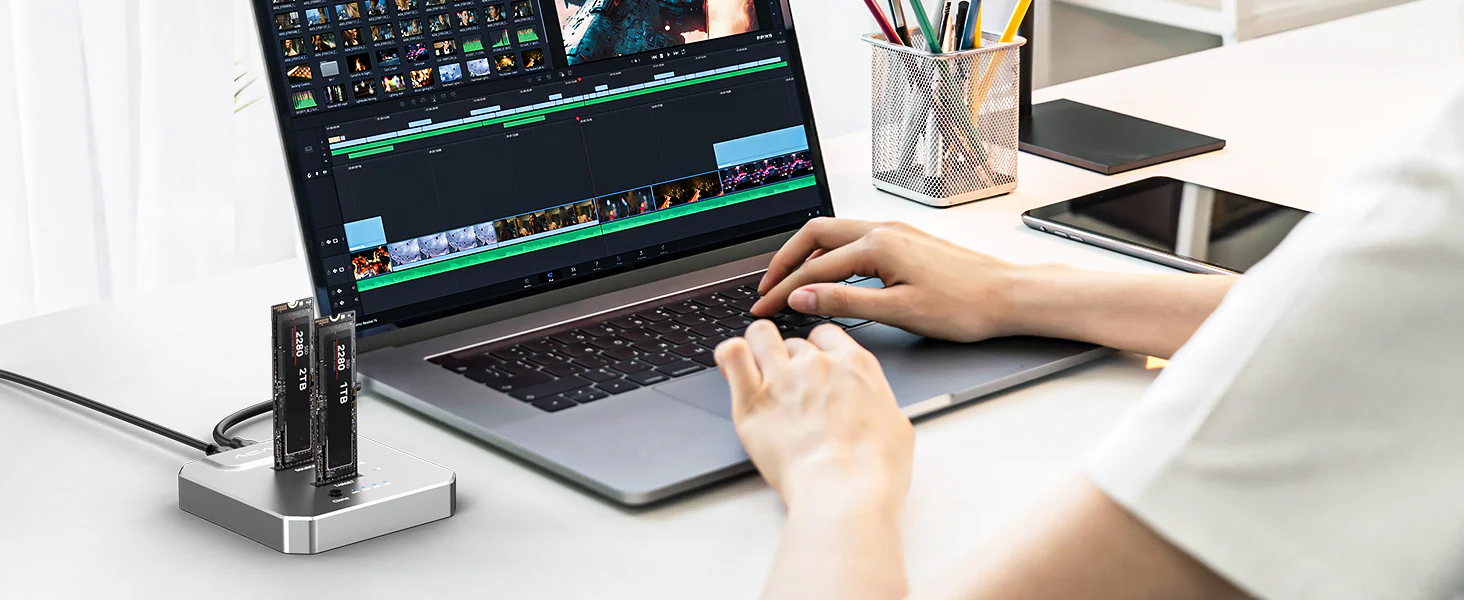
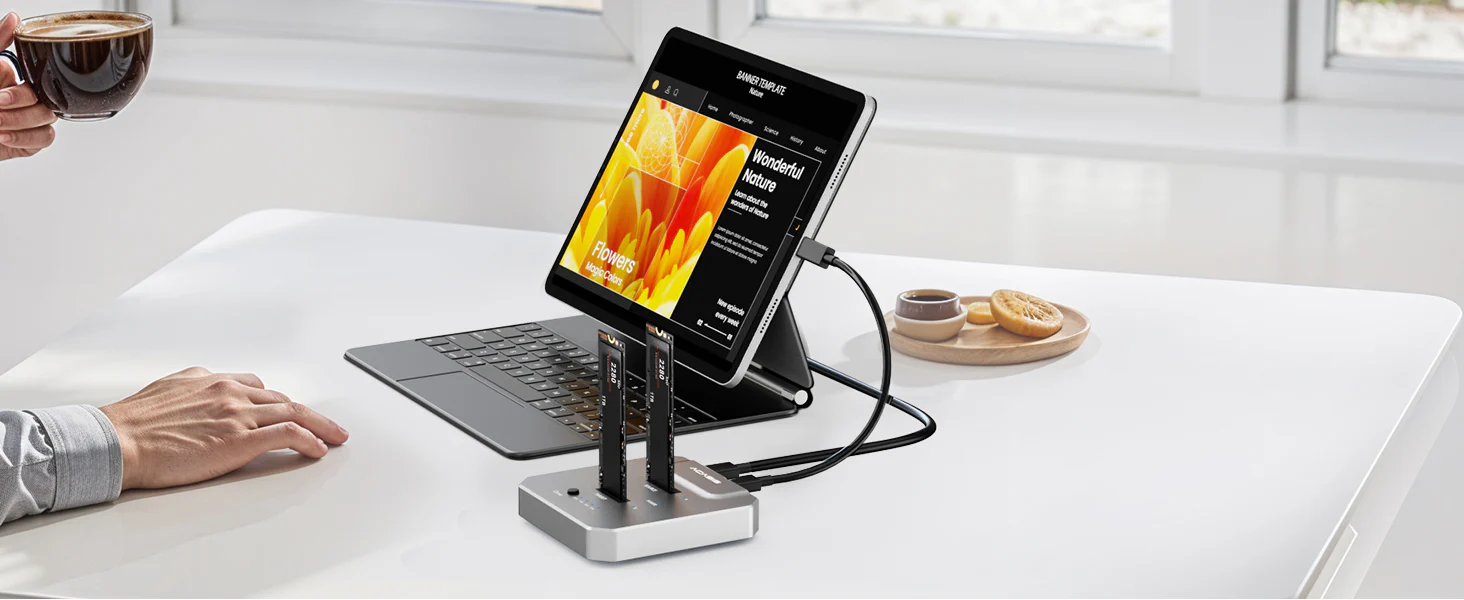
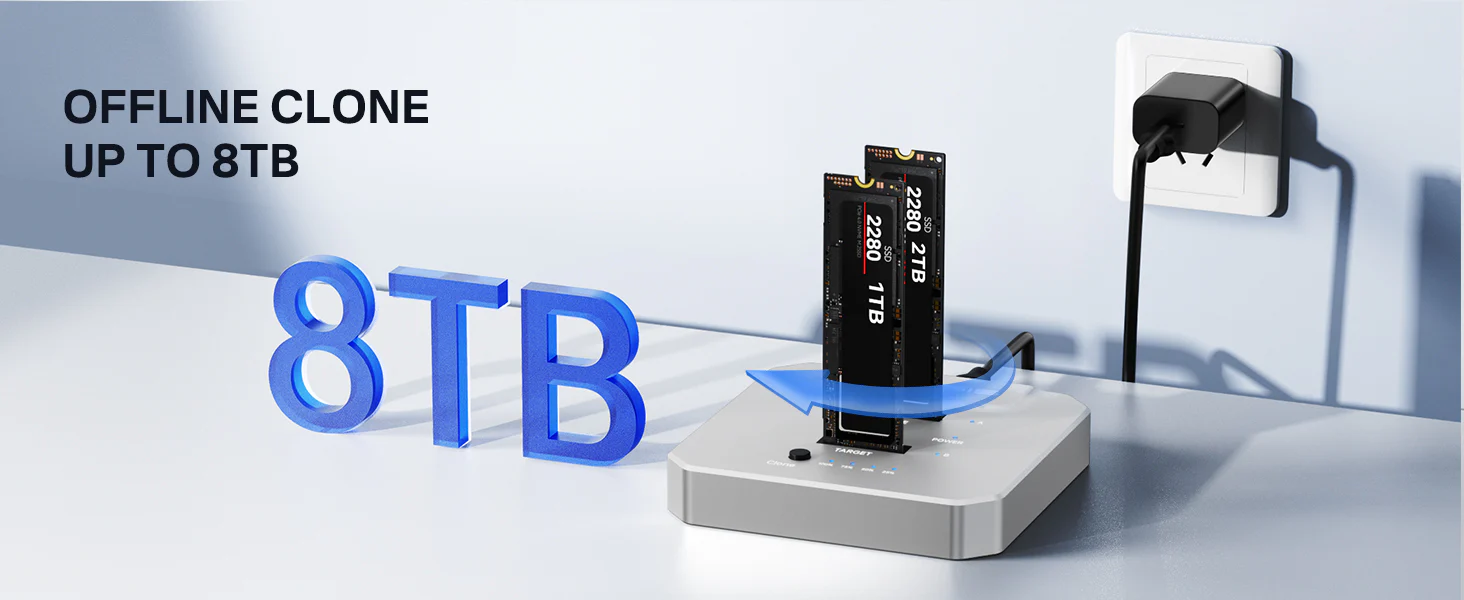 The dual-bay NVMe SSD cloner supports up to 16TB total capacity (8TB per bay). With a USB-C to USB-C power cable and OTG compatibility, it easily connects to smartphones, tablets, laptops, and desktop computers, allowing you to expand your storage or transfer data with exceptional speed and convenience.
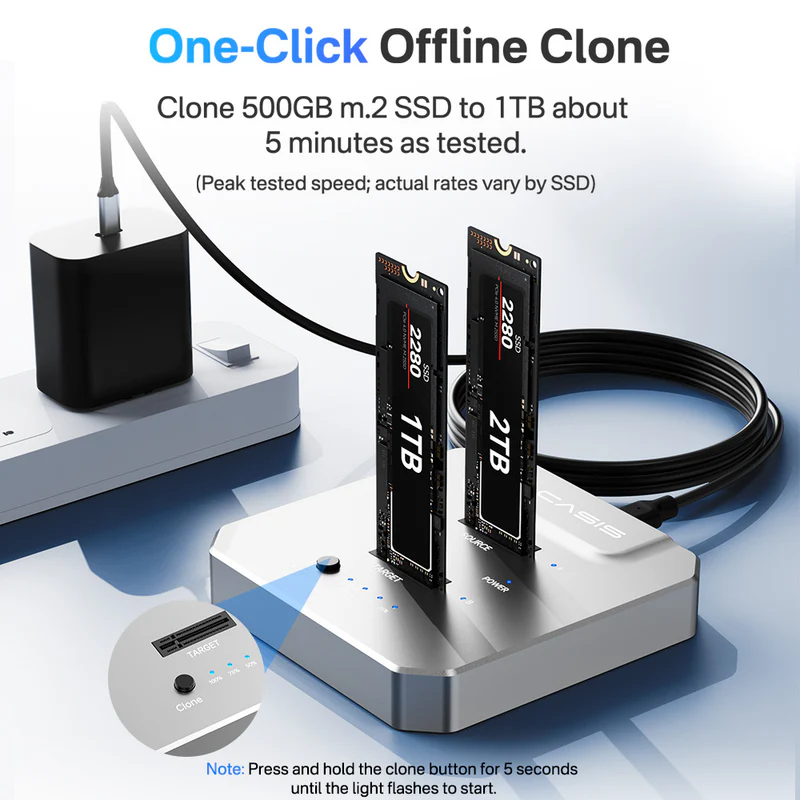
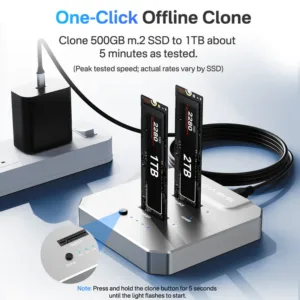
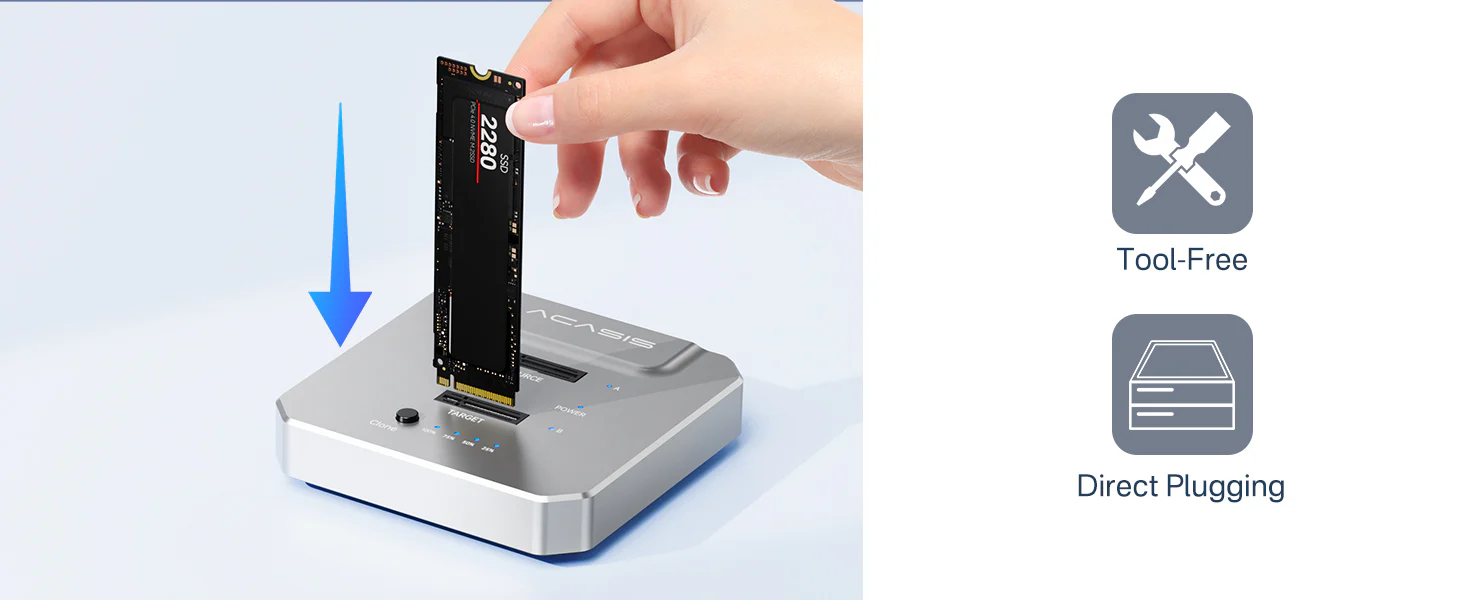 No need for any computer or laptop. NO need to reinstall system/download software and download drivers. ACASIS M.2 Duplicator helps you to clone old SSD quickly with one click.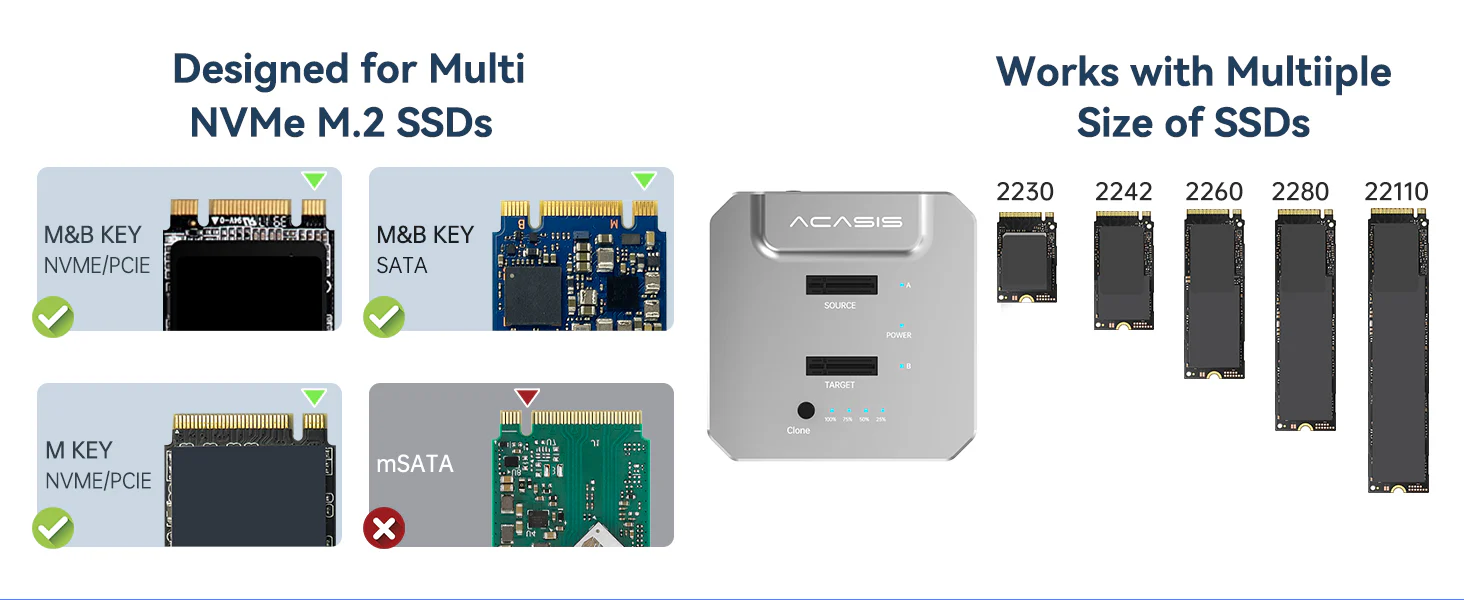
For Laptop
For iPad
For iPhone
16 reviews for ACASIS M.2 SSD Duplicator with 20Gbps NVMe SSD Cloner Docking Station, Compatible with TB4/3/ USB 3.2 Gen2x2/3.1/USB 3.0/USB 2.0, Supports upto 16TB
Related products
Sale
New
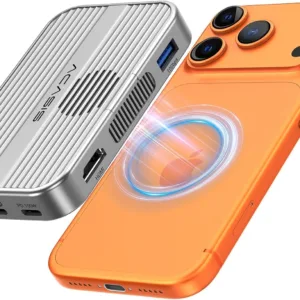
ACASIS 6-in-1 USB-C M.2 2280/2260/2242/2230 SSD Enclosure+Docking Station with Magsafe for iPhone 15/16/17/18 Pro/Max ProRes, M/B+M Key UASP (Upto 8TB)
Original price was: ₹14,999.00.₹5,499.00Current price is: ₹5,499.00. Add to cartSale
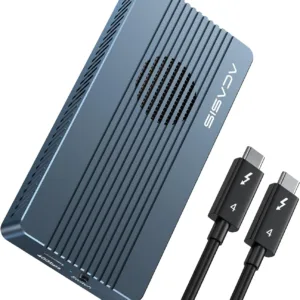
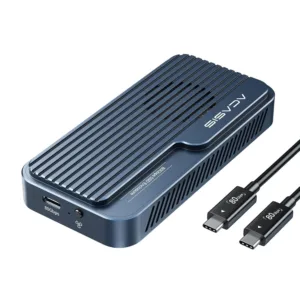
ACASIS 40Gbps M.2 NVMe SSD Enclosure with Cooling Fan, TBU405Pro for M1/M2 Pro/Max, Compatible with USB4/3.2/3.1/3.0/2.0, SSD Size 2280 B+M M-Key
Original price was: ₹24,999.00.₹10,999.00Current price is: ₹10,999.00. Add to cartSale
New
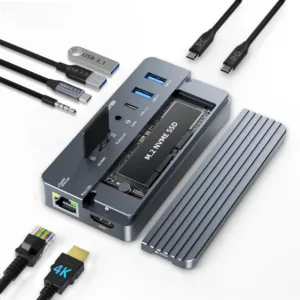
ACASIS Swappable 10Gbps High-Speed SSD Storage & 10-In-1 Hub Docking Station with PD 100W/SD/TF Card/1000Mbps LAN/3.5mm Audio, Support upto 8TB
Original price was: ₹24,999.00.₹9,499.00Current price is: ₹9,499.00. Add to cartSale
New

ACASIS 4-Bay SATA/SAS to USB 3.0 Hard Drive Docking Station with 12V/8A Power Adapter for 2.5 & 3.5 inch SATA & SAS HDD/SSD, Support 4x18TB Upto 72TB
Original price was: ₹59,999.00.₹28,399.00Current price is: ₹28,399.00. Add to cartSale

Harsh Vardhan –
I bought this mainly for cloning my old SSD and it worked flawlessly. The one-click offline clone feature is super convenient. Didn’t even need my laptop for the process.
Aditi Kulshrestha –
Perfect for creators like me who deal with heavy data. Makes storage management much easier.
Manish Yadav –
The LED indicators make it easy to track cloning progress. No confusion at all while using it.
Gaurav Saxena –
Works exactly as advertised. Plugged in two NVMe drives and cloning was done smoothly.
Divya Menon –
Easy to install SSDs and use. Didn’t face any compatibility issues with my drives.
Ankit Solanki –
Using it with different SSD sizes and all worked perfectly. Very flexible device.
Saloni Jain –
Nice design and very practical. Doesn’t take much space on my desk.
Shreya Bhattacharya –
Simple and effective product. I liked how easy it is to understand even if you’re not very technical.
Komal Choudhary –
Compact and powerful. I use it daily for backing up data and it has been reliable so far.
Saurabh Patil –
Transfer speed is really good. Moved large files within minutes without any lag.
Pankaj Dubey –
Very helpful for quick backups. I don’t have to worry about losing important files anymore.
Rakesh Pillai –
Thermal performance is good. Even after long cloning sessions, it doesn’t overheat much.
Rituparna Ghosh –
The cloning feature is the highlight. Makes upgrading storage super easy.
Prateek Sinha –
Using it for upgrading client systems. Saves a lot of time with cloning. Speed is quite fast and stable.
Nidhi Arora –
Really impressed with the build quality. The aluminum body gives a premium feel and also helps keep the SSD cool during long transfers.
Mohit Khatri –
Solid performance and very useful tool for IT work. Definitely worth the price