No products in the cart.

Sale
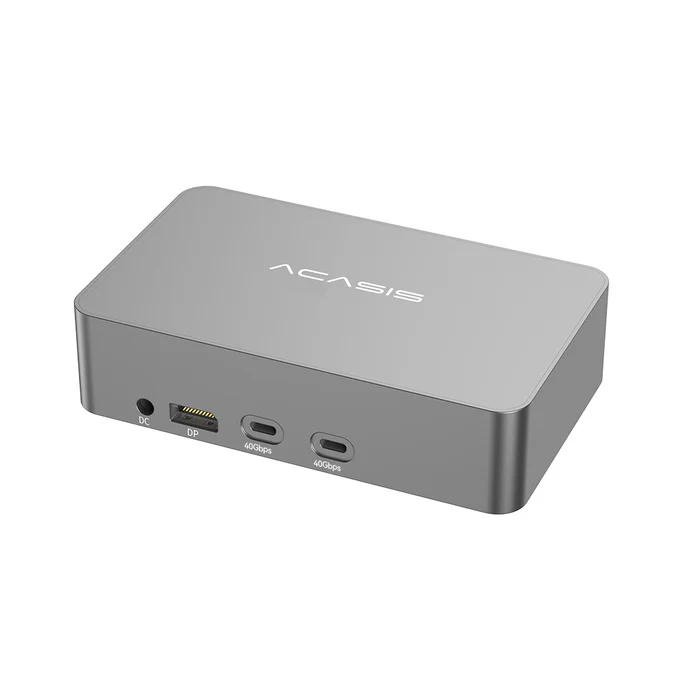
 ACASIS 40Gbps 4 HDMI 1080P 60F...
 Products
-
 Original price was: ₹14,999.00.₹5,499.00Current price is: ₹5,499.00.
 -
Original price was: ₹69,999.00.₹26,999.00Current price is: ₹26,999.00.
-
Original price was: ₹59,999.00.₹28,999.00Current price is: ₹28,999.00.
-
Original price was: ₹19,999.00.₹6,999.00Current price is: ₹6,999.00.
-
Original price was: ₹29,999.00.₹14,999.00Current price is: ₹14,999.00.
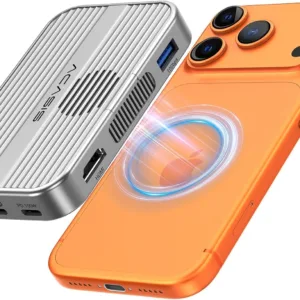
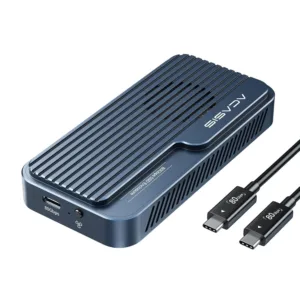
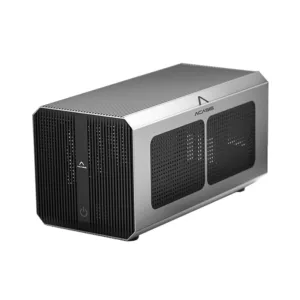
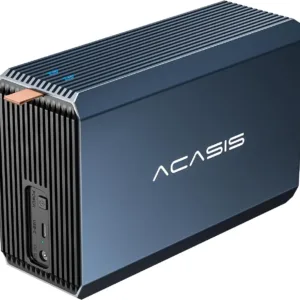
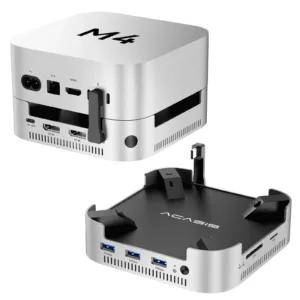
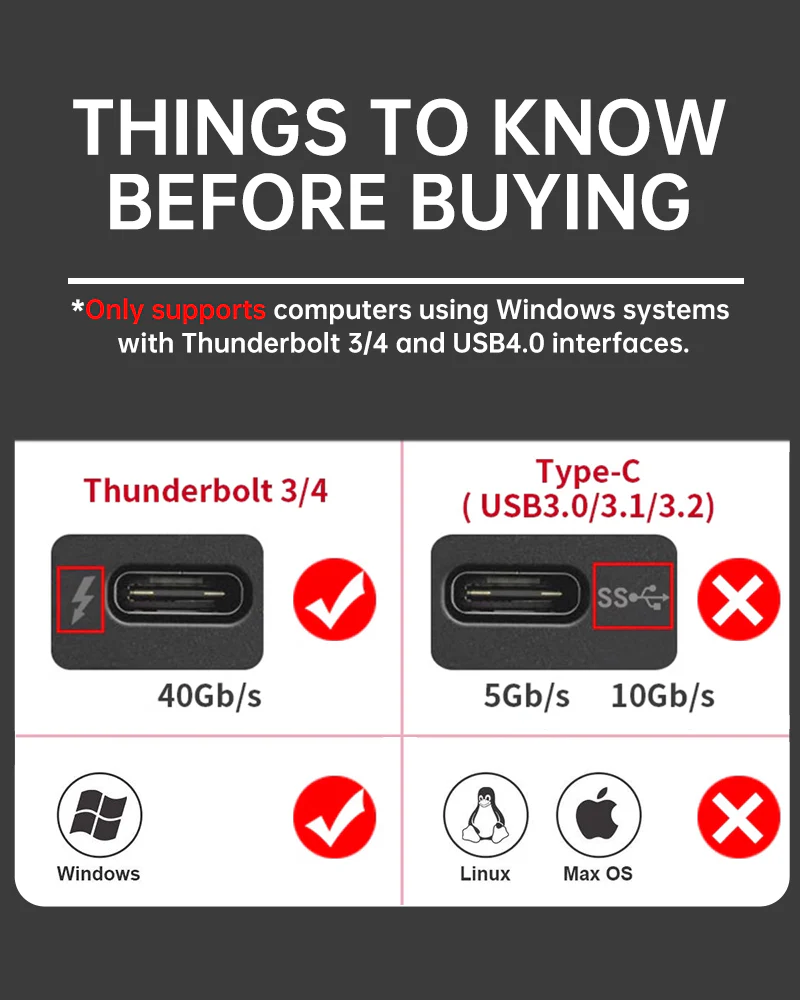
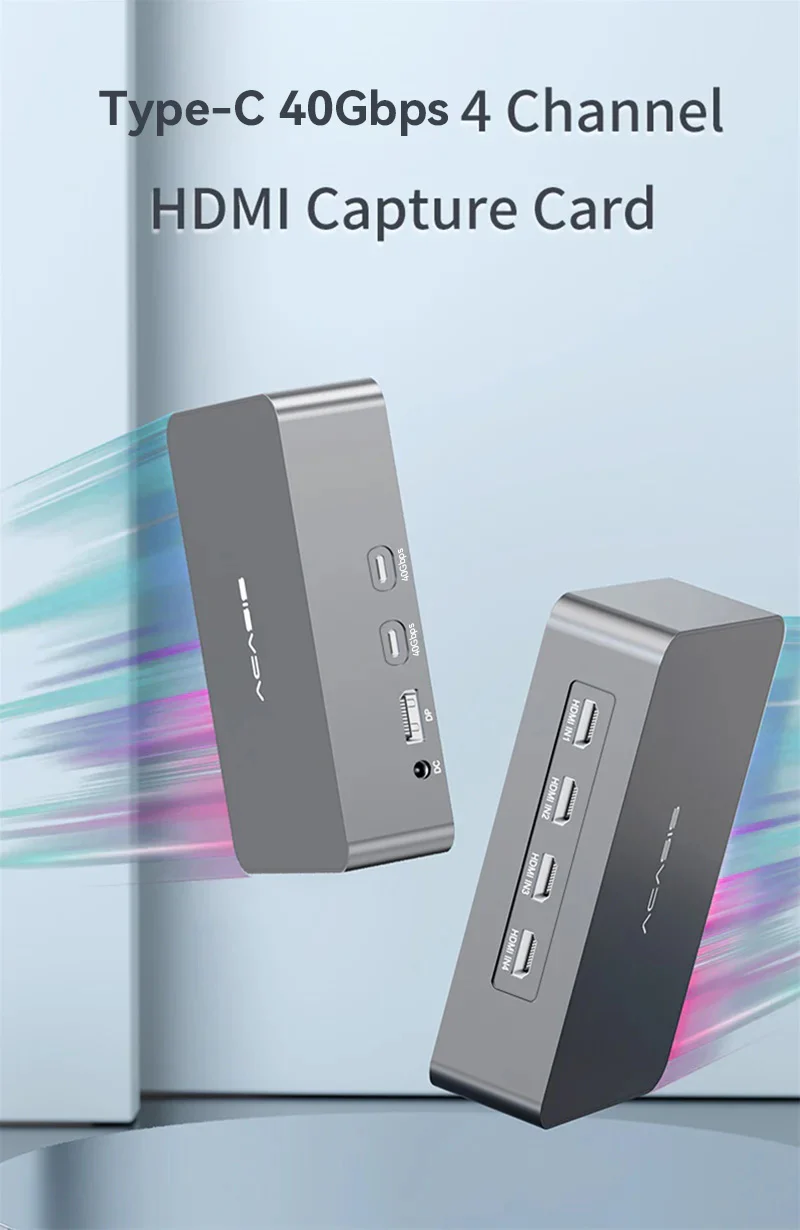
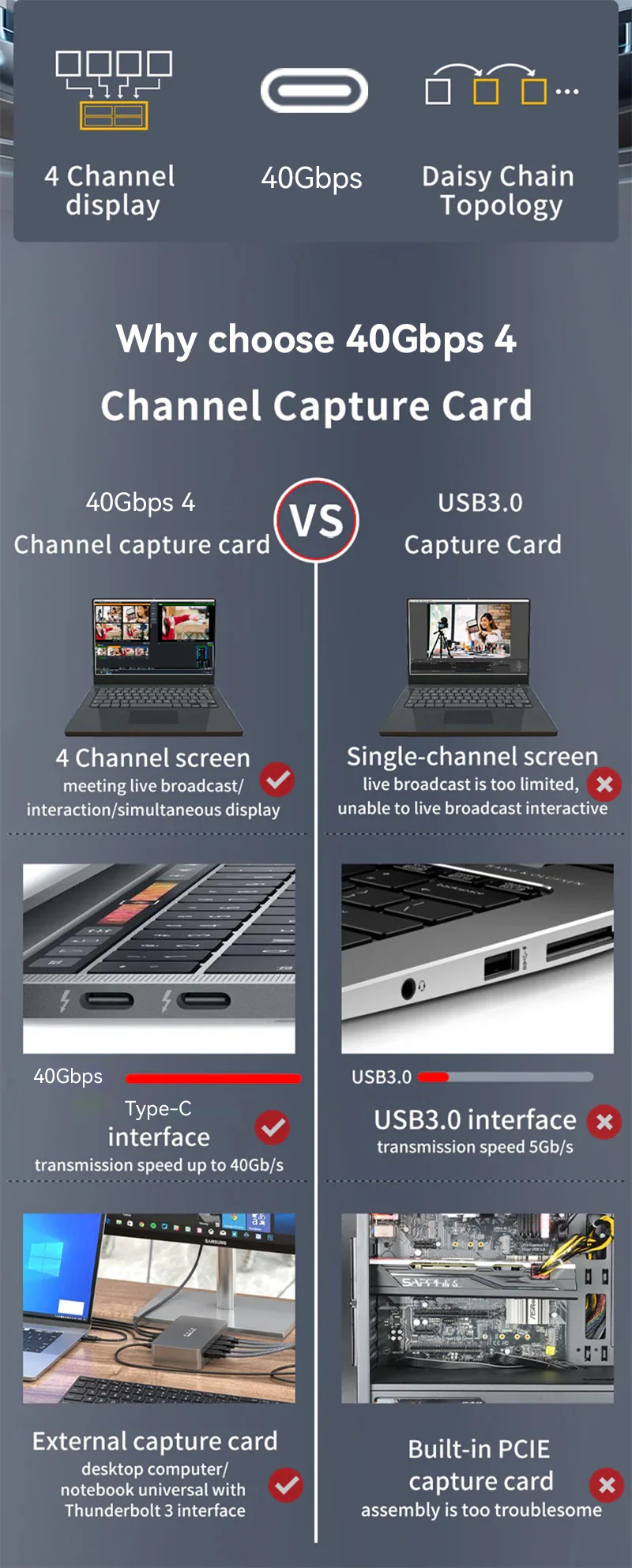
Please attention:
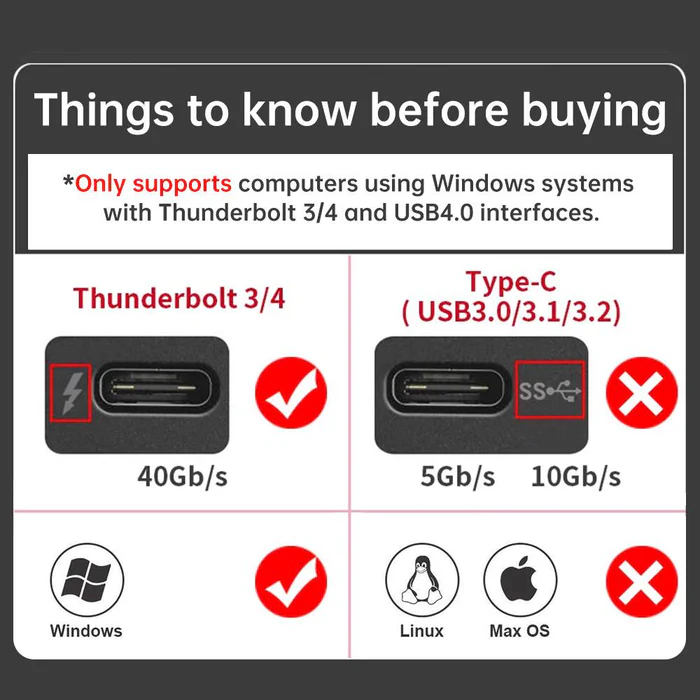
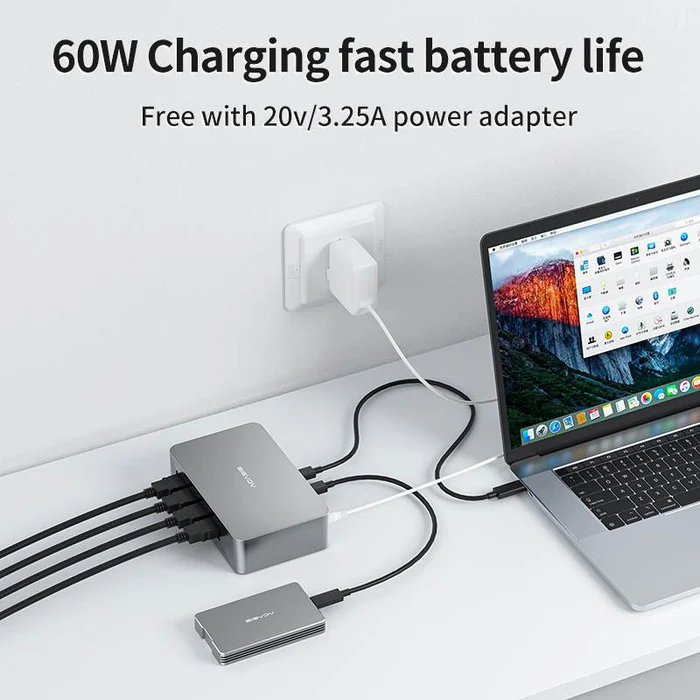
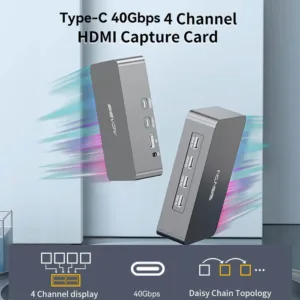
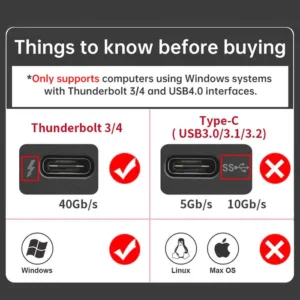
This product only supports computers with USB4, and requires Windows 10 (or later) for use. Please check whether your device meets the requirements before purchase.
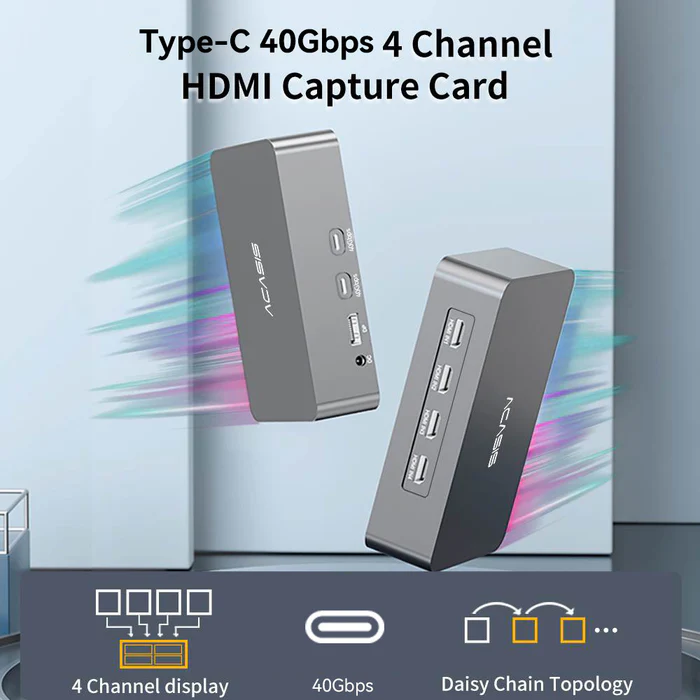
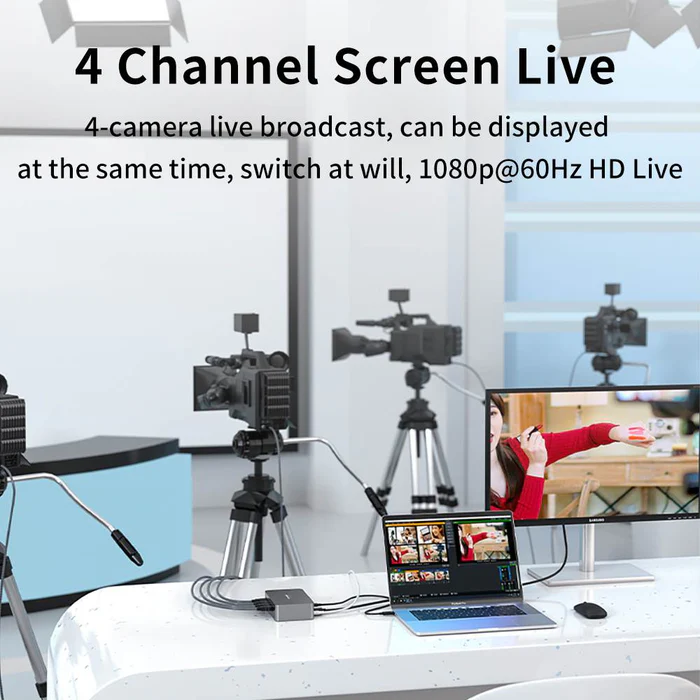
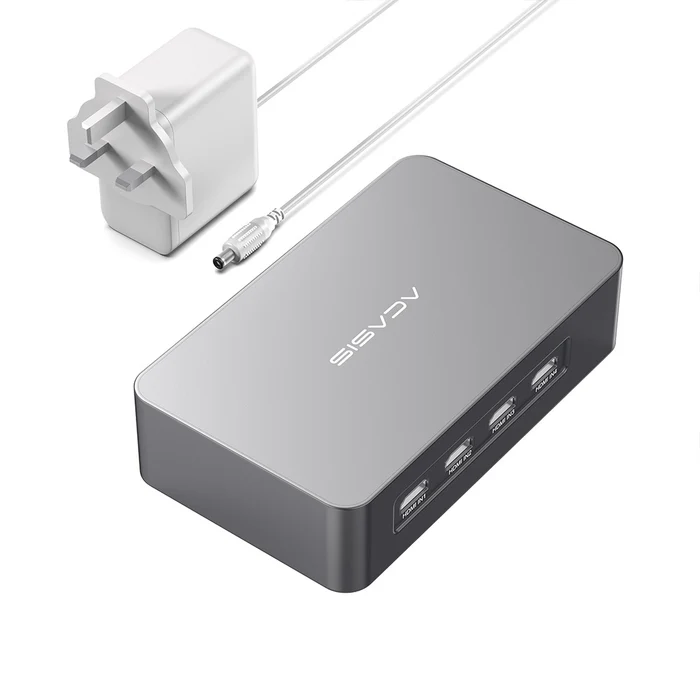
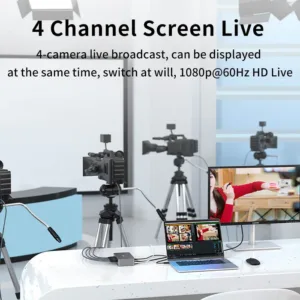
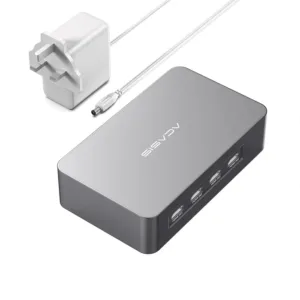
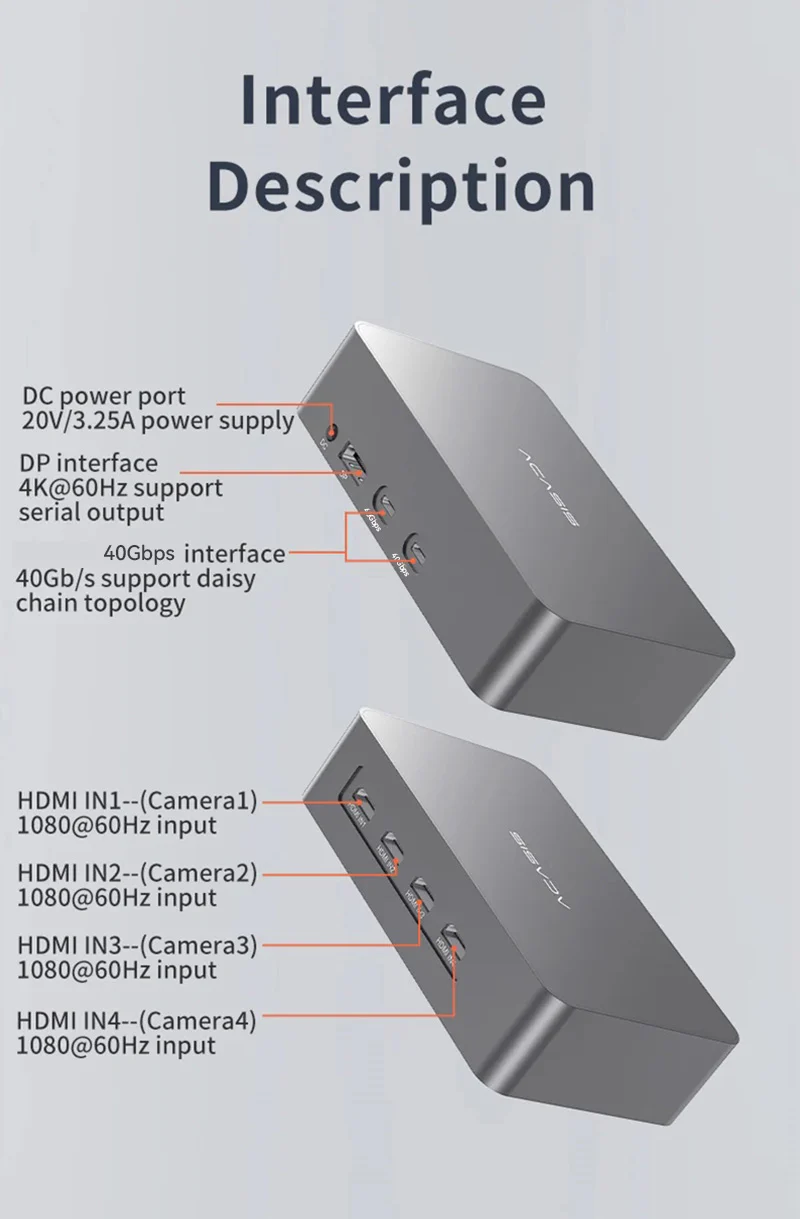
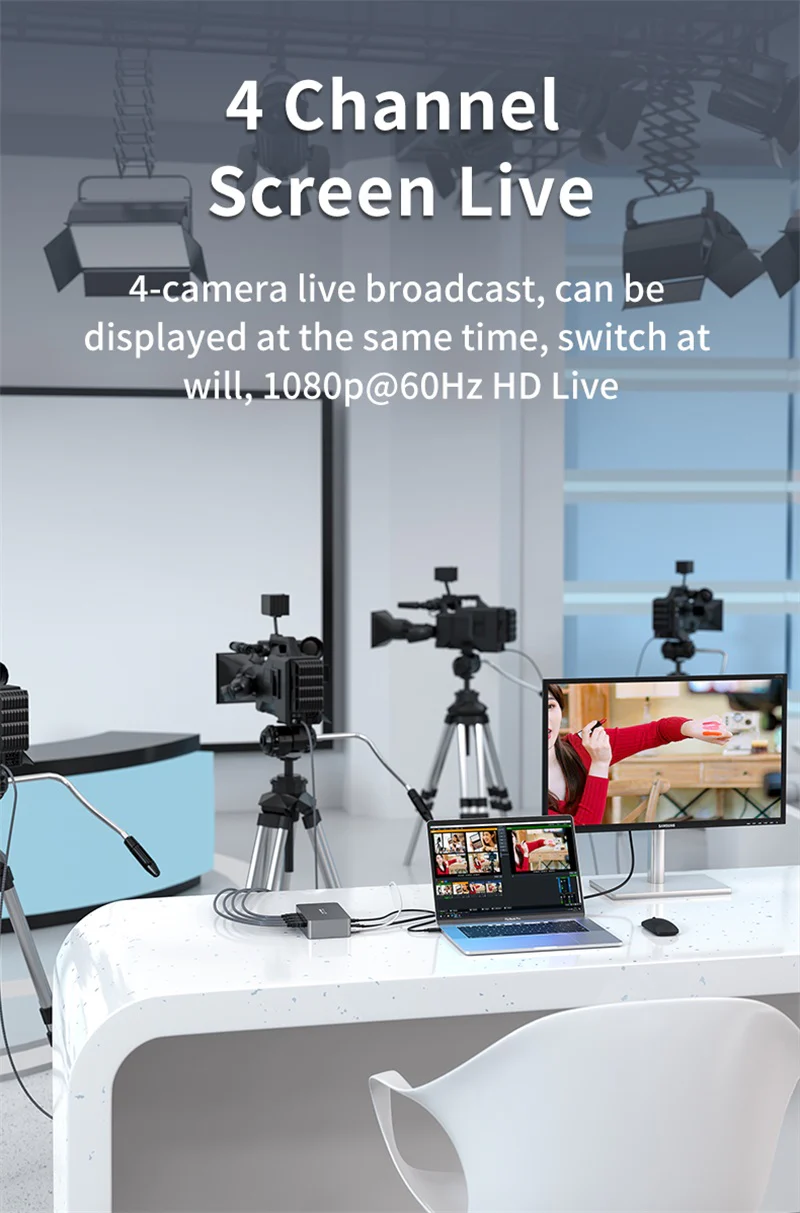
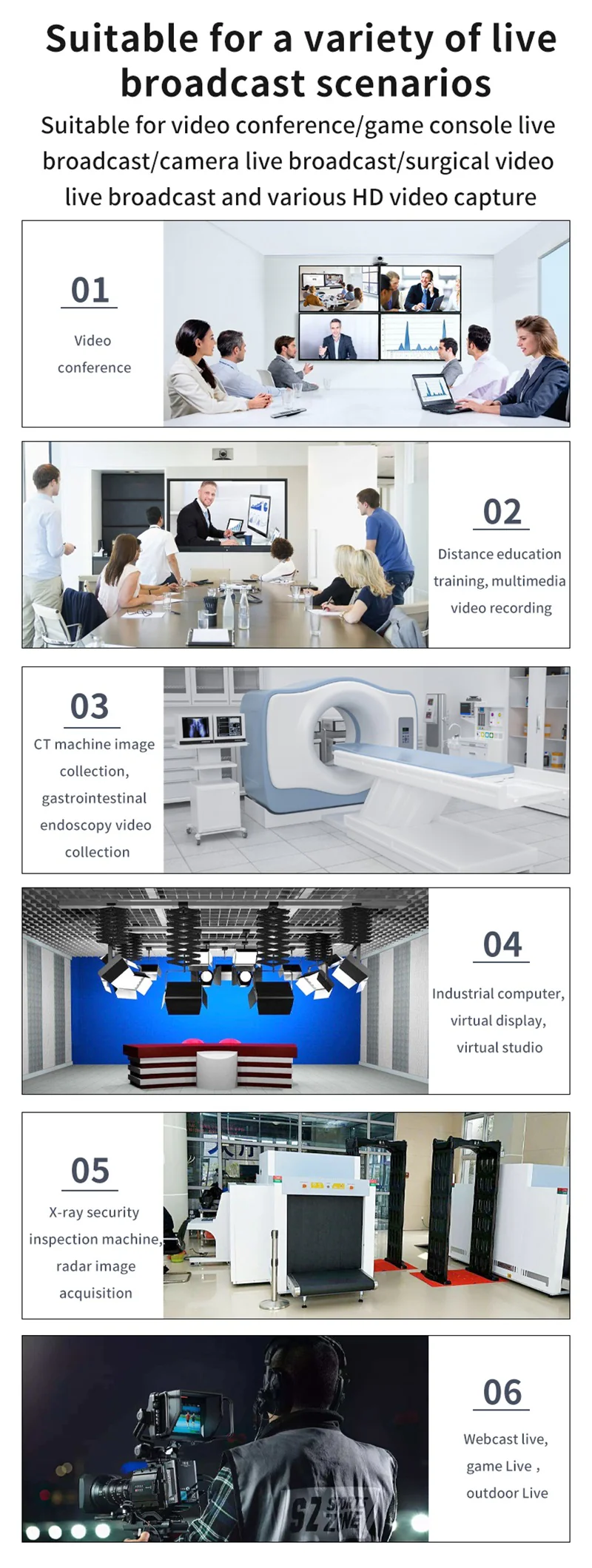
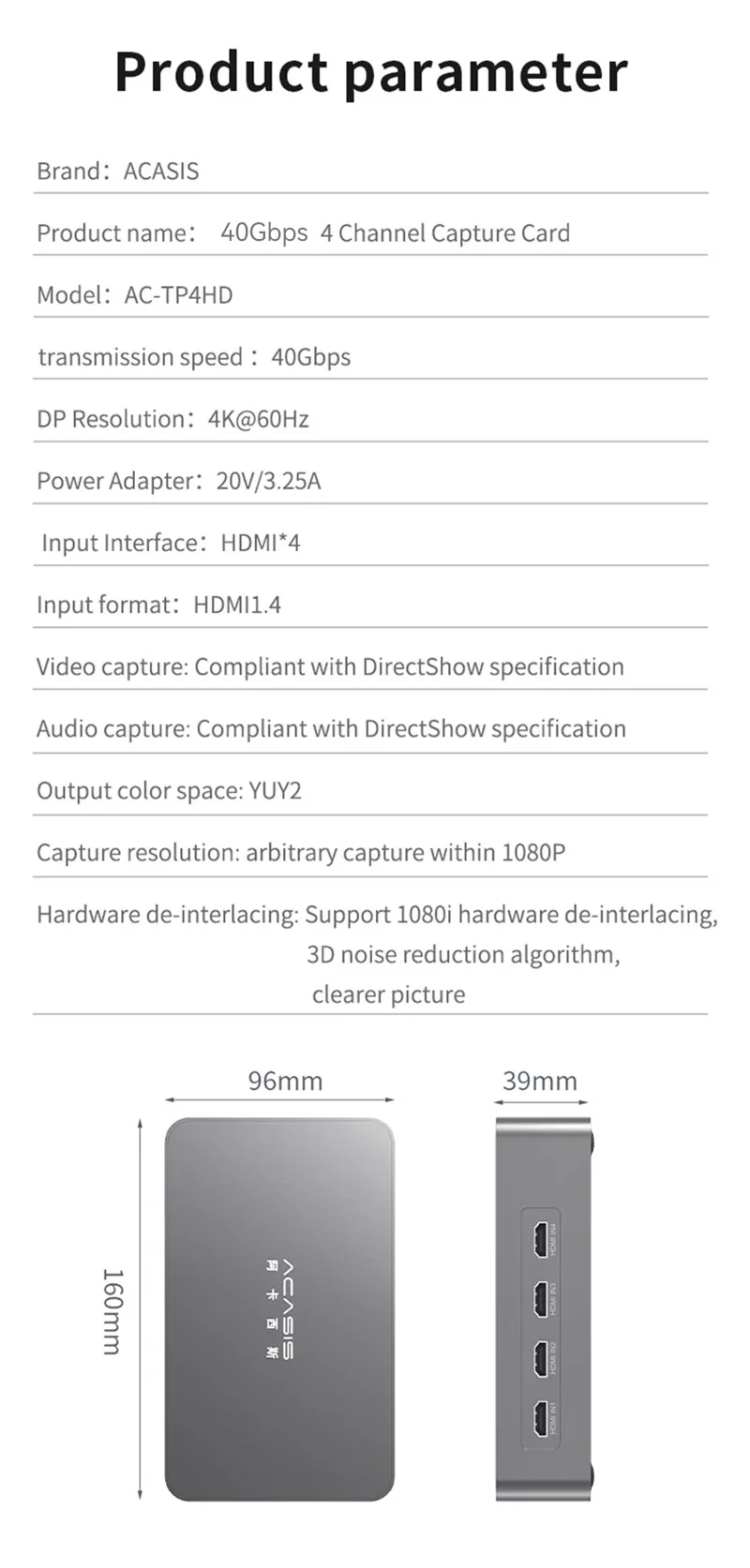
Video capture card with 4 HDMI inputs
Capture DSLR cameras, computers, laptops, tablets, etc.
Live broadcast or record in 1080p60 or 4K30 quality
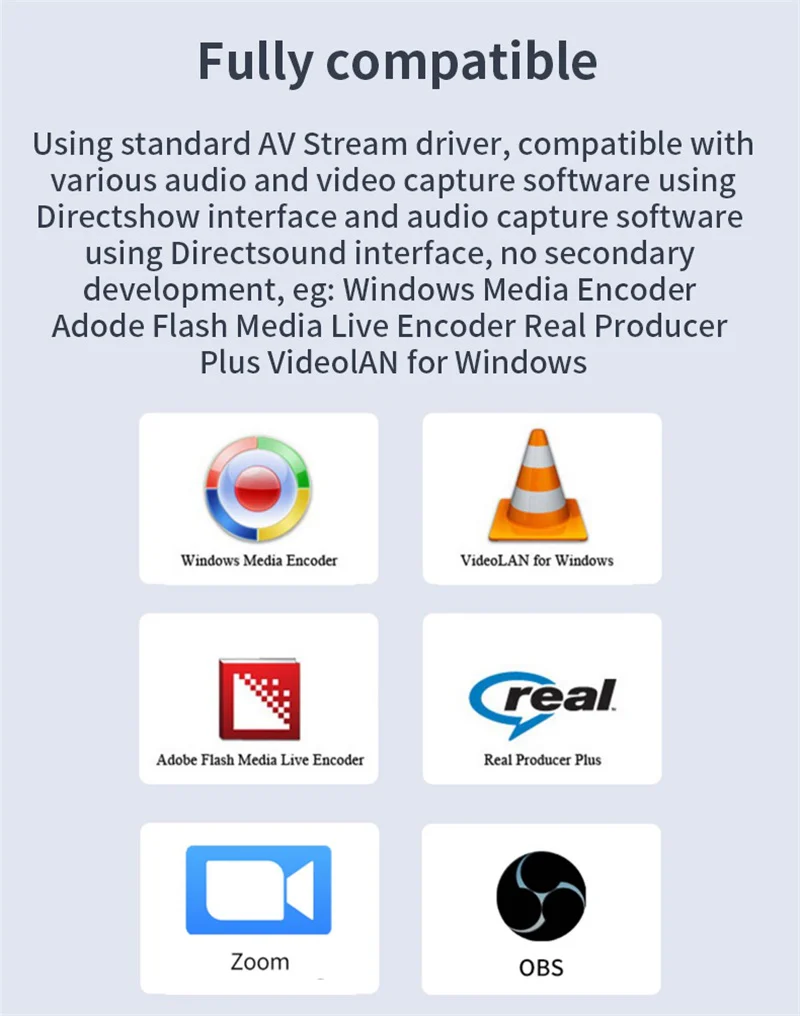
Separately control the video source in OBS, vMix, etc.
Feature:
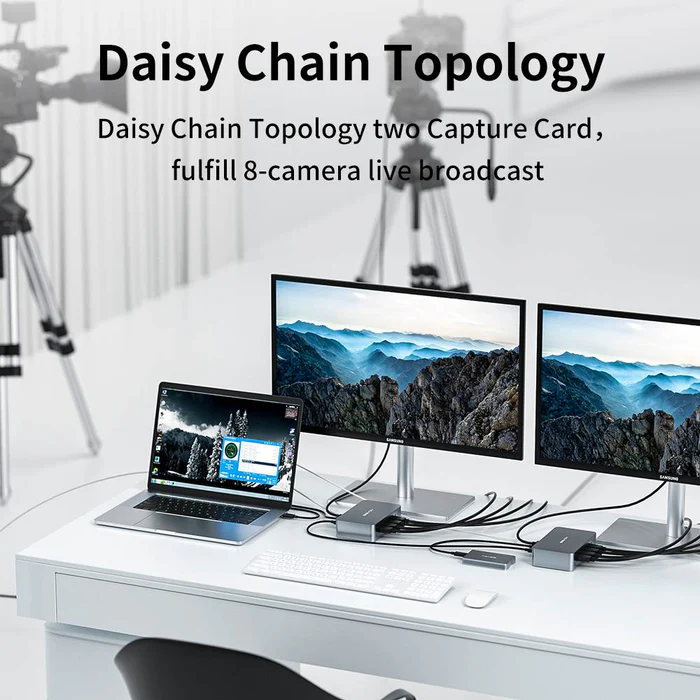
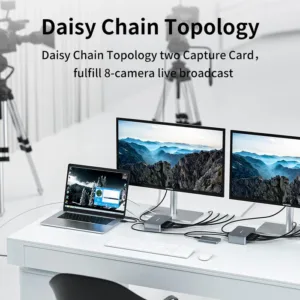
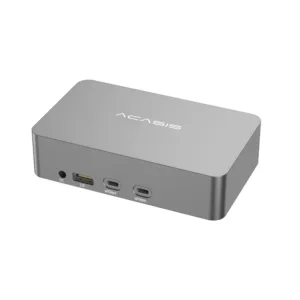
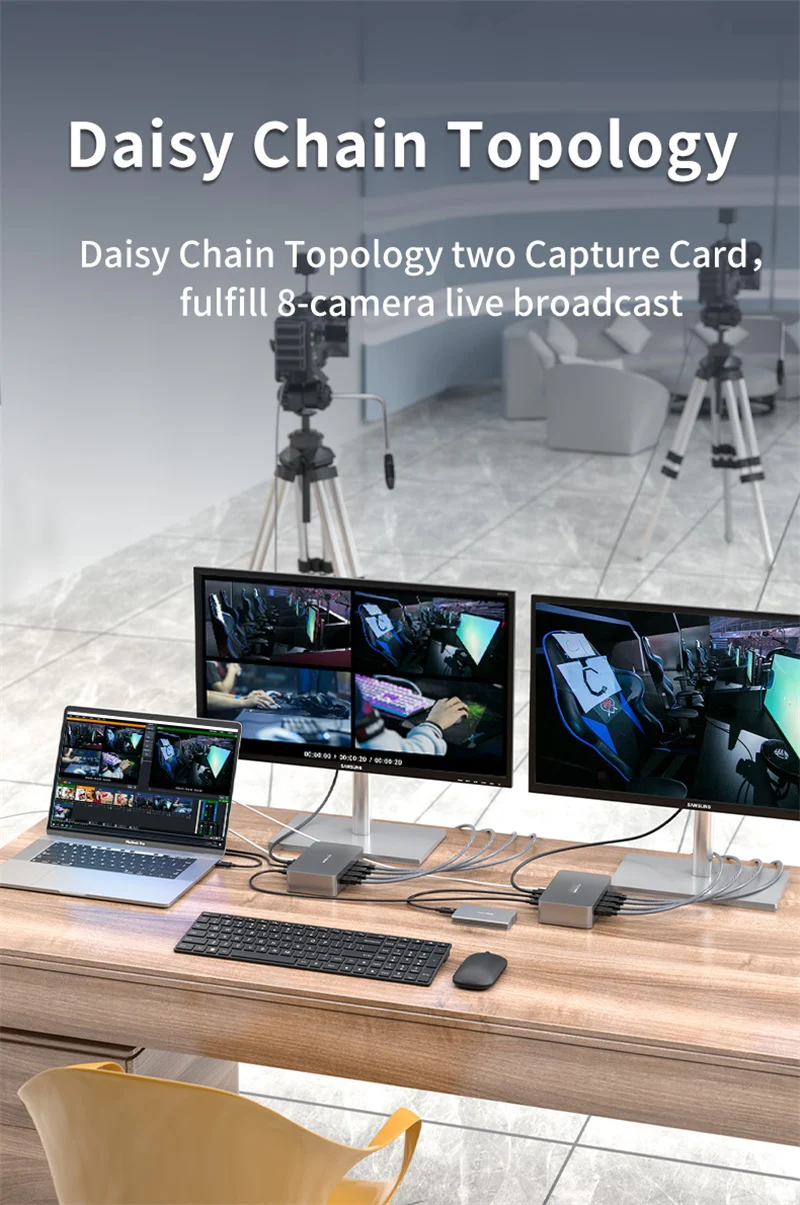
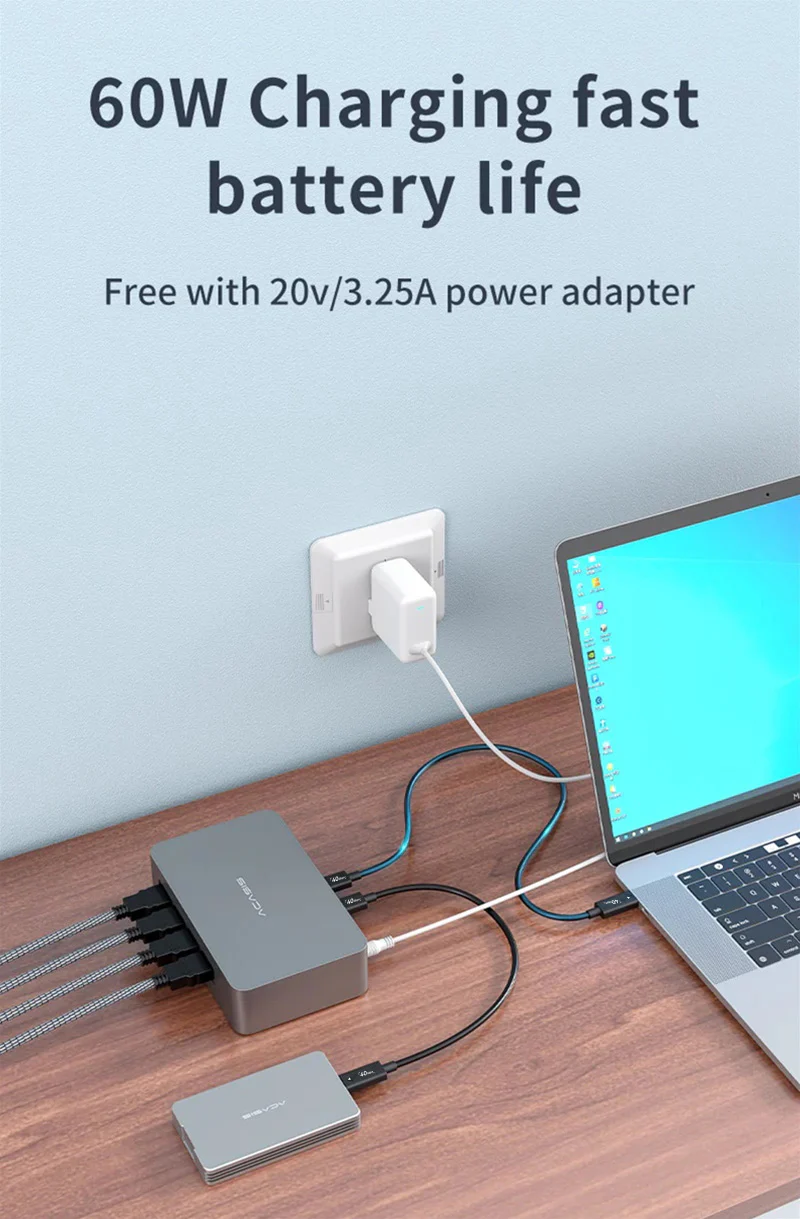
*Daisy chain expansion – Extend through the Type-C 40Gbps interface to create up to 8 HDMI capture channels to meet more needs
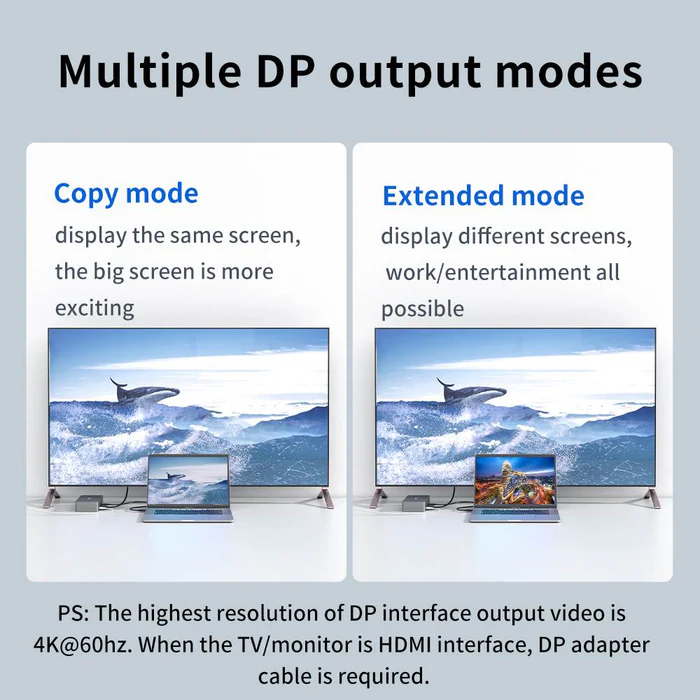
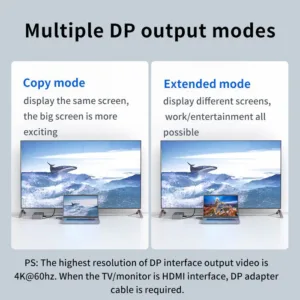
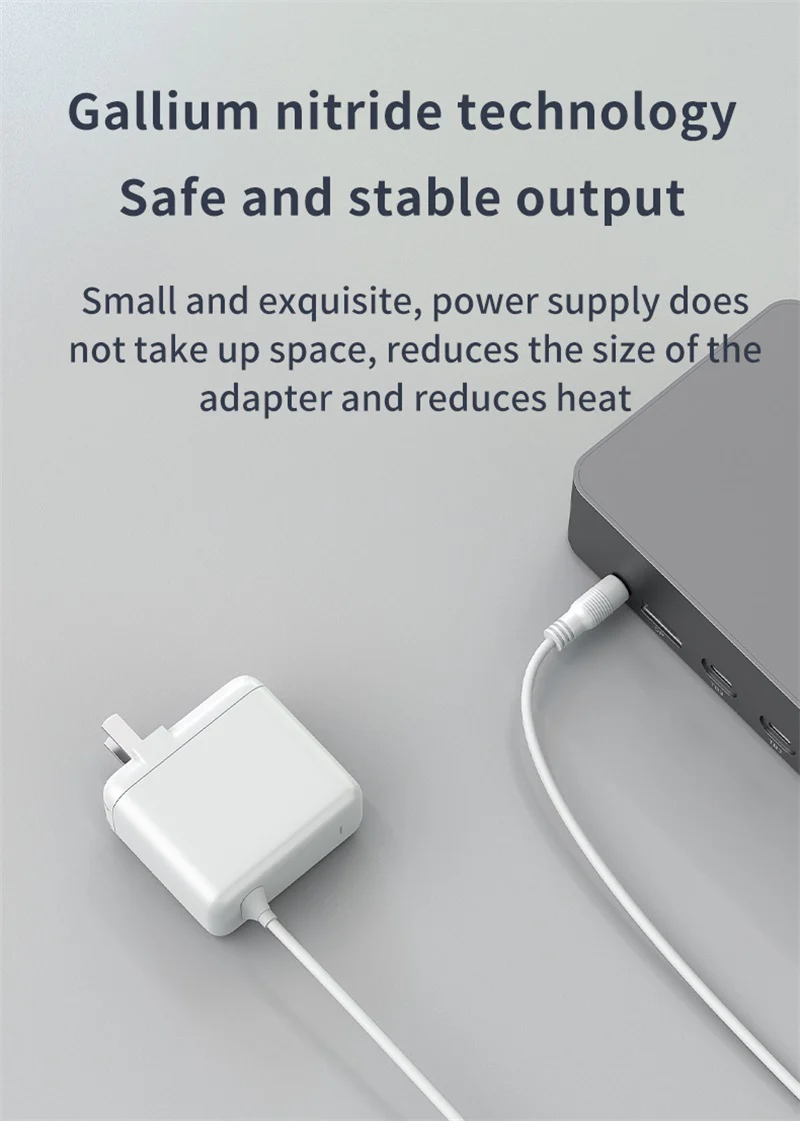
*DP extend/mirror mode: DP interface offers max. resolution of 4K@60Hz. To connect an HDMI interface, please purchase a DP adapter cable separately.
Note: Capture cards ONLY ACCEPT QUALITY- RELATED RETURN because its components are subtle and vulnerable. Once you have unpacked the package, the return and refund service is not acceptable anymore. If you want to return due to personal reasons, we only accept Partial refund + Return.
17 reviews for ACASIS 40Gbps 4 HDMI 1080P 60FPS Video Capture Card for Windows Compatible with Thunderbolt 4/3, 4-Channel HDMI Simultaneous Capture, DP Port 4K60Hz
Related products
Sale
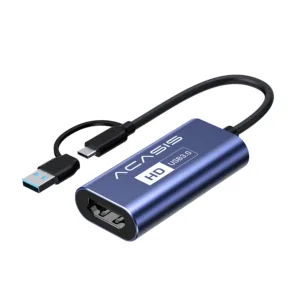
ACASIS 4K HDMI to USB-A/C 1080P 60FPS, Video Capture Card for Live Streaming/Gaming/Meeting, for Mac /Windows OS System, Switch PS4/5 Xbox
Original price was: ₹9,999.00.₹2,499.00Current price is: ₹2,499.00. Add to cartSale
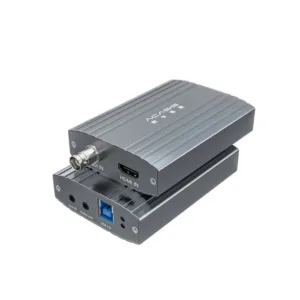
ACASIS 2 Channel HDMI/SDI 4K 30Hz Input USB 3.0 Video Capture Card, 4K HD Live Streaming with Instant Source Switching, Mixer/Switcher Audio Mixing
Original price was: ₹24,999.00.₹12,999.00Current price is: ₹12,999.00. Add to cartSale
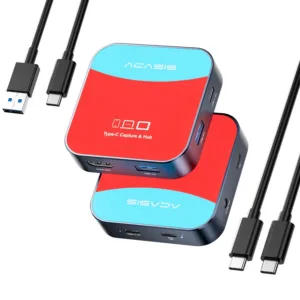
ACASIS Capture Card for Nintendo Switch & Docking Station 2-in-1, 1080P 60FPS Video Capture Card for Nintendo/Streaming/Meeting, 2*USB-A 3.0
Original price was: ₹14,999.00.₹4,999.00Current price is: ₹4,999.00. Add to cartSale
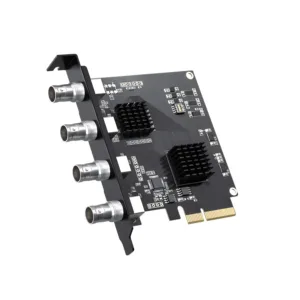
ACASIS 4 SDI Input 1080P 60FPS 4 Channel PCIe Video Capture Card, Stream and Record with Ultra-Low Latency on PS5, PS4/Pro, Xbox Series X/S
Original price was: ₹39,999.00.₹24,999.00Current price is: ₹24,999.00. Add to cartSale

Aman Bansal –
Best investment for my streaming setup. Handles 4 inputs effortlessly.
Ananya Iyer –
Helps a lot in my content creation workflow. Very efficient and reliable.
Saurabh Yadav –
Using it for corporate events. Very stable performance and no frame drops
Aditi Desai –
Great product, but only for advanced users. Beginners may need some setup help.
Rahul Reddy –
Excellent capture quality. Works smoothly with vMix and OBS together
Karthik Subramanian –
Thunderbolt speed makes a huge difference. Very fast and responsive.
Deepak Gupta –
Low latency and smooth output. Works perfectly for live production
Vivek Mishra –
Good build quality. Took some time to configure but works flawlessly now.
Meera Joshi –
Very useful for video production. Slightly expensive but worth it.
Neha Khanna –
Multi-camera streaming has become super easy with this device.
Pooja Nair –
Video quality is top-notch. Slight heating during long sessions but manageable
Kunal Verma –
Professional-grade capture card. OBS integration is seamless
Sneha Patel –
I use it for online events and webinars. Handles multiple feeds smoothly
Mohit Jain –
Works great but requires a proper Thunderbolt system. Once set, performance is amazing
Rohit Singh –
Best for gaming streams with multiple inputs. Highly recommended.
Riya Sharma –
Loved the multi HDMI support. Video clarity is excellent and setup was simple
Arjun Kapoor –
Perfect for my 4-camera YouTube setup. No lag and very stable performance