No products in the cart.

Sale
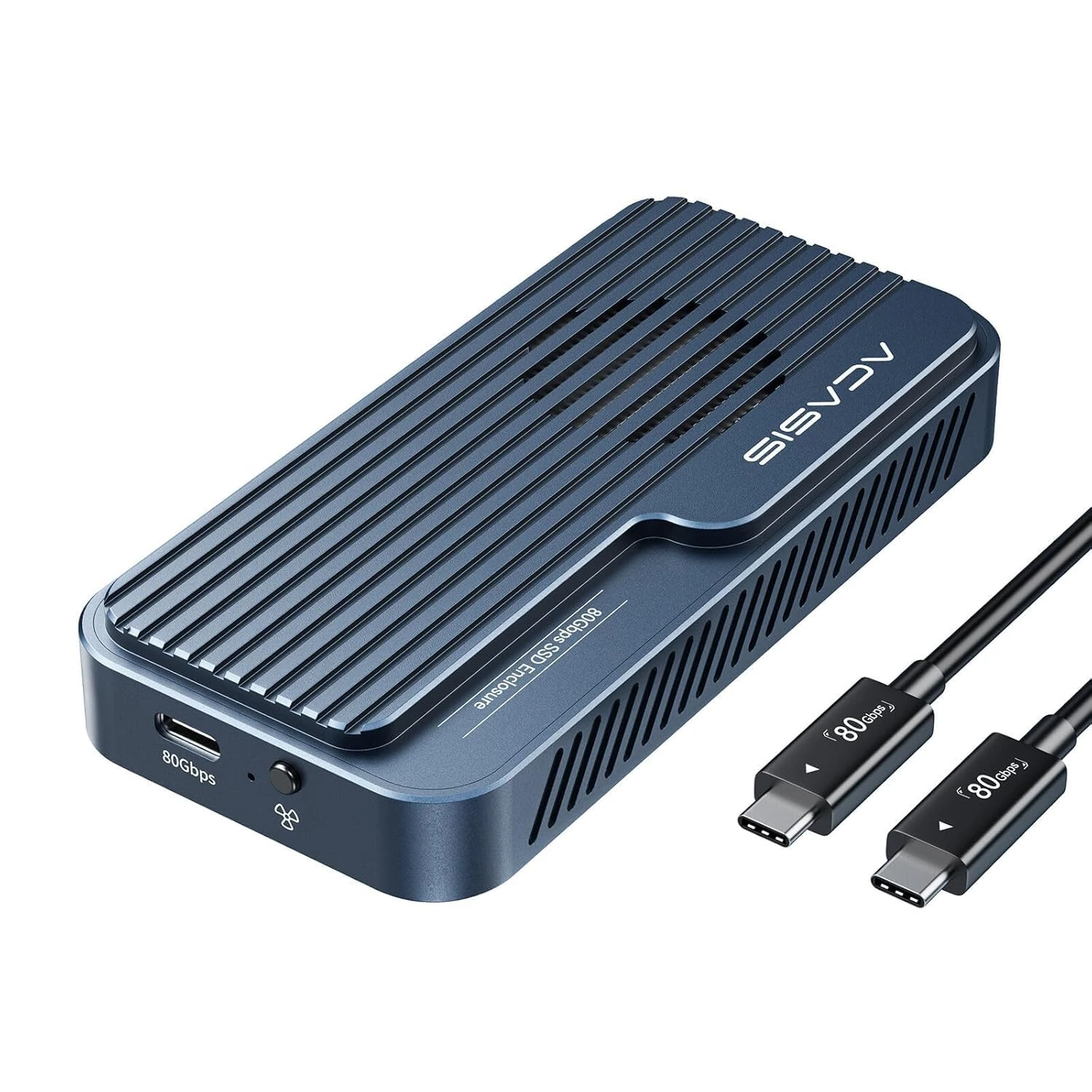

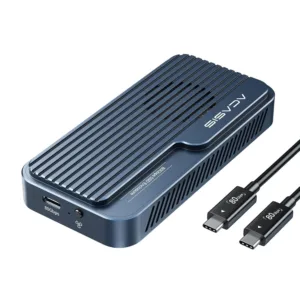 ACASIS 80Gbps M.2 NVMe SSD Enc...
 Products
-
 Original price was: ₹14,999.00.₹4,999.00Current price is: ₹4,999.00.
 -
Original price was: ₹69,999.00.₹24,999.00Current price is: ₹24,999.00.
-
Original price was: ₹59,999.00.₹28,999.00Current price is: ₹28,999.00.
-
Original price was: ₹29,999.00.₹14,999.00Current price is: ₹14,999.00.
-
Original price was: ₹49,999.00.₹26,290.00Current price is: ₹26,290.00.
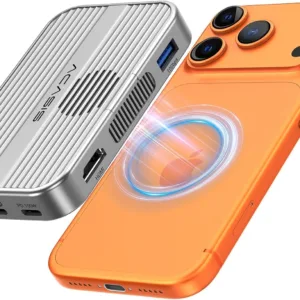
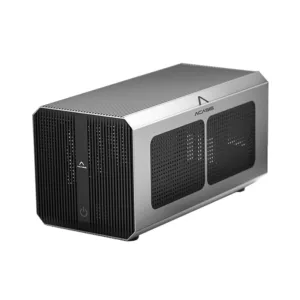
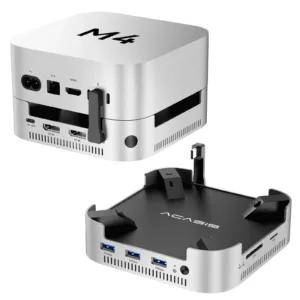
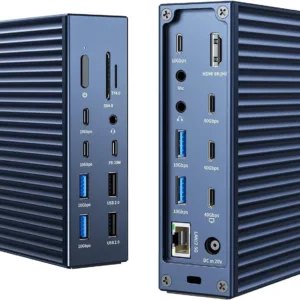

Upgrade Announcement:
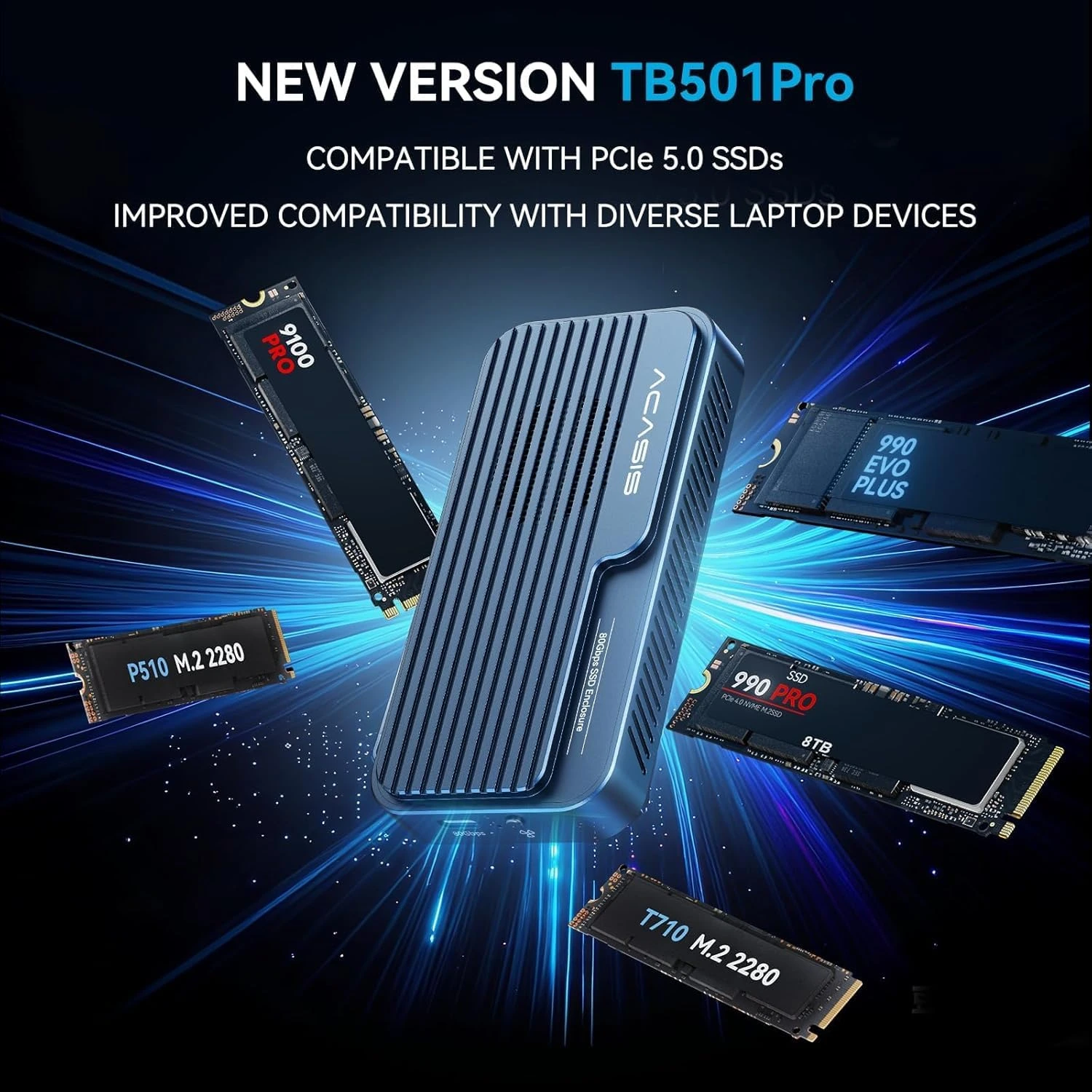
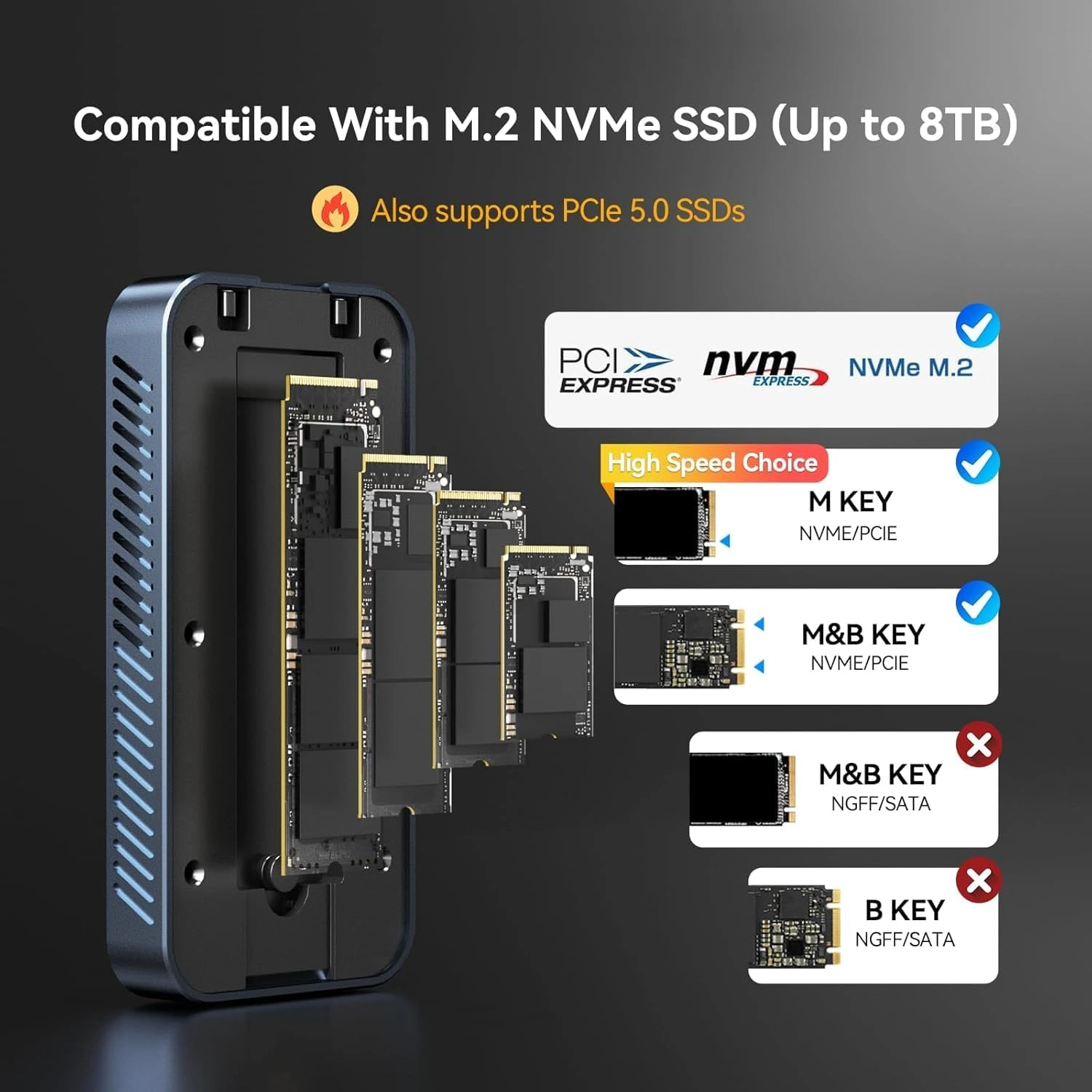
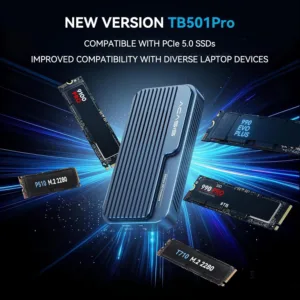
More users are seeking to use high-performance PCIe Gen5 NVMe SSDs like Samsung 9100 Pro in TB501Pro to maximize SSD performance. To meet user demands, we partnered with Intel for in-depth collaboration. After months of R&D and testing, we successfully completed the TB501Pro core chipset upgrade. TB501Pro (PCIe Gen5 SSD Compatible)was officially released on August 20, 2025. Users who purchase on the official website will receive the latest version.
Core Improvements:
New PCBA Design: Latest Intel JHL9480(B2) chipset solution with comprehensive bottom-layer architecture optimization
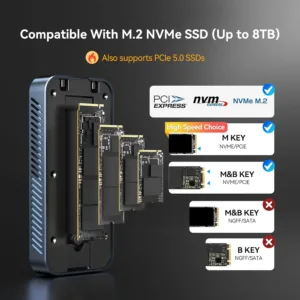
PCIe Gen5 Support: Native PCIe Gen5 NVMe SSD support, backward compatible with Gen4/Gen3 NVMe SSD
Enhanced Compatibility: Significantly improved USB4 interface compatibility
Optimized Transfer Performance: Improved connection stability, rigorously tested.
 Important Note: SSDs with integrated Heatsinks exceed our enclosure’s internal dimensions and are not recommended for installation.


Note:
1. Confirm Thunderbolt 5/4/3/USB4 Port Availability
Make sure your computer has a Thunderbolt 5 or USB4 port. All Apple computers released in 2015 or later with Thunderbolt 5 or USB4 ports are compatible. For Windows computers, those released after 2016 with Thunderbolt 5 or USB4 ports will also work.
2. Choosing an SSD
We have tested dozens of SSDs to ensure that our customers can find the right one for their needs. We recommend the Samsung 990 Pro/980 Pro, Western Digital SN850/SN850X, and Crucial P3 Plus.
3. Formatting the SSD
When using the SSD on macOS, you can choose either Mac OS Extended (Journaled) or APFS (whichever is faster for your needs). For Windows, select NTFS. If you want to use it on both systems, choose ExFAT (make sure to format it as ExFAT on macOS).
4. Data Backup
Please back up your data before using the SSD enclosure. If you encounter any issues with product quality during the warranty period, customer service can assist with device replacement; however, we cannot provide data recovery services or cover losses due to data loss. We appreciate your understanding regarding this matter.
22 reviews for ACASIS 80Gbps M.2 NVMe SSD Enclosure with Intel Certified JHL9480 Chipset, in-Built Cooling Fan for MacBook/Mac Mini M4 Pro, Razer Blade18, Up to 8TB
Related products
Sale
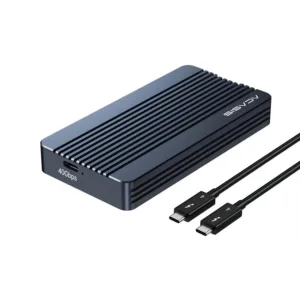
ACASIS 40Gbps M.2 NVMe SSD Enclosure, Tool Free Installation, Compatible with Thunderbolt 4/3/USB4, Support M-Key/B+M 2280 Size, for M1/M2 Pro/Max
Original price was: ₹18,999.00.₹6,999.00Current price is: ₹6,999.00. Add to cartSale
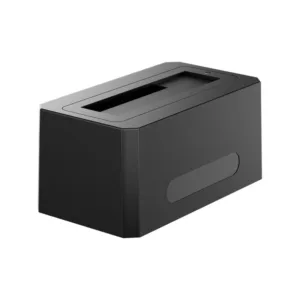
ACASIS SATA/SAS to USB 3.0 Hard Drive Docking Station with 12V/2A Power Adapter for 2.5 & 3.5 inch SATA and SAS HDD/SSD, Support up to 18TB
Original price was: ₹29,999.00.₹14,599.00Current price is: ₹14,599.00. Add to cartSale
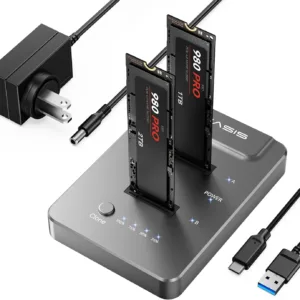
ACASIS type C USB 10Gbps to NVME Clone Dual-Bay External Duplicator for M.2 SSD 2230/2242/ 2260/2280,Supports up to 8TB with Offline Clone Auto Sleep
Original price was: ₹19,999.00.₹7,999.00Current price is: ₹7,999.00. Add to cartSale
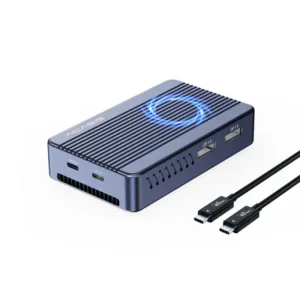
ACASIS Mac Mini Dock Dual Monitor with 40Gbps M.2 NVMe SSD Enclosure, 2*DP1.4, 2*USBA 3.1, 1 USBC 10Gbps, for Thunderbolt 4/USB4/3.2/3.1/3.0, M1/M2
Original price was: ₹29,999.00.₹12,999.00Current price is: ₹12,999.00. Add to cartSale

Ananya Nair –
High capacity and ultra-fast speeds. great value for creators.
Rohan Sharma –
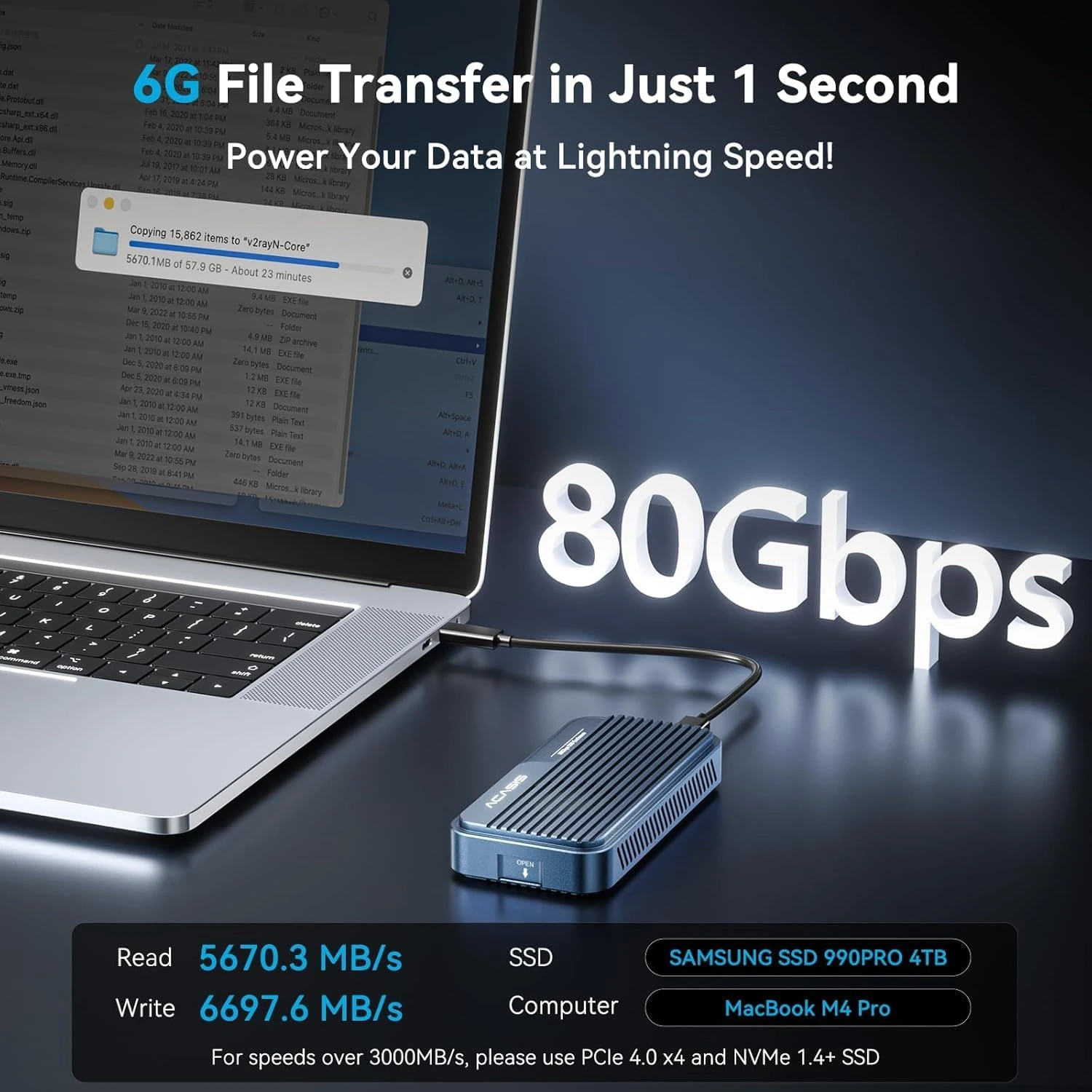
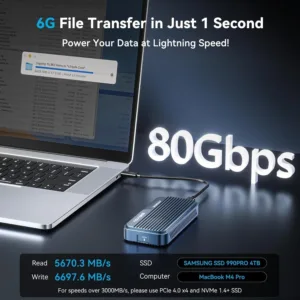
This SSD enclosure is insanely fast 80 Gbps speeds make transferring large video files painless!
Devansh Yadav –
Finally I am able to edit 8K footage directly off the enclosure. no lag at all. A true Monster.
Divya Sharma –
Handles enormous transfers without breaking a sweat very impressed.
Neha Kulkarni –
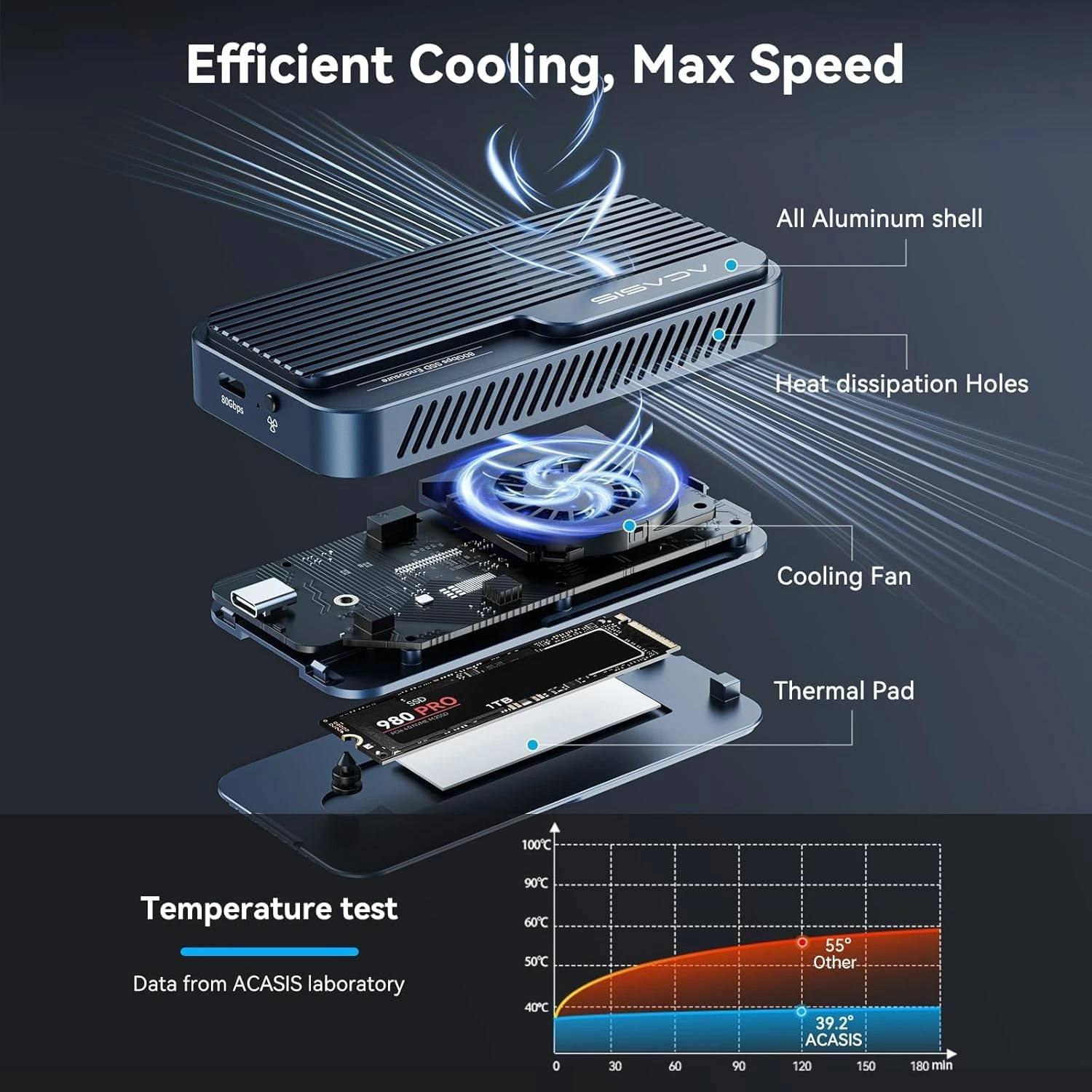
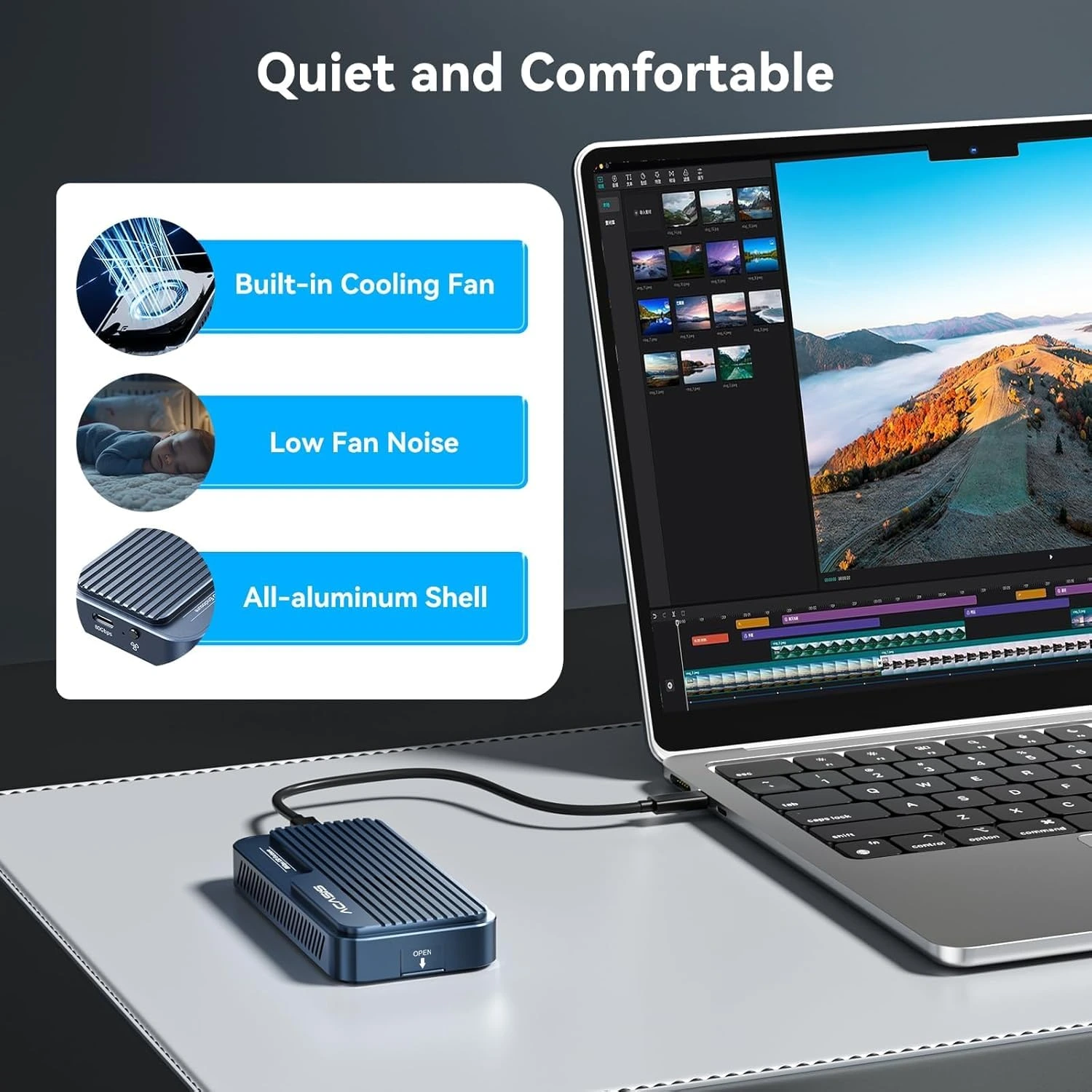
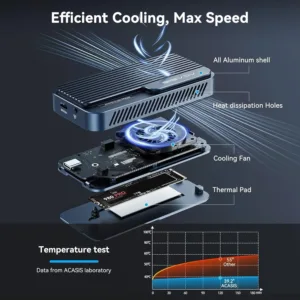
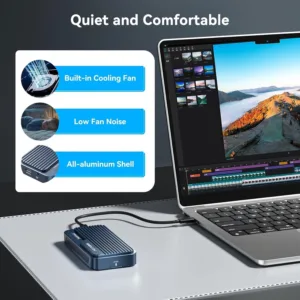
The built-in fan keeps everything cool even during long video editing sessions.
Prateek Bhat –
feels solid and performs beyond expectations.
Siddharth Nair –
Backwards compatible with my Thunderbolt 4 port and USB4 super versatile.
Arjun Mehta –
Active cooling fan keeps the drive temp low even during big transfers very stable performance.
Aman Bhatt –
Lightning-fast external storage that keeps up with my editing workflow.
Kritika Shah –
Active fan runs quietly and helps maintain performance under load.
Harsh Malhotra –
Perfect for mobile editing stations. super fast and compact.
Tanya Mehra –
I don’t have currently thunderbolt 5 ports in my MacBook, Works perfectly with my USB4 port such fast throughput. I will upgrade my laptop to thunderbolt 5 ports soon. future proof enclosure.
Neha Kulkarni –
Support for Thunderbolt 5 and USB4 makes this future-proof for newer laptops.
Karan Patel –
Excellent aluminum build quality feels premium and durable.
Ankit Verma –
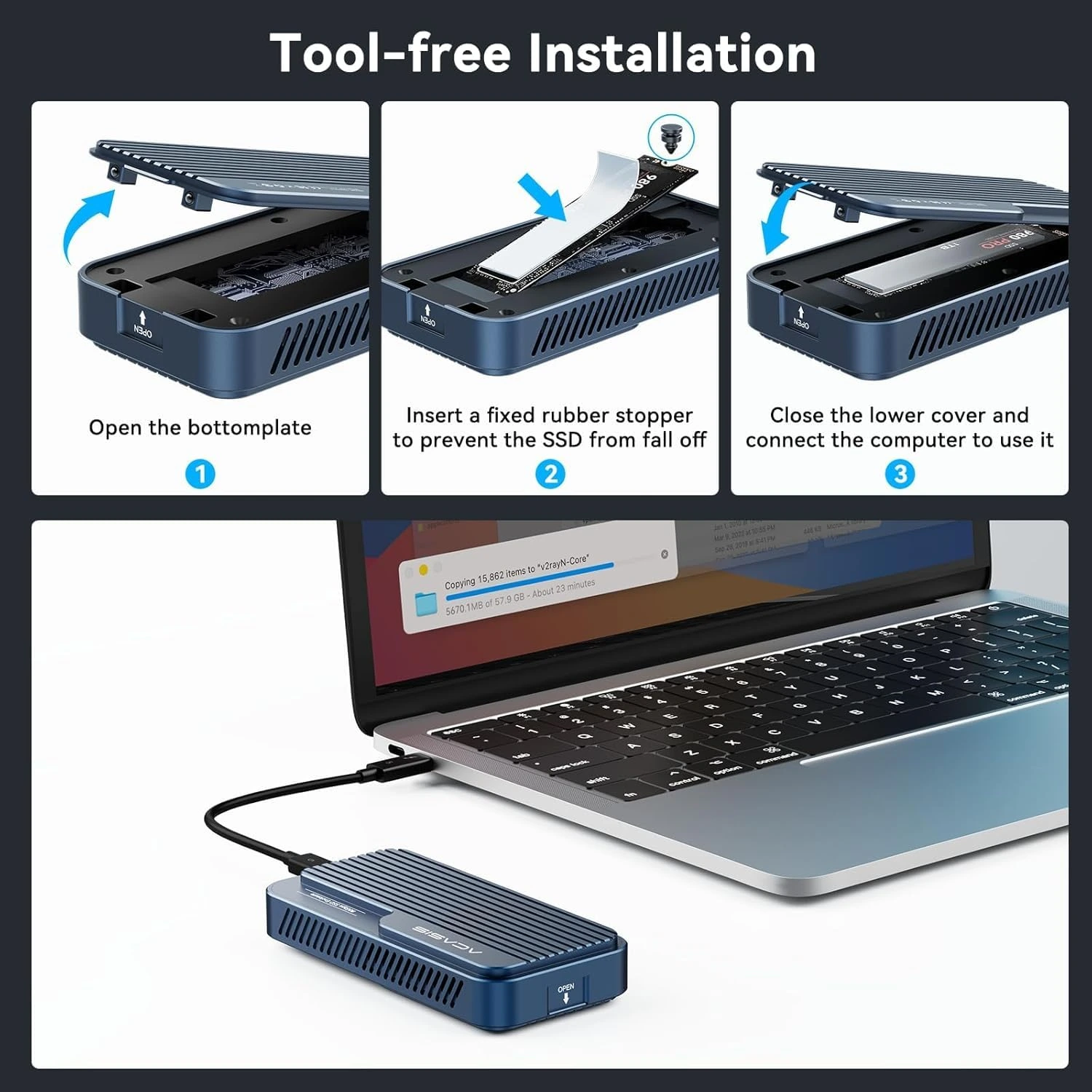
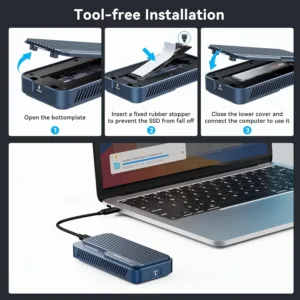
Installation was easy and tool-free perfect for quick setup.
Meera Singh –
Massive improvement over my old USB-C enclosure real Thunderbolt performance here.
Alisha Rao –
Transferring 4K projects is a breeze speeds are consistently fast.
Shruti Dixit –
Supports up to 8 TB SSDs so I have tons of storage for photos and videos.
Sakshi Gupta –
Thunderbolt 5 speeds feel next-level. huge time saver.
Yogesh Patel –
This enclosure doesn’t disappoint 80 Gbps is real and noticeable!
Rhea Kapoor –
Setup took minutes straight out of the box it just worked. finally found an enclosure for my Macbook M4 Pro which meets the apple philosophy. Little bit expensive for me but worth it every penny
Arnav Singh –
Perfect external solution for backups super fast and reliable. underrated.