No products in the cart.

Sale
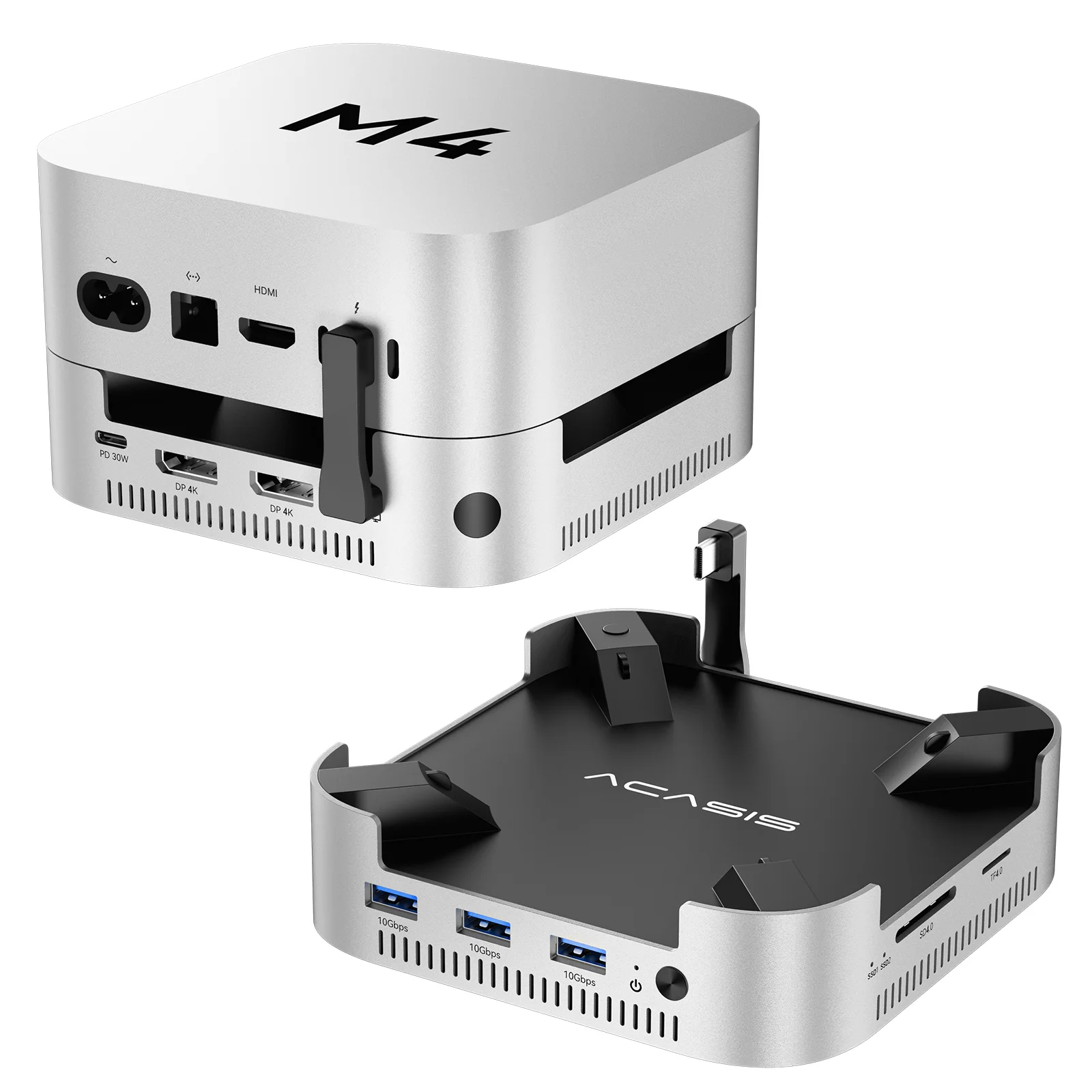
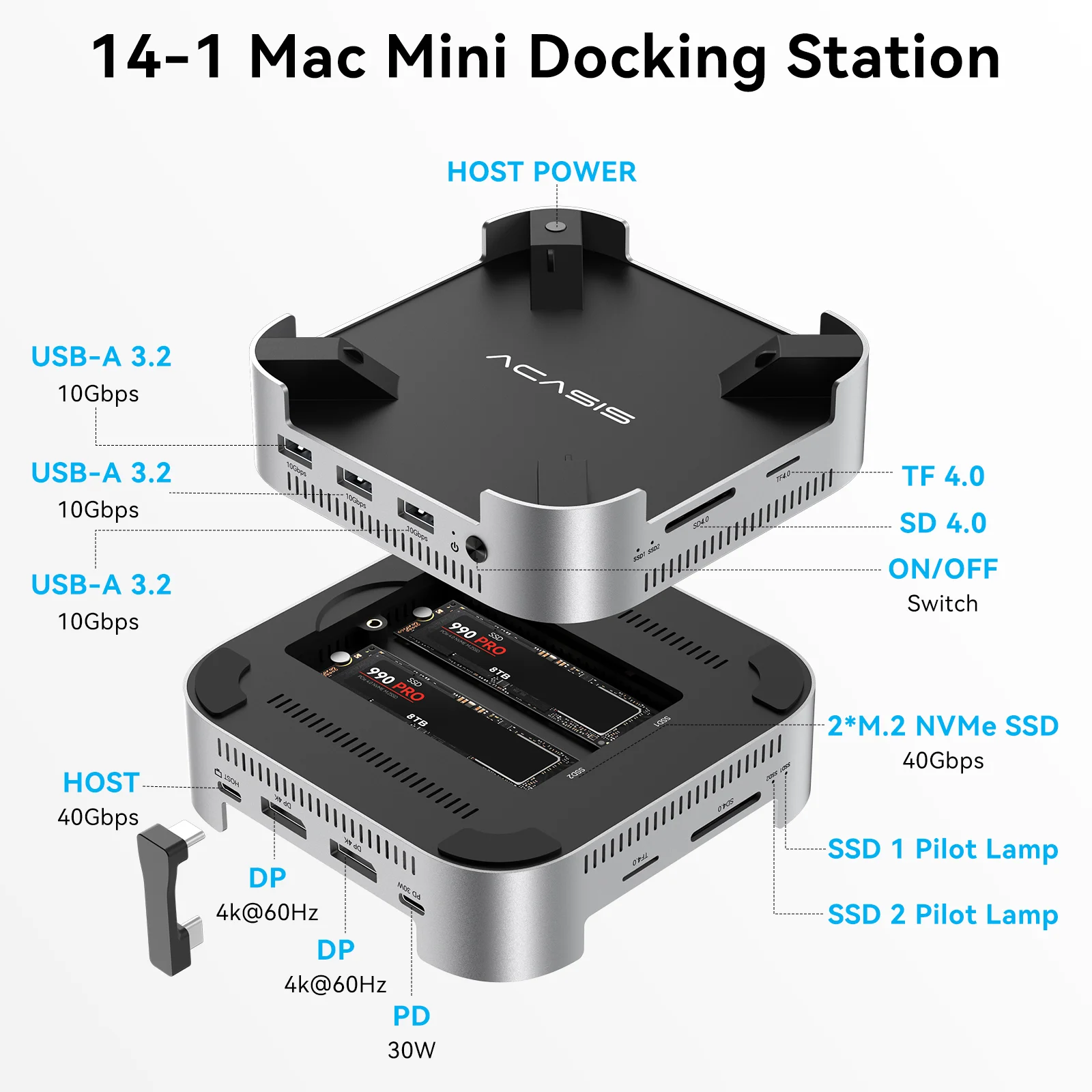
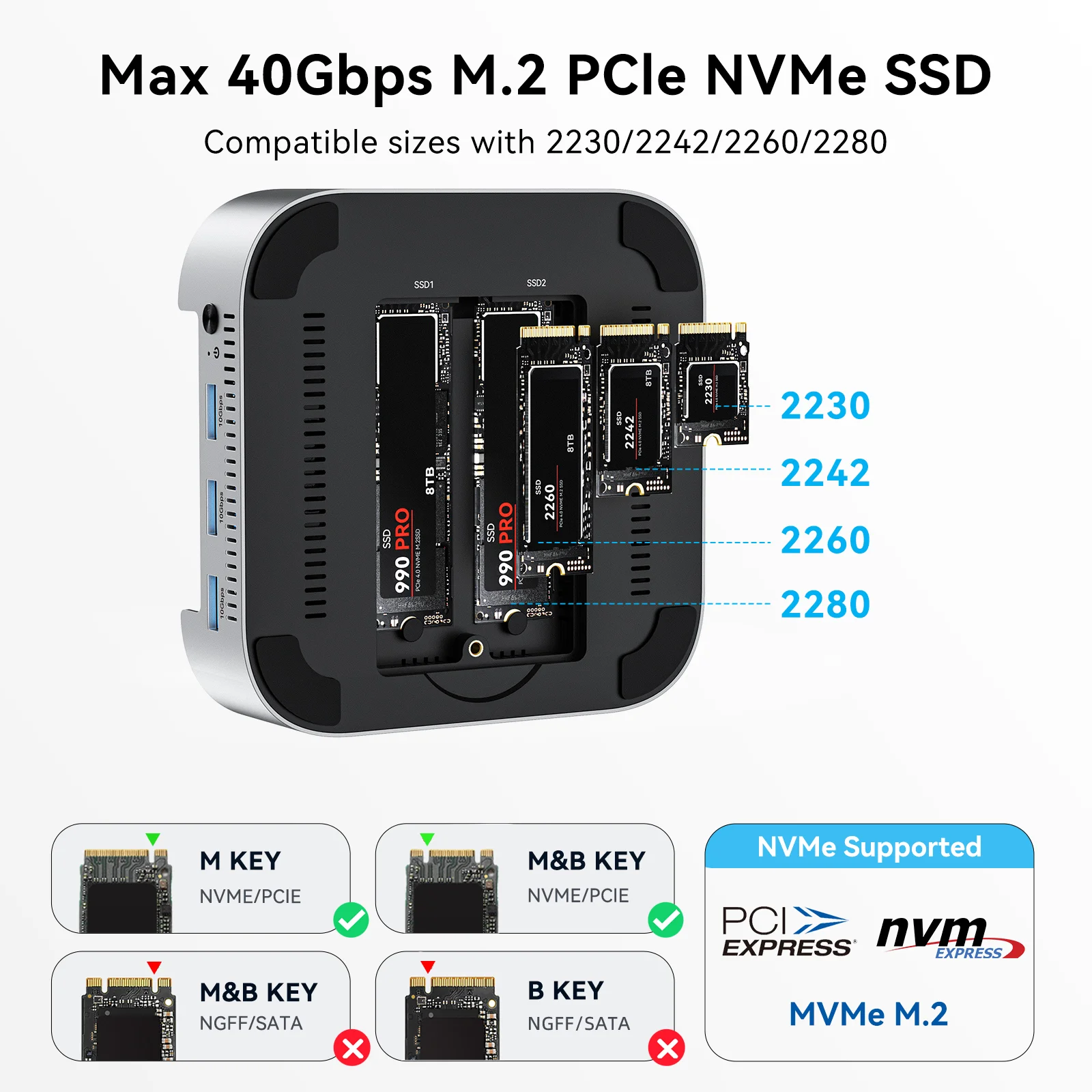
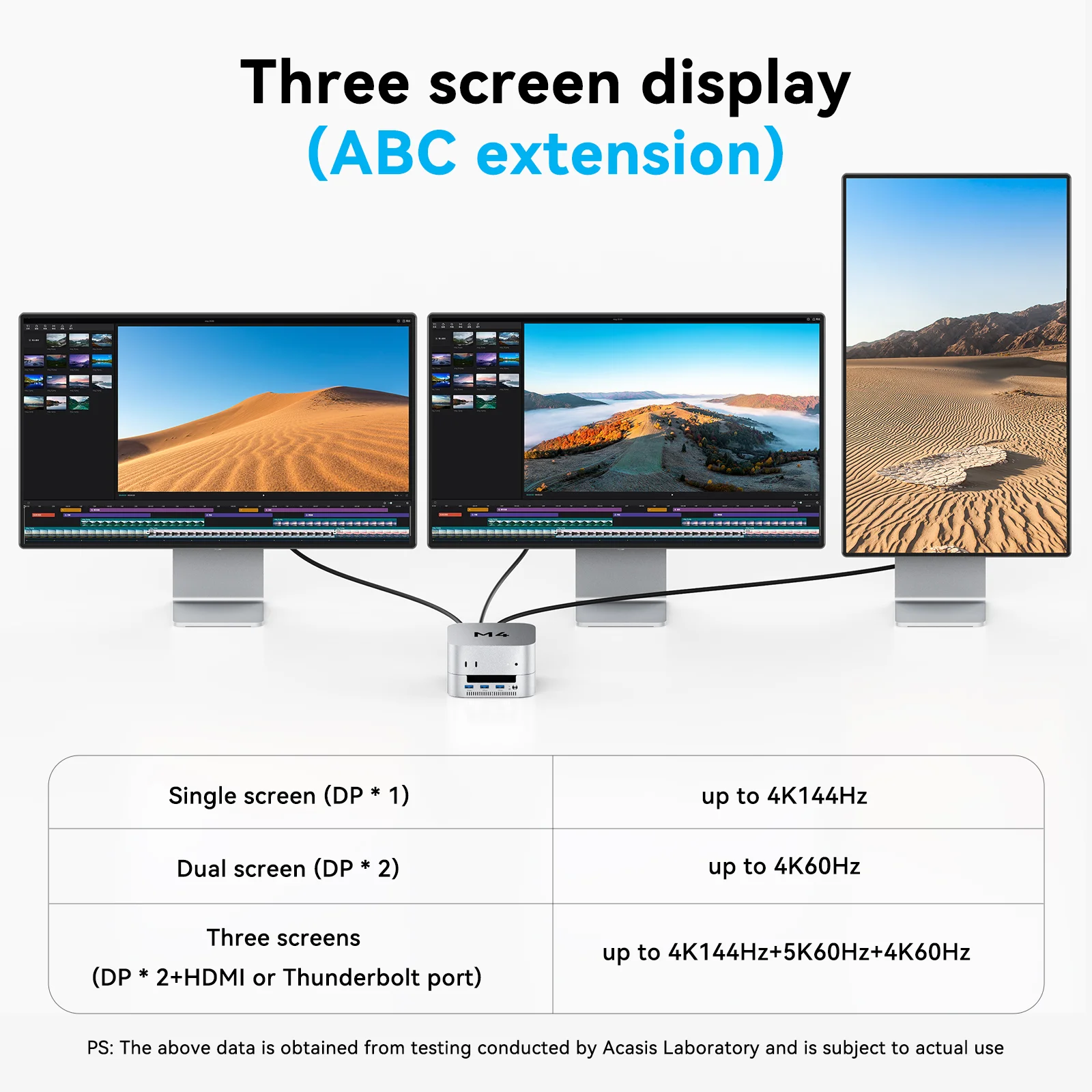
 ACASIS 14-in-1 Dock with 40Gbp...
 Products
-
 Original price was: ₹14,999.00.₹4,999.00Current price is: ₹4,999.00.
 -
Original price was: ₹69,999.00.₹24,999.00Current price is: ₹24,999.00.
-
Original price was: ₹59,999.00.₹28,999.00Current price is: ₹28,999.00.
-
Original price was: ₹29,999.00.₹14,999.00Current price is: ₹14,999.00.
-
Original price was: ₹49,999.00.₹26,290.00Current price is: ₹26,290.00.
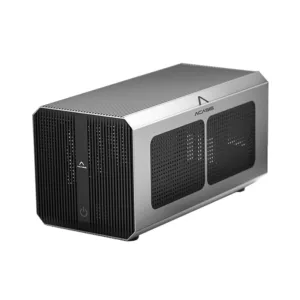
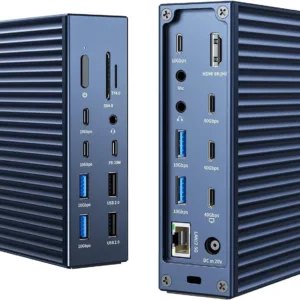
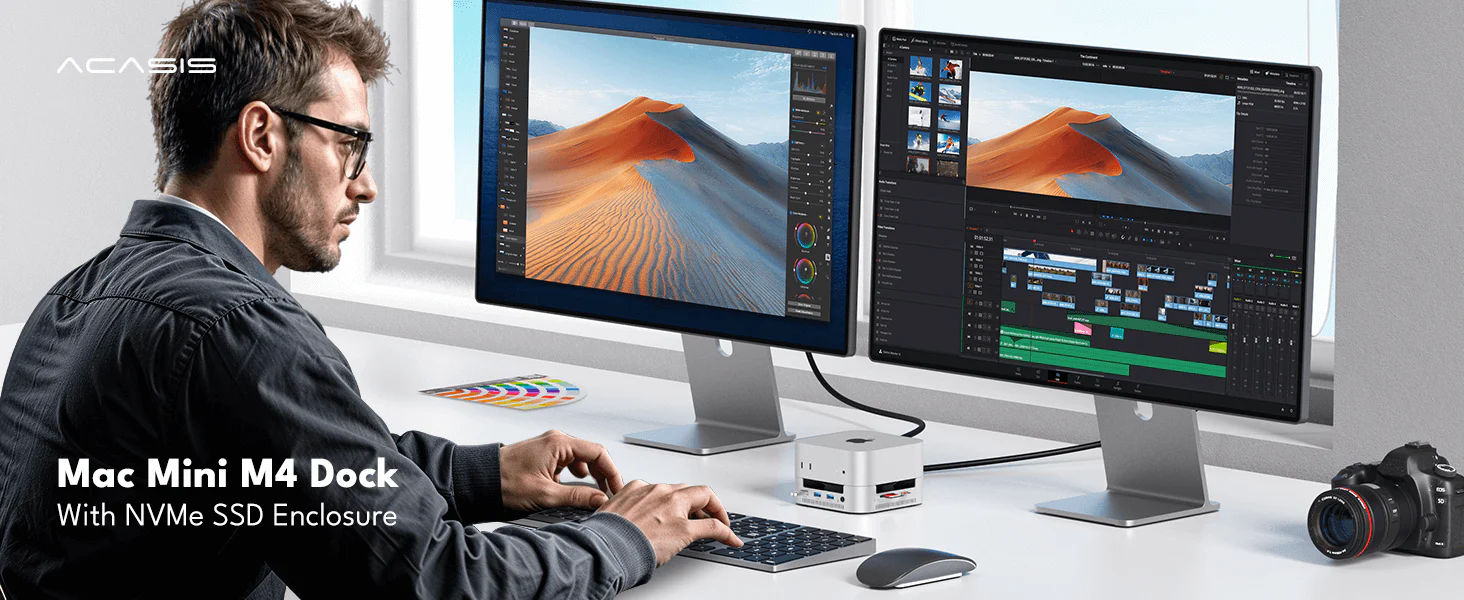
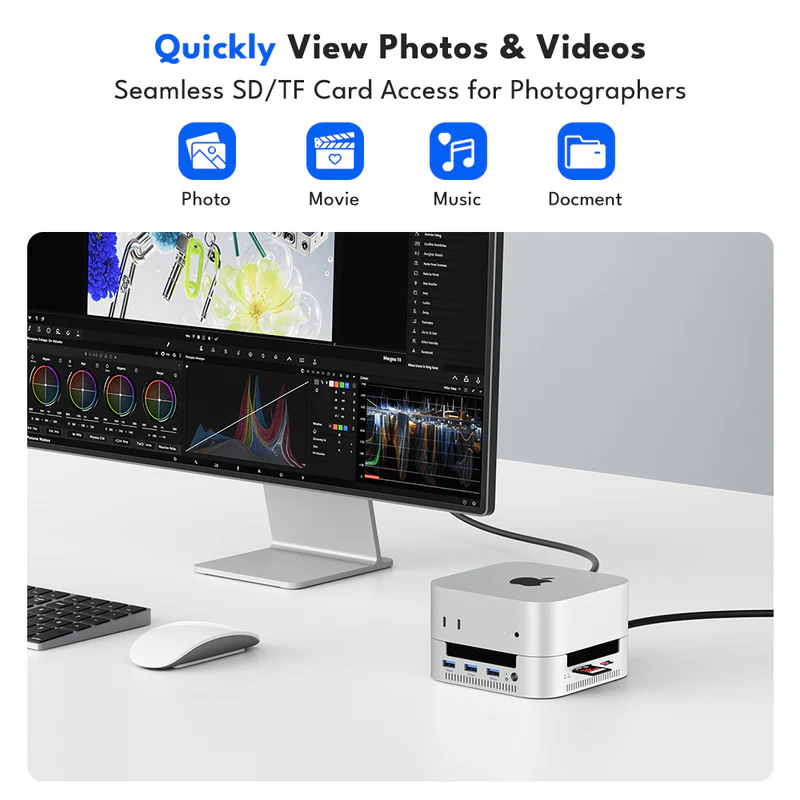
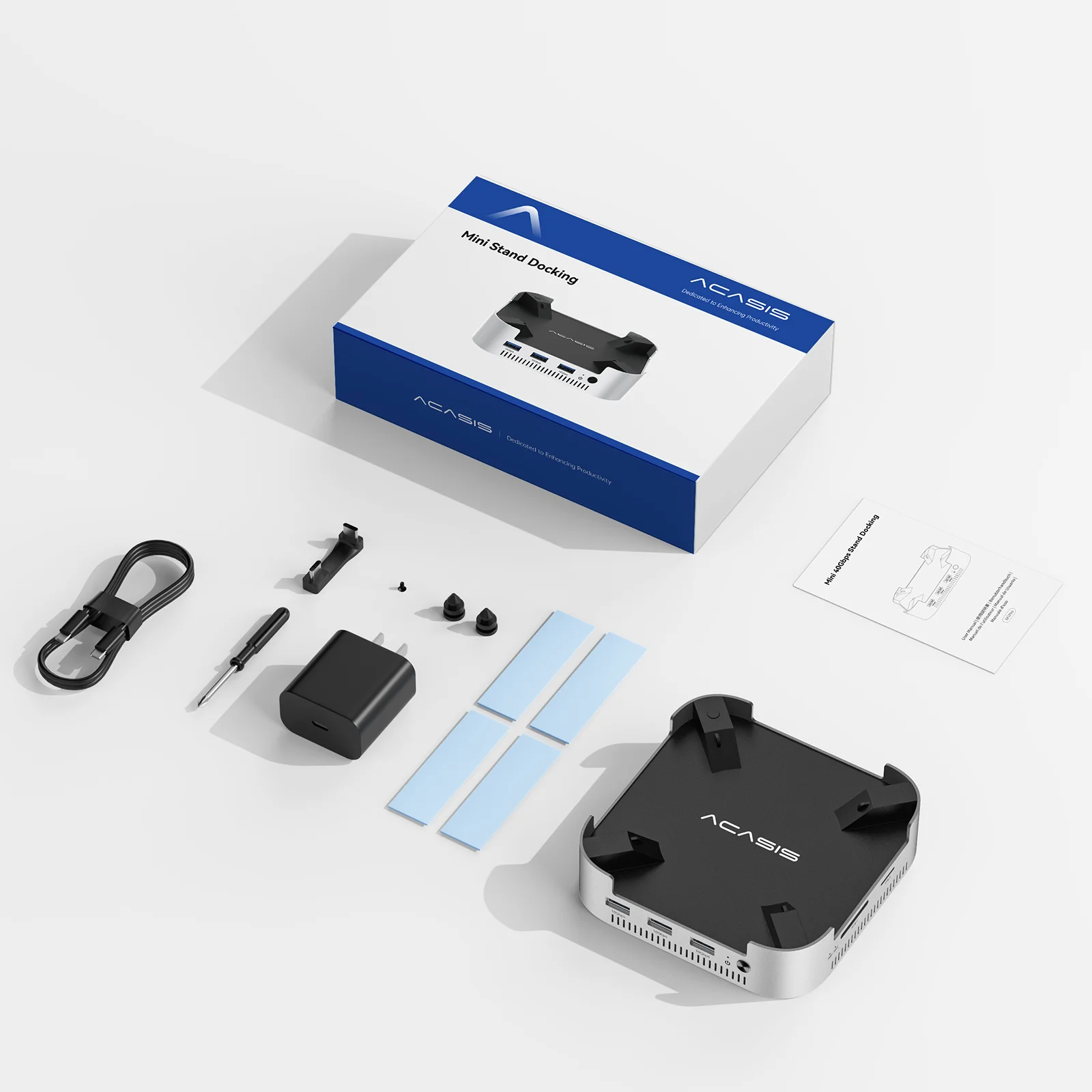
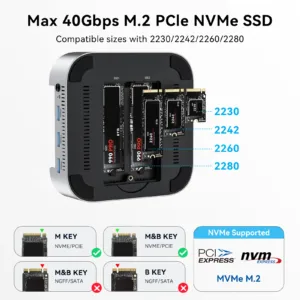
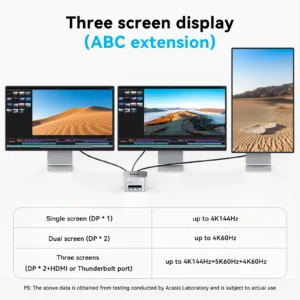
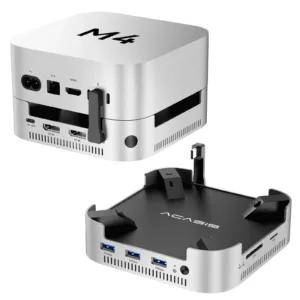
ACASIS 40Gbps Dock & SSD Enclosure Designed for Mac mini M4
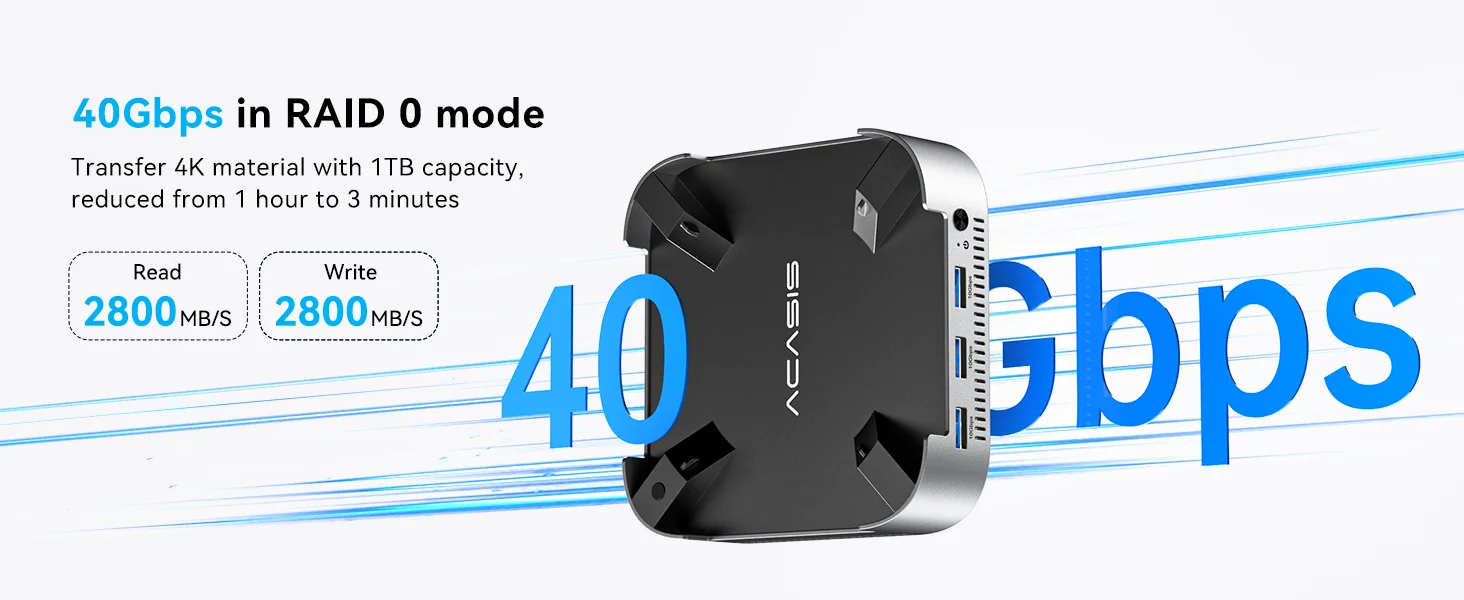
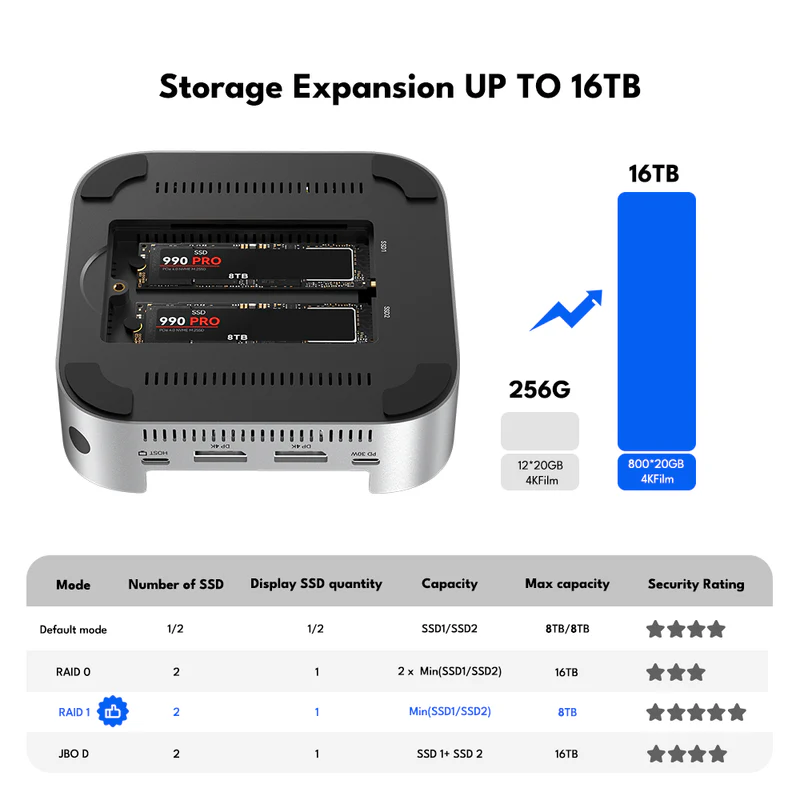
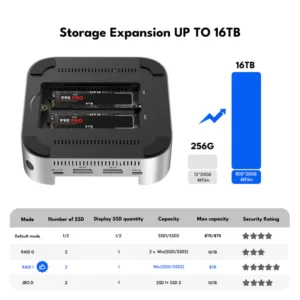
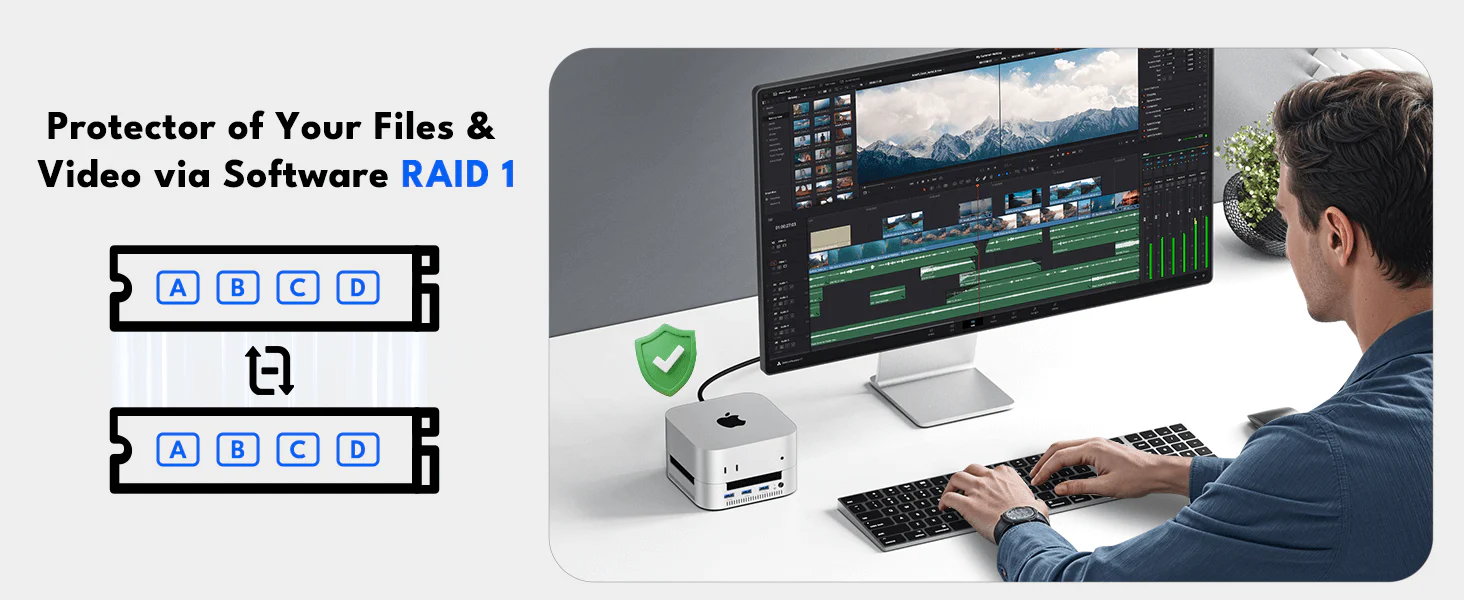 Mirroring data for extra peace of mind. Software Raid 1 Mode is the most popular mode for the Software Raid SSD enclosure. It can mirror your data to two different SSDs, so you will always have a backup if one SSD malfunctions.
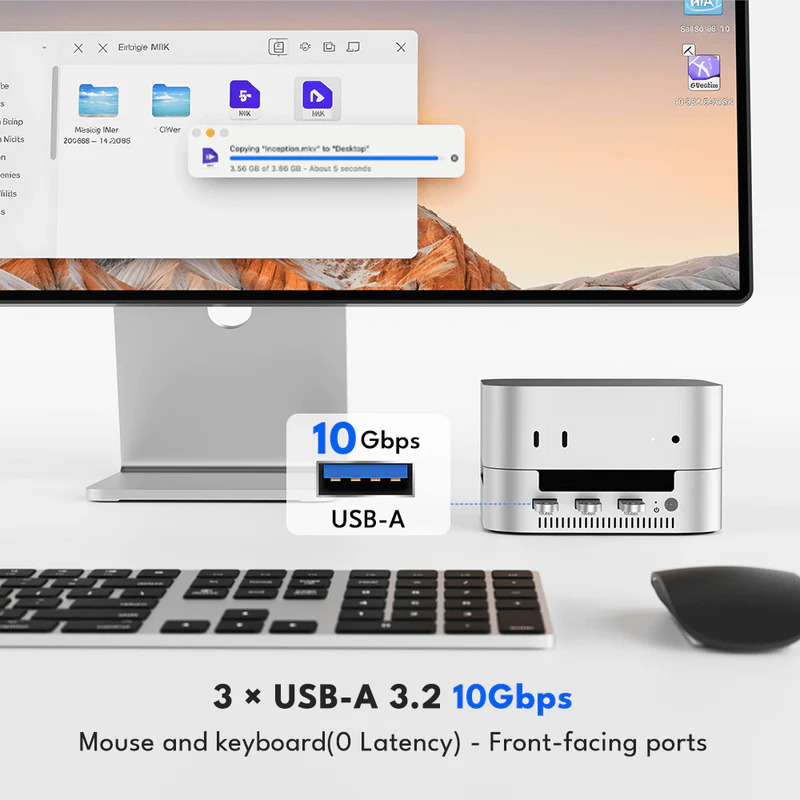
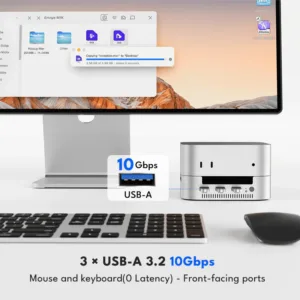
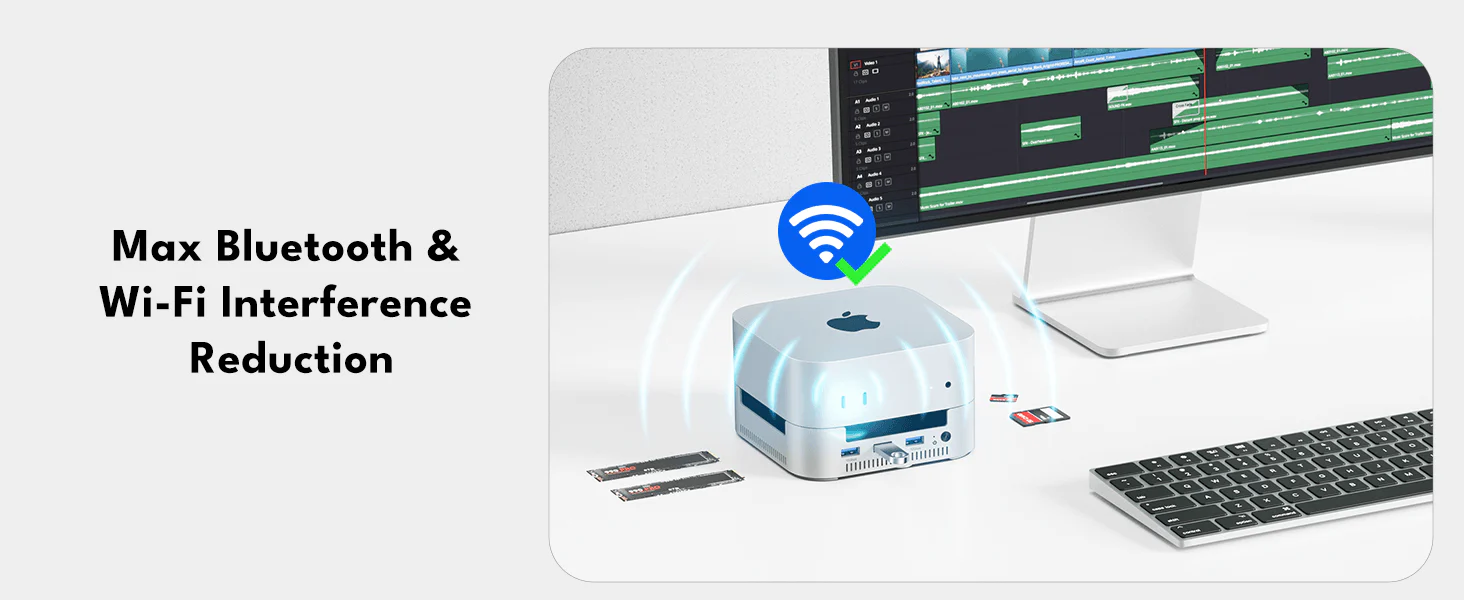 The Mac mini M4 Dock features internal conductive shielding to reduce Wi-Fi interference, even with high-speed 10Gbps USB-A ports. This ensures stable wireless performance for seamless streaming, video calls, and large downloads with minimal disruptions.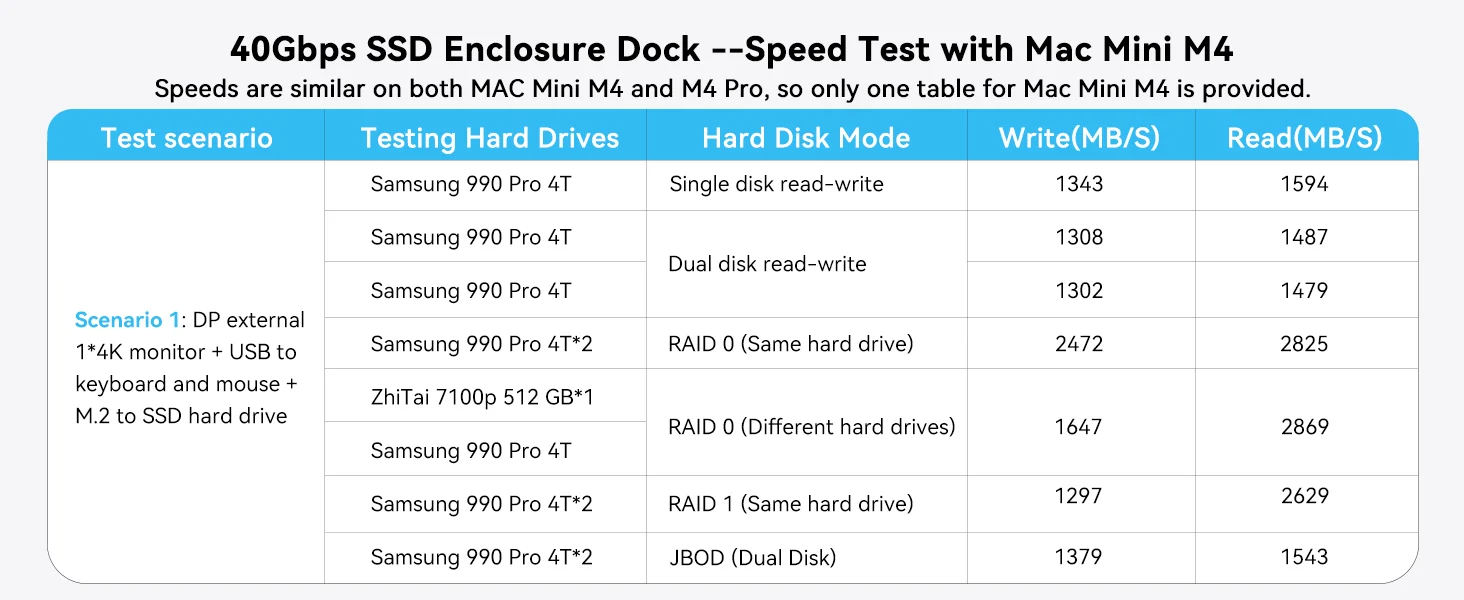
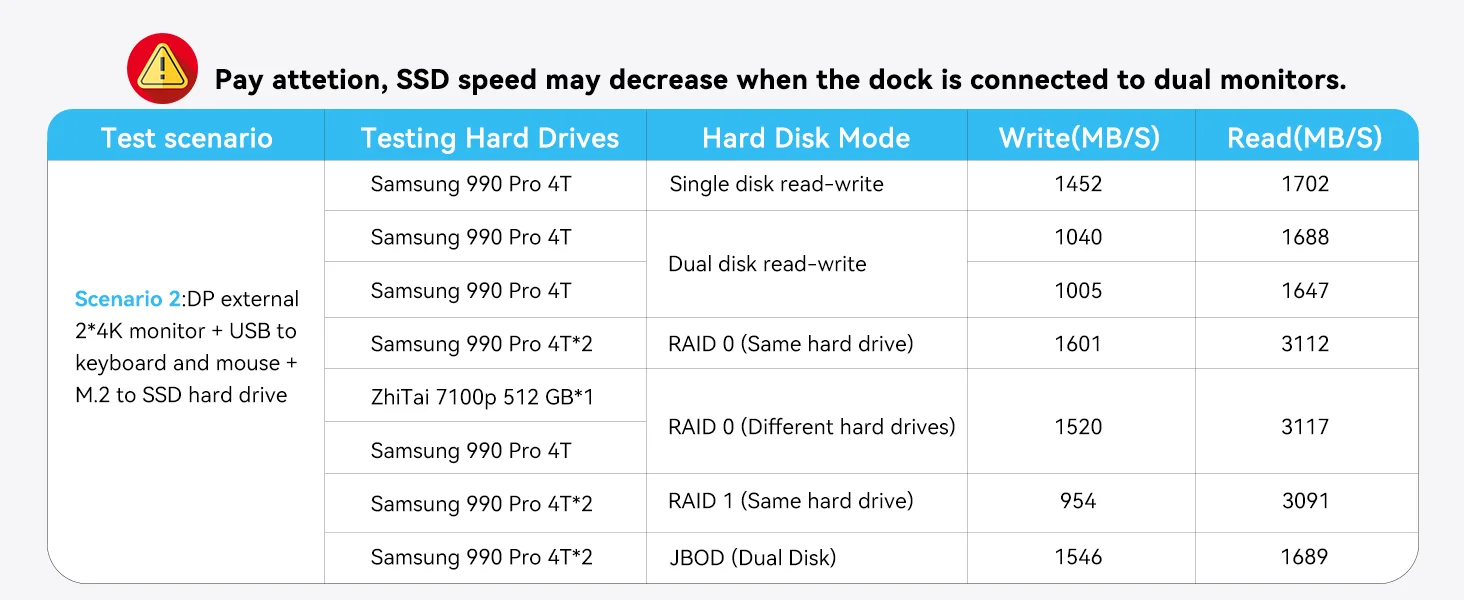
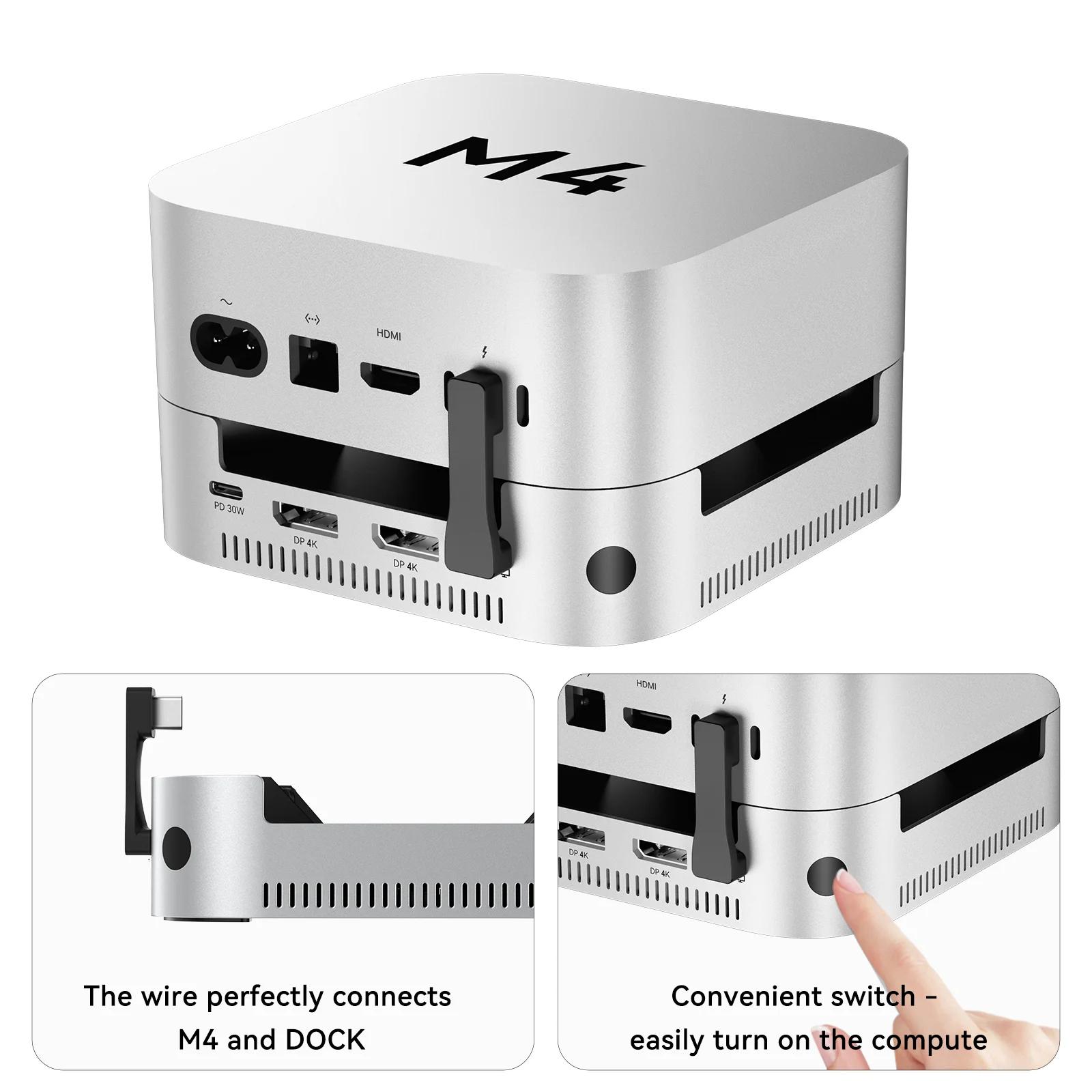
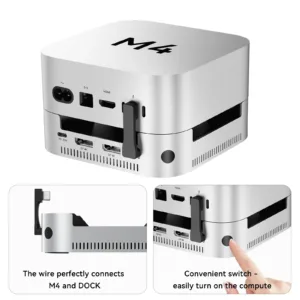
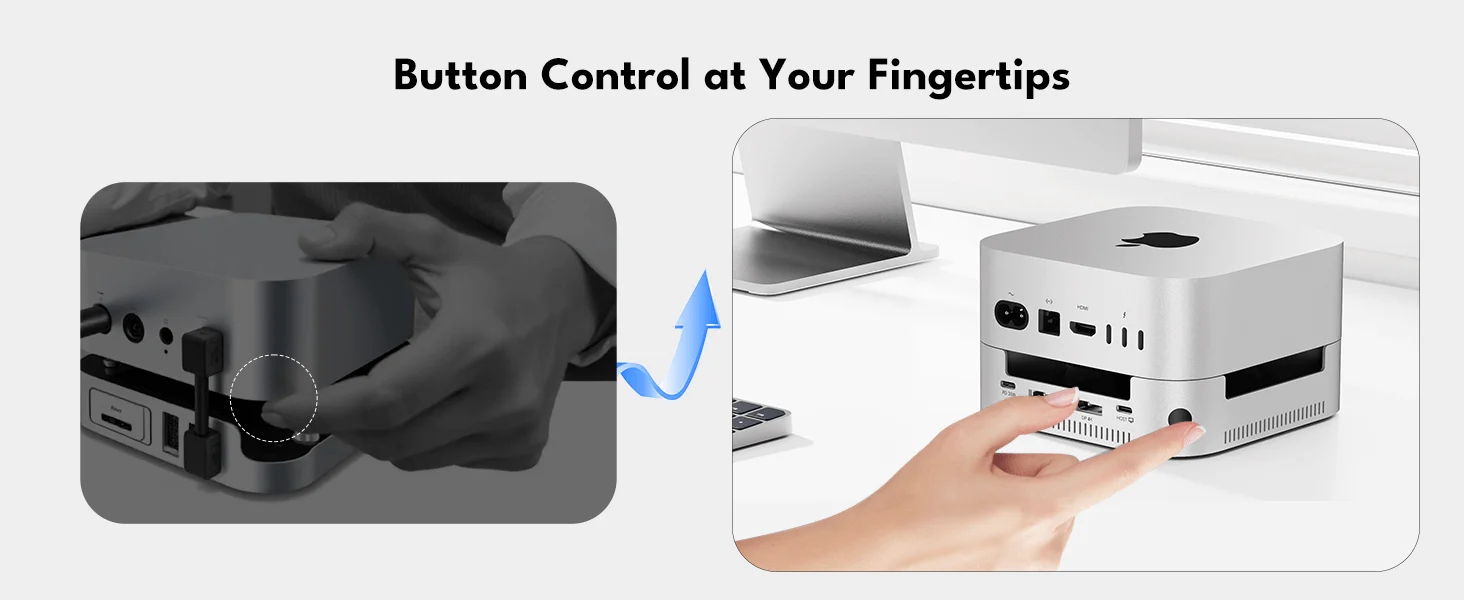 A more user-friendly design eliminates the need to search for the Mac mini M4 power switch. Simply press the outer button on the Mac mini M4 Dock to effortlessly control the power and start your Mac mini M4.
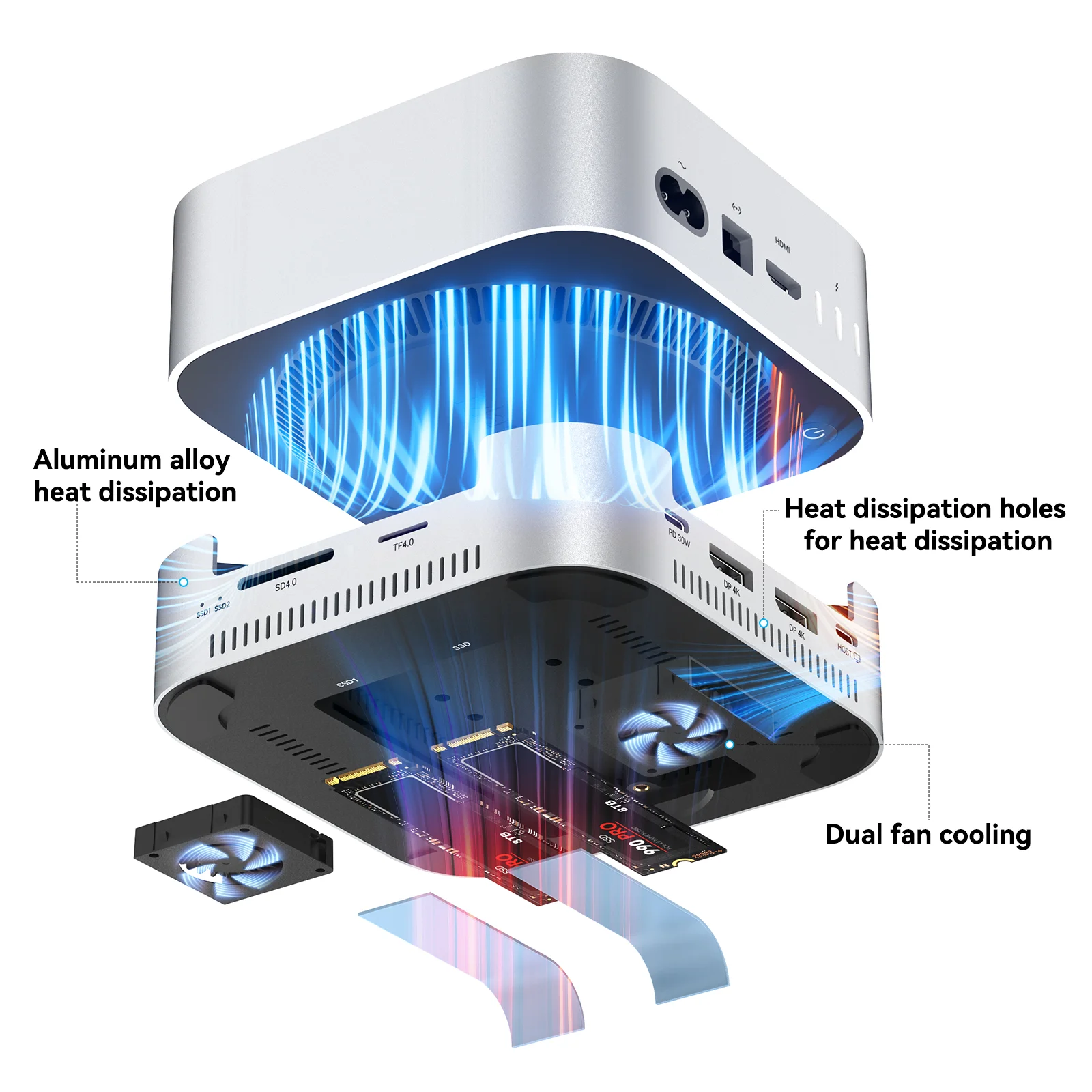
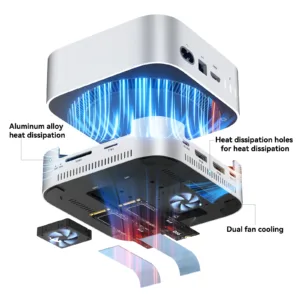
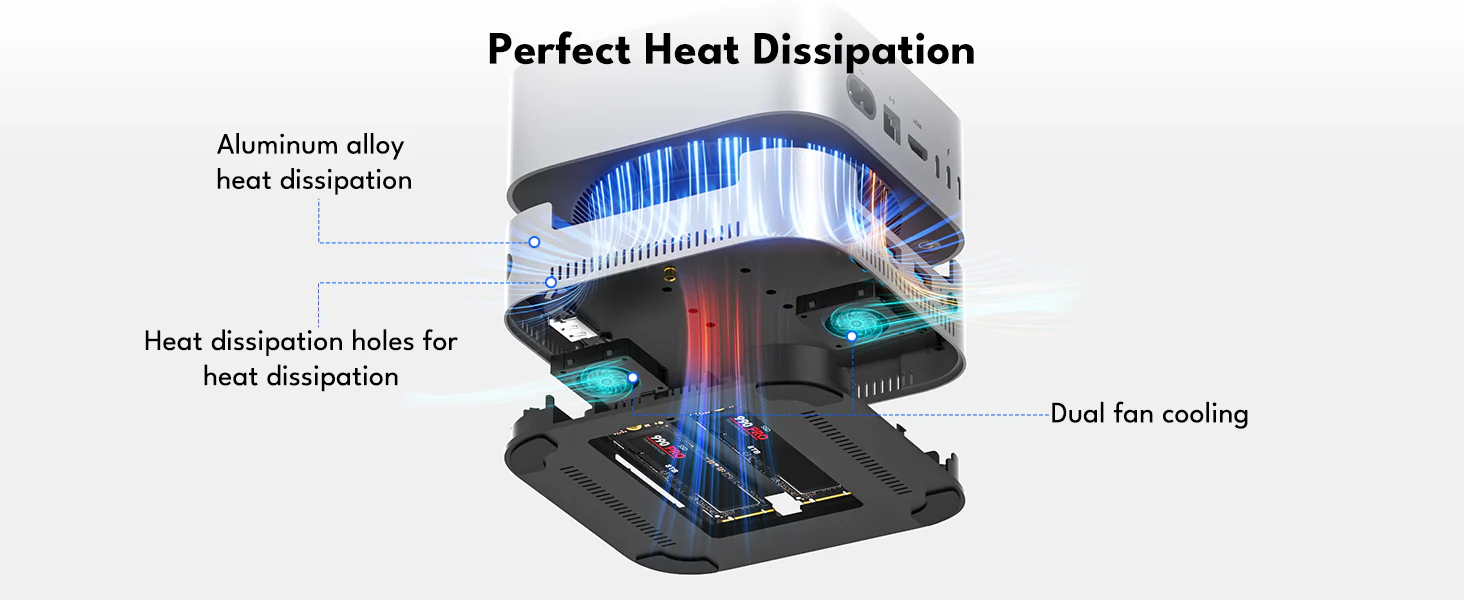 Even after 4 hours of continuous use, the dock maintains a safe operating temperature of 60°C, thanks to its robust aluminum construction and dual-fan system(operating at approximately 52dB) to ensure efficient thermal management.
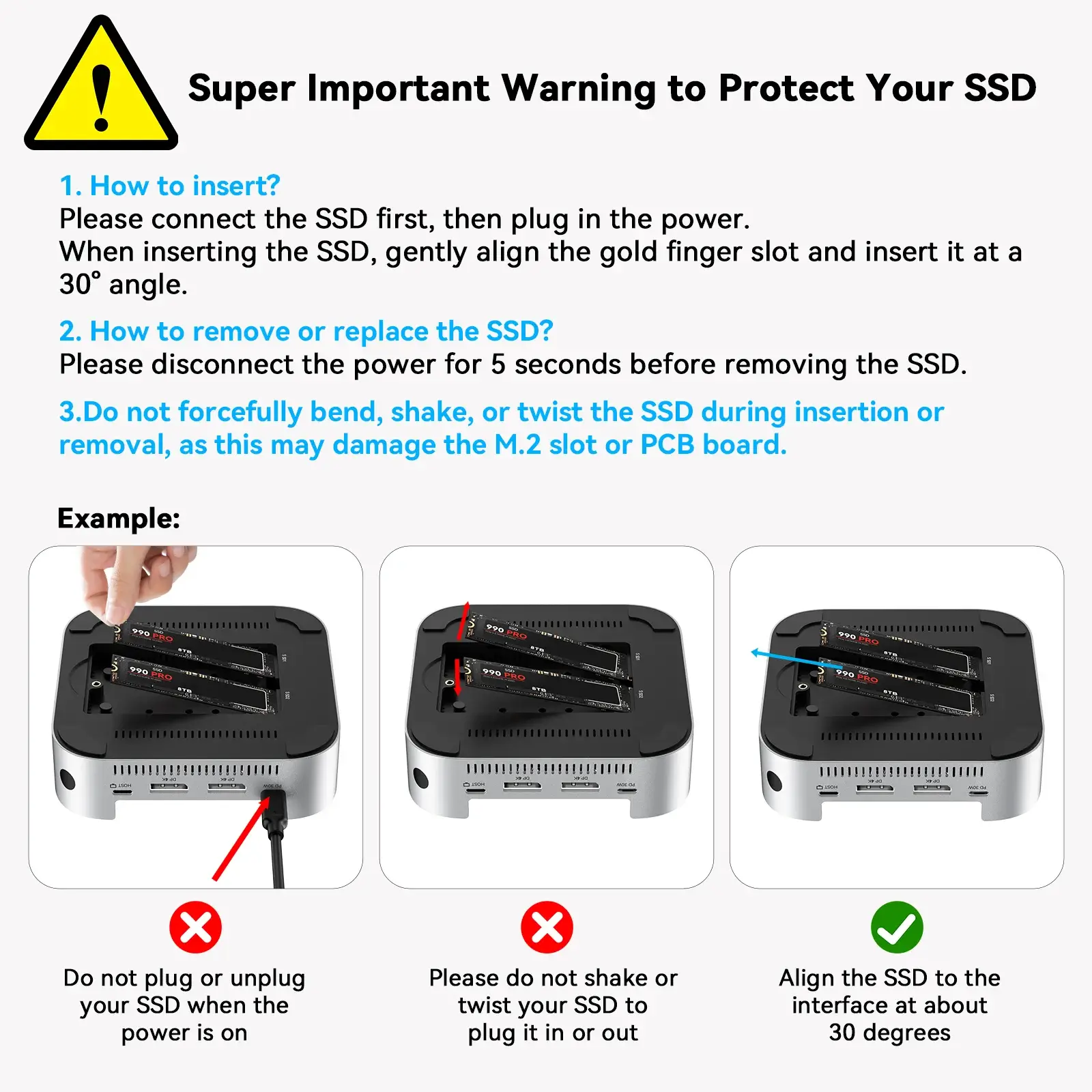
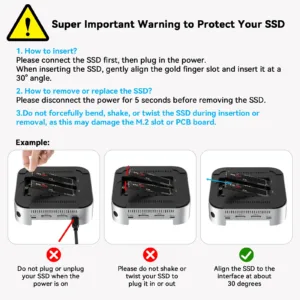
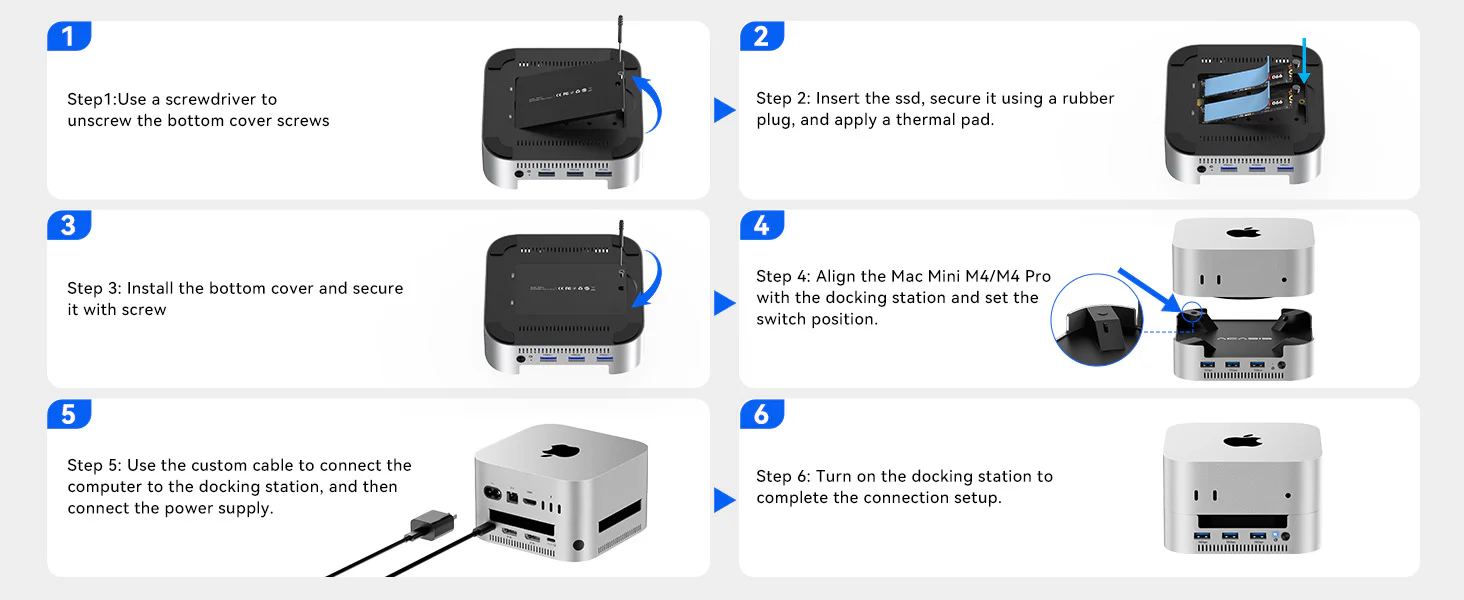 ⚠️ Don’t Insert or Remove SSD While Powered On.
M001Pro VS M001
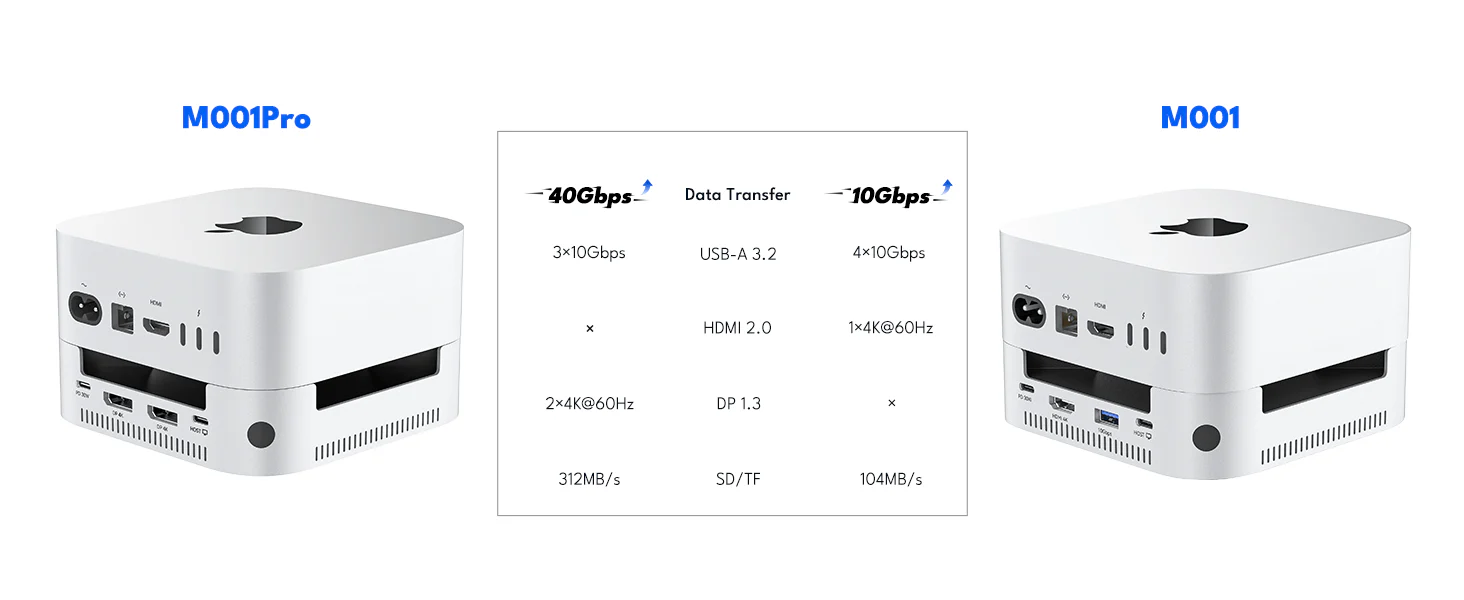
9 reviews for ACASIS 14-in-1 Dock with 40Gbps Dual SSD Enclosure for M4/M4PRO Mac Mini, 3×3.2 USBA 10Gbps, 2xDP 4k@60Hz, SD/TF4.0, PD30W, Software RAID | Upto 16TB
Related products
Sale
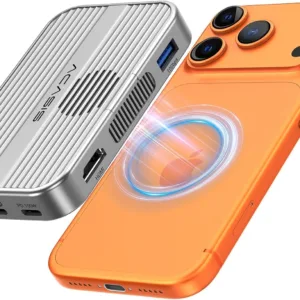
ACASIS 6-in-1 USB-C M.2 2280/2260/2242/2230 SSD Enclosure+Docking Station with Magsafe for iPhone 15/16/17 Pro/Max ProRes, M/B+M Key UASP (Upto 8TB)
Original price was: ₹14,999.00.₹4,999.00Current price is: ₹4,999.00. Add to cartSale
ACASIS 2230 SSD Enclosure with Magsafe for iPhone 15 Pro Max ProRes, 10Gbps USB C 3.2 Gen2, Aluminum body, Support M-Key B+M Key UASP( UP to 2TB)
Original price was: ₹9,999.00.₹2,499.00Current price is: ₹2,499.00. Add to cartSale
ACASIS 5-Bay External Array 2.5″/3.5″ USB to SATA HDD Case with 8-Mode RAID & 96W Power Adapter for 2.5″/3.5″ SATA HDD/SSD, Support 5x24TB Upto 120TB
Original price was: ₹49,999.00.₹28,599.00Current price is: ₹28,599.00. Add to cartSale
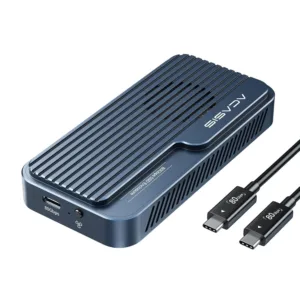
ACASIS type C USB 10Gbps to NVME Clone Dual-Bay External Duplicator for M.2 SSD 2230/2242/ 2260/2280,Supports up to 8TB with Offline Clone Auto Sleep
Original price was: ₹19,999.00.₹7,999.00Current price is: ₹7,999.00. Add to cartSale

Kunal –
The fan noise is noticeable (around 52dB) when the SSDs are busy, but it’s a steady hum. I prefer cooling over silence for my hardware.
Manav Singh –
The build quality is exceptional. It feels solid, heavy, and premium—exactly what you want for a critical piece of your setup.
Imran –
It makes my Mac Mini look and feel like a pro workstation.
Diya Kapoor –
Set up RAID 1 for instant backup of my design projects. The peace of mind is worth every rupee. Works flawlessly.
Trisha Menon –
Transformed my compact Mac Mini into a storage and connectivity powerhouse.
Chirag Mehta –
The dedicated power button is a genius touch. No more fumbling behind the Mac Mini. Such a user-friendly design.
Bina Shah –
Finally, a dock that doesn’t interfere with my Wi-Fi! The internal shielding works perfectly.
Pooja Chavan –
As a 3D artist, the fast storage bandwidth is critical. I can work on high-poly models directly from the dock’s SSDs without lag.
Aditya Roy –
The ultimate dock for my Mac Mini M4 Pro. The 40Gbps speed for the dual SSD slots is phenomenal. My video editing workflow has never been smoother.