No products in the cart.

Sale
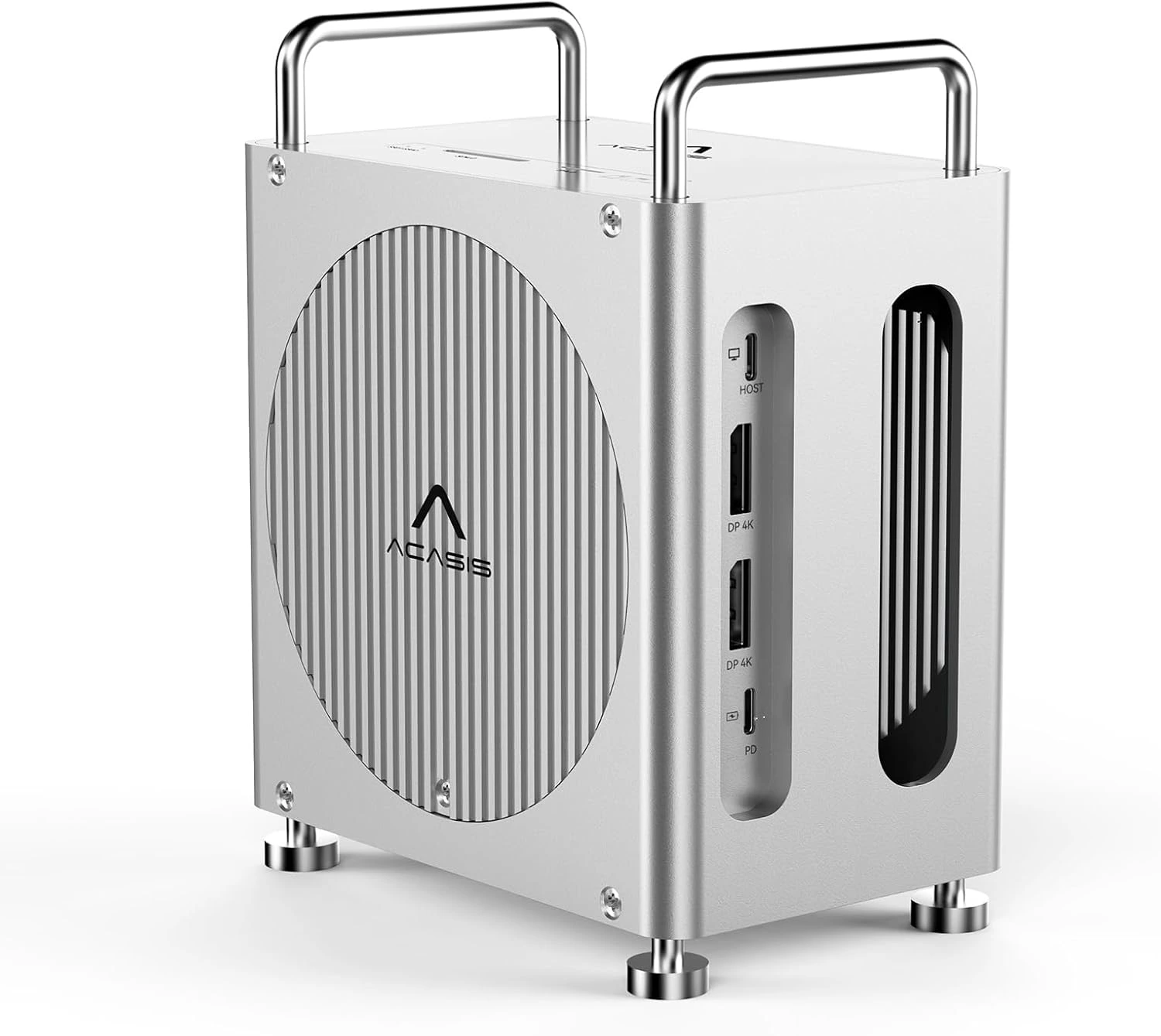
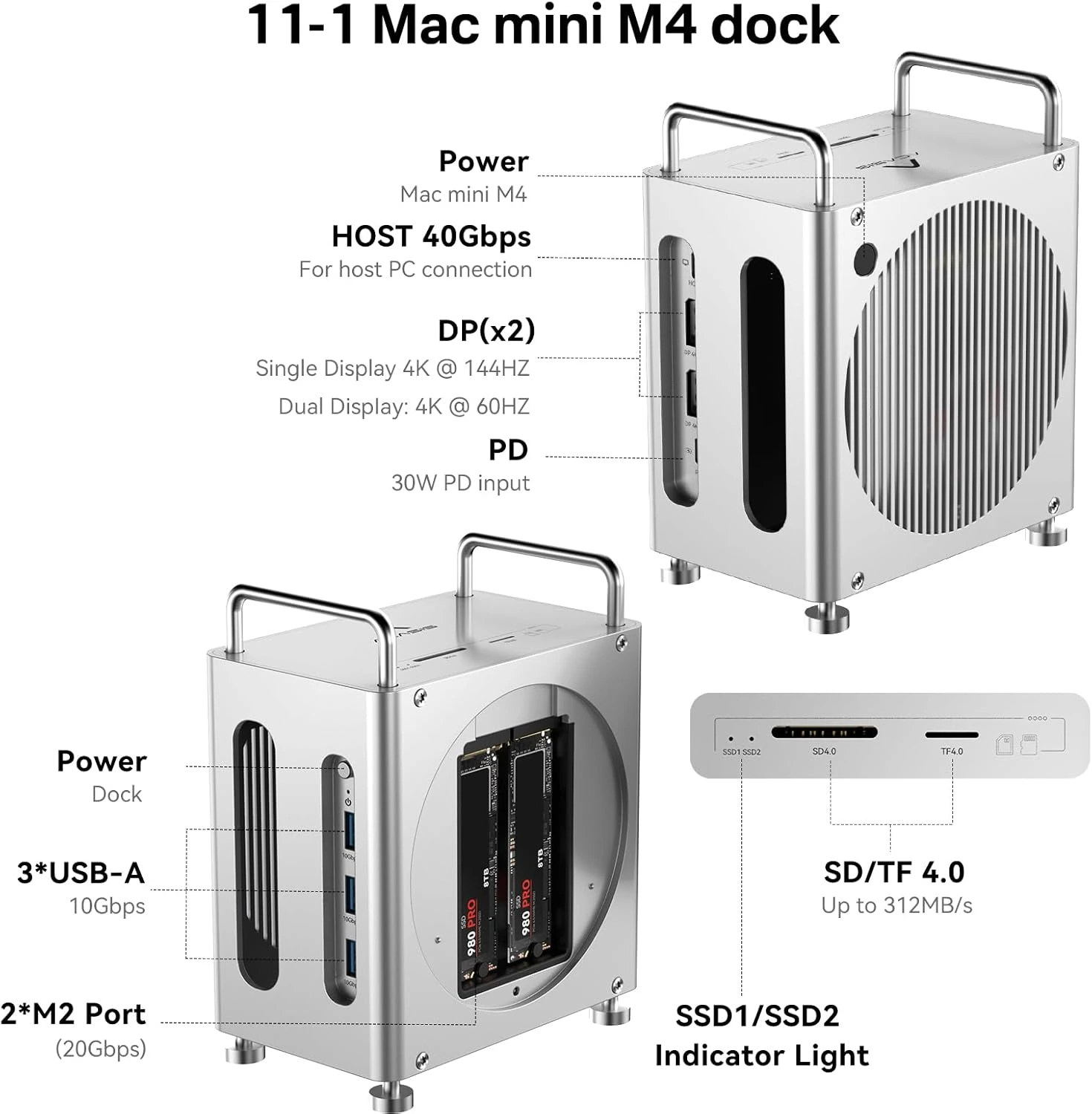
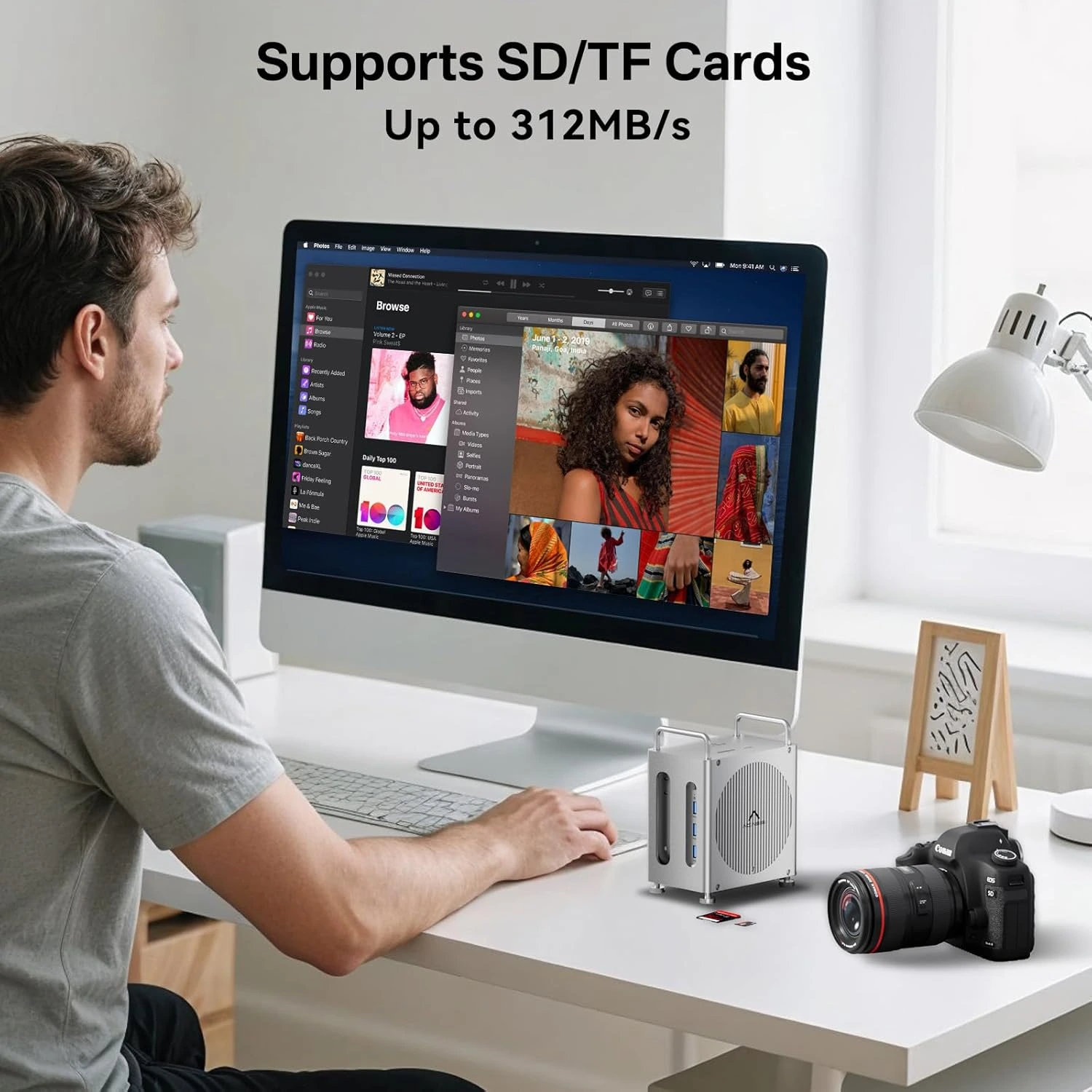
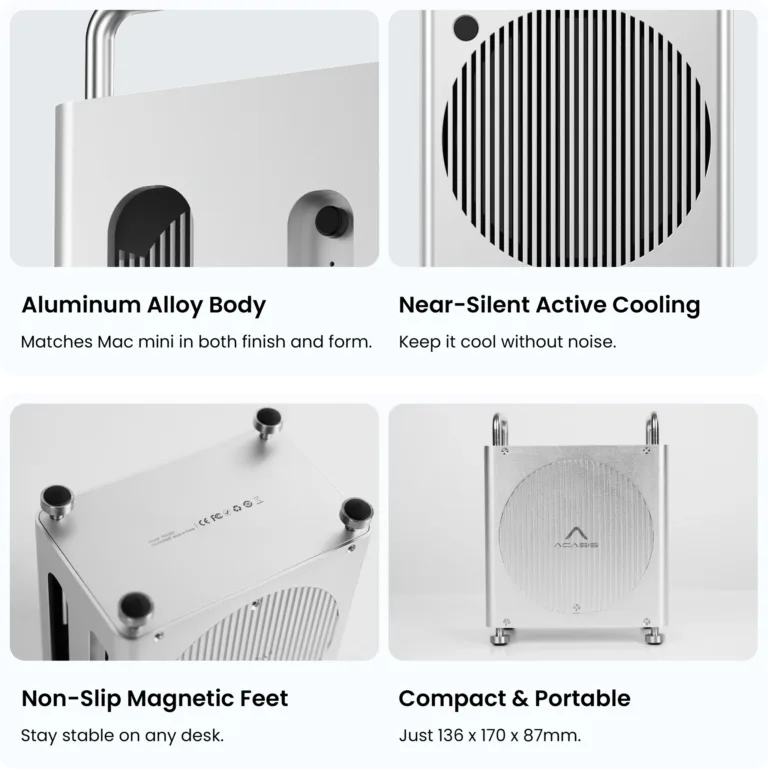
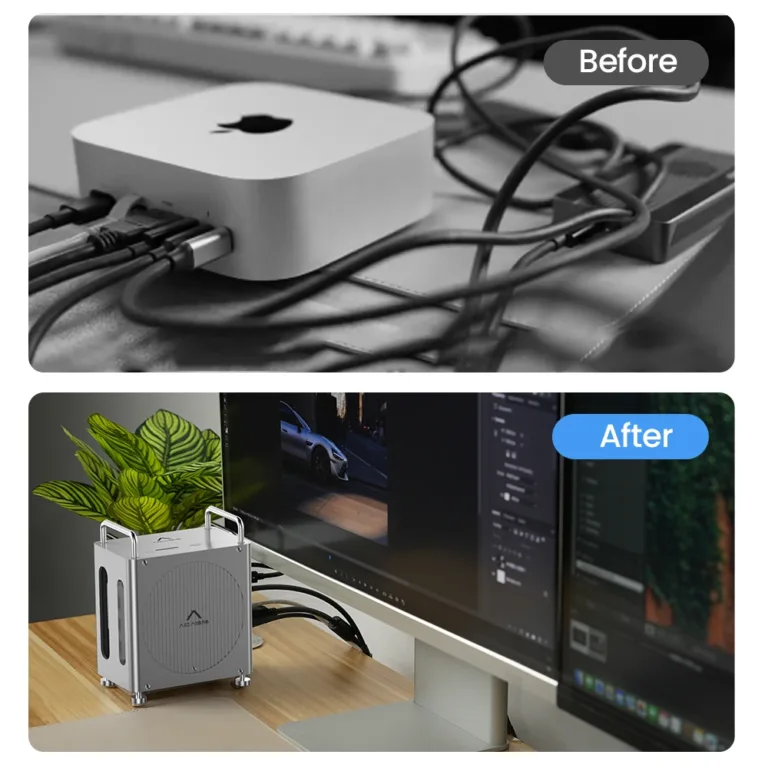
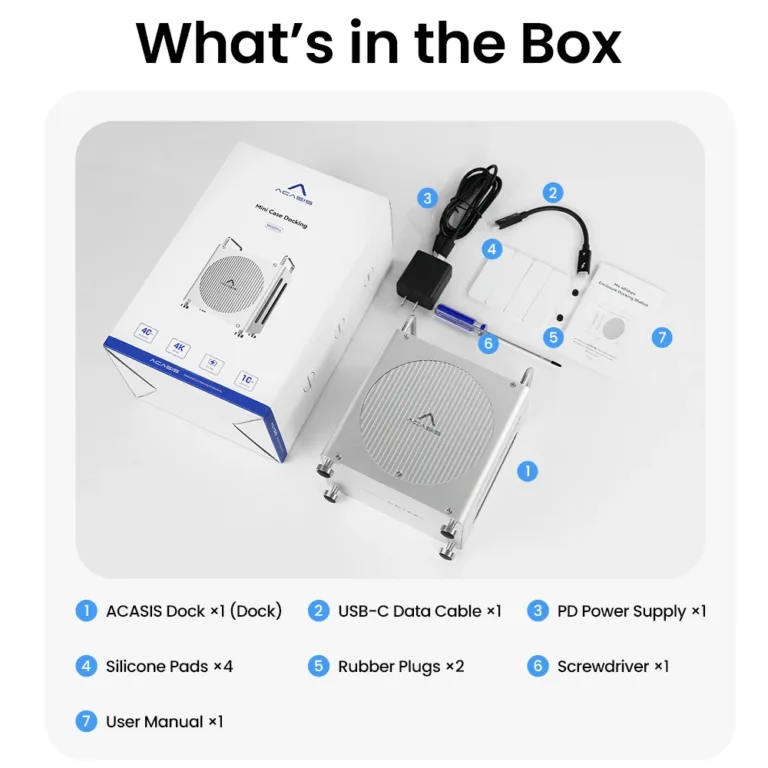
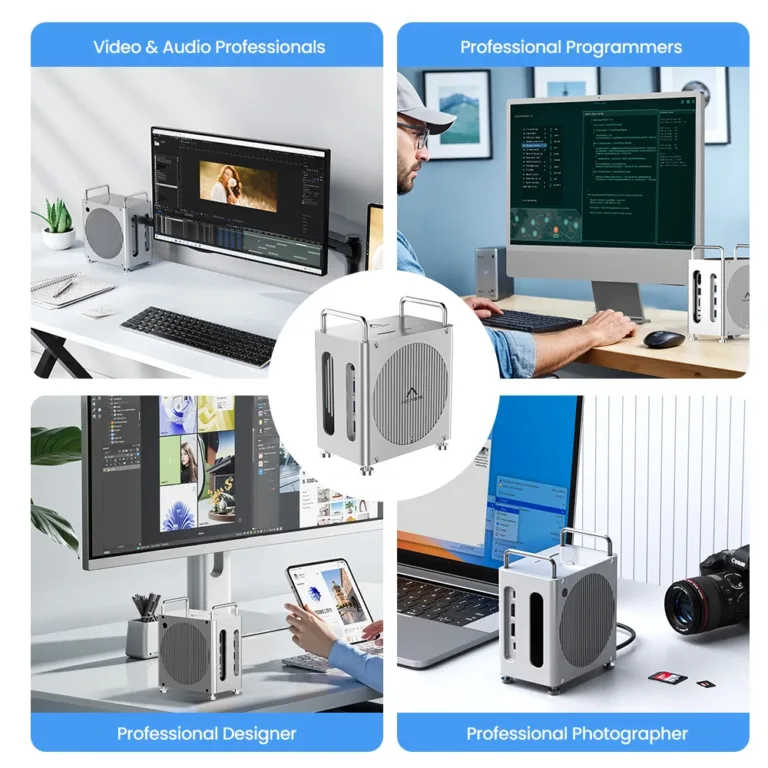
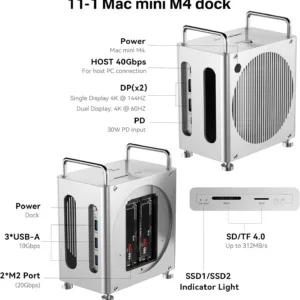
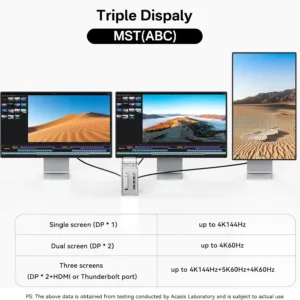
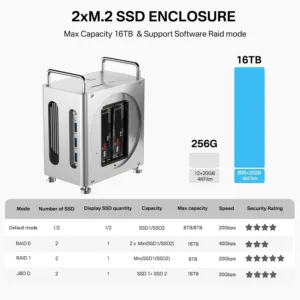

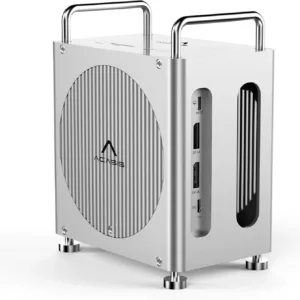 ACASIS Mac Mini M4 Workstation...
 Products
-
 Original price was: ₹14,999.00.₹4,999.00Current price is: ₹4,999.00.
 -
Original price was: ₹69,999.00.₹24,999.00Current price is: ₹24,999.00.
-
Original price was: ₹59,999.00.₹28,999.00Current price is: ₹28,999.00.
-
Original price was: ₹29,999.00.₹14,999.00Current price is: ₹14,999.00.
-
Original price was: ₹49,999.00.₹26,290.00Current price is: ₹26,290.00.
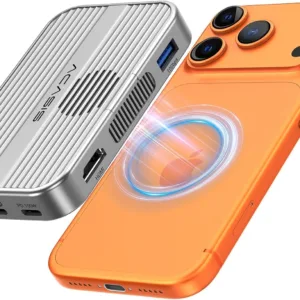
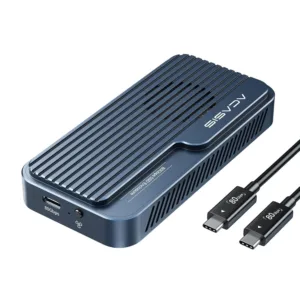
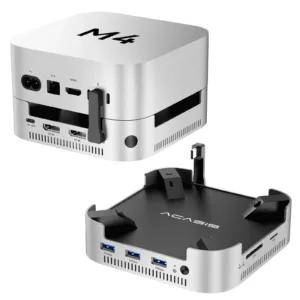
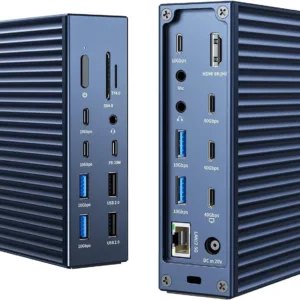
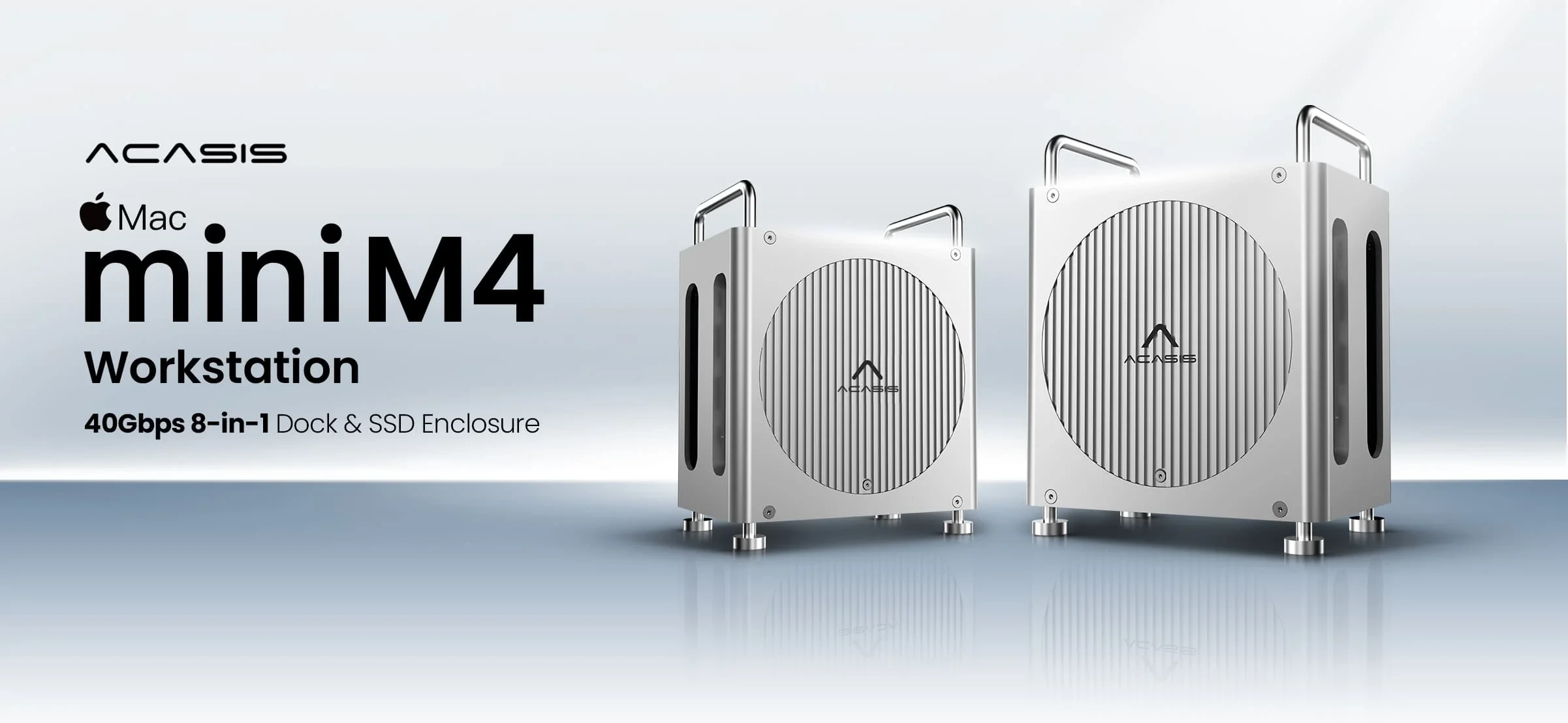
All in One | Dock & Stand & SSD Enclosure
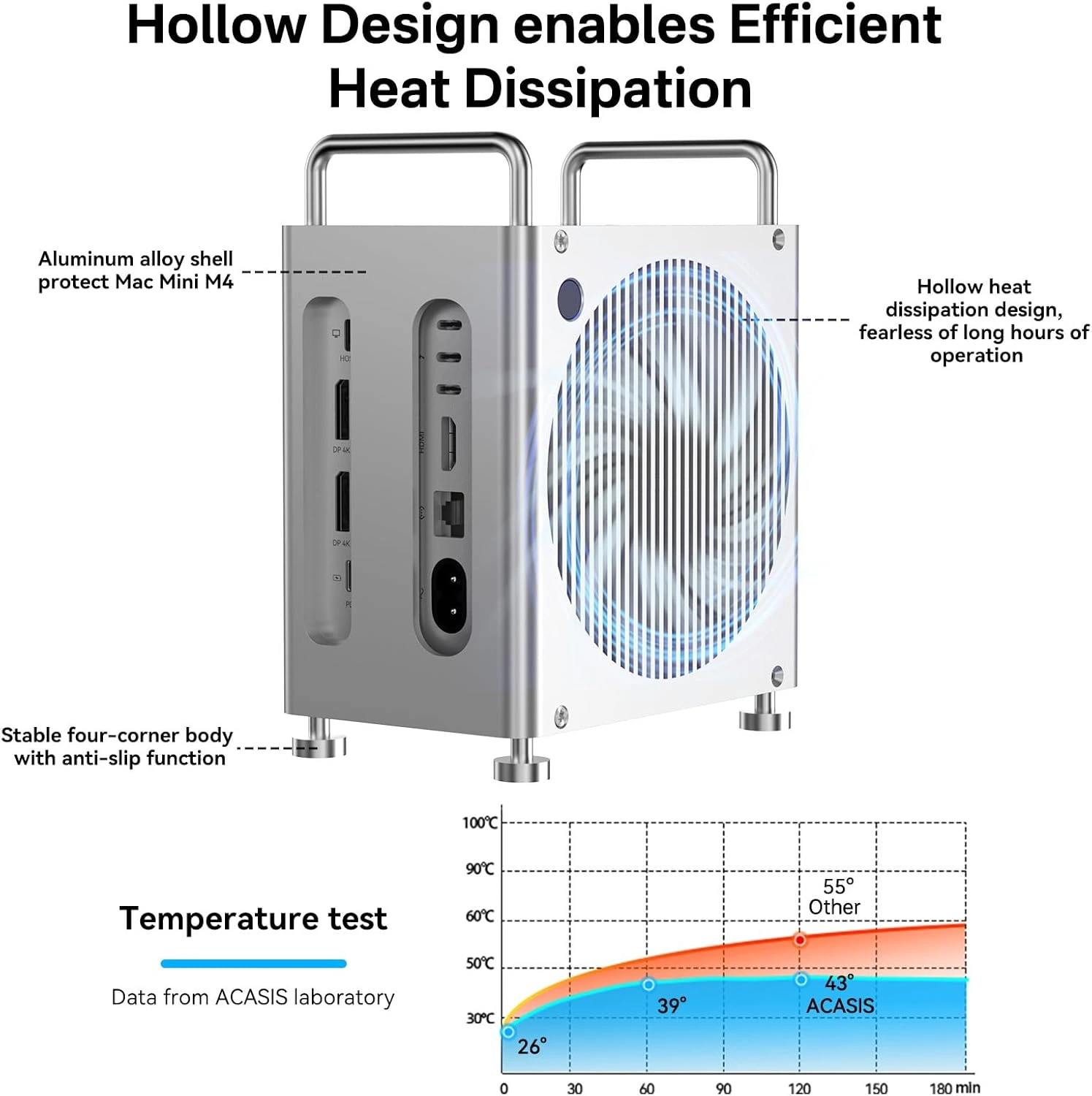
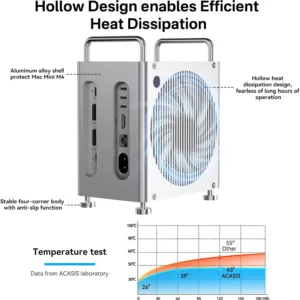
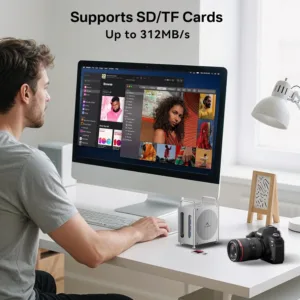
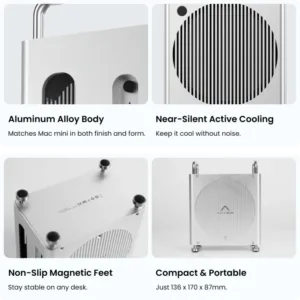
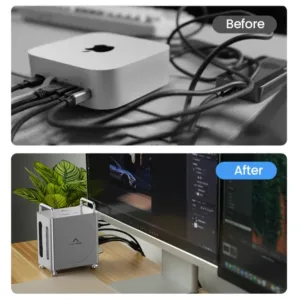
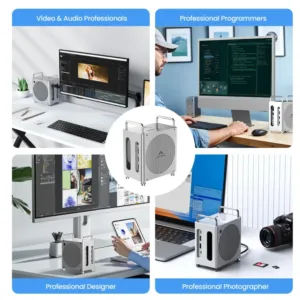
The ACASIS Mini Workstation Dock turns your Mac mini into a clean, high-performance creative hub.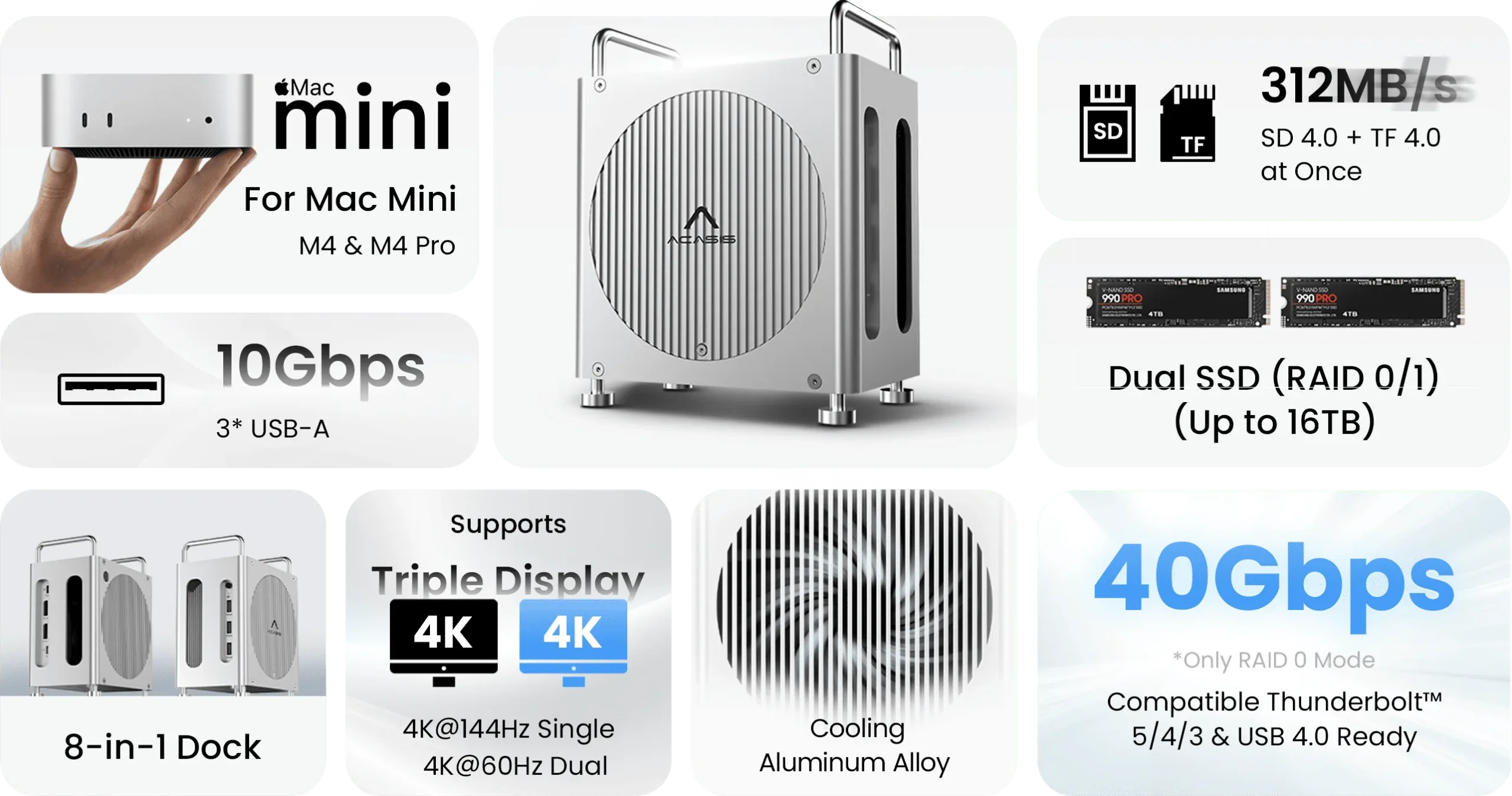
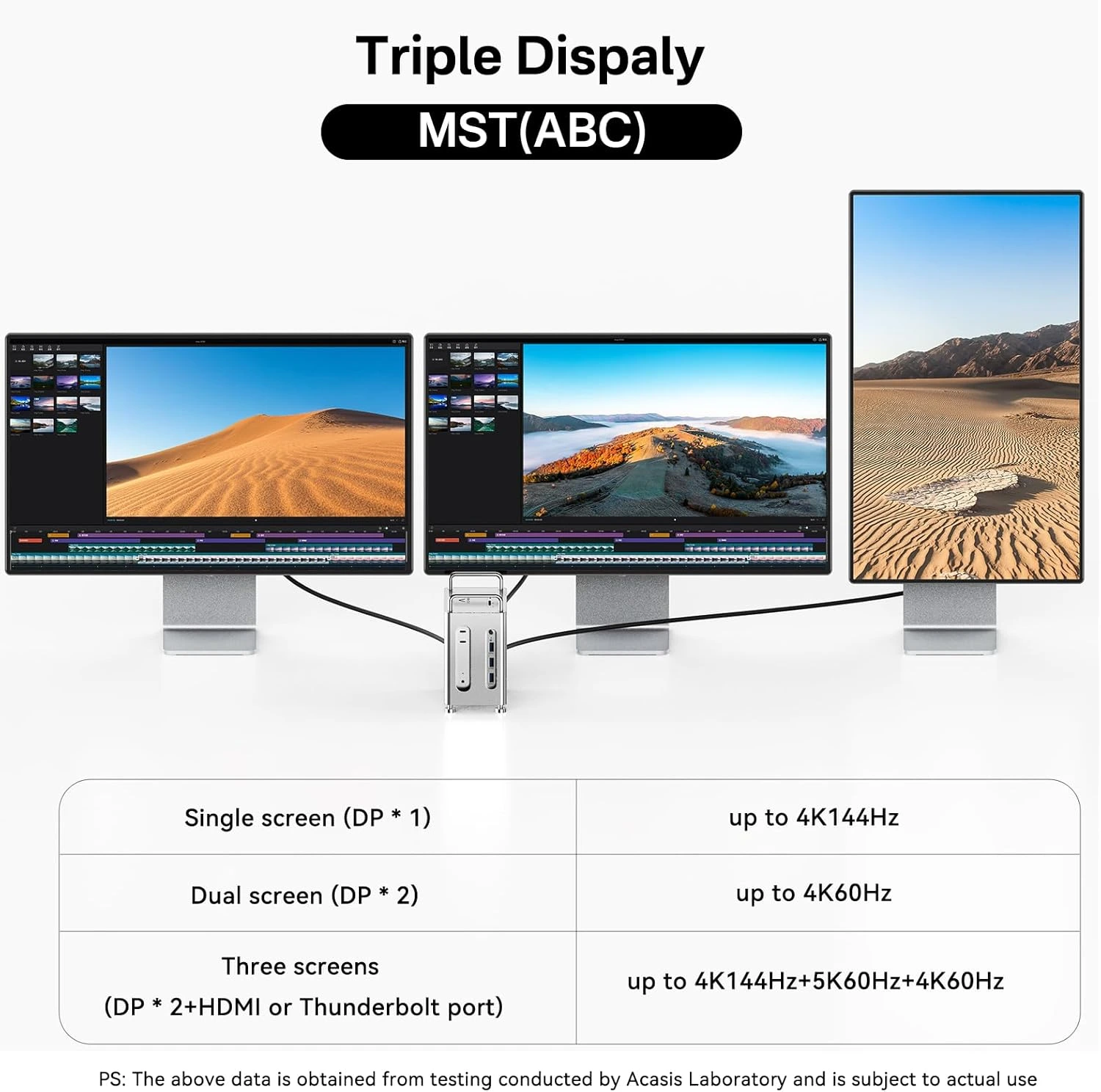
Maximize Display Setup
Dual DP output with Mac mini M4 native HDMI for up to three external displays. Perfect for multitasking.


18 reviews for ACASIS Mac Mini M4 Workstation: 11-in-1 Dual SSD 40Gbps Dock For Mac Mini M4 (Pro) | Dual SSD Software RAID | Compatible Thunderbolt 5/4/3 USB 4.0 | Dual Display 4K@60Hz | Up to 16TB
Related products
Sale
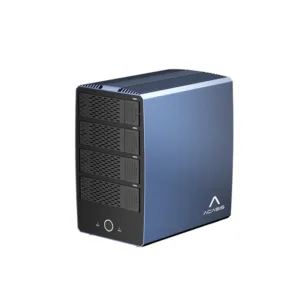
ACASIS 40Gbps 6-Bay (4 HDD + 2 SSD) Hybrid HDD & NVMe Enclosure, Support 4 RAID Mode, In-Built Cooling fan, 8K DisplayPort Output, Up to 136TB Storage
Original price was: ₹49,999.00.₹27,999.00Current price is: ₹27,999.00. Add to cartSale

ACASIS 40Gbps 4 Bay RAID Thunderbolt 4/3 M.2 NVMe SSD Enclosure with Certified Chipset, Built-in Cooling Fan for MacBook/Mac Mini, Up to 4*8TB
Original price was: ₹79,999.00.₹32,999.00Current price is: ₹32,999.00. Add to cartSale
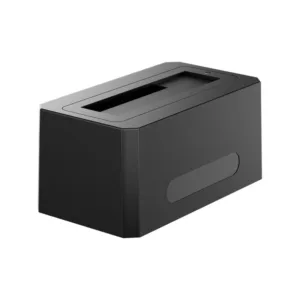
ACASIS SATA/SAS to USB 3.0 Hard Drive Docking Station with 12V/2A Power Adapter for 2.5 & 3.5 inch SATA and SAS HDD/SSD, Support up to 18TB
Original price was: ₹29,999.00.₹14,599.00Current price is: ₹14,599.00. Add to cartSale
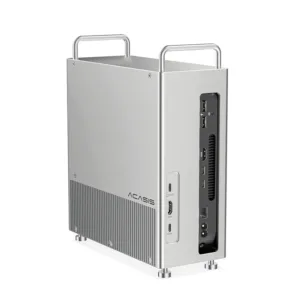
ACASIS 40Gbps 8-in-1 Mac Mini Workstation For Mac Mini M1/M2 | SSD Software RAID | Thunderbolt 5/4/3 USB 4.0 | Dual Display 4K@60Hz | Up to 8TB
Original price was: ₹34,999.00.₹18,899.00Current price is: ₹18,899.00. Add to cartSale

Meera Nair –
Dual DisplayPort outputs let me run my 4K monitors with no lag.
Isha Nair –
The fan is quietly efficient no overheating during heavy transfers.
Aman Verma –
40 Gbps speeds are exactly what I needed for fast backups and editing large files.
Rohit Bhat –
Huge storage and fast speeds make editing 4K videos so much faster.
Aditya Rao –
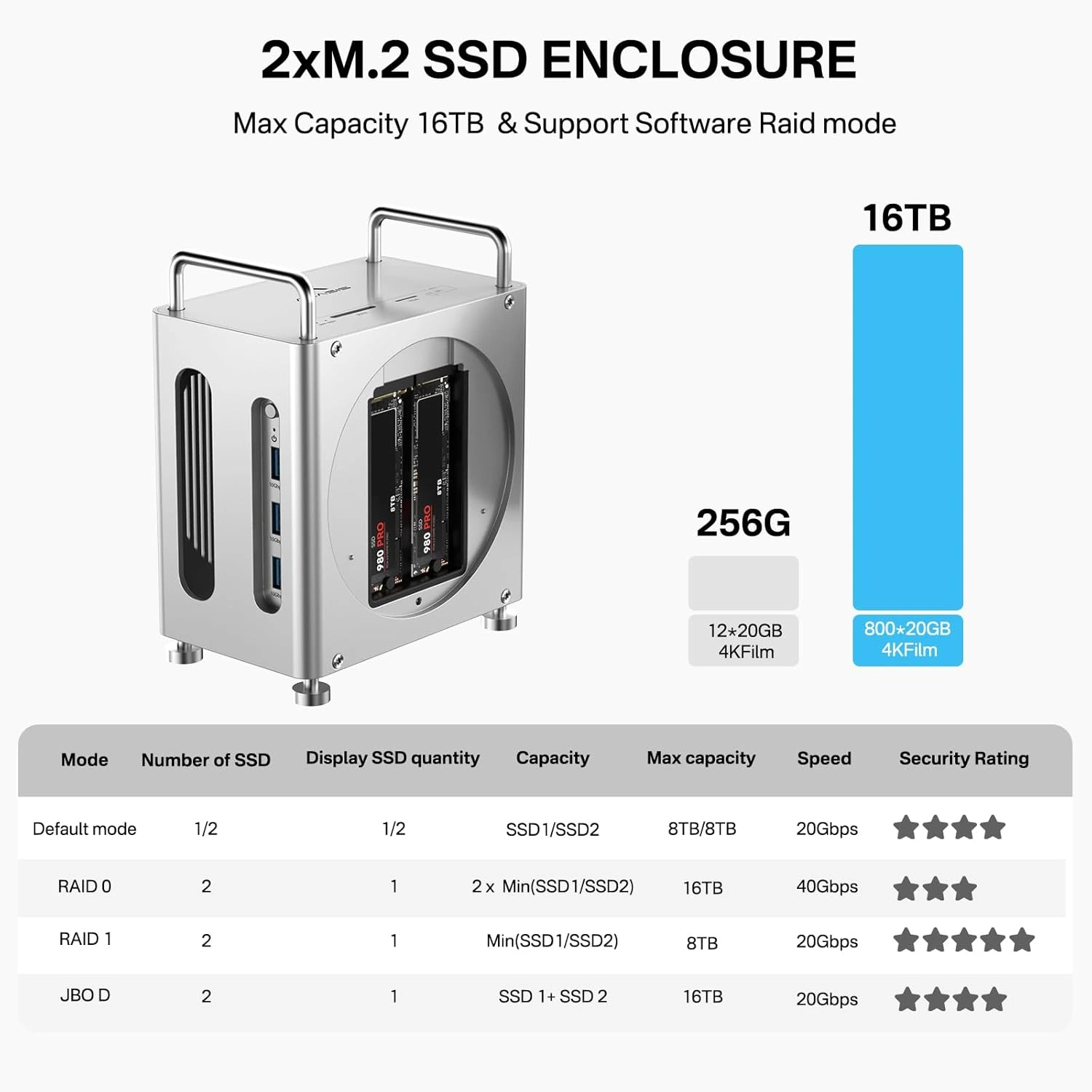
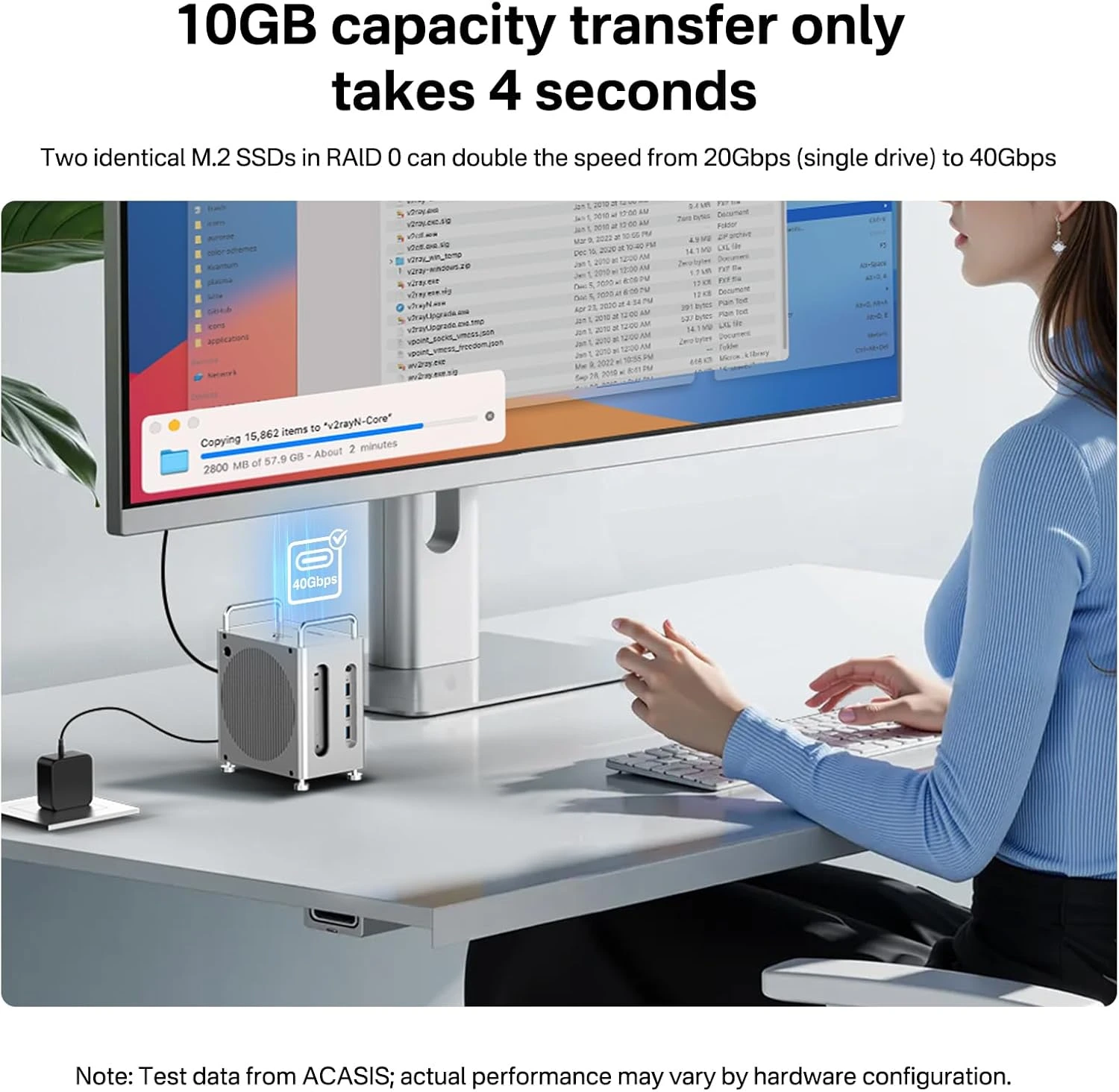
Incredible dock! I installed my Mac mini and two SSDs — both work great with 40 Gbps throughput in RAID 0.
Rohan Shah –

Setup was straightforward just insert SSDs and connect my Mac mini. Works seamlessly.
Shruti Joshi –
Excellent aluminum build feels premium and stable on my desk with Mac Mini.
Aisha Malik –
I replaced my old hub, the performance upgrade is night and day.
Kritika Jain –
Great design, fits my Mac mini setup perfectly and looks good.
Arnav Singh –
Fantastic product with all the ports and expansion features I wanted for my Mac Mini.
Neel Shah –
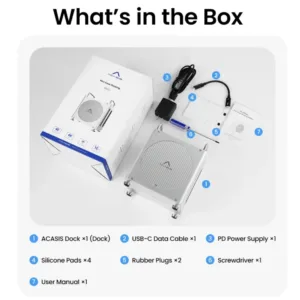
Setup was super easy with included tools and thermal pads.
Harsh Gupta –
Using this dock with RAID 0 gives excellent throughput for large archives.
Priya Singh –
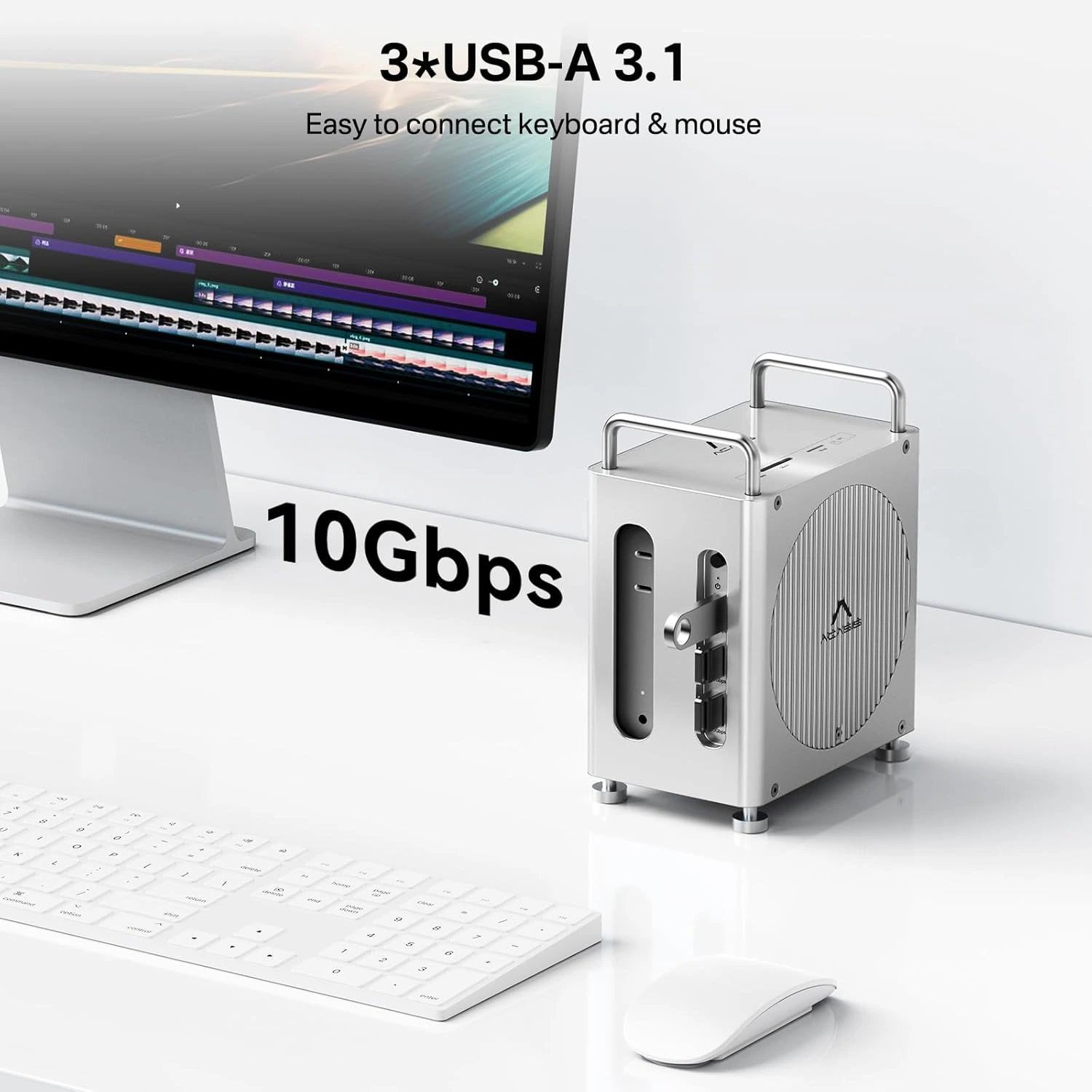
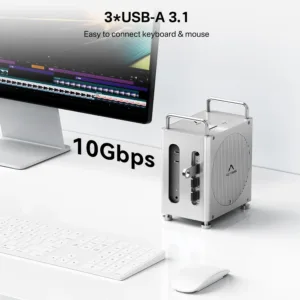
Dual displays at 4K 60Hz work perfectly, and the extra USB-A ports make connecting accessories easy.
Karan Mehta –
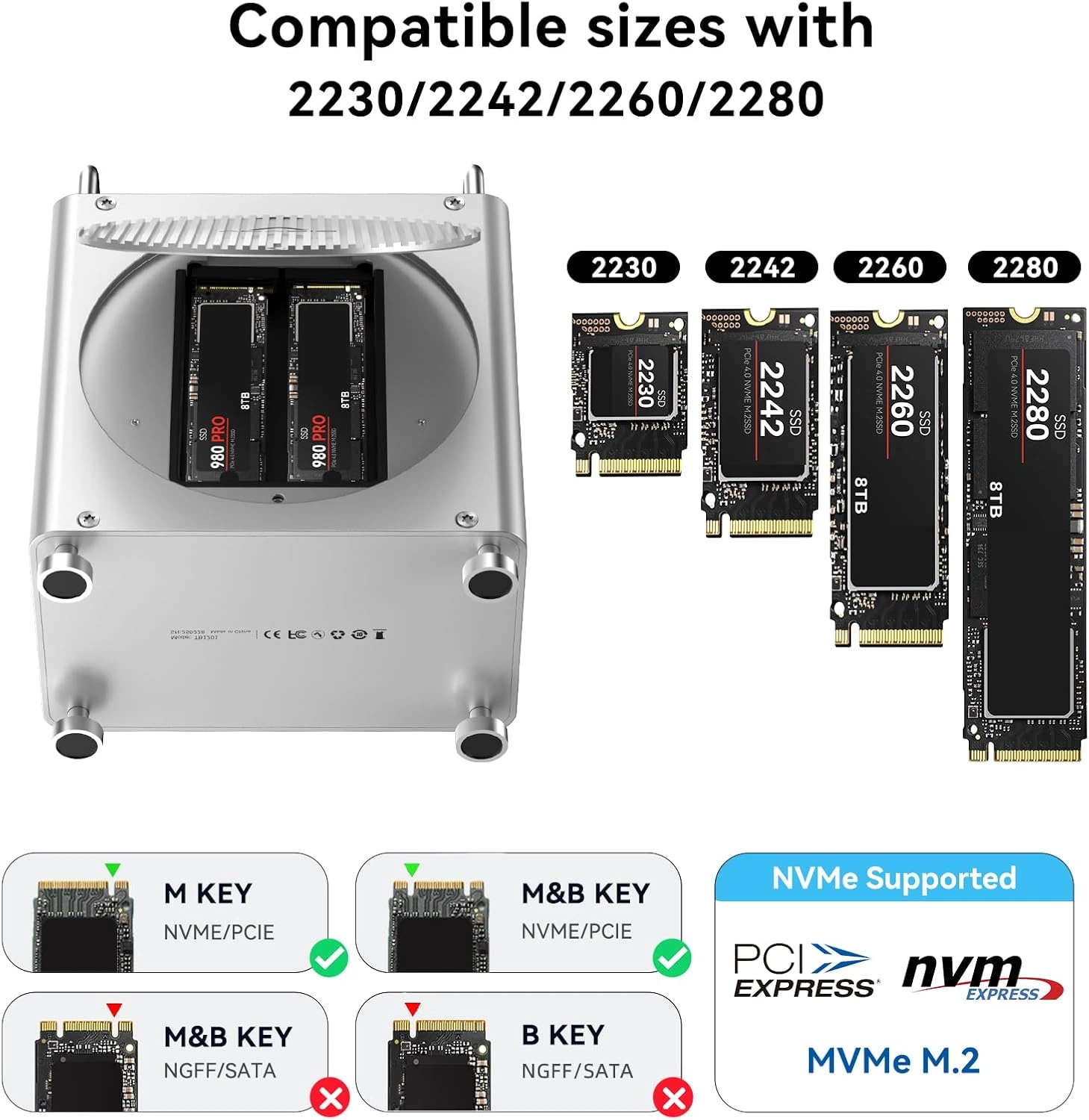
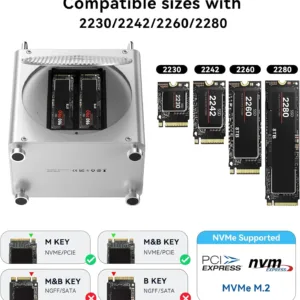
Love the massive storage two SSD slots let me put up to 8 TB in each for 16 TB total.
Devansh Yadav –
Perfect solution for expanding both storage and connectivity on Mac mini.
Kunal Desai –
I love the display support options very flexible for different monitor setups.
Sanjay Rao –
Fast SSD speeds and multiple ports are everything I needed for my workflow.
Sakshi Rao –
RAID 1 support gives me peace of mind for redundancy backup.