
Sale

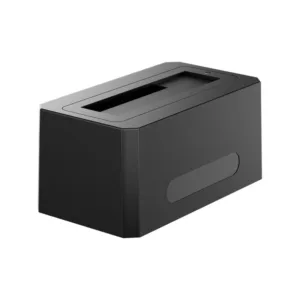 ACASIS SATA/SAS to USB 3.0 Har...
Products
-
 Original price was: ₹14,999.00.₹5,999.00Current price is: ₹5,999.00.
 -
 Original price was: ₹69,999.00.₹26,999.00Current price is: ₹26,999.00.
 -
 Original price was: ₹19,999.00.₹9,999.00Current price is: ₹9,999.00.
 -
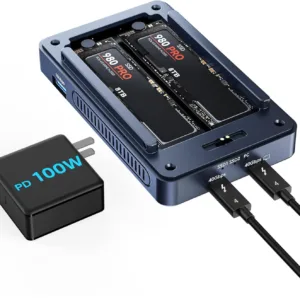 Original price was: ₹34,999.00.₹21,999.00Current price is: ₹21,999.00.
 -
 Original price was: ₹34,999.00.₹17,999.00Current price is: ₹17,999.00.

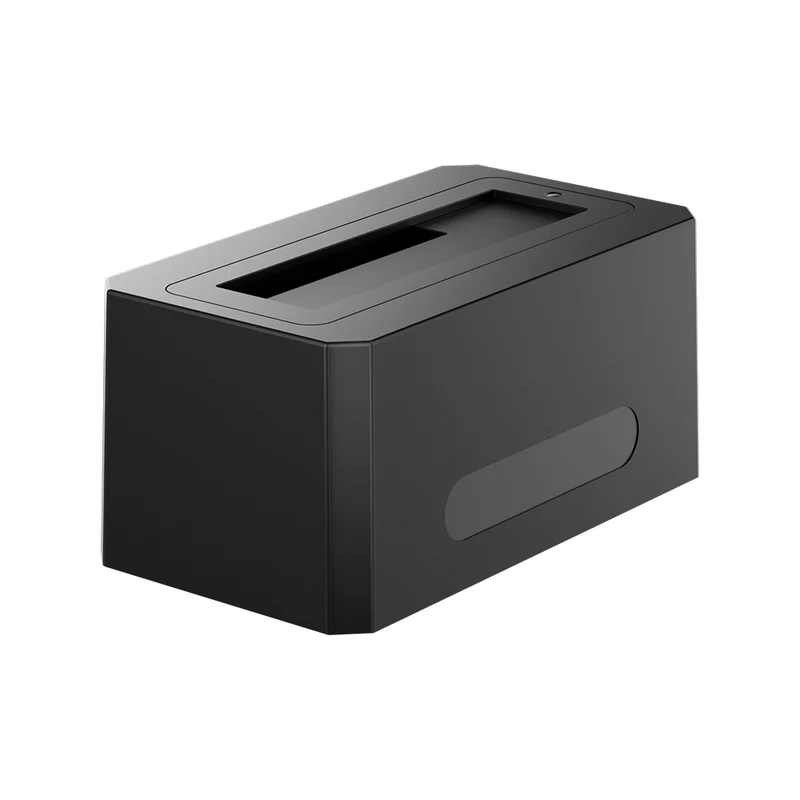
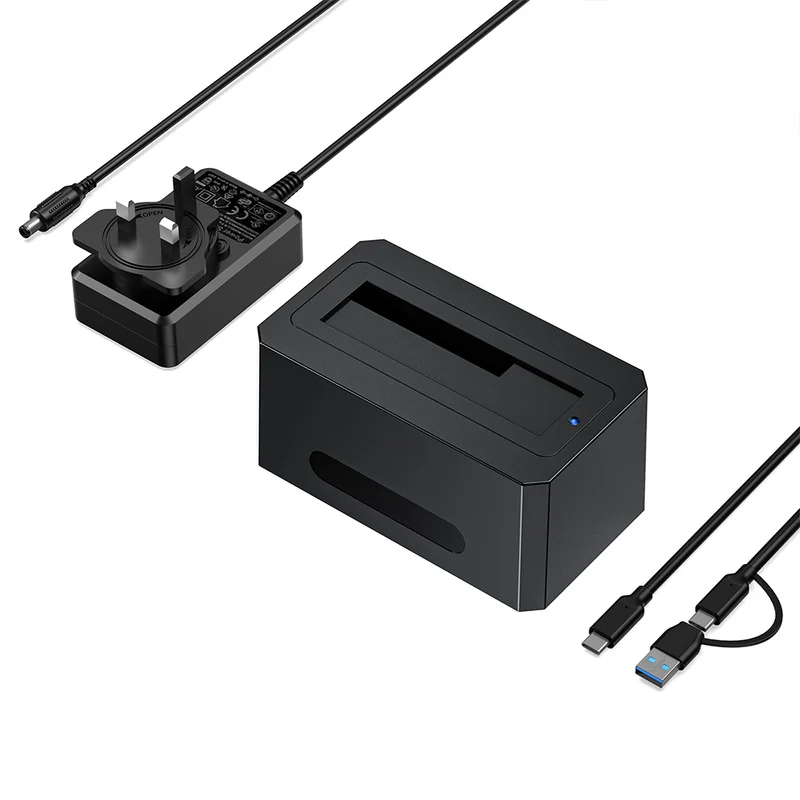
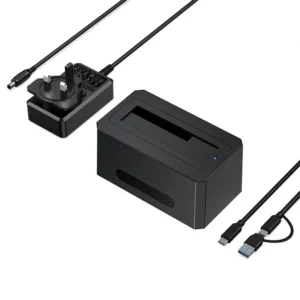
ACASIS SATA/SAS to USB 3.0 Hard Drive Docking Station, SAS HDD Docking Station for 2.5 & 3.5 inch SATA and SAS HDD/SSD with USB-C to USB-A/C Cable, Support up to 18TB
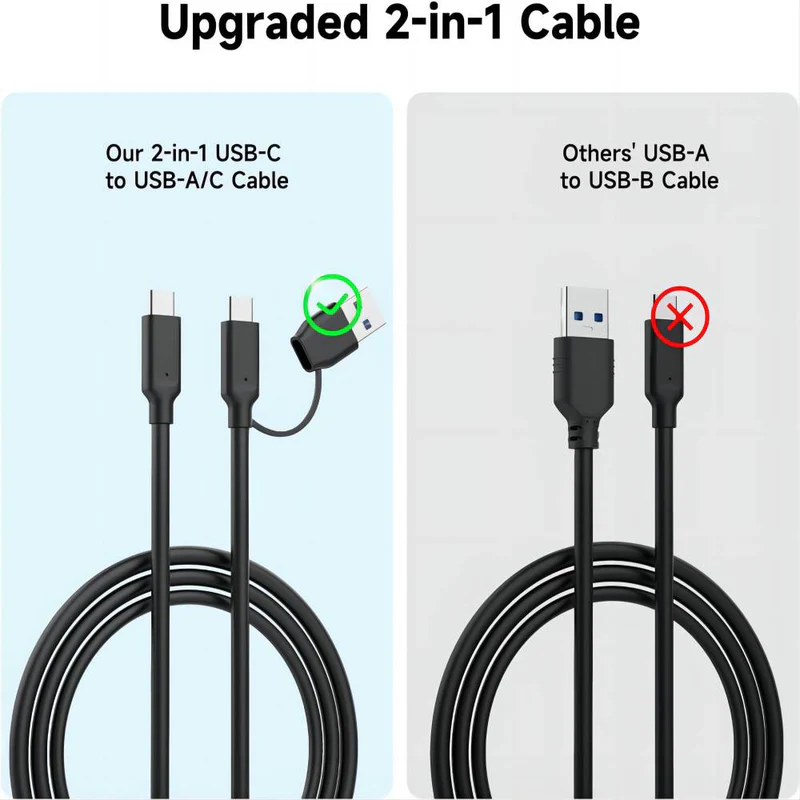
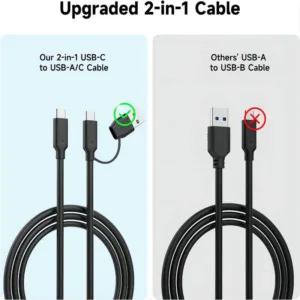
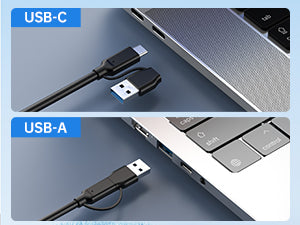
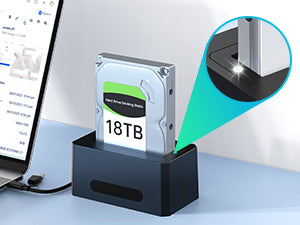
- 【Upgraded Cable: USB-C to USB-C/A】This item upgraded USB-C to A/C cable, compatible with laptop USB-A and USB-C ports.
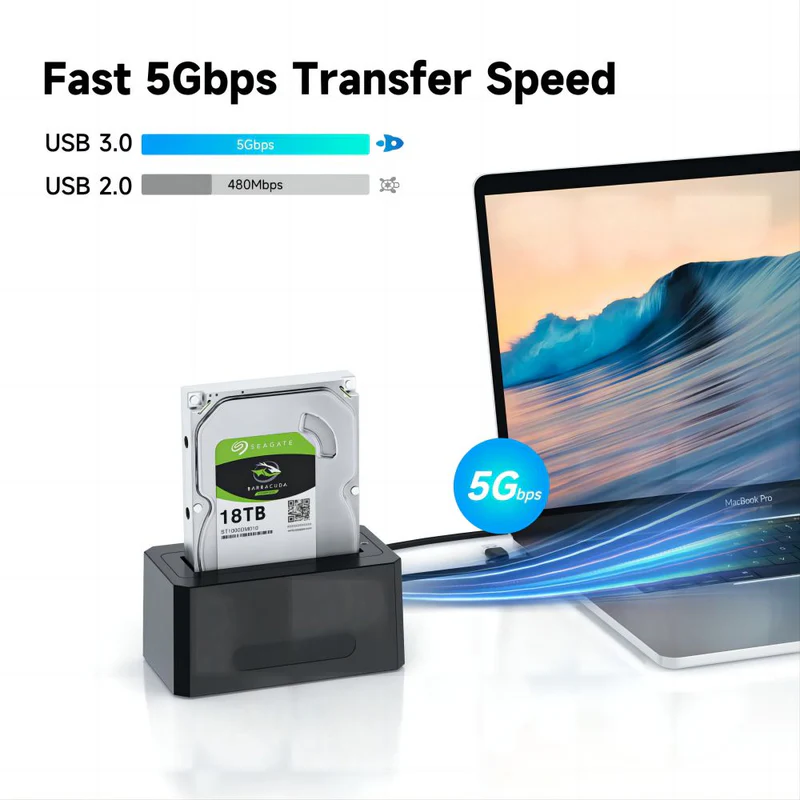
- 【Fast 5Gbps Transfer Speed】This external SAS enclosure comes with USB 3.0 interface, which provides high-speed for file read and write.
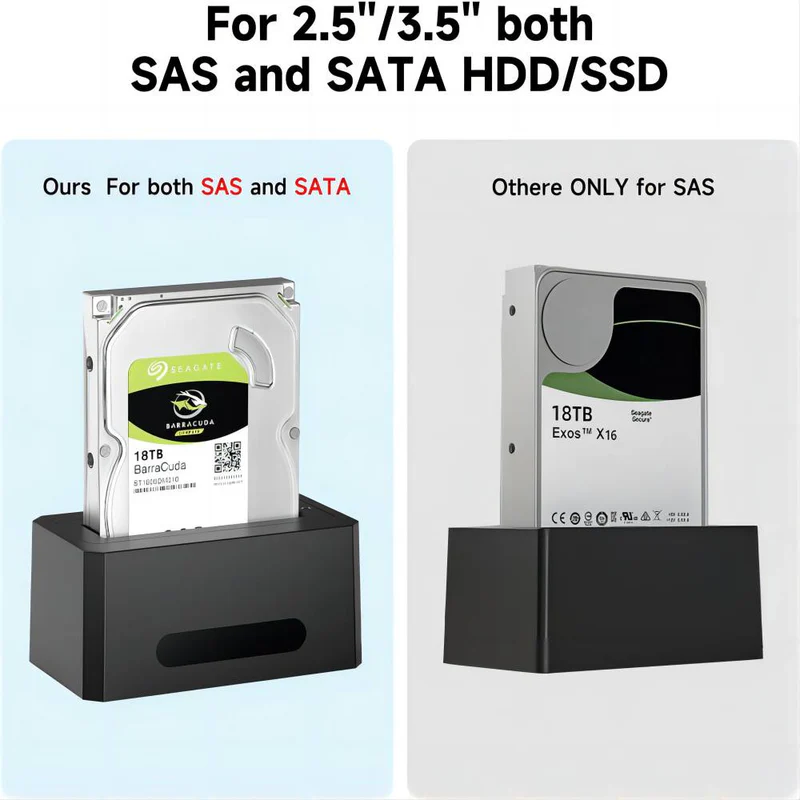
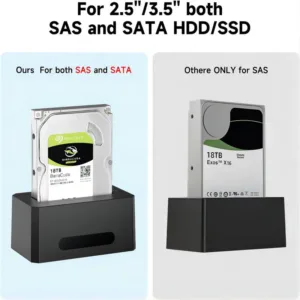
- 【Available for 2.5/3.5 inch SAS/SATA Hard Drive Disk】This HDD/SSD enclosure is designed for both 2.5 and 3.5 inch SAS hard drive.
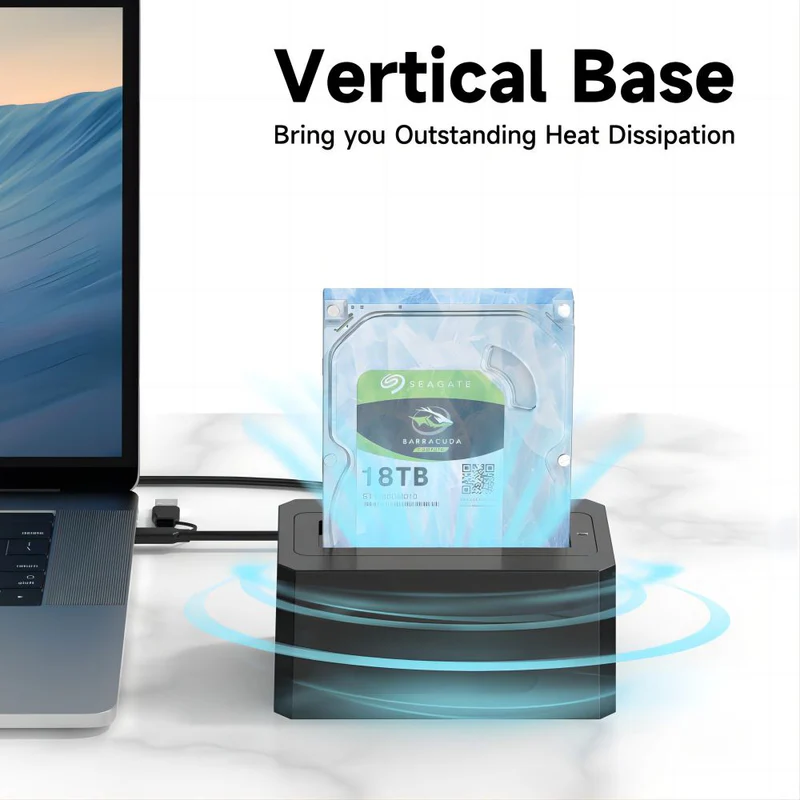
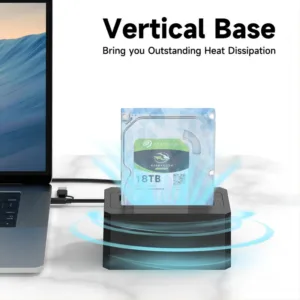
- 【Simple Plug & Play】The vertical design enclosure makes you easily insert and use a hard drive disk without any tools.
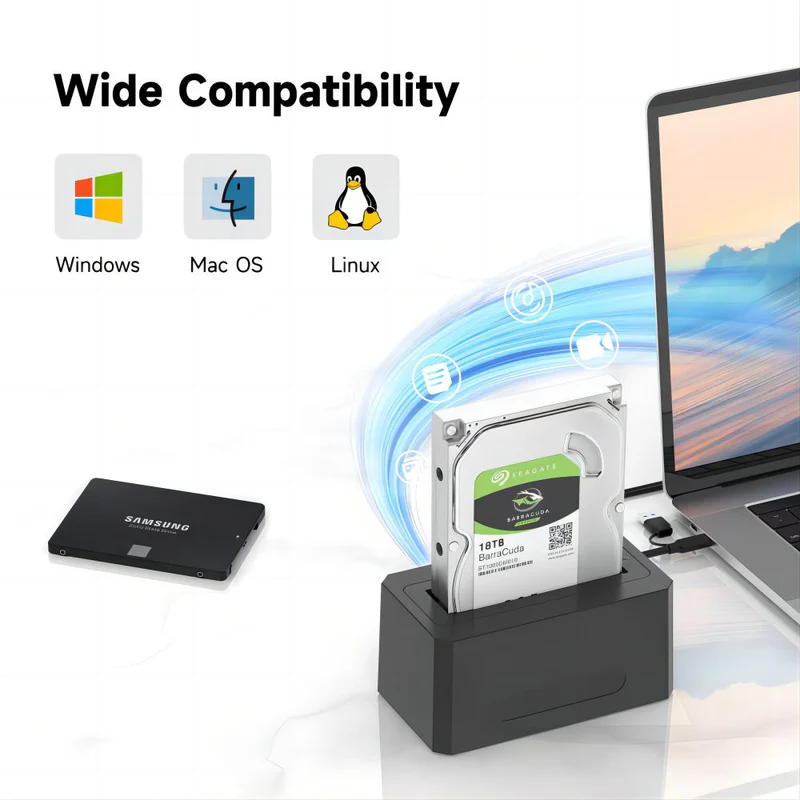
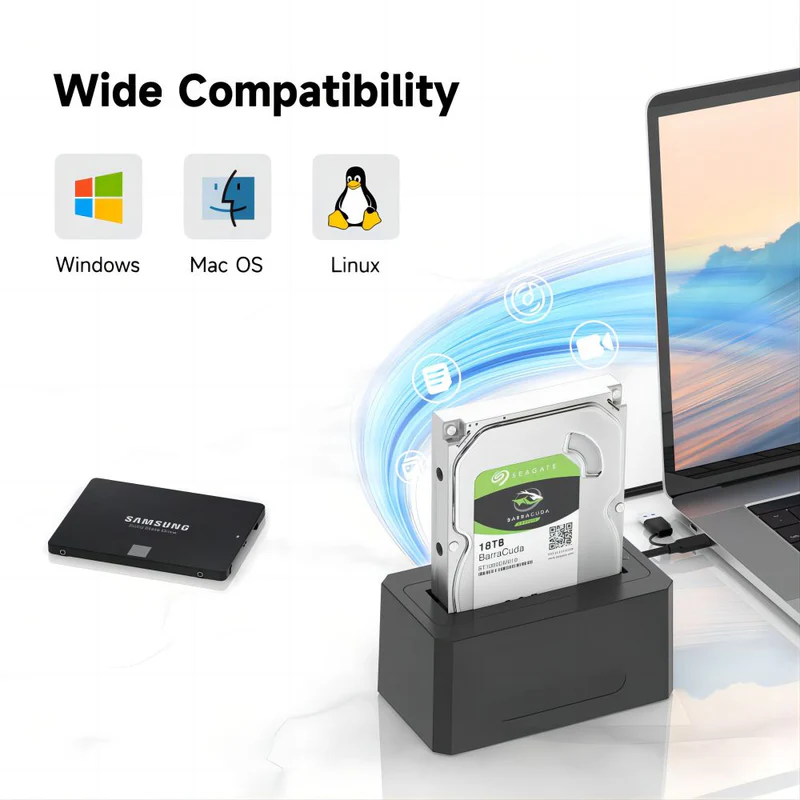
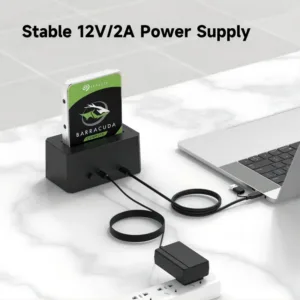
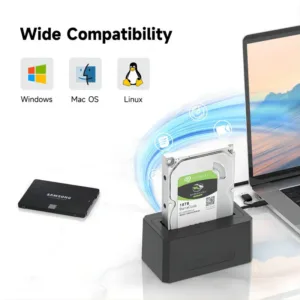
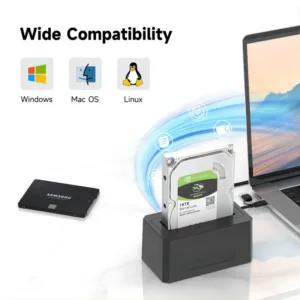
- 【Wide Compatibility】This SAS to USB adapter supports Windows, MacOS and Linux, equips with a 12V/2A power adapter and a USB 3.0 type-C to type-A/C cable.

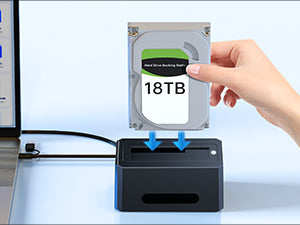 | Plug and PlayNo need to install, plug and play is more convenient to use |
2 in 1 CableSuitable for USB A / USB C computer devices. | |
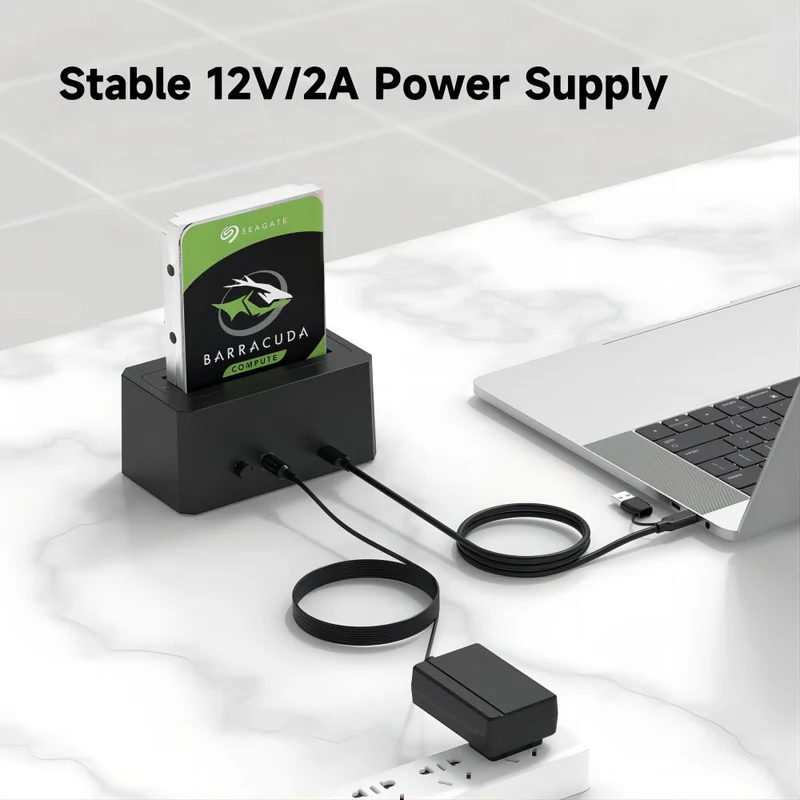
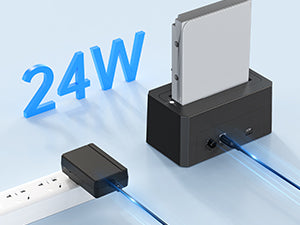
24W Power Adapter12V/2A Power Adapter Meet Large-Capacity Drives More Stable | |
LED indicatorYou can easily monitor the connection status.The light turns white when the sas adapter is inserted.The Light flashes when reading and writing data. |
|
 For Office Use
 For Drawing
 For Video Editing
 For Games
14 reviews for ACASIS SATA/SAS to USB 3.0 Hard Drive Docking Station with 12V/2A Power Adapter for 2.5 & 3.5 inch SATA and SAS HDD/SSD, Support up to 18TB
Related products
Sale
New
ACASIS Dual-Bay 40Gbps M.2 SSD Enclosure, Cooling Fan, Mac Mini Dock Dual Monitor, Dual nvme Enclosure Support Software RAID, for M1/M2/Windows
Original price was: ₹34,999.00.₹21,999.00Current price is: ₹21,999.00. Add to cartSale
New
ACASIS Mac Mini M4 Workstation: 11-in-1 Dual SSD 40Gbps Dock For Mac Mini M4 (Pro) | Dual SSD Software RAID | Compatible Thunderbolt 5/4/3 USB 4.0 | Dual Display 4K@60Hz | Up to 16TB
Original price was: ₹34,999.00.₹17,999.00Current price is: ₹17,999.00. Add to cartSale
New
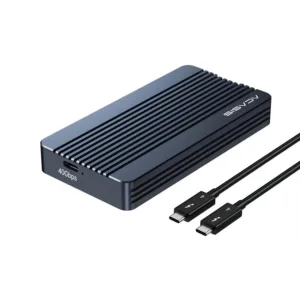
ACASIS 40Gbps M.2 NVMe SSD Enclosure, Tool Free Installation, Compatible with Thunderbolt 4/3/USB4, Support M-Key/B+M 2280 Size, for M1/M2 Pro/Max
Original price was: ₹18,999.00.₹7,999.00Current price is: ₹7,999.00. Add to cartSale
New
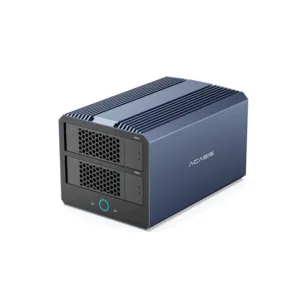
ACASIS 40Gbps 4-Bay (2 HDD + 2 SSD) Hybrid HDD & NVMe Enclosure , Support 4 RAID Mode, In-Built Cooling fan, 8K DisplayPort Output, Up to 76TB Storage
Original price was: ₹49,999.00.₹22,999.00Current price is: ₹22,999.00. Add to cartSale
New

Kriti Sabharwal –
As a designer, I constantly switch between drives. This docking station made my workflow smoother. No installation, just plug and use—it’s exactly what I needed.
Naina Grover –
Perfect for storing RAW images and accessing them quickly. Highly recommended.
Iram Shaikh –
Even non-tech users can use it easily. Very straightforward.
Piyush Bhandari –
If you’re looking for a high-speed SATA docking station for backup, cloning, or recovery, this is a great choice.
Dhruv Narang –
I bought this ACASIS EC-5351 mainly for quick backups and data recovery. Plugged in my old 3.5” HDD and it instantly worked. The USB 3.0 speed is fast enough for large file transfers. Perfect solution for professionals handling multiple drives.
Aanchal Puri –
Using it daily for office backups. Reliable, fast, and very easy to use. Definitely one of the best HDD docking stations in this price range.
Samar Khurana –
I handle old client drives regularly. Earlier it was a mess connecting everything. With EC-5351, I just drop the drive in and start working. It has simplified my entire process.
Zoya Lakhani –
I had several unused HDDs lying around. This dock brought them back to life. Now I use them as backup storage.
Kunal Vaid –
Works perfectly across devices. No compatibility issues at all.
Tushit Jain –
Works flawlessly with multiple drives. Great compatibility with Windows and Mac.
Arvind Kedia –
Works well overall, but the power adapter feels average. Still, no performance issues so far.
Bhavya Lohia –
I transfer large video files regularly and this dock handles it smoothly. No lag or disconnects.
Rahul Wadhwani –
Performance is great, but since it’s an open dock, you need to handle drives carefully. Otherwise, it works perfectly.
Ishika Talwar –
No drivers, no confusion—just plug and start. Perfect for beginners and professionals alike.