
Sale
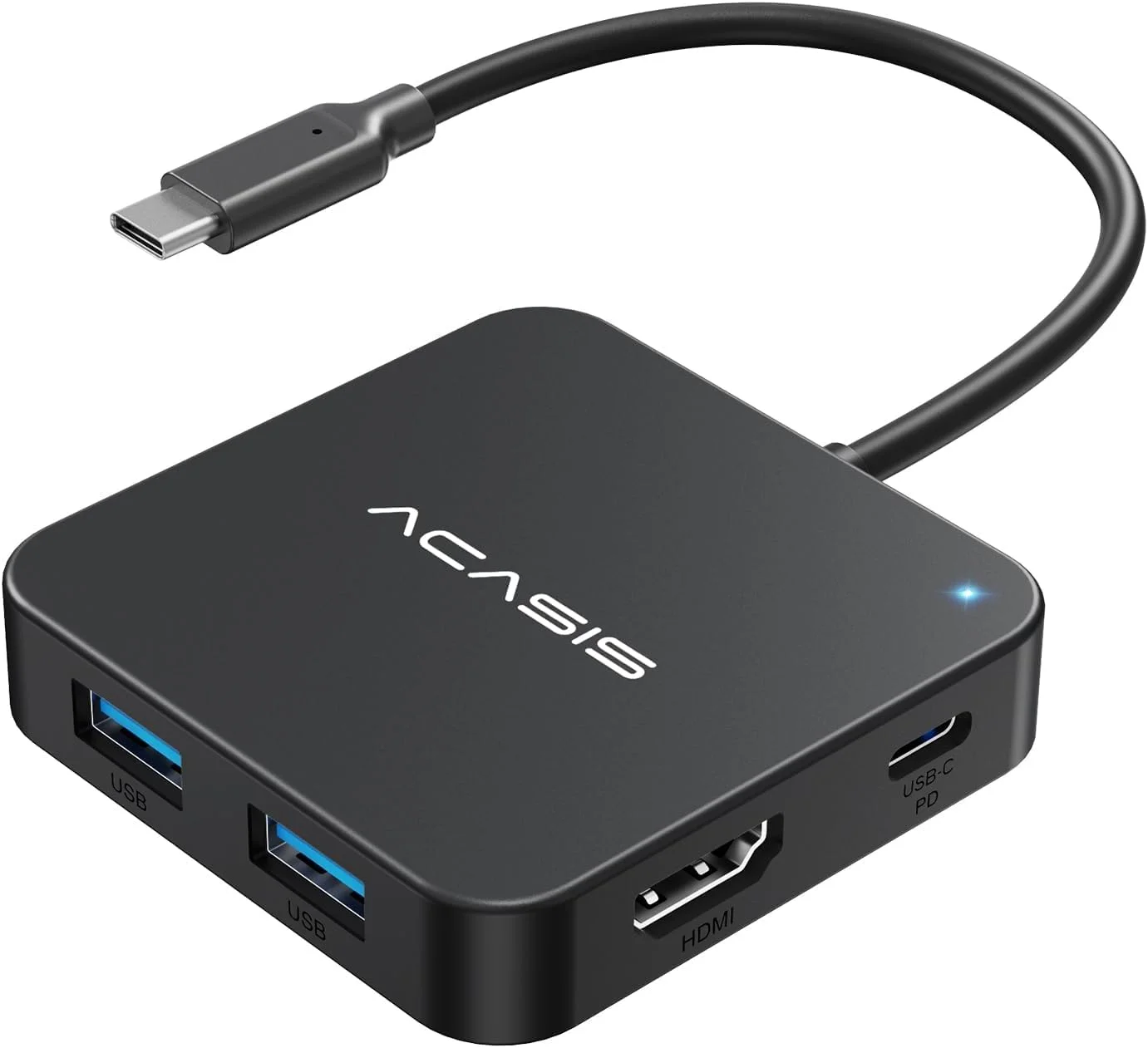
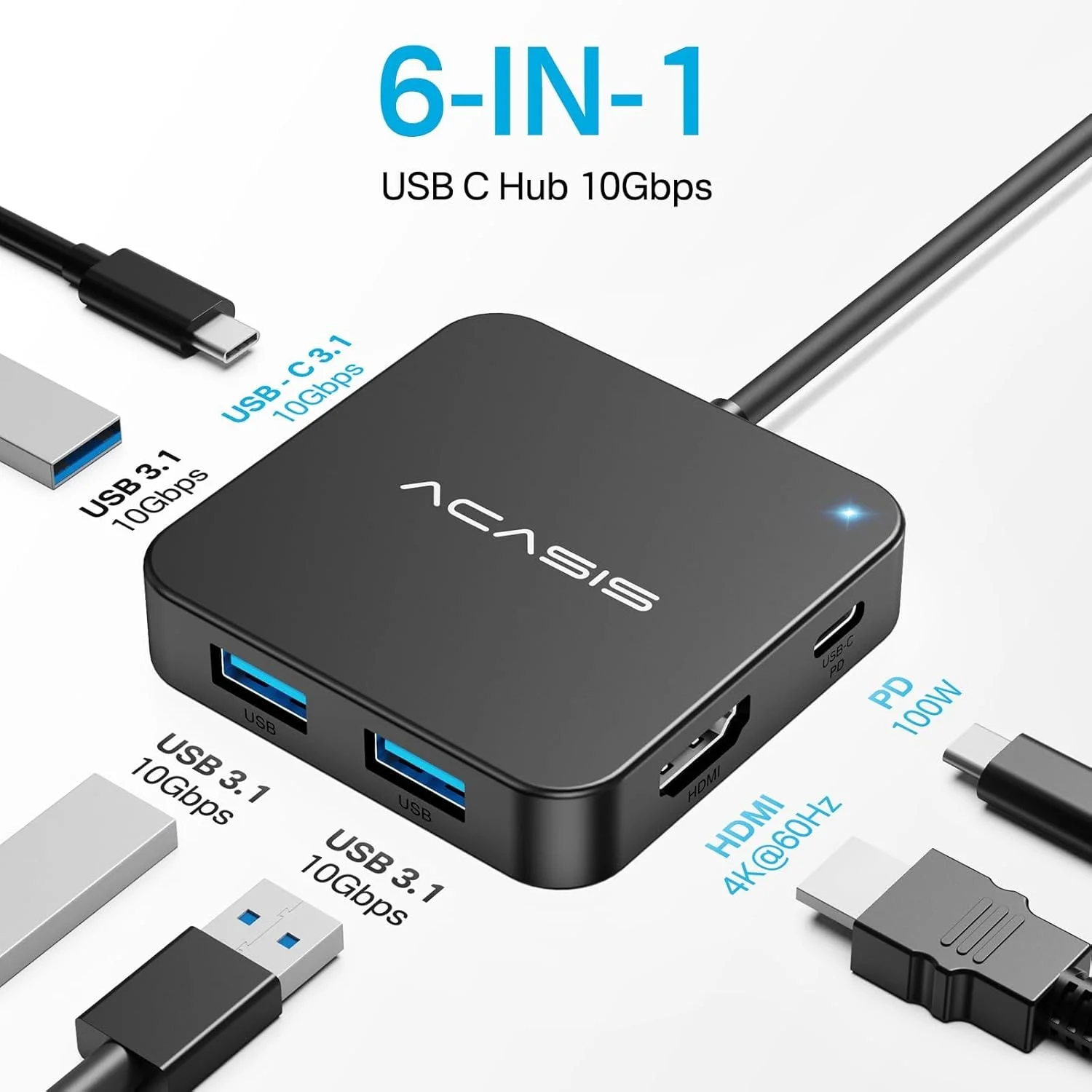
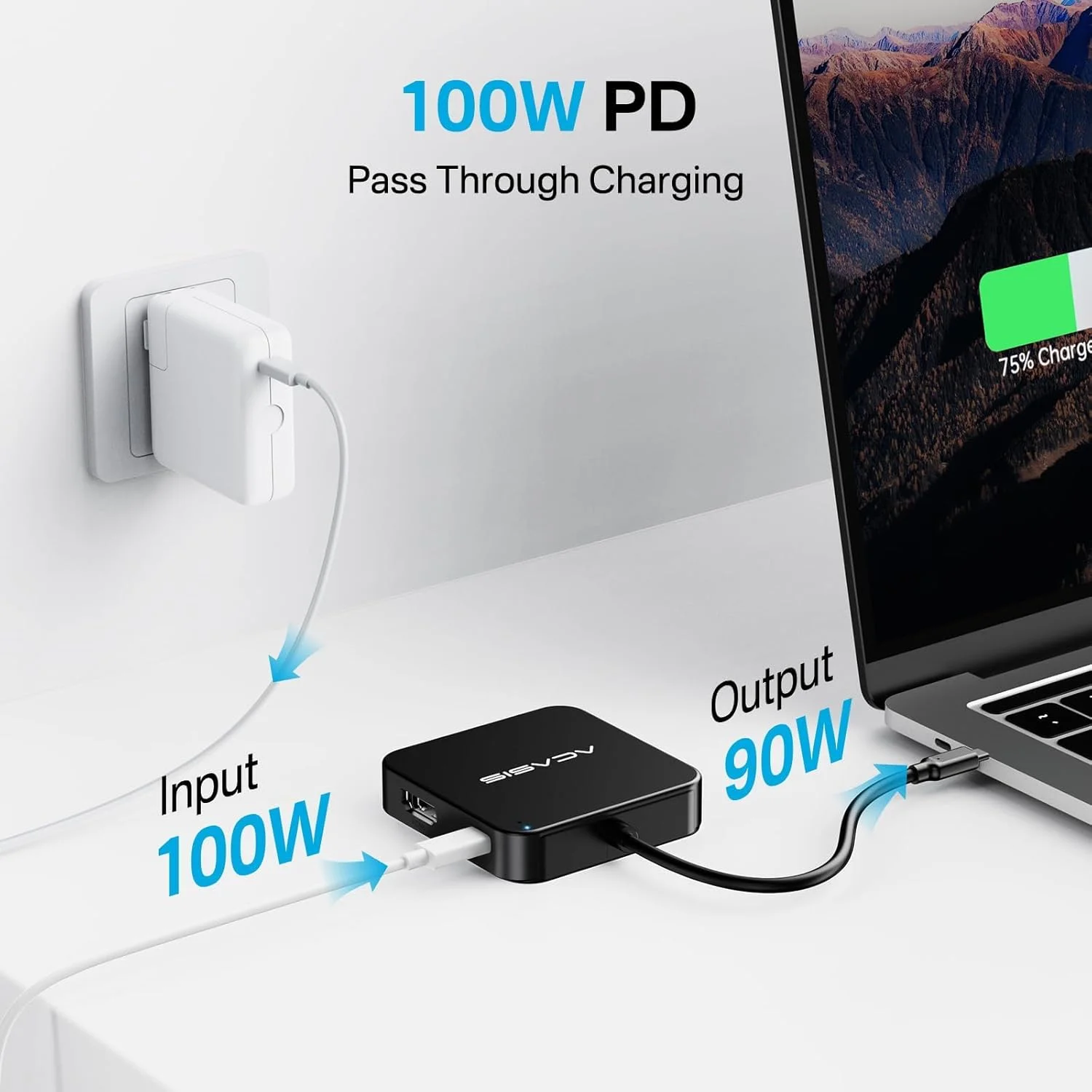
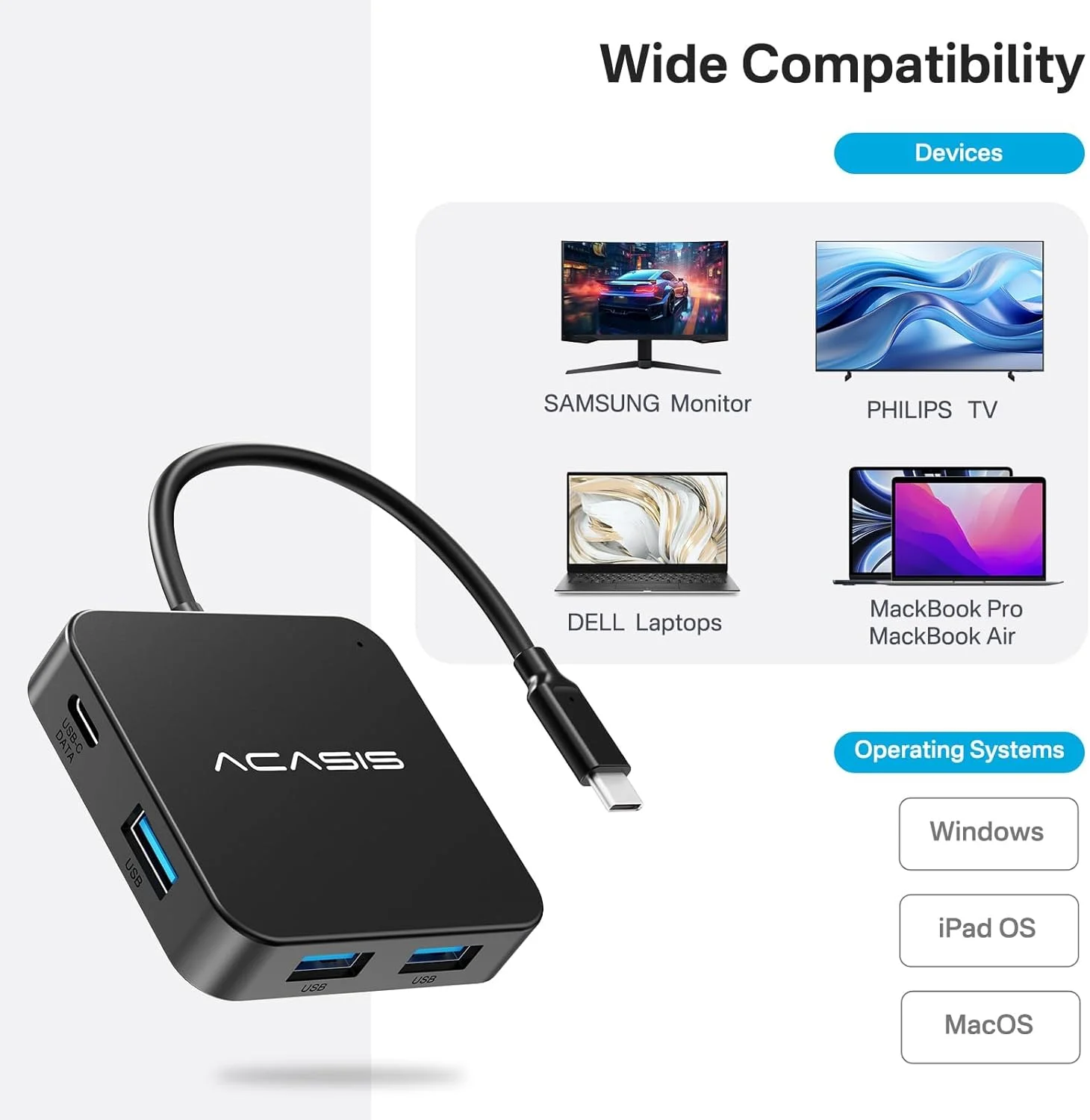
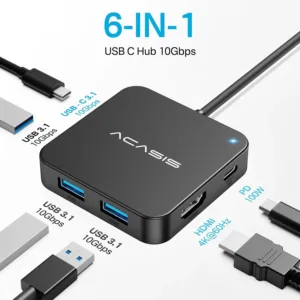
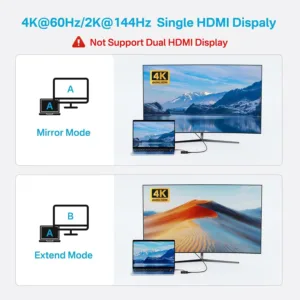
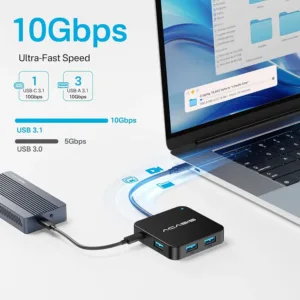
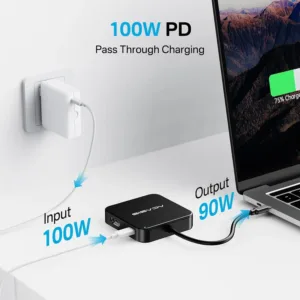
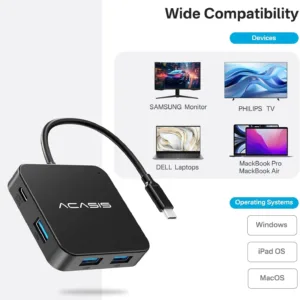
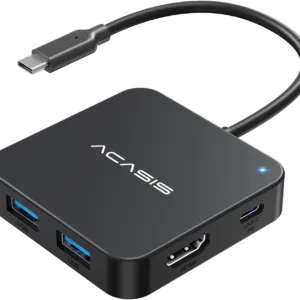 ACASIS 10Gbps USBC Hub, 6-in-1...
Products
-
 Original price was: ₹14,999.00.₹5,999.00Current price is: ₹5,999.00.
 -
 Original price was: ₹69,999.00.₹26,999.00Current price is: ₹26,999.00.
 -
 Original price was: ₹19,999.00.₹9,999.00Current price is: ₹9,999.00.
 -
 Original price was: ₹34,999.00.₹21,999.00Current price is: ₹21,999.00.
 -
 Original price was: ₹34,999.00.₹17,999.00Current price is: ₹17,999.00.
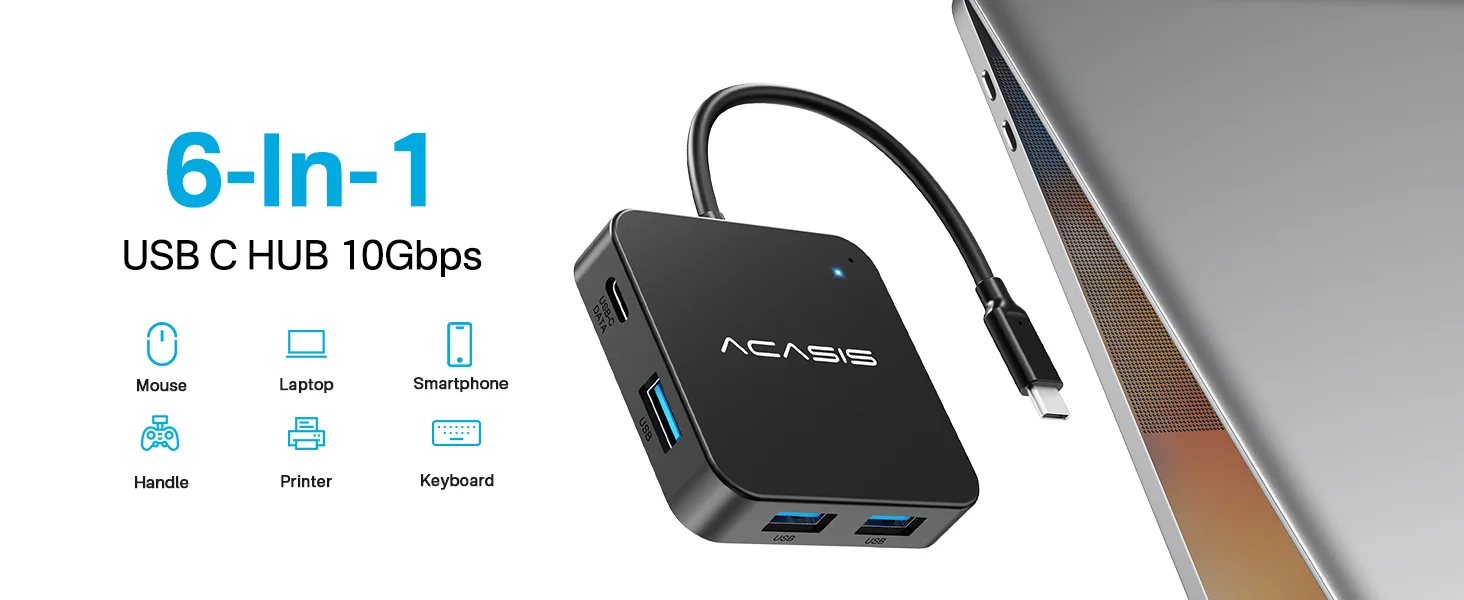
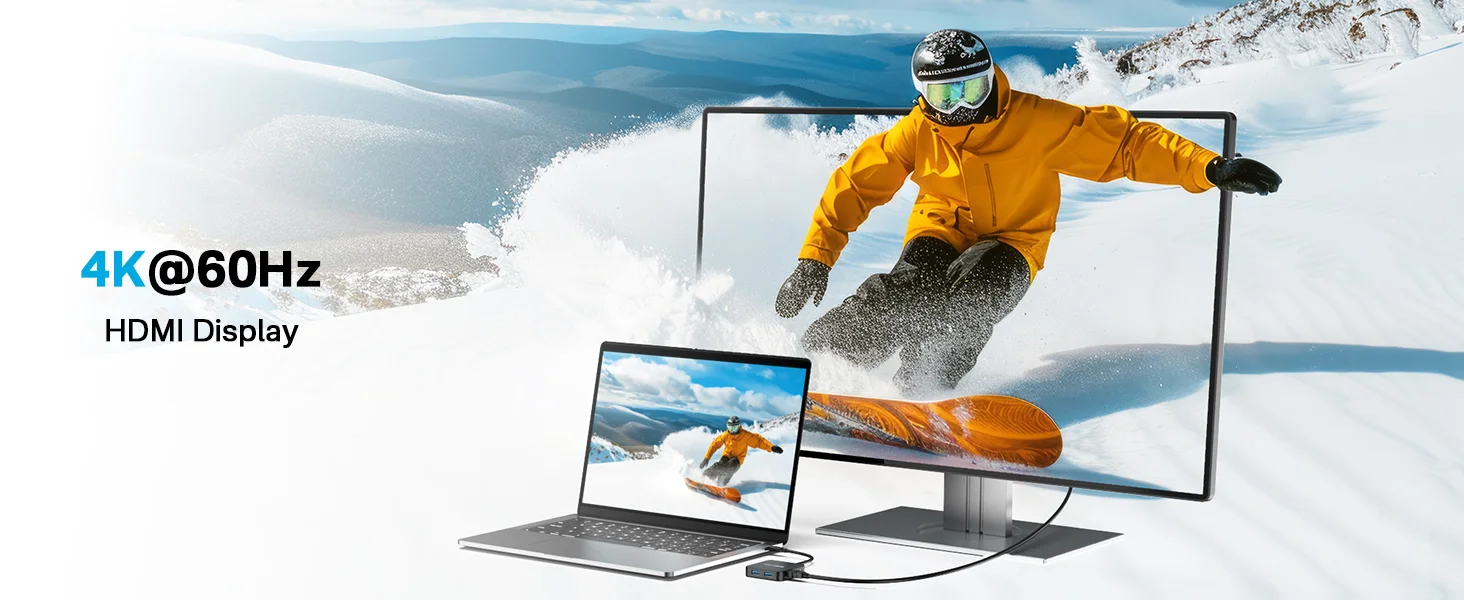
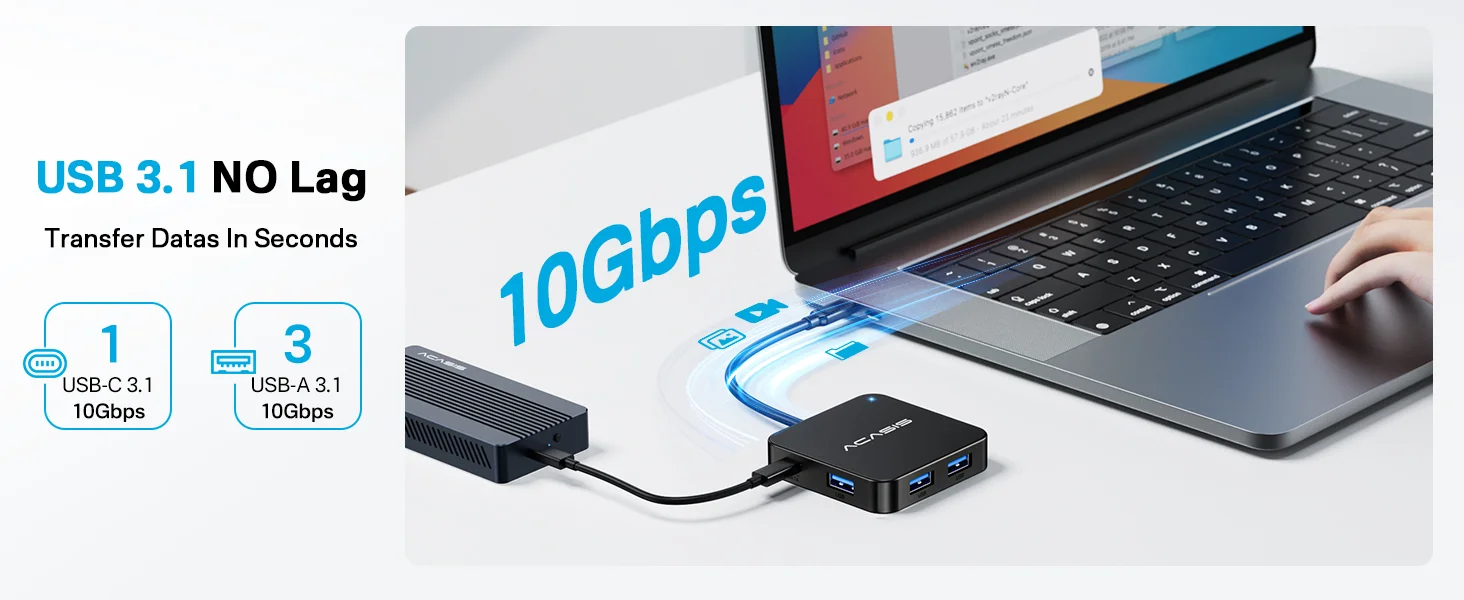

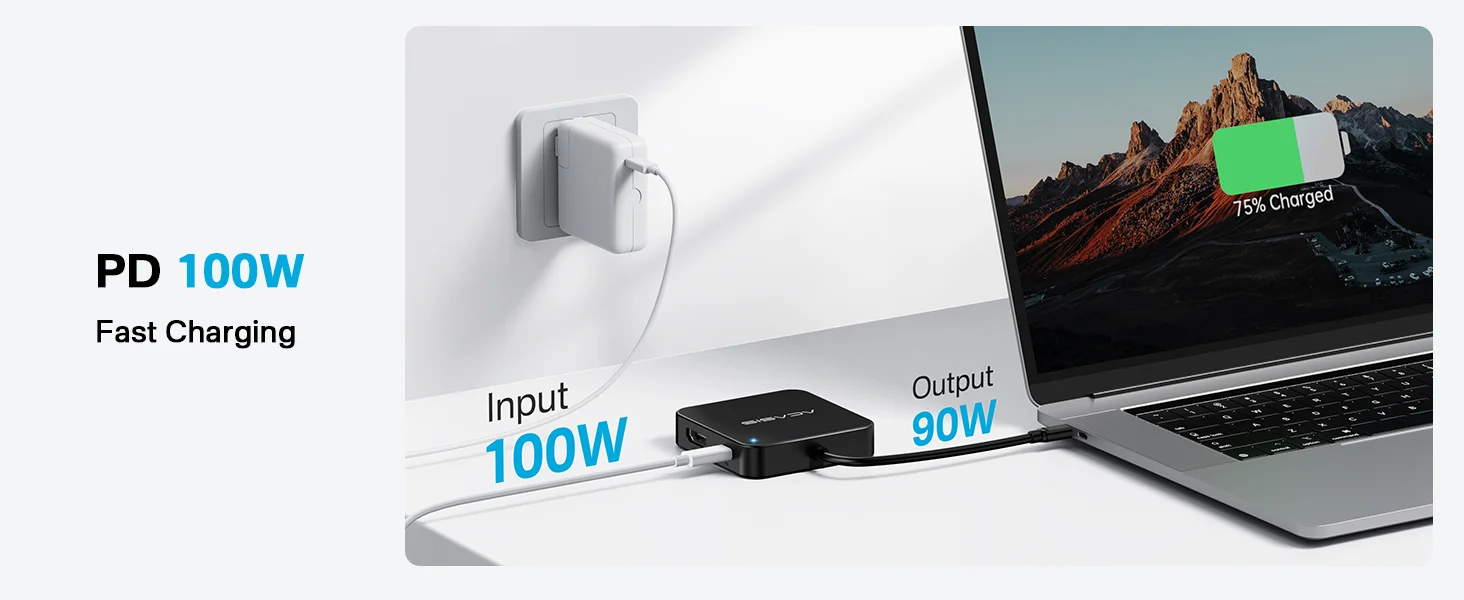
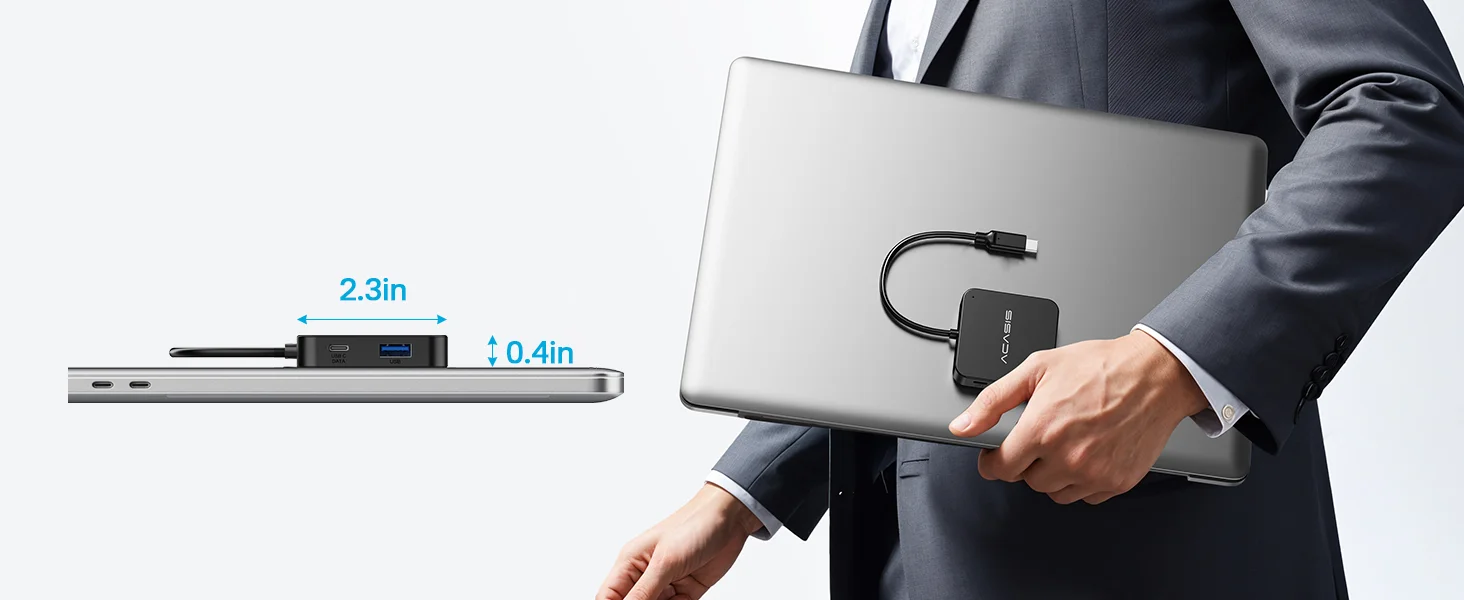
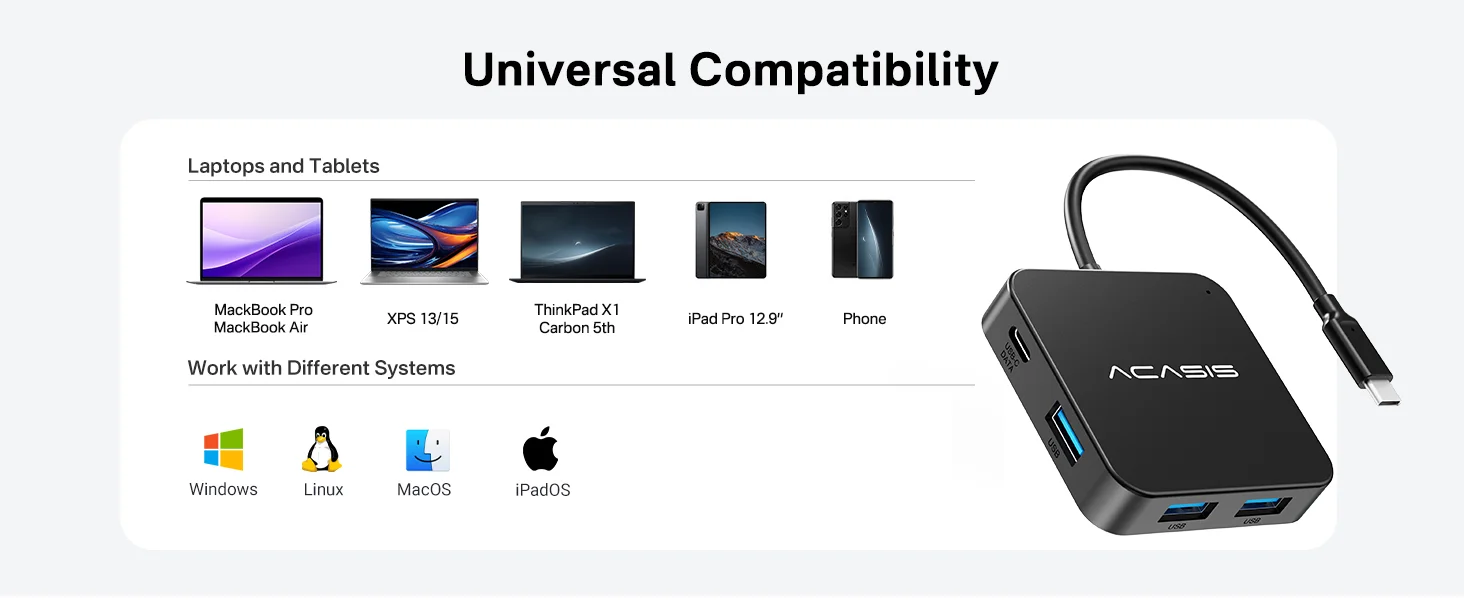
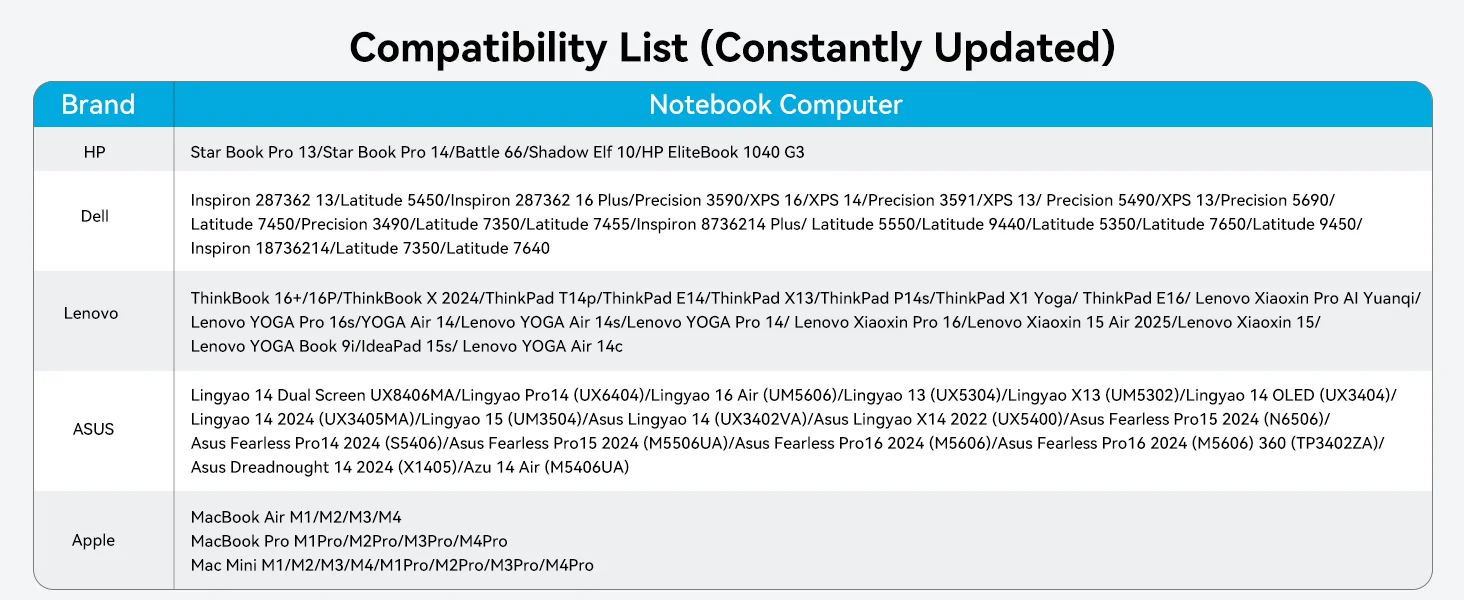
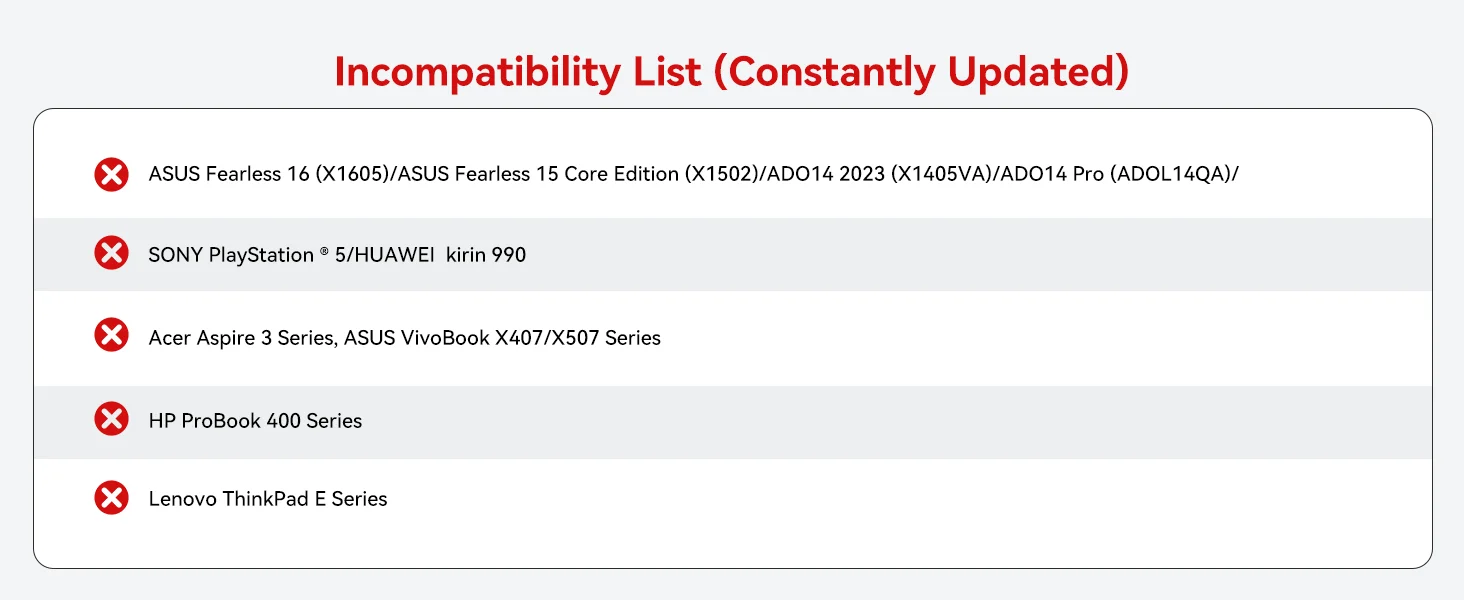
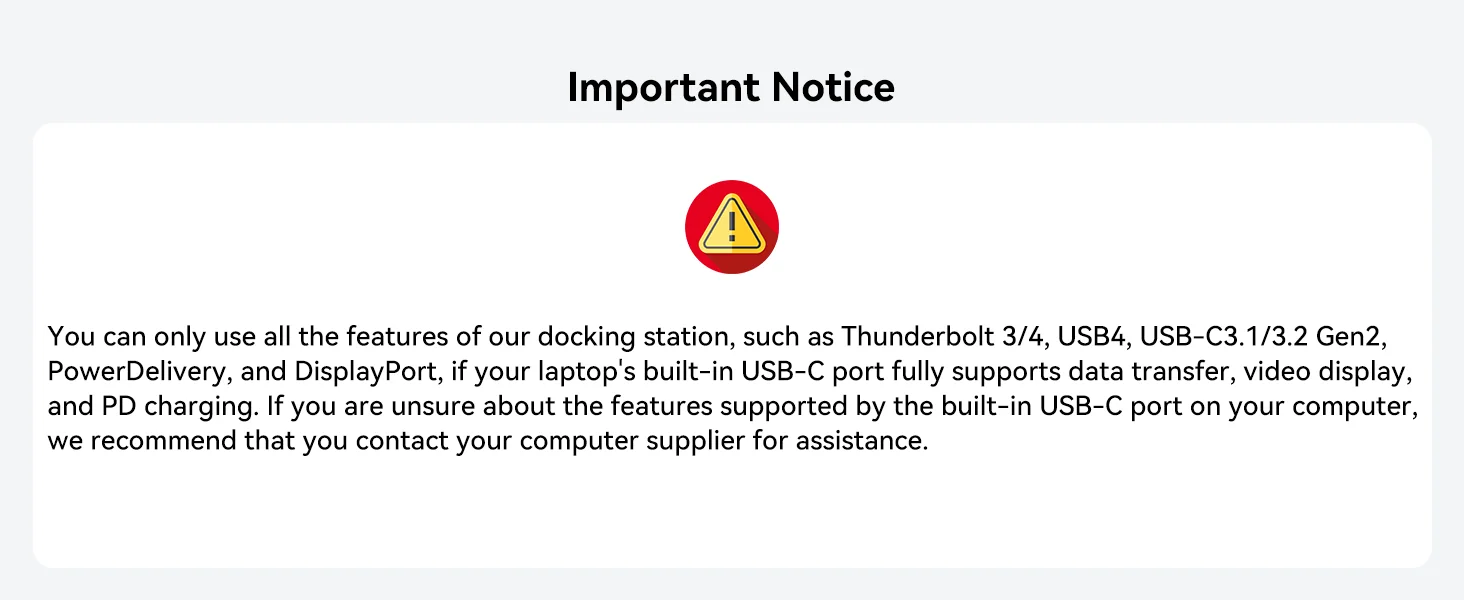

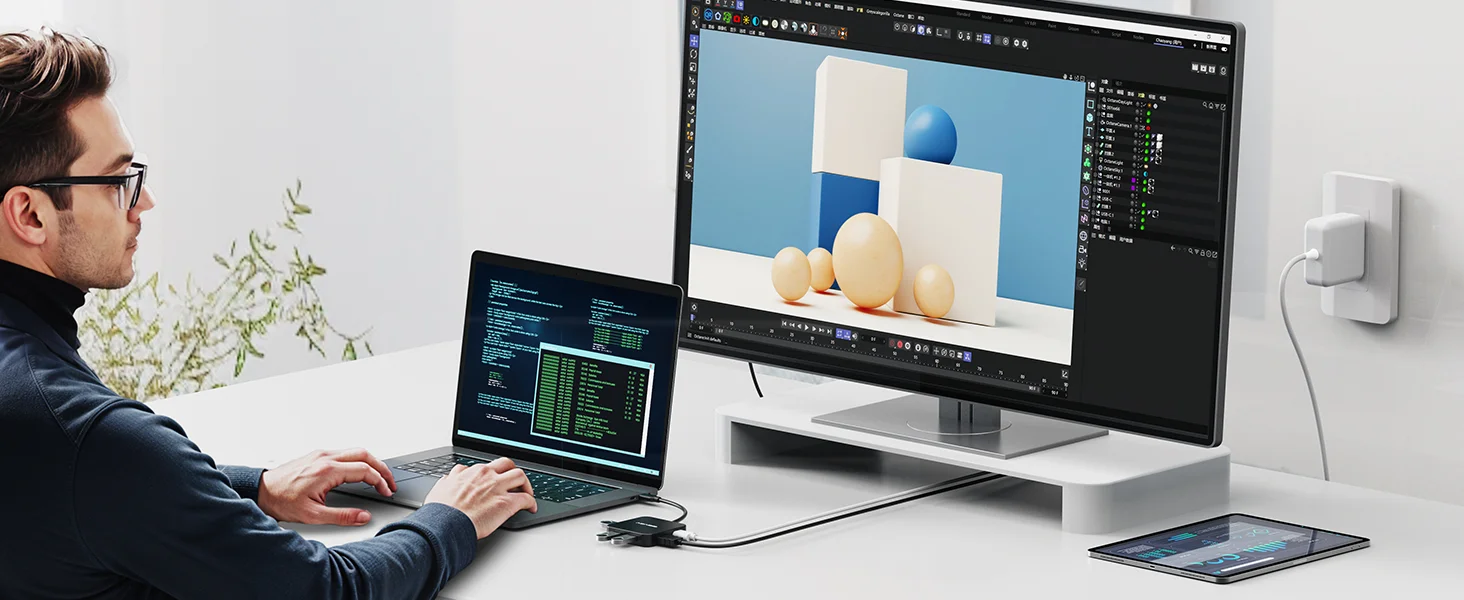

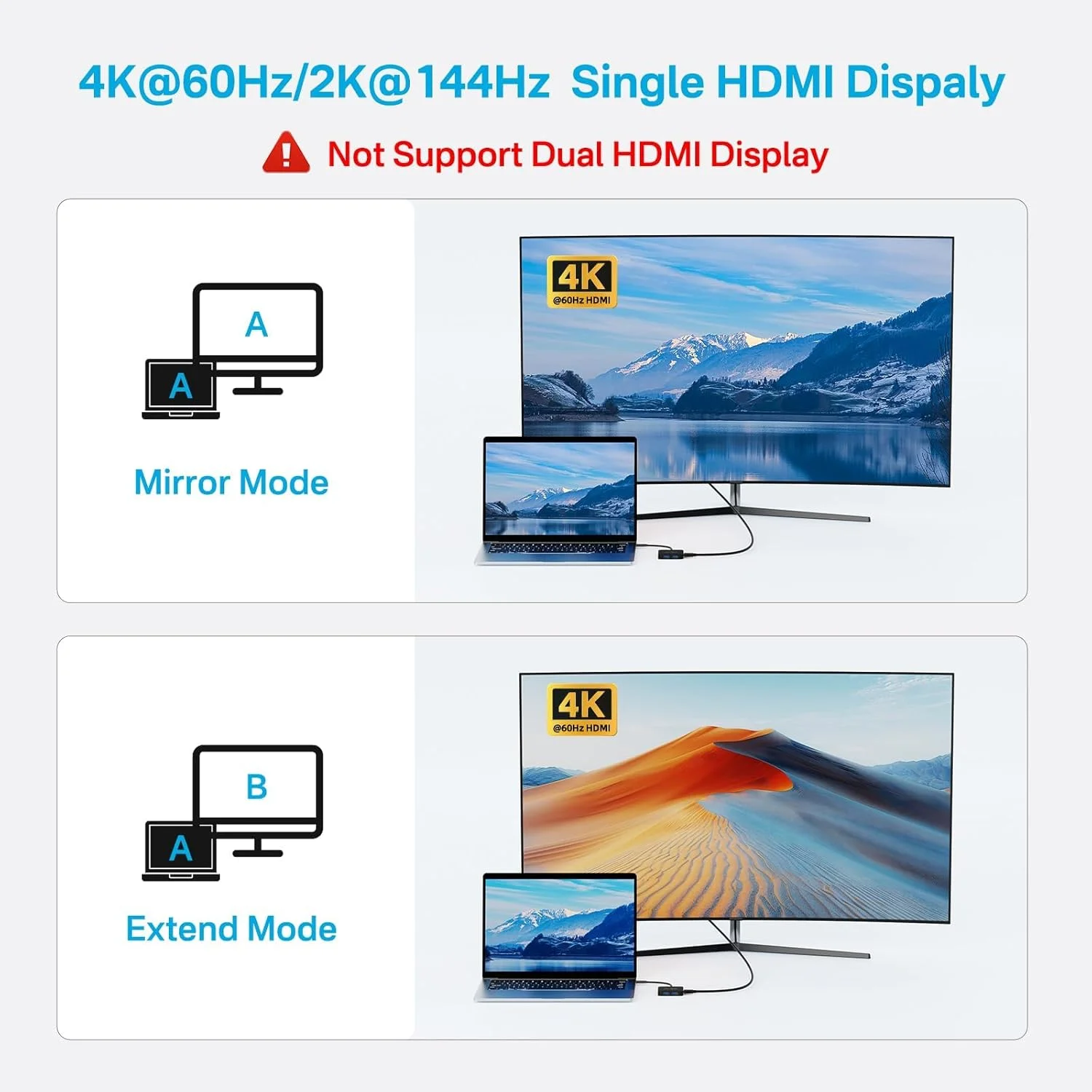
12 reviews for ACASIS 10Gbps USBC Hub, 6-in-1 Multiport Adapter with 4K60Hz HDMI, 100W Power Delivery, USBA3.2 Data Port, Supports Windows/Mac/Linux/iPad OS/Android
Related products
Sale
New
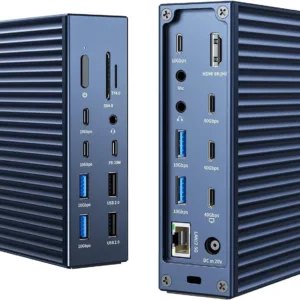
ACASIS Thunderbolt 4 Dock-21 Ports, Dual Monitor, 8K60Hz HDMI, 2.5 GbE, SD/TF4.0,10Gbps USB C/A 3.2 Gen2, 3.5mm, 40Gbps Dock for Mac M1/M2/M3 Pro/Max
Original price was: ₹49,999.00.₹25,999.00Current price is: ₹25,999.00. Add to cartSale
New
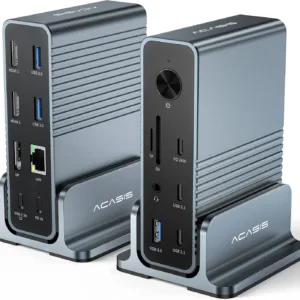
ACASIS USB C 15-in-1 Docking Station Triple Display Monitor, 100W PD, Dual 4KHDMI, DP 4K60Hz, 2*USB 3.1, 3*USB 3.0, LAN, SD/TF, Audio, for Mac/Windows
Original price was: ₹24,999.00.₹10,999.00Current price is: ₹10,999.00. Add to cartSale
New
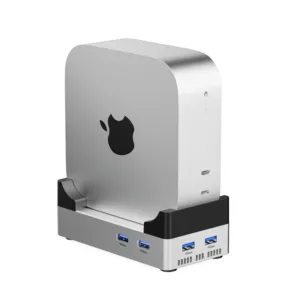
ACASIS 10-in-1 Dock with 10Gbps SSD Enclosure with Stand for M4/M4PRO Mac Mini, 4xUSB A 10Gbps, 1xHDMI 4k@60Hz, SD/TF3.0, PD30W, Up to 8TB
Price range: ₹8,999.00 through ₹12,999.00 Select options This product has multiple variants. The options may be chosen on the product pageSale
New
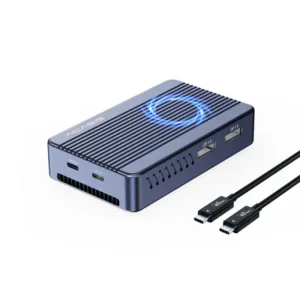
ACASIS Mac Mini Dock Dual Monitor with 40Gbps M.2 NVMe SSD Enclosure, 2*DP1.4, 2*USBA 3.1, 1 USBC 10Gbps, for Thunderbolt 4/USB4/3.2/3.1/3.0, M1/M2
Original price was: ₹29,999.00.₹12,999.00Current price is: ₹12,999.00. Add to cartSale
New

Anvika Jindal –
Using this daily with my MacBook Air. Charges + connects my mouse and monitor together without any issue.
Myra Ahuja –
I travel a lot and this fits easily in my laptop sleeve. Super convenient.
Yuvansh Goel –
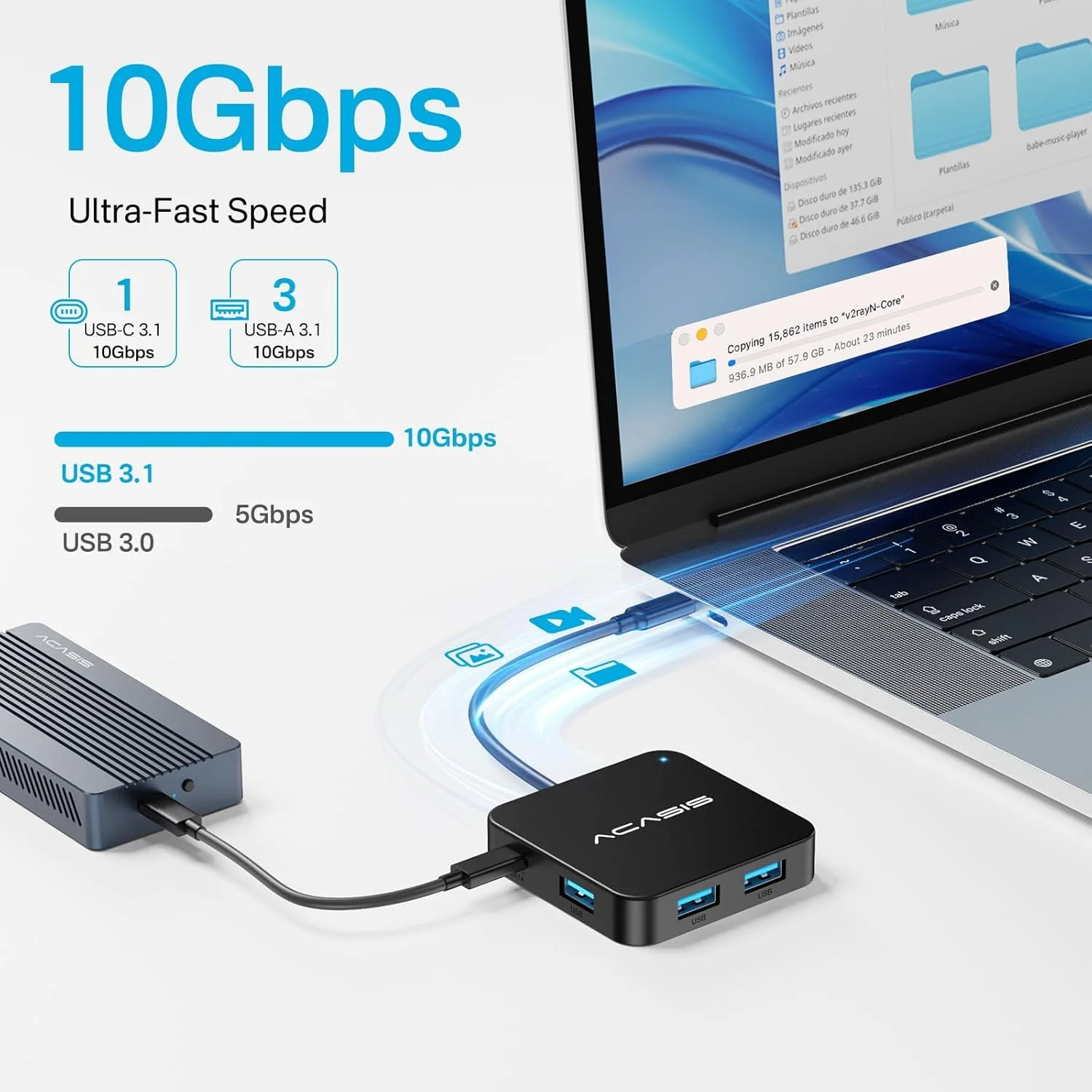
Transfer speeds are actually fast, not like those cheap hubs. That impressed me.
Zubin Lulla –
Build quality feels premium. Doesn’t feel like a cheap plastic hub.
Prabodh Katti –
Overall satisfied. Does the job
Devyash Tripathi –
Plug and play worked instantly. Very convenient.
Hriday Malpani –
Connected keyboard, pendrive and external display everything runs smoothly. Good purchase.
Inaya Merchant –
Clean design and no clutter. Makes my desk setup much simpler.
Nysa Talukdar –
Been using for 2 weeks now no disconnections, no lag. Reliable so far.
Aaryav Khanna –
Very compact and useful hub. Works perfectly with my laptop.
Eesha Suri –
Perfect for my work-from-home setup. Reliable and fast.
Devvrat Pundir –
Good balance of price and functionality. Not overkill, just what I needed.