
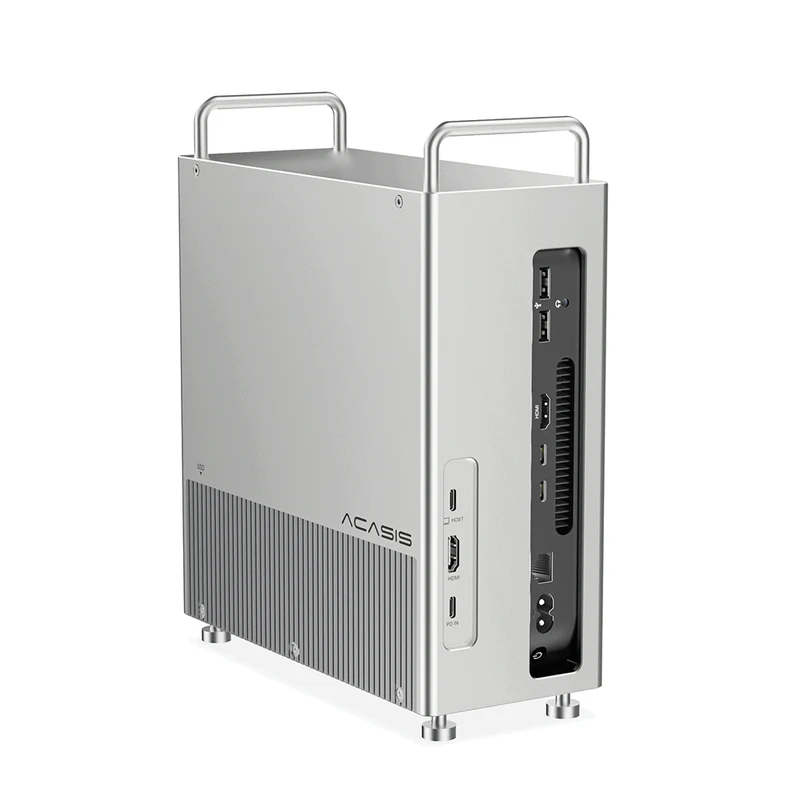
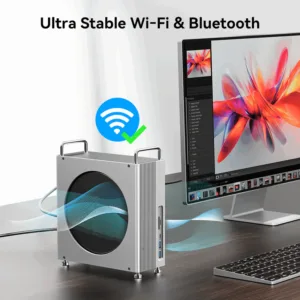
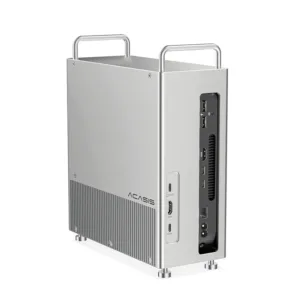
 ACASIS 40Gbps 8-in-1 Mac Mini ...
Products
-
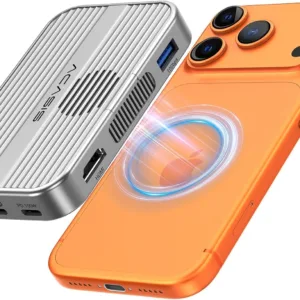 Original price was: ₹14,999.00.₹5,999.00Current price is: ₹5,999.00.
 -
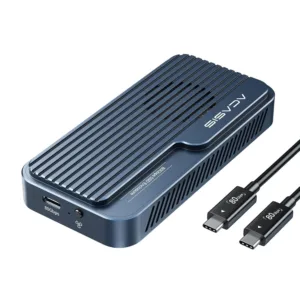 Original price was: ₹69,999.00.₹26,999.00Current price is: ₹26,999.00.
 -
 Original price was: ₹19,999.00.₹9,999.00Current price is: ₹9,999.00.
 -
 Original price was: ₹34,999.00.₹21,999.00Current price is: ₹21,999.00.
 -
 Original price was: ₹34,999.00.₹17,999.00Current price is: ₹17,999.00.
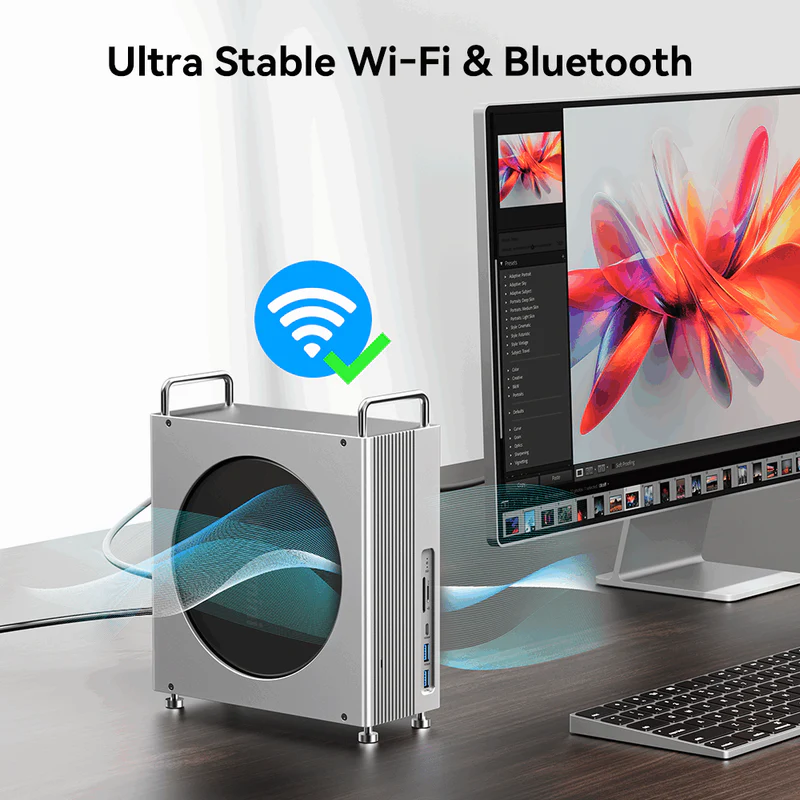
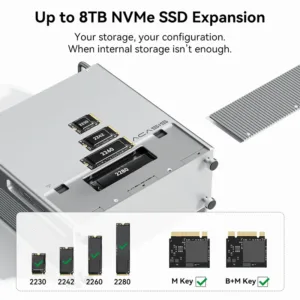
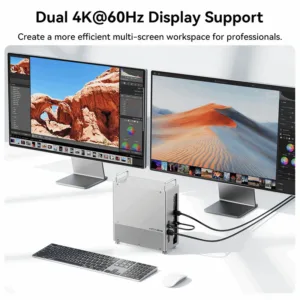
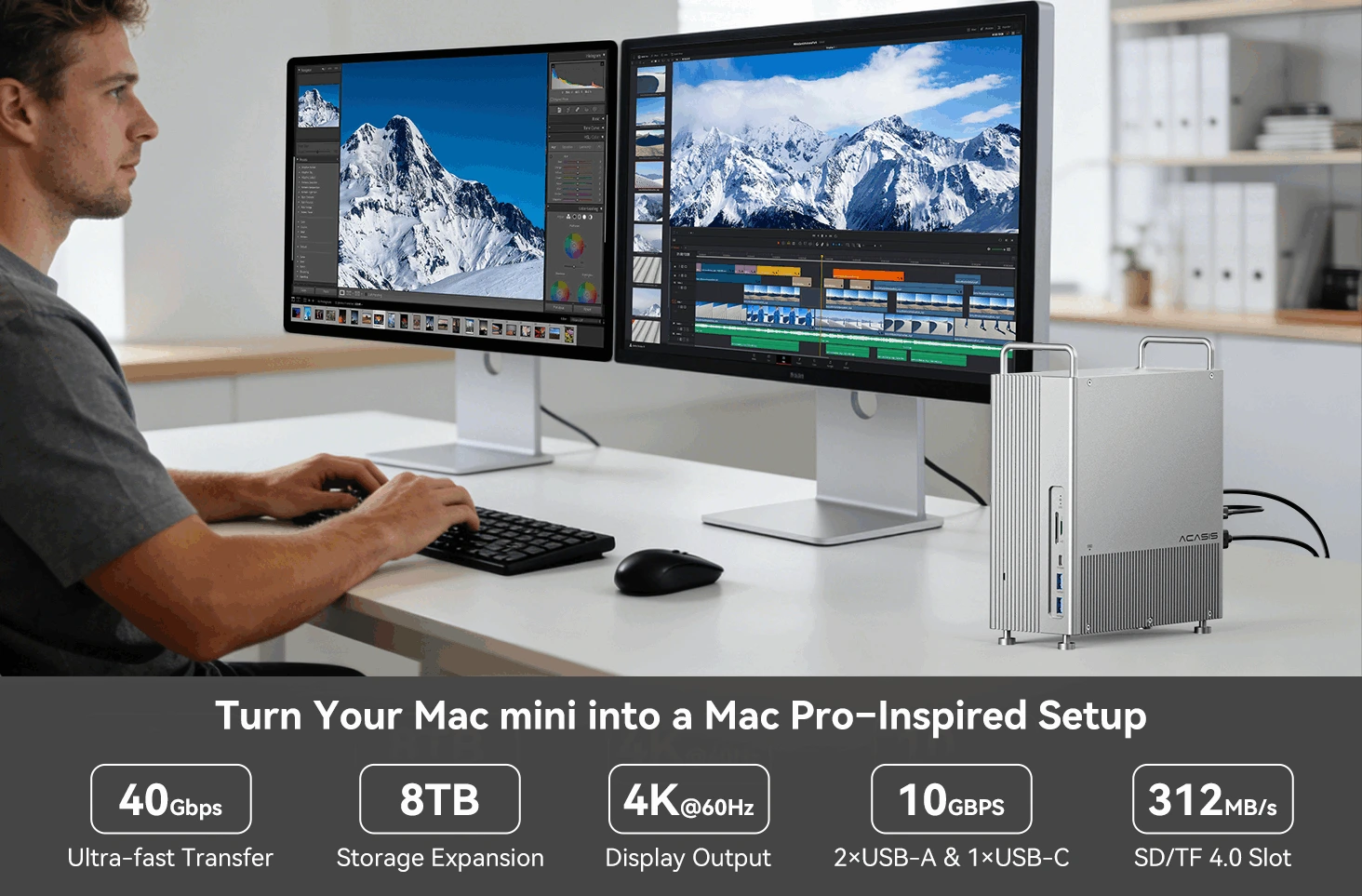 One dock solves multiple Mac mini challenges: limited storage, insufficient ports, and messy cables. Discover how 8TB NVMe storage, dual 4K HDMI, and USB-C/USB-A expansion can transform your workflow.
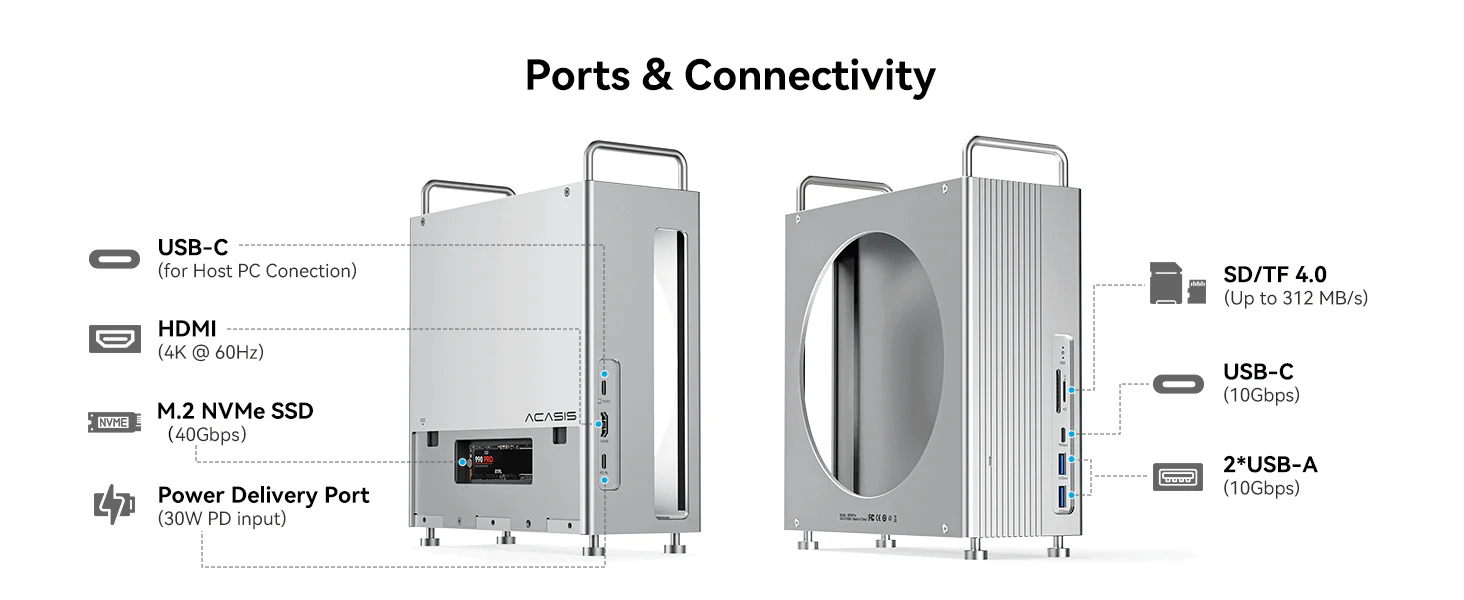
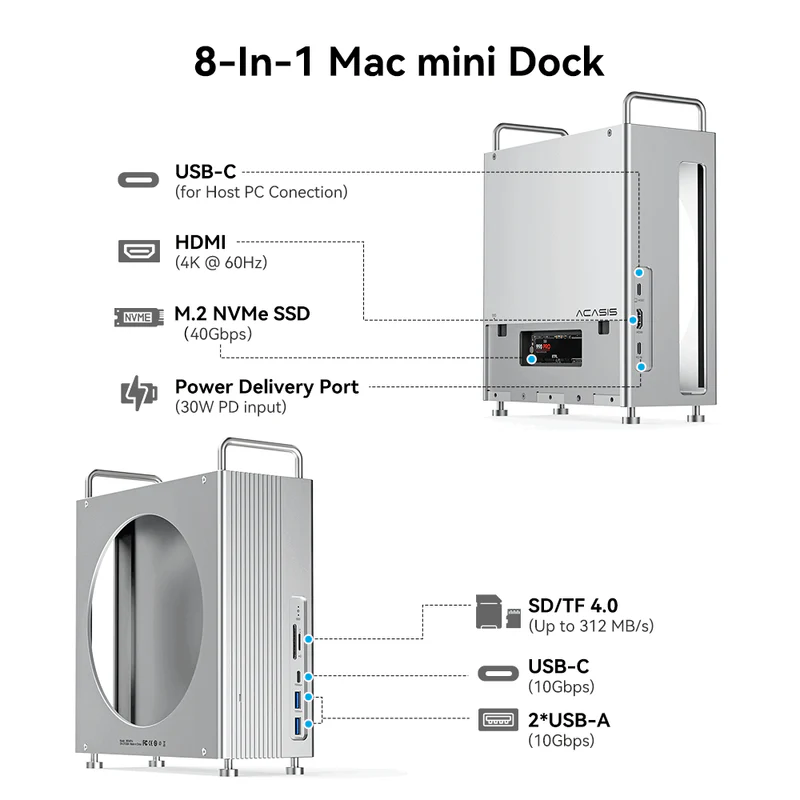
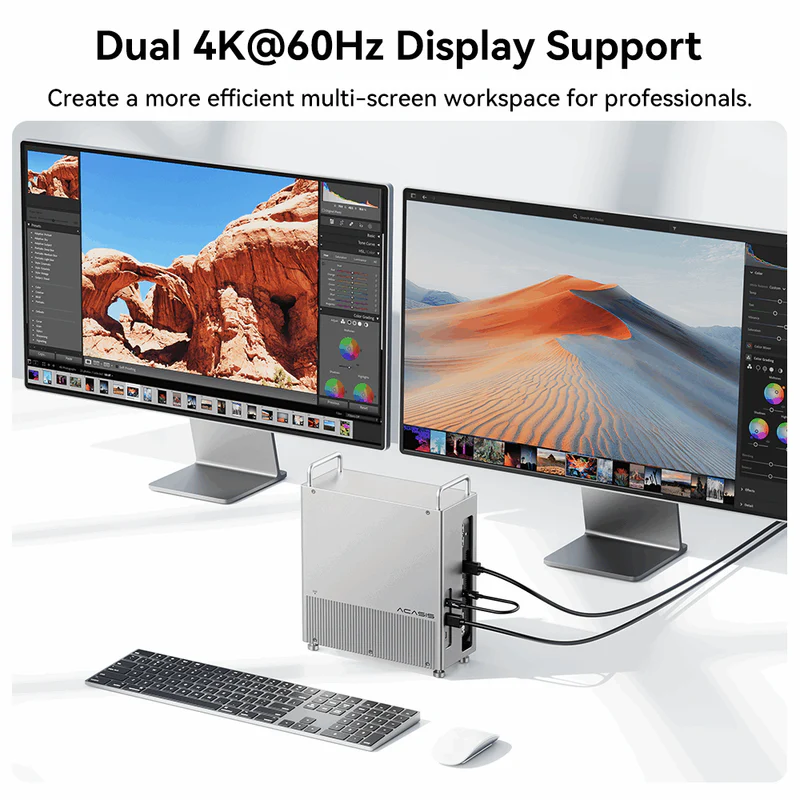
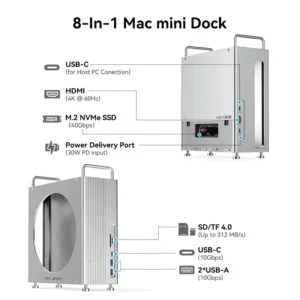
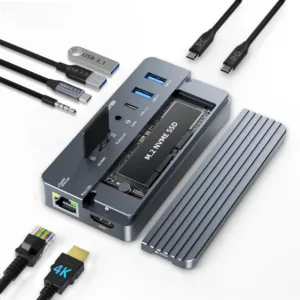
Every port you need, right at your fingertips. Dual 4K HDMI, multi-port USB-C/USB-A, and expandable 8TB NVMe storage—all in one Mac mini dock. Fast, organized, and ready for any workflow.
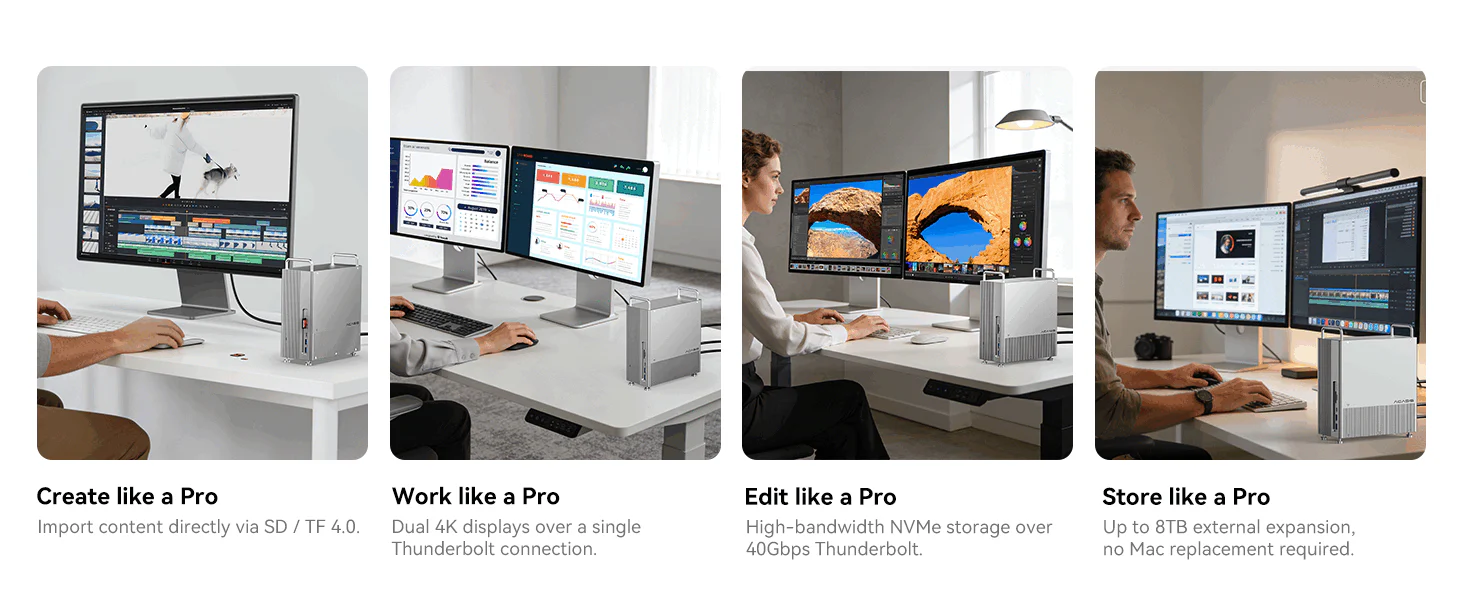 Say goodbye to slow transfers, limited ports, and storage constraints.
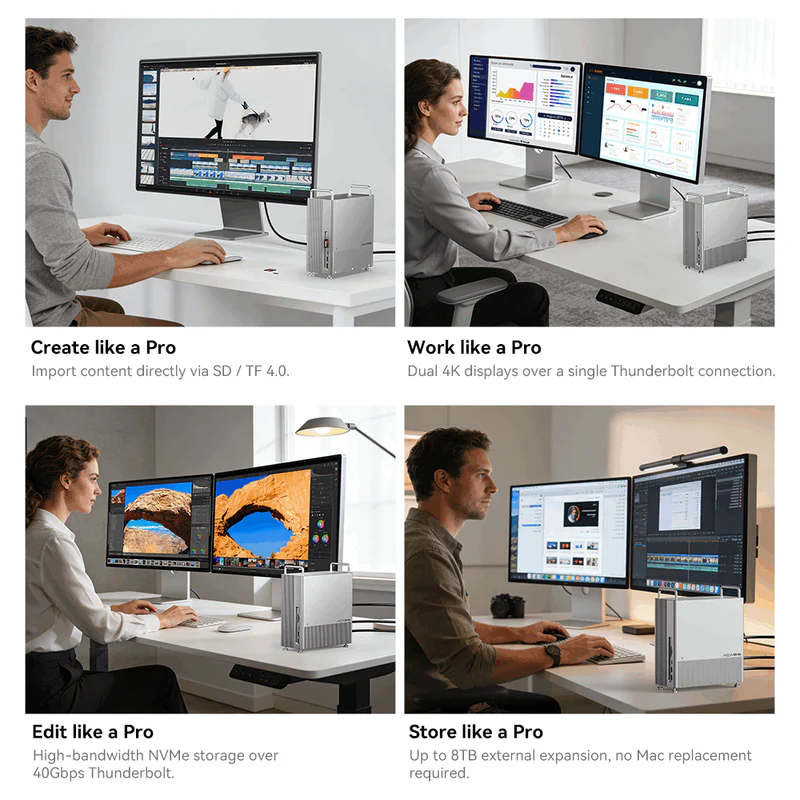
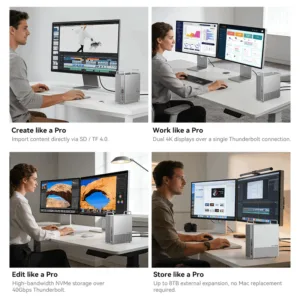
High-speed storage, dual 4K displays, and expandable connectivity, your Mac mini handles every workflow like a Pro.
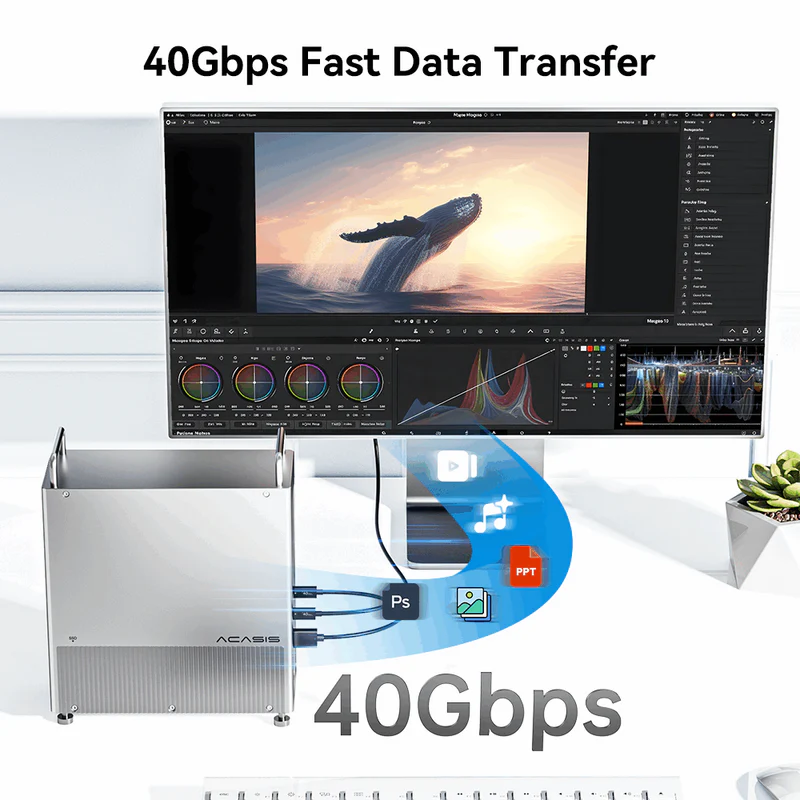
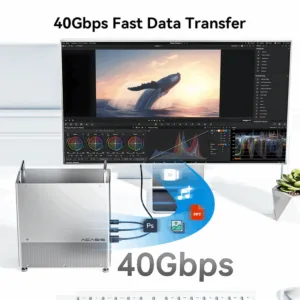
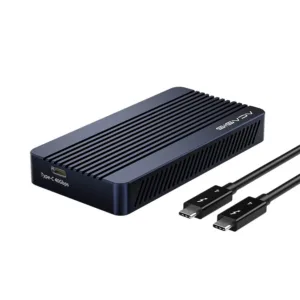
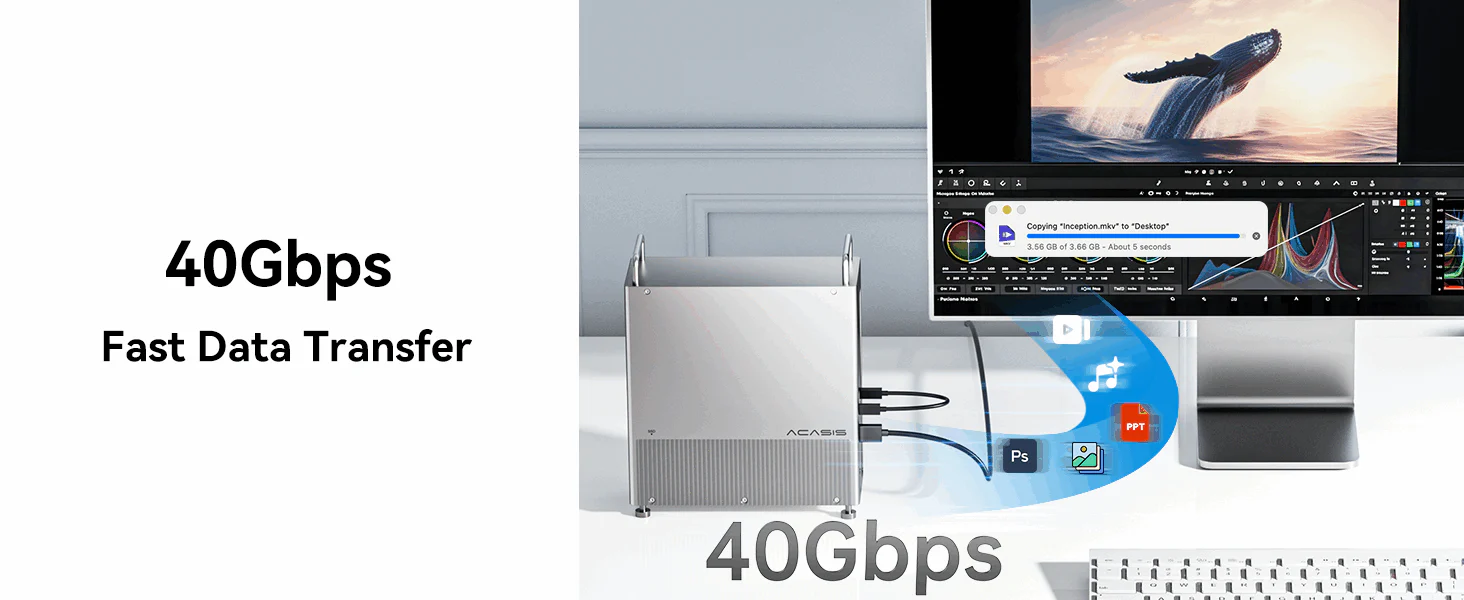 Powered by a 40Gbps Thunderbolt connection, the Acasis Mac mini Dock delivers ultra-fast data transfer for NVMe SSDs. Move large files, edit high-resolution photos and videos, and work directly from external storage with speed and stability you can rely on.
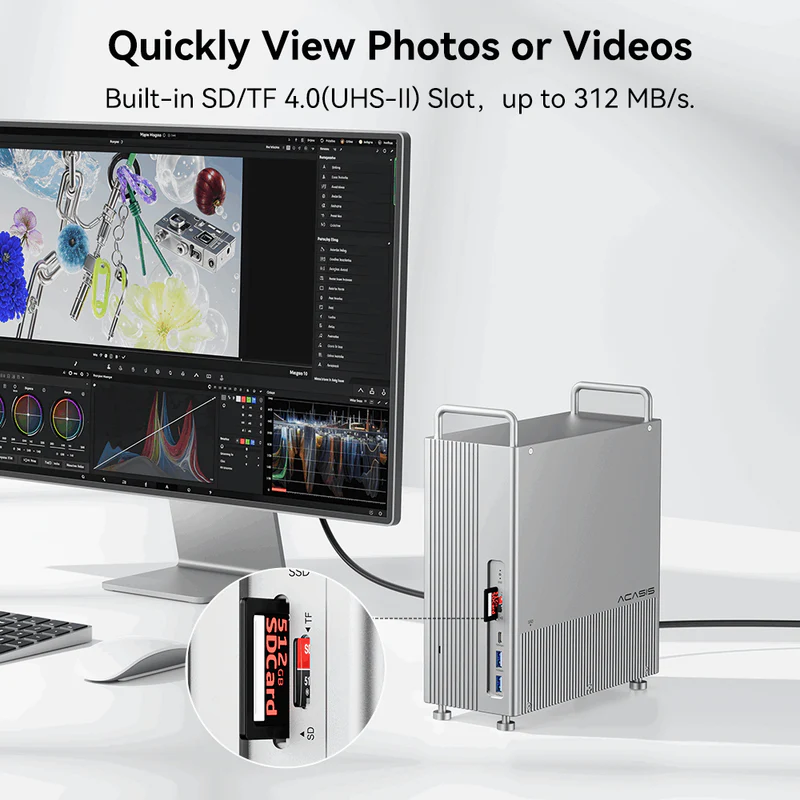
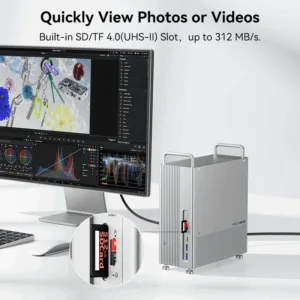
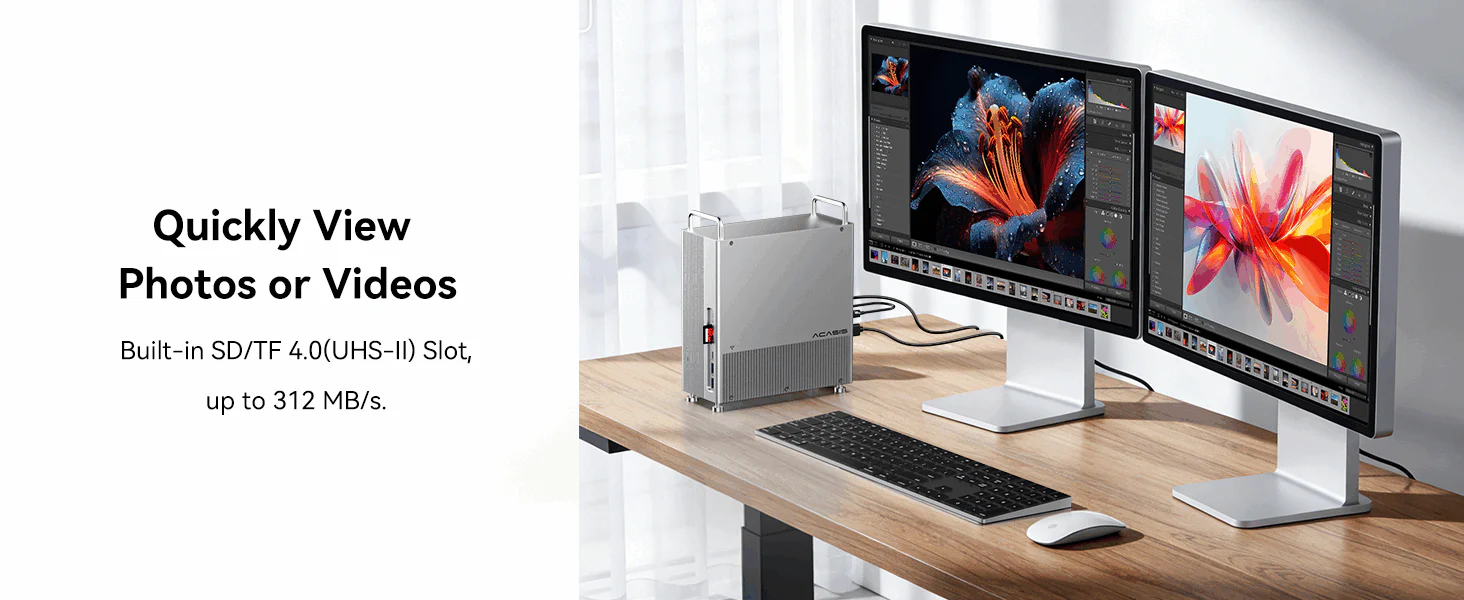 Quickly preview and transfer photos or videos directly from your camera cards. The built-in SD / TF 4.0 (UHS-II) card reader delivers transfer speeds up to 312 MB/s, eliminating the need for external card readers.
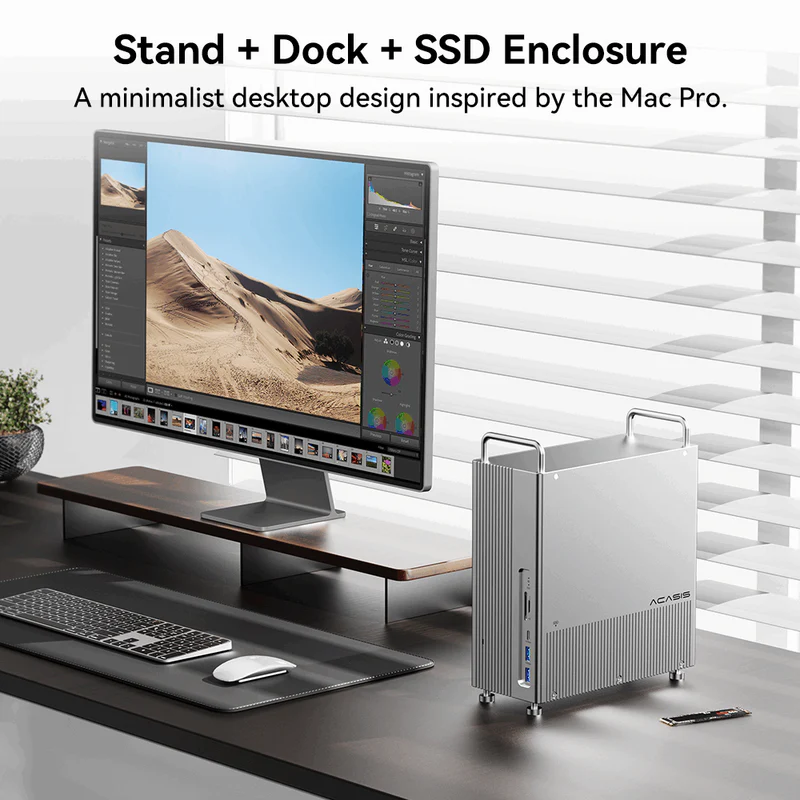
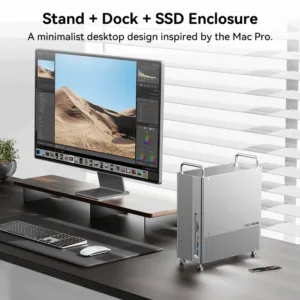
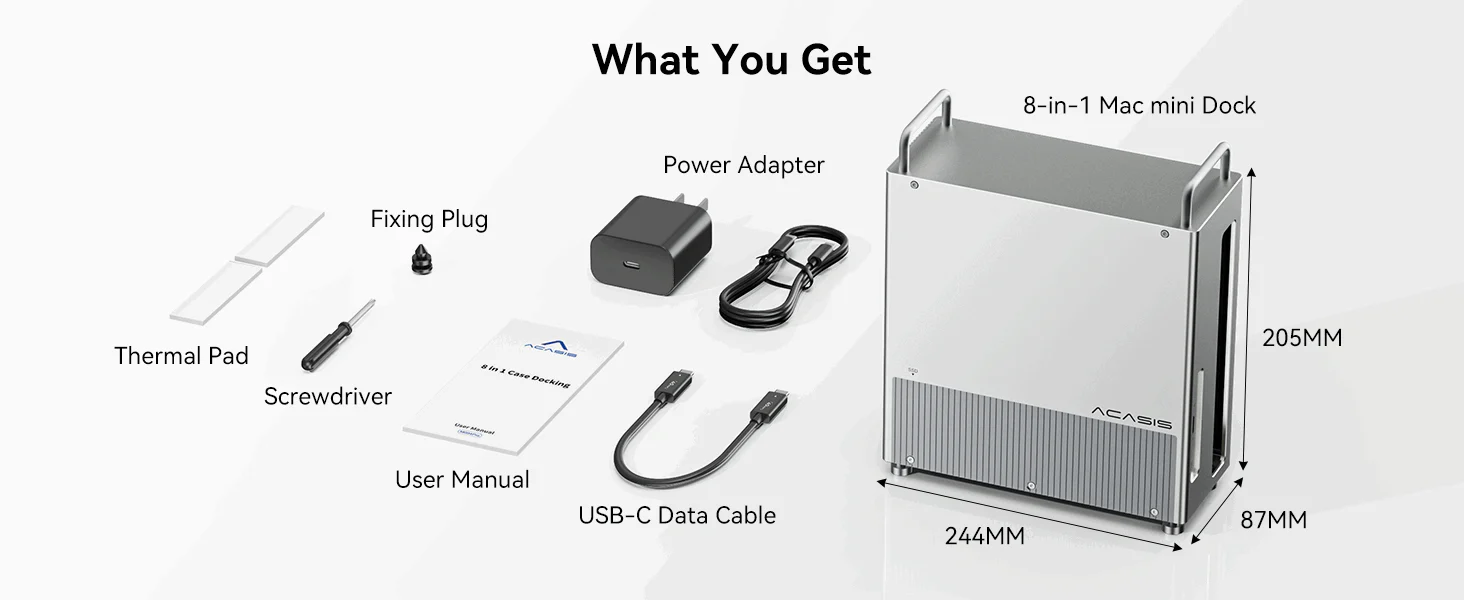
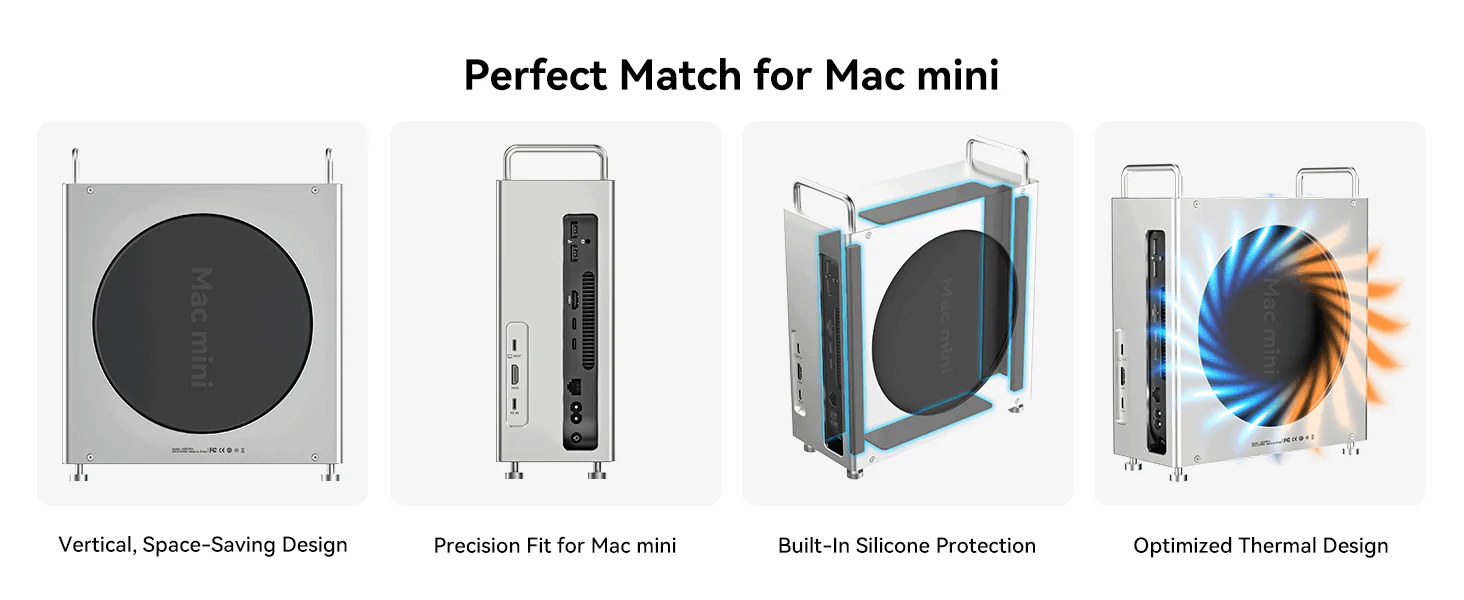 Designed specifically for Mac mini, this dock features a vertical, space-saving form factor with a precision fit and built-in silicone protection. An optimized thermal design helps maintain stable performance during long hours of work.
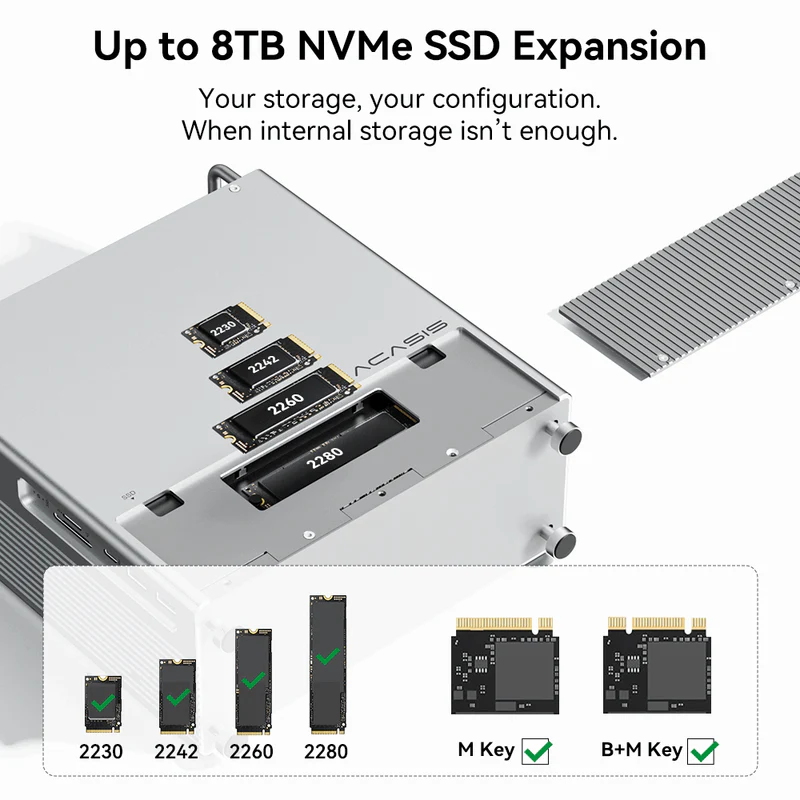
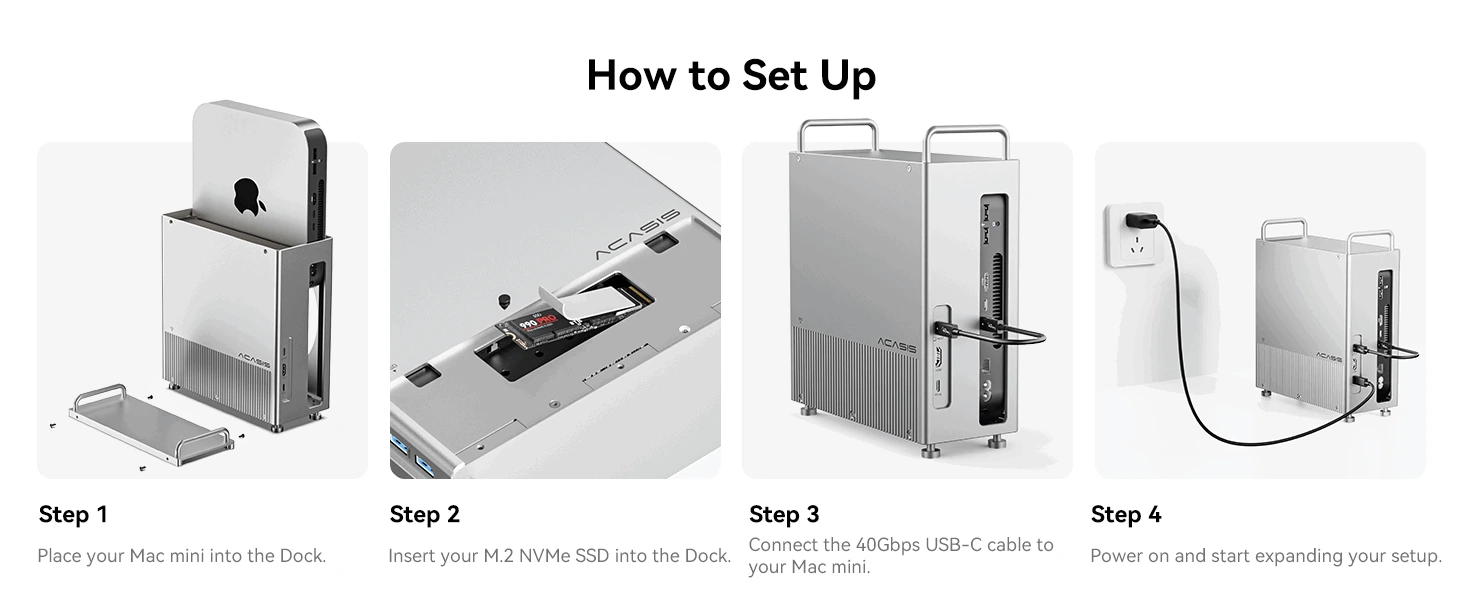 Simply place your Mac mini, install the NVMe SSD using the included screws for a secure fit, connect the 40Gbps USB-C cable, and start expanding your storage and connectivity.

Tanmay Bhise –
Slightly expensive, but the performance and convenience justify the price.
Nikhil Soman –
SSD installation was easy and quick. Took me just a few minutes.
Aarohi Wankhede –
If you’re looking for a high-speed USB4/Thunderbolt dock with NVMe SSD support, this is a great choice for professionals.
Sameer Dholakiya –
This device gave me peace of mind. Fast, reliable, and perfect for handling my daily workload without any hassle.
Rupal Shah –
The dual display support works perfectly. No lag or flickering issues so far.
Zainab –
Perfect for video editing. I can transfer large files quickly without waiting.
Yashika Tiwari –
Best Thunderbolt NVMe docking station for M1/M2 Mac Mini. Great for multitasking and storage expansion.
Ritesh Kukreja –
Switching to this dock felt like upgrading from a basic setup to a professional workstation. Everything just works faster and better.
Pallak Bedi –
Build quality is solid. Feels durable and premium.
Krishiv Doshi –
Earlier I had cables everywhere. After switching to this dock, everything is organized and easy to manage. It feels like a professional studio setup now.
Mohd Faiz Khan –
Plug and play experience was smooth. No drivers required, which is a big plus.
Devraj Pillai –
Very compact yet powerful. Ideal for people who want a clean and minimal desk setup.
Aditi Khurana –
As a graphic designer, I deal with heavy files daily. The NVMe speed makes a noticeable difference. Everything loads faster and smoother.
Mansi Bhatnagar –
The number of ports is perfect for my workflow. I can connect monitor, SSD, keyboard, and mouse without any extra hub.
Vihaan Suryavanshi –
I upgraded my entire workstation with the M004 Pro and it genuinely feels like a different setup. Faster transfers, cleaner desk, and everything connected through one device—it’s a huge productivity boost.