No products in the cart.

Sale
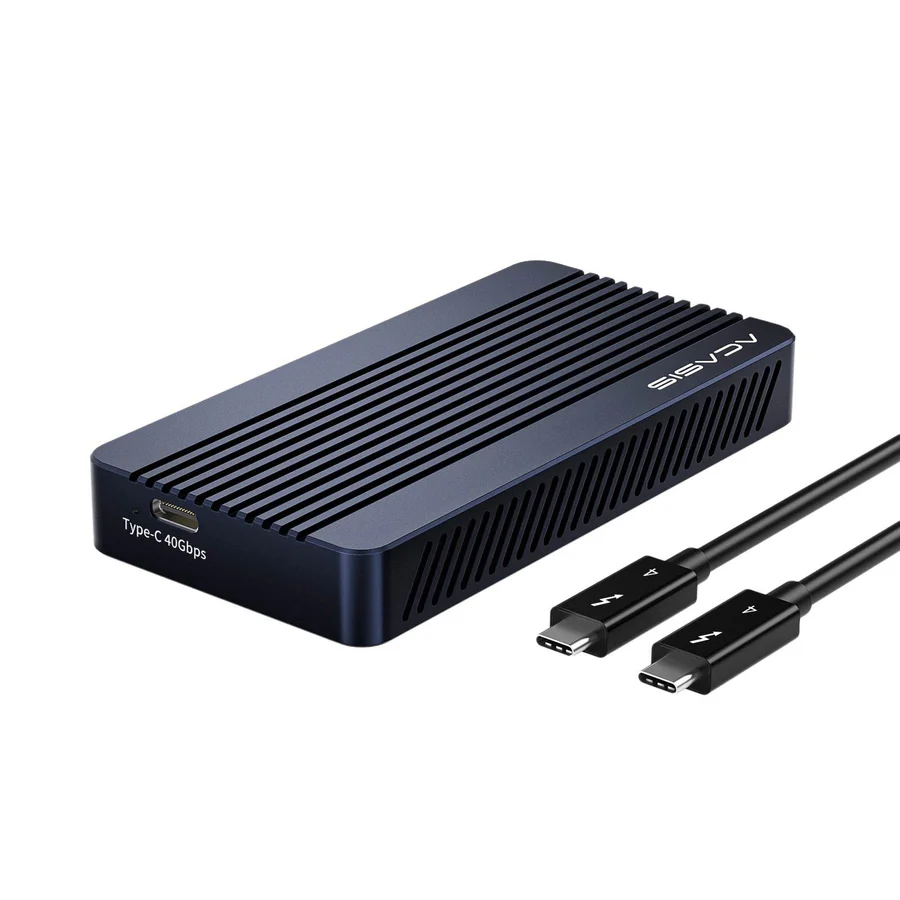








 ACASIS 40Gbps M.2 NVMe SSD Enc...
 Products
-
 Original price was: ₹14,999.00.₹5,999.00Current price is: ₹5,999.00.
 -
Original price was: ₹69,999.00.₹28,999.00Current price is: ₹28,999.00.
-
Original price was: ₹19,999.00.₹10,999.00Current price is: ₹10,999.00.
-
Original price was: ₹34,999.00.₹23,999.00Current price is: ₹23,999.00.
-
Original price was: ₹34,999.00.₹18,999.00Current price is: ₹18,999.00.

 TBU405M1 VS TBU405Pro
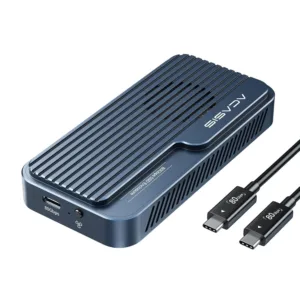
TBU405 is base version (Tool-free Installation), while TBU405Pro (Tool-free Installation + Built-in Silent Fan) is an upgraded version of TBU405. The main difference is that TBU405Pro is additionally equipped with a built-in silent cooling fan.
According to tests conducted by the ACASIS laboratory, after continuous use for 1 hour, the internal SSD temperature of TBU405Pro remained as low as 35°C, providing robust protection for your valuable data. 40Gbps Ultra-Fast Transfer Rate
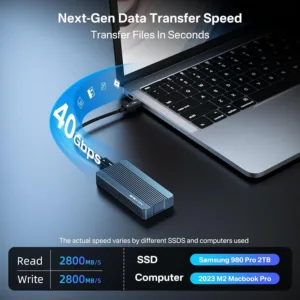
In tests conducted at the ACASIS laboratory using a 2TB Samsung 980 Pro SSD and a MacBook Pro, the ACASIS 40Gbps NVMe SSD enclosure read/write speeds reaches up to 2805MB/s / 2734MB/s.
Note: Don’t buy SSDs with heatsinks. Choose SSD capacity based on your needs. Dual-Chip Design for Dual Stability
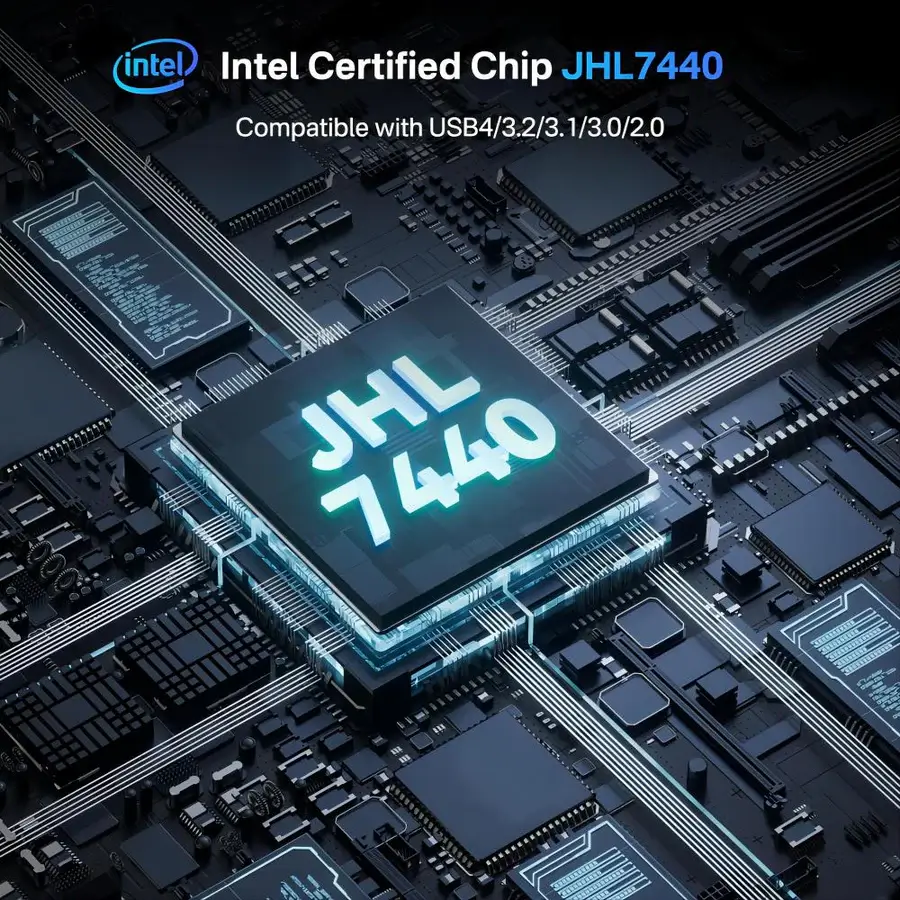
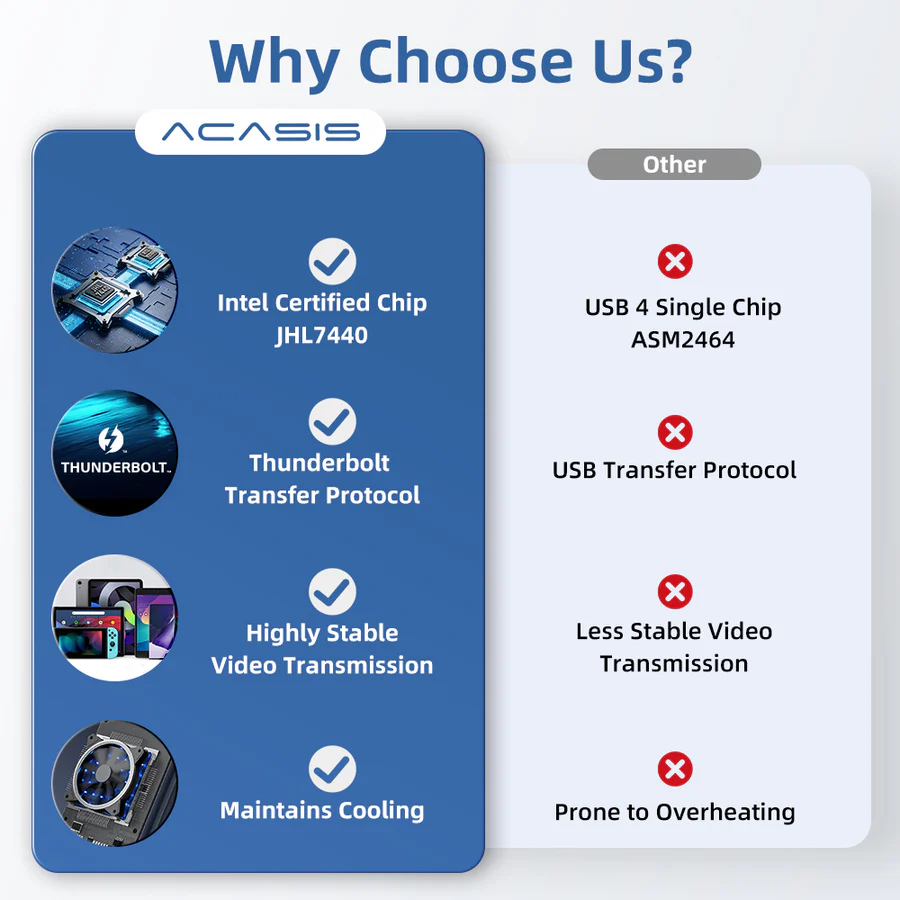
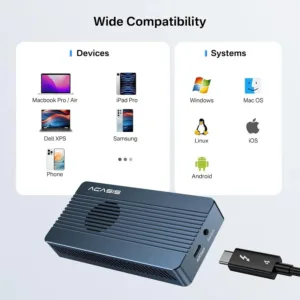
Unlike other enclosures that use the ASMedia® AMS2464 chip, ACASIS adopts a dual-chip design, ensuring backward compatibility with Thunderbolt 5/4/3 and USB4/3.2/3.1/3.0/2.0. The JHL7440 chip and the REALTEK® RTL9210B chip are perfectly combined, ensuring stable and smooth data transfer. The JHL7440 chip serves as the main controller, supporting up to 40Gbps ultra-fast transfer rates. Multiple Heat Dissipation
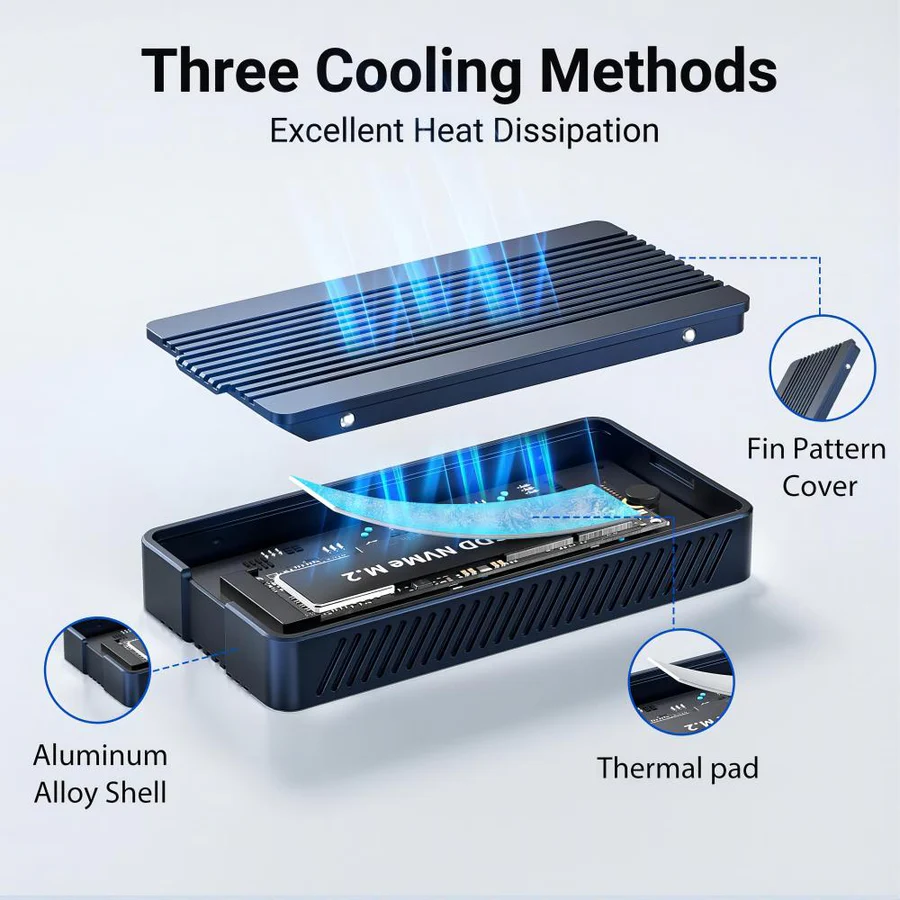
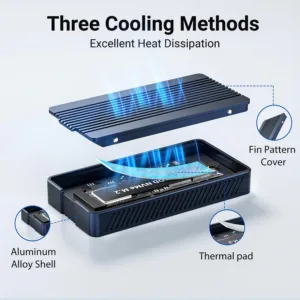
The built-in cooling fan, aluminum alloy shell with corrugated surface and thermal pad work together for quadruple heat dissipation effect, protecting the SSD from overheating while reducing power consumption and ensure great performance all along. Tool-Free Installation, Plug and Play
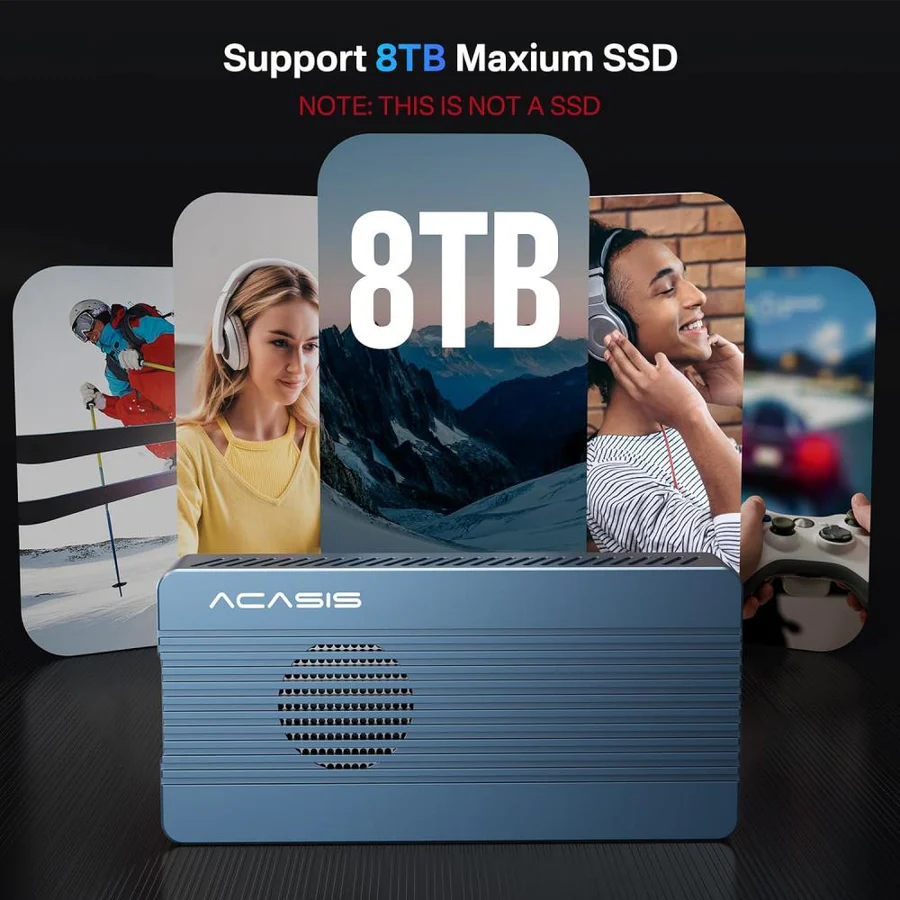
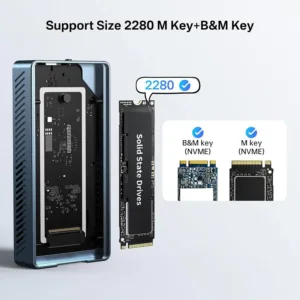
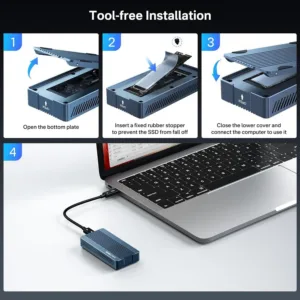
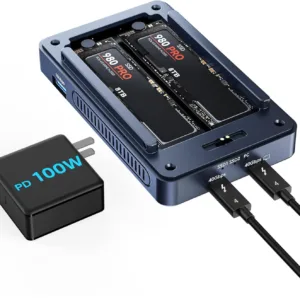
No more worries about losing screws. The ACASIS storage enclosure features a tool-free design, supporting M-key and B+M key any size PCIe NVMe SSDs. No driver installation or external power supply is required, truly achieving plug-and-play functionality.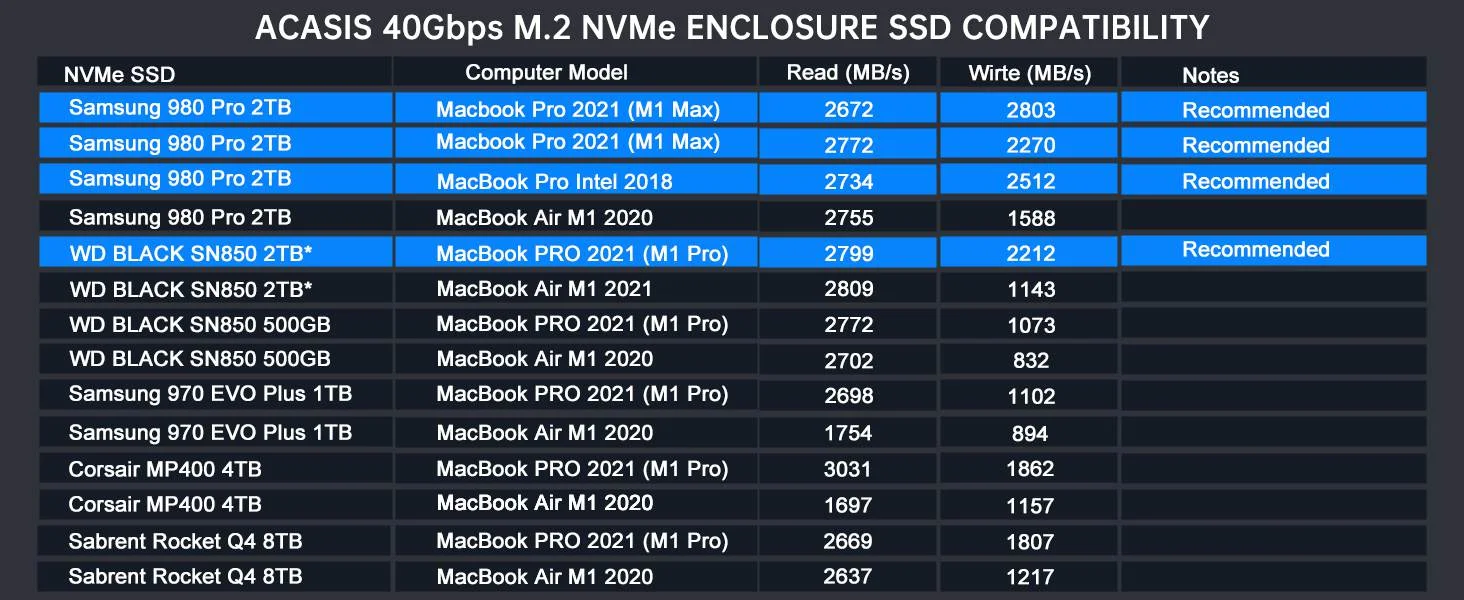 *TBU405M1 supports up to 8TB of SSD.
The above data are the results of speed tests conducted by Acasis Labs. The speed obtained may vary depending on the SSD used, file formats, and operating systems.  Easy to Carry
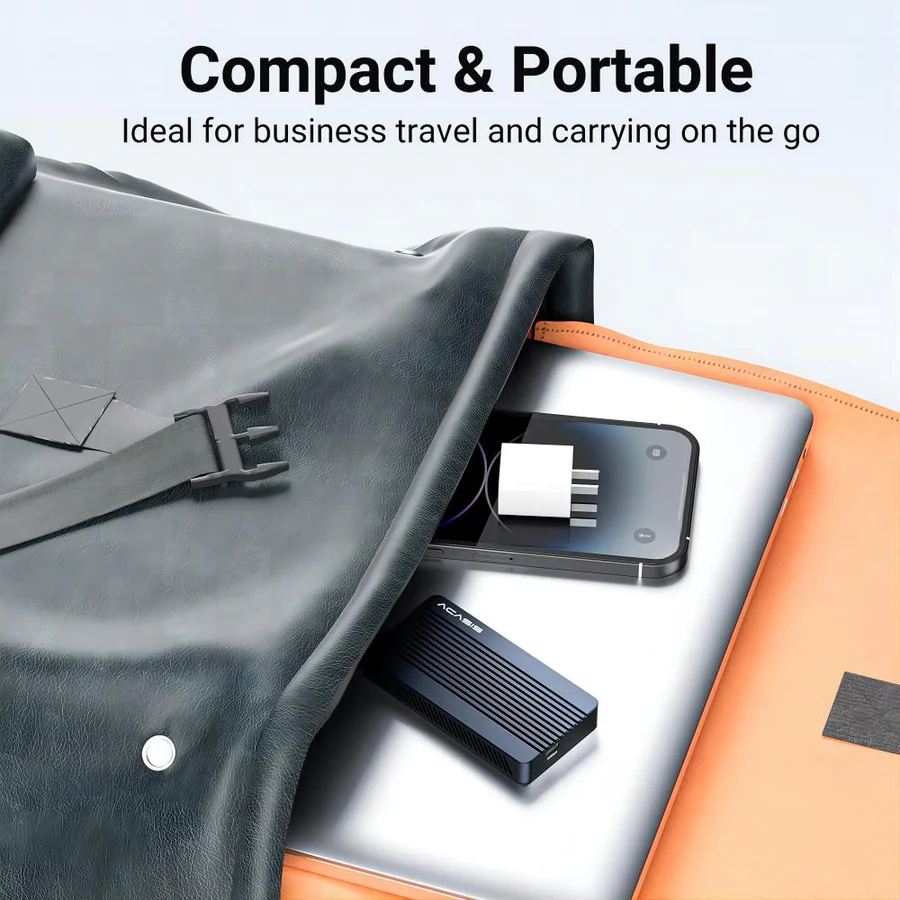
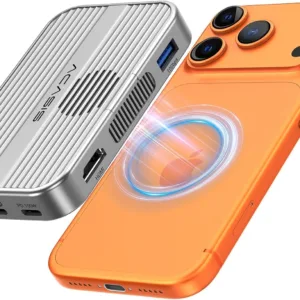
The ACASIS 40Gbps NVMe SSD enclosure is only the size of a iphone and weighs about the same as an apple. You can simply slip it into your pocket or briefcase, allowing you to meet your need for efficient and reliable storage while on the go.

 Whether you’re transferring large files, editing high-resolution images or video, or just need a reliable and efficient storage solution, the ACASIS 40Gbs M.2 NVME SSD enclosure has you covered. So why wait?
Upgrade your workflow today and experience the power and speed of the ACASIS 40Gbs M.2 NVME SSD SSD enclosure!
24 reviews for ACASIS 40Gbps M.2 NVMe SSD Enclosure Compatible with Thunderbolt 3/4/USB4/3.2/3.1/3.0 /2.0, Support Size 2280 B+M M-Key,TBU405M1 for M1/M2Pro/Max
Related products
Sale
ACASIS 80Gbps M.2 NVMe SSD Enclosure with Intel Certified JHL9480 Chipset, in-Built Cooling Fan for MacBook/Mac Mini M4 Pro, Razer Blade18, Up to 8TB
Original price was: ₹69,999.00.₹28,999.00Current price is: ₹28,999.00. Add to cartSale
ACASIS 10-in-1 Dock with 10Gbps Dual SSD Enclosure for M4/M4PRO Mac Mini, 4xUSB A 10Gbps, 1xHDMI 4k@60Hz, SD/TF3.0, PD30W, Software RAID | Up to 16TB
Original price was: ₹19,999.00.₹10,999.00Current price is: ₹10,999.00. Add to cartSale
ACASIS Dual-Bay 40Gbps M.2 SSD Enclosure, Cooling Fan, Mac Mini Dock Dual Monitor, Dual nvme Enclosure Support Software RAID, for M1/M2/Windows
Original price was: ₹34,999.00.₹23,999.00Current price is: ₹23,999.00. Add to cartSale

ACASIS 40Gbps 4 Bay RAID Thunderbolt 4/3 M.2 NVMe SSD Enclosure with Certified Chipset, Built-in Cooling Fan for MacBook/Mac Mini, Up to 4*8TB
Original price was: ₹79,999.00.₹37,999.00Current price is: ₹37,999.00. Add to cartSale


Aditi Rao –
Love how small it is. easy to carry with my gear on trips.
Kunal Patil –
Perfect match for my Thunderbolt 4 port. speeds are consistently high.
Rhea Sen –
No driver installation. just plug in and go. Very user-friendly!
Priyanka Das –
Great choice for editing 4K videos directly from the SSD enclosure.
Alia Khan –
Very impressed with the build and performance worth every penny.
Vikram Rao –
Great enclosure for expanding storage on my MacBook Pro without hassles.
Harish Kulkarni –
Excellent value for the fast transfer speeds and wide compatibility.
Kavita Desai –
Supports up to 8 TB SSD. perfect for my huge media archive.
Rohit Bansal –
Robust aluminum casing helps with heat dissipation runs cool.
Vikas Sharma –
Perfect for professionals who need fast, portable storage solutions.
Ashok Menon –
Supports huge SSD sizes, great for my data-intensive projects.
Tanvi Gupta –
Amazing product for backing up my laptop quickly and reliably.
Isha Nair –
The 40 Gbps transfer rate is no joke huge files transfer so fast!
Sandeep Nair –
Compatible with both Mac and Windows with no adjustments needed.
Sakshi Agarwal –
Reliable connection every time. no disconnects or errors so far. working smooth
Priya Roy –
Plug-and-play. no drivers needed and my M.2 drive was recognized instantly.
Rahul Jain –
Blazing fast transfers with Thunderbolt 4 and USB4 compatibility. love it!
Manoj Singh –
Tool-free installation made setup unbelievably easy compared to other enclosures.
Meera Joshi –
Super simple setup so much better than other enclosures I’ve used.
Neha Kapoor –
Transfers huge files without slowing down, ideal for creative work.
Arjun Bhatt –
Fantastic SSD enclosure! The 40 Gbps speed lets me transfer large video files in seconds.
Mohit Sharma –
The Intel-certified chip keeps performance stable even with big transfers.
Aniket Verma –
SSD fits perfectly and works instantly. no tools, no fuss!
Shreya Mehta –
Compact, solid build and runs cool even under heavy use.