
 ACASIS 3 HDMI 1 SDI in 1080P P...
Products
-
 Original price was: ₹14,999.00.₹5,999.00Current price is: ₹5,999.00.
 -
 Original price was: ₹69,999.00.₹26,999.00Current price is: ₹26,999.00.
 -
 Original price was: ₹19,999.00.₹9,999.00Current price is: ₹9,999.00.
 -
 Original price was: ₹34,999.00.₹21,999.00Current price is: ₹21,999.00.
 -
 Original price was: ₹34,999.00.₹17,999.00Current price is: ₹17,999.00.
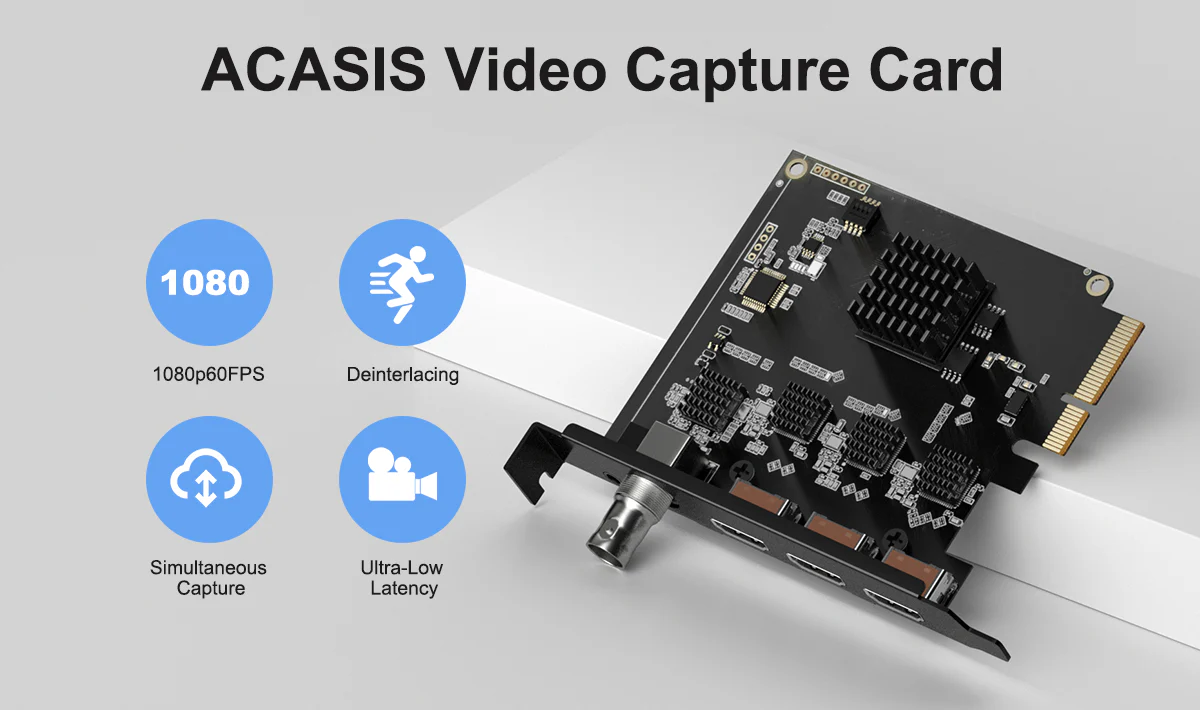
Low Latency PCIe Capture Card
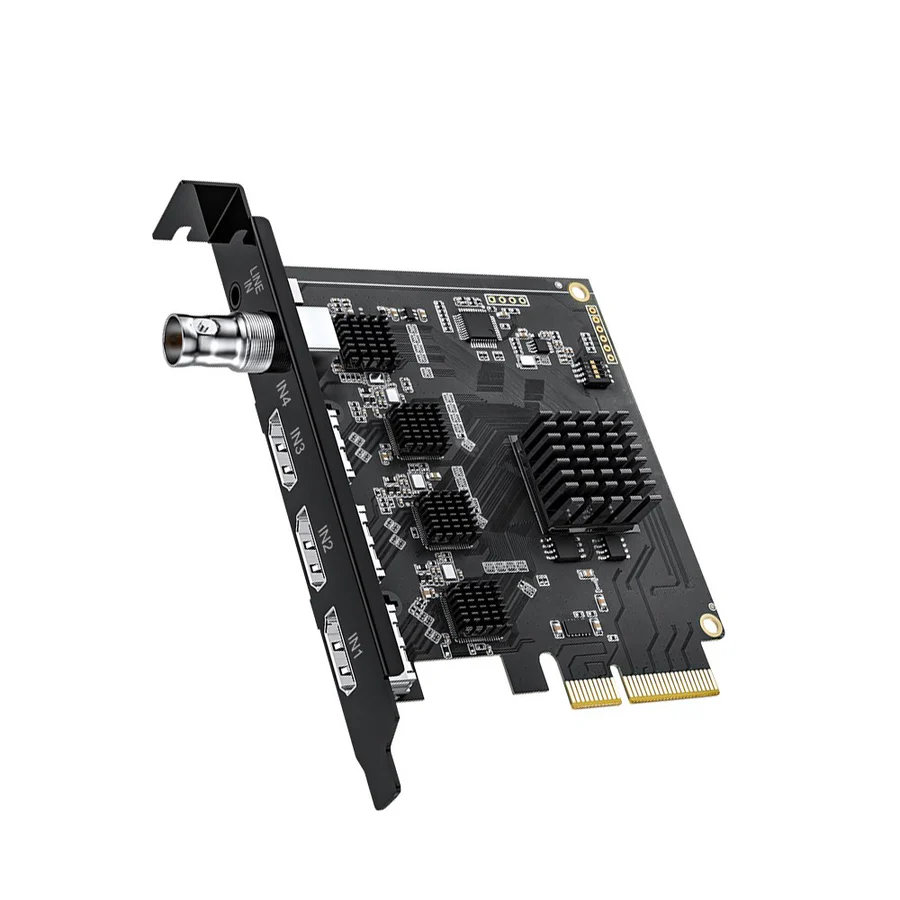
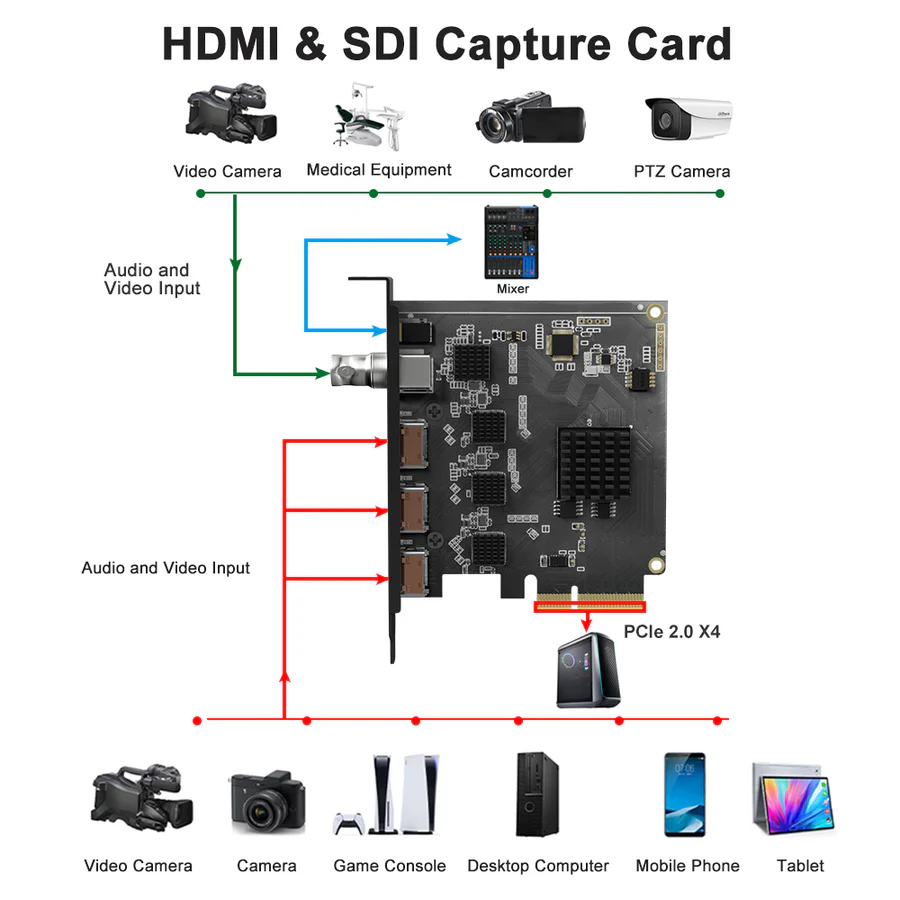
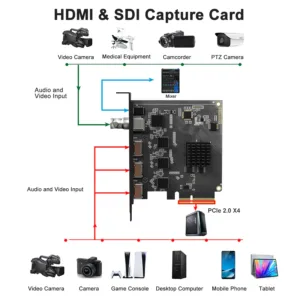
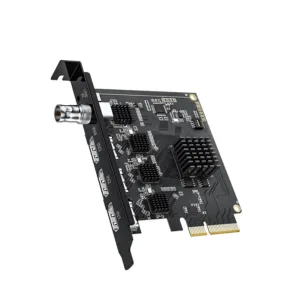
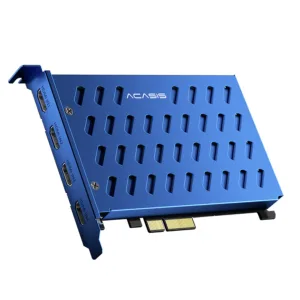
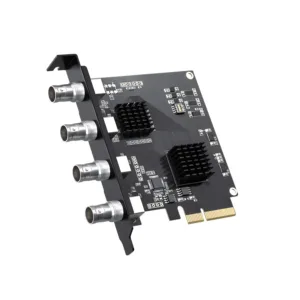
Install ACASIS internal capture card for direct access to 3*HDMI 1.4 & 1*SDI 3G inputs that help record or stream footage efficiently, with an extra line-in port to aid in audio recording or modifying.
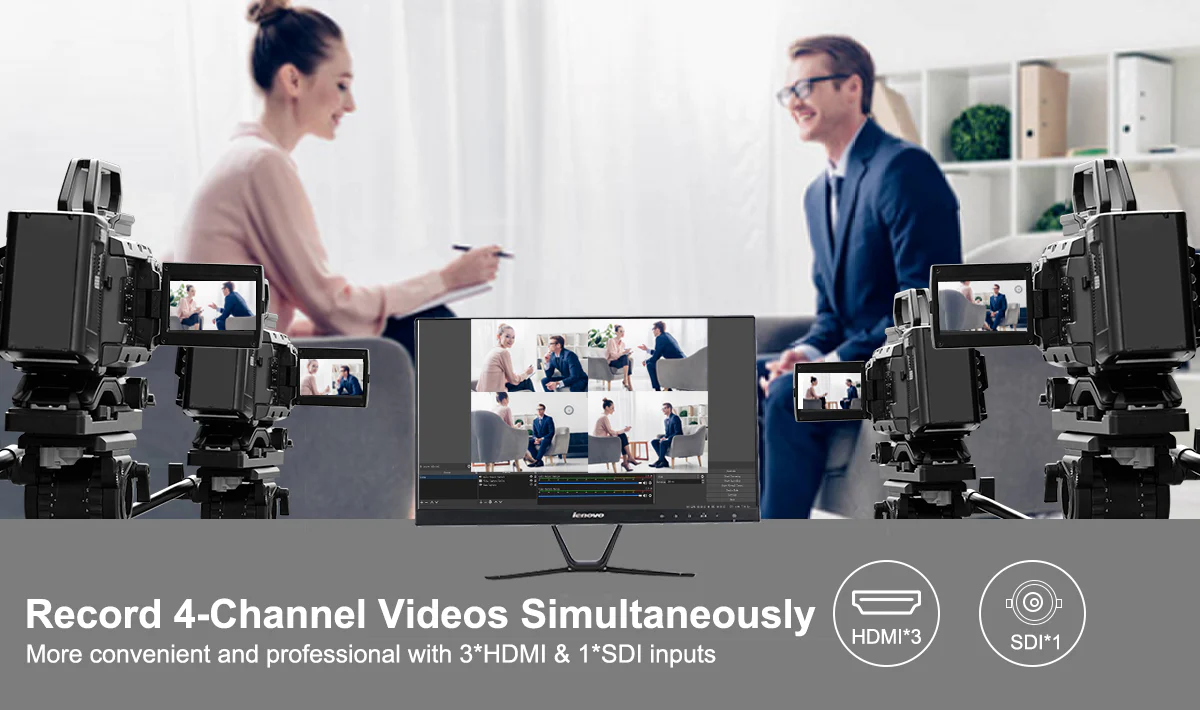
1080p60FPS
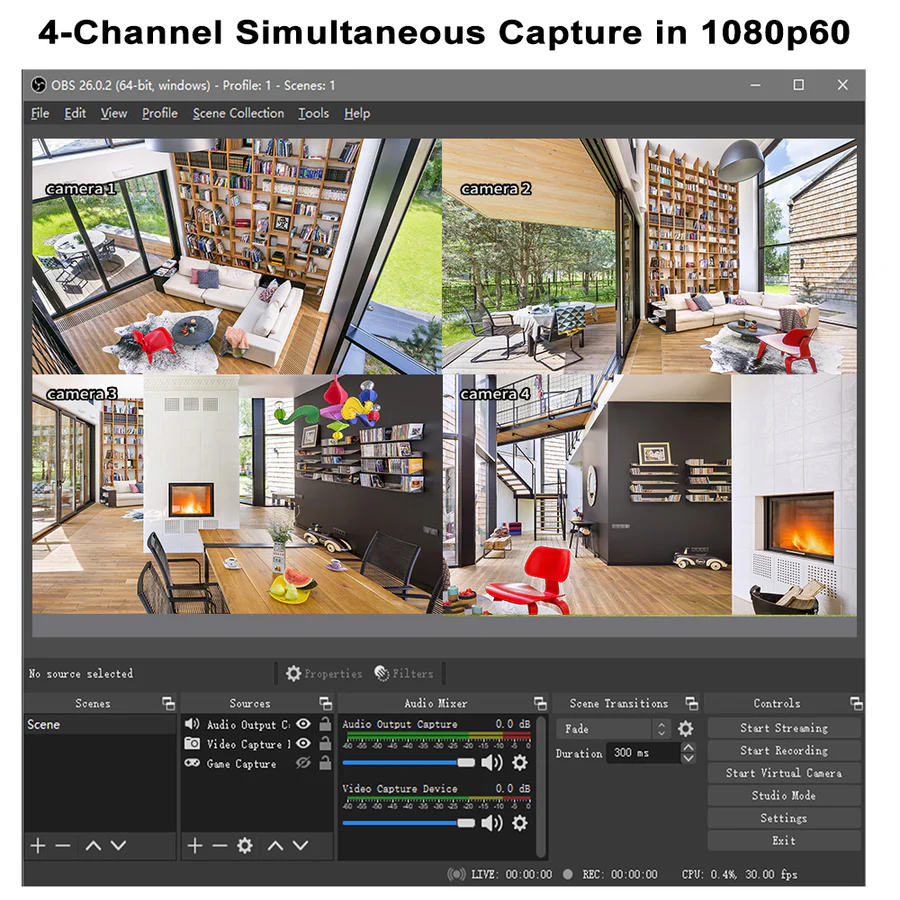
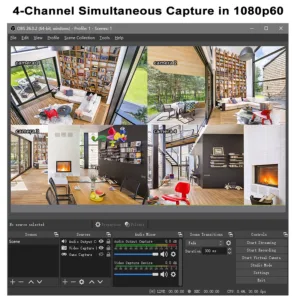
Stream live or record in 1080p60 quality to offer a real-time visual feast for a more engaged audience; Get the flexibility of 4 separate capture or playback cards in one to switch seamlessly among 4 HDMI sources or camera angles for more professional broadcast.
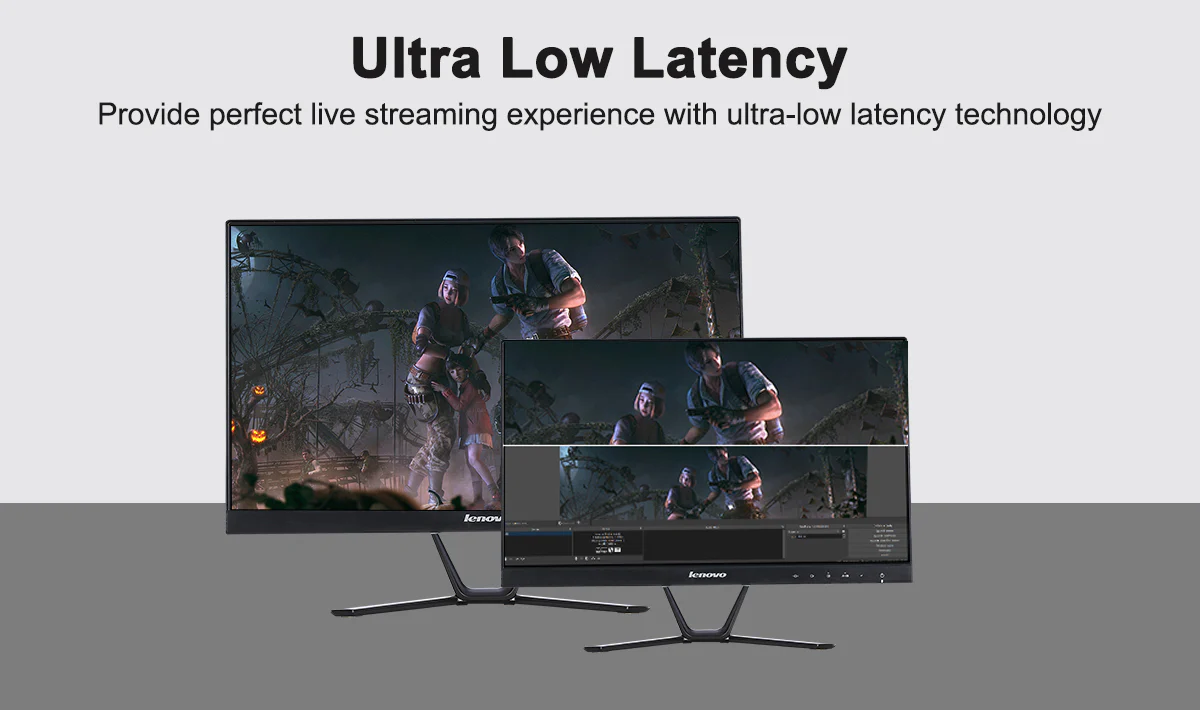
Instant Video View
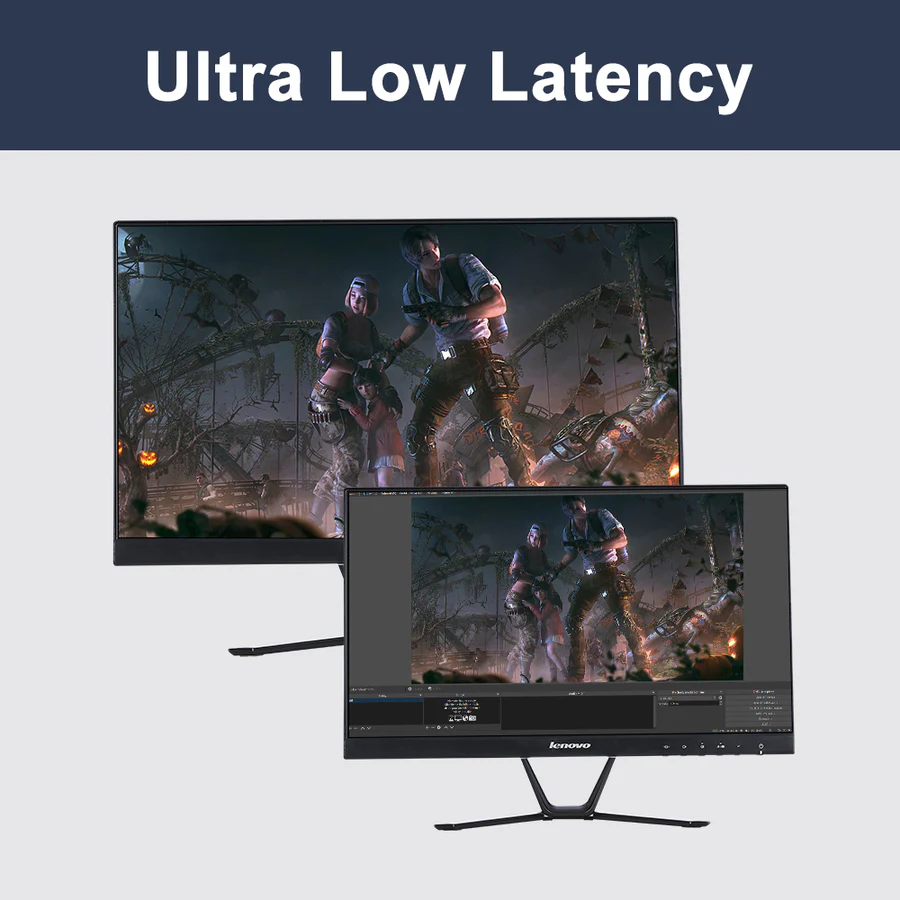
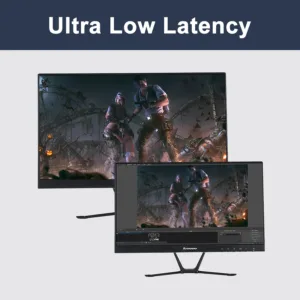
The PC capture card features superior low latency technology to minimize transmission loss, delay, lags, or buffers, efficient to power your live streaming workflow.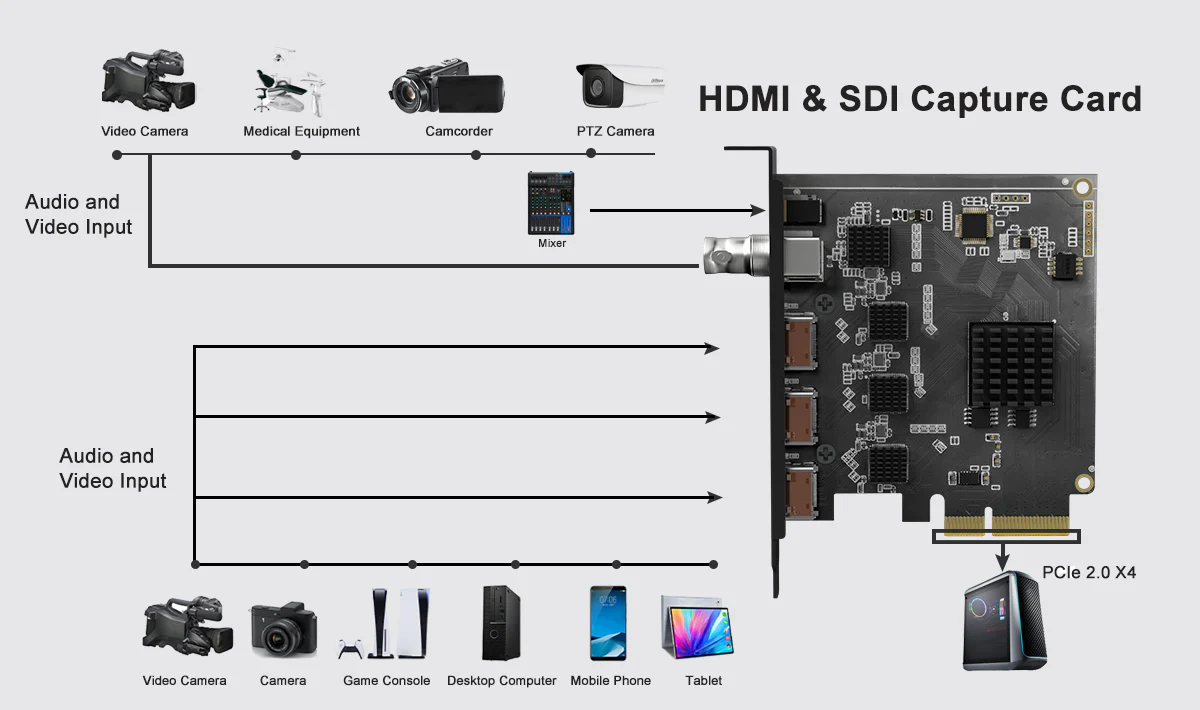
Wide Application & Compatibility
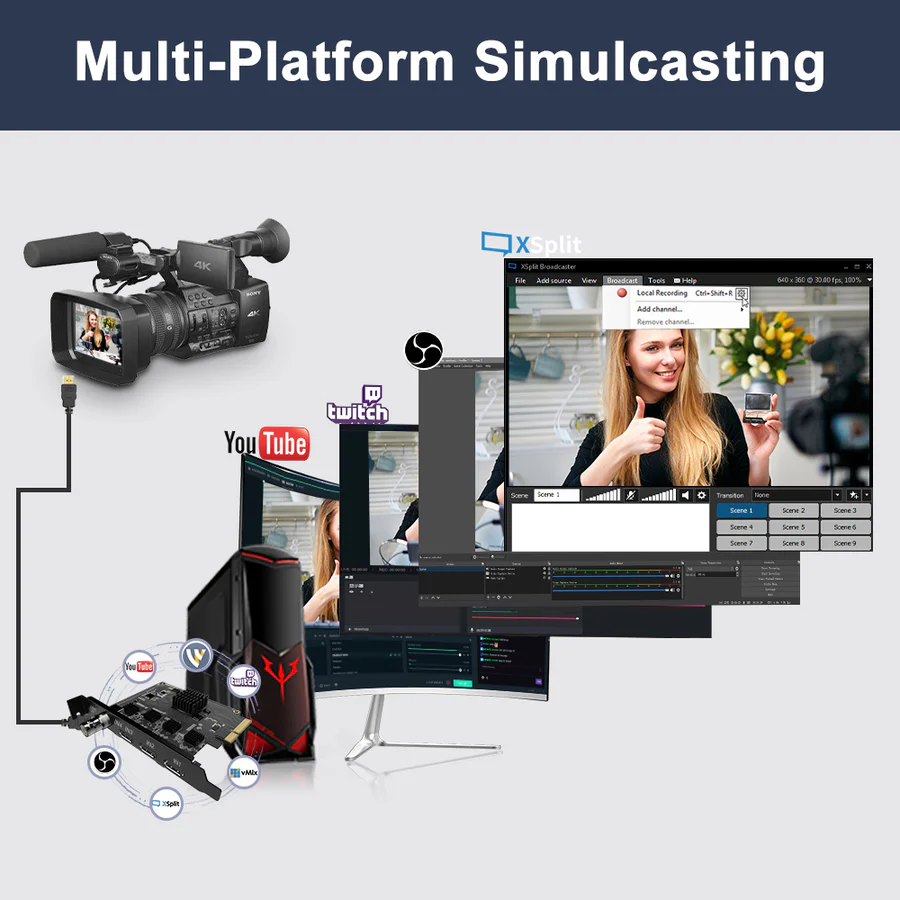
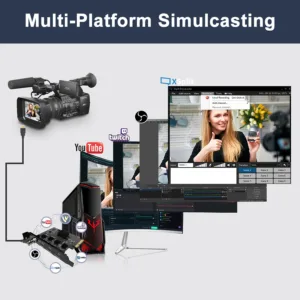
The capture card works with most HDMI devices (PlayStation, Xbox, DSLR, camera, etc.), various SDI equipment (video camera, PTZ camera, etc.) and main live streaming platforms (XSplit, Streamlabs, OBS, Twitch, YouTube, etc.) for simulcasting; Compatible with Windows 10/11, Linux.

Nitesh Purohit –
Handles continuous streaming without any frame drops.
Imran Sheikh –
Works great with SDI cameras. Configuration takes some time.
Esha Vora –
Works perfectly with OBS. No delay in video output.
Firoz Khan –
Solid build quality and stable performance. Slight learning curve.
Lalit Solanki –
Good product but requires a proper PCIe setup to perform best.
Chirag Doshi –
Good performance overall. Setup requires some technical understanding.
Devansh Tiwari –
Handles 4 inputs easily. Very useful for professional streaming setups.
Monika Arvind –
Very efficient for content creation workflows. Highly recommended.
Bhavna Sethi –
Video quality is excellent. I use it for live webinars and it performs flawlessly.
Gitanjali Roy –
Best capture card for studio setups. Very reliable for long sessions.
Hitesh Parmar –
Low latency is impressive. Perfect for live streaming events.
Jyoti Kumari –
Very helpful for online teaching with multiple camera angles.
Keshav Bansode –
Professional-grade device. Smooth switching between inputs.
Yashwant Pawar –
Perfect for multi-camera production. All inputs work smoothly without lag.