No products in the cart.

Sale
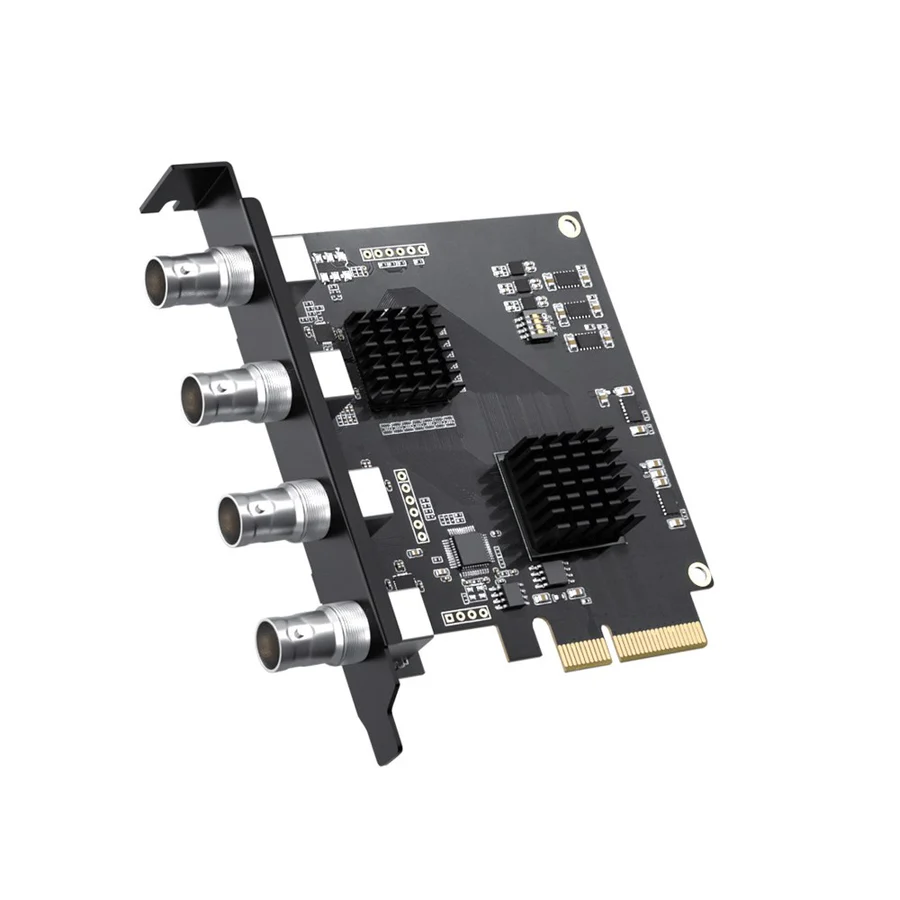
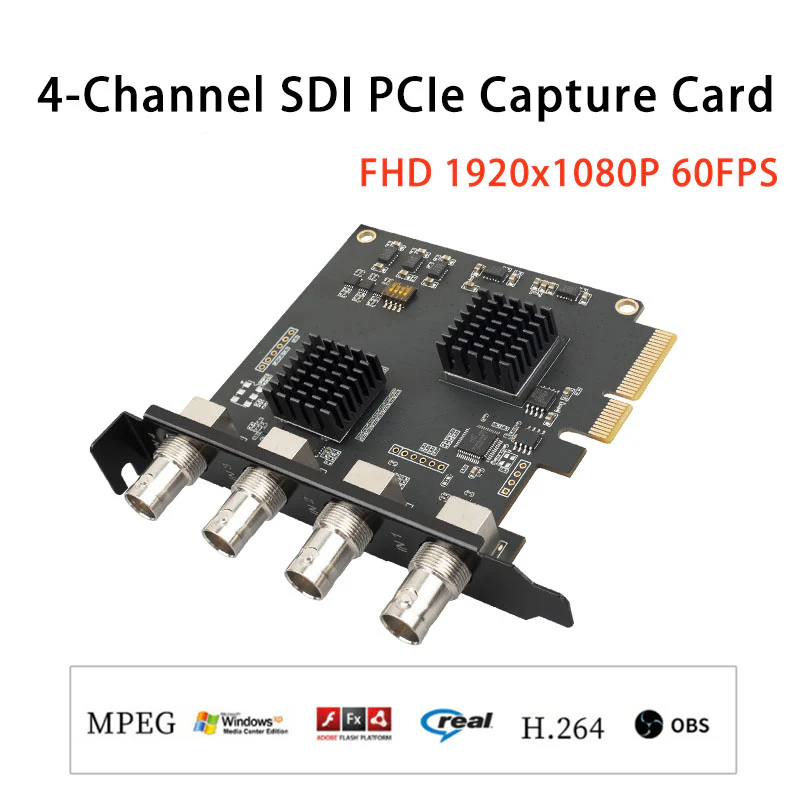
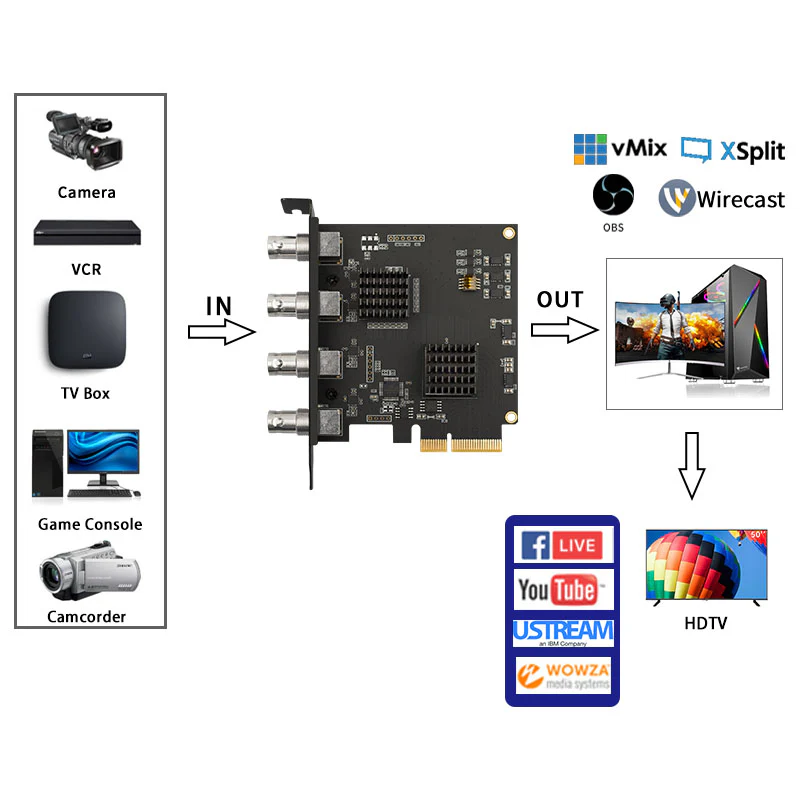
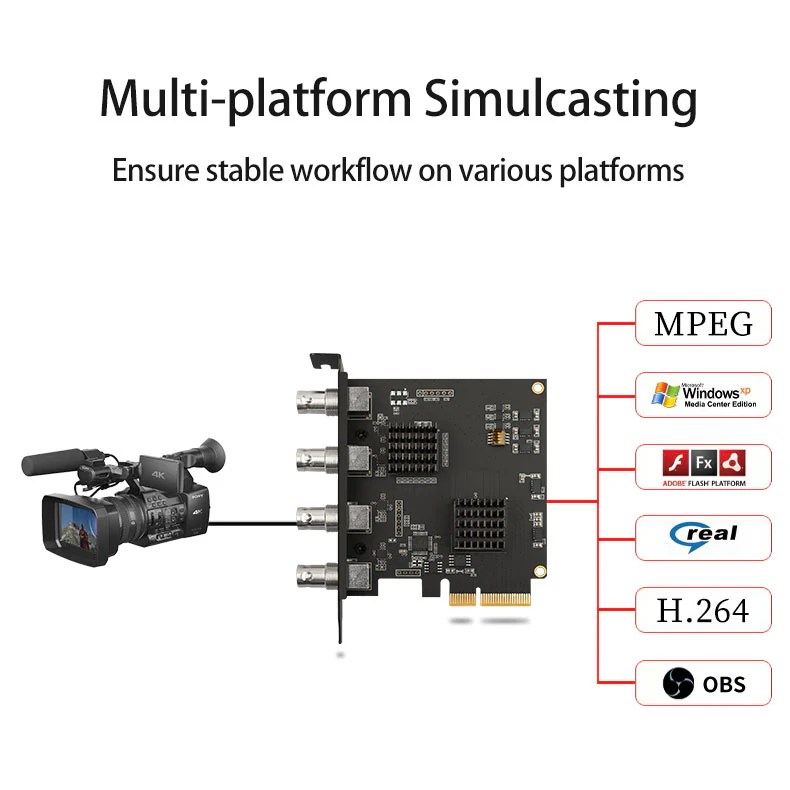
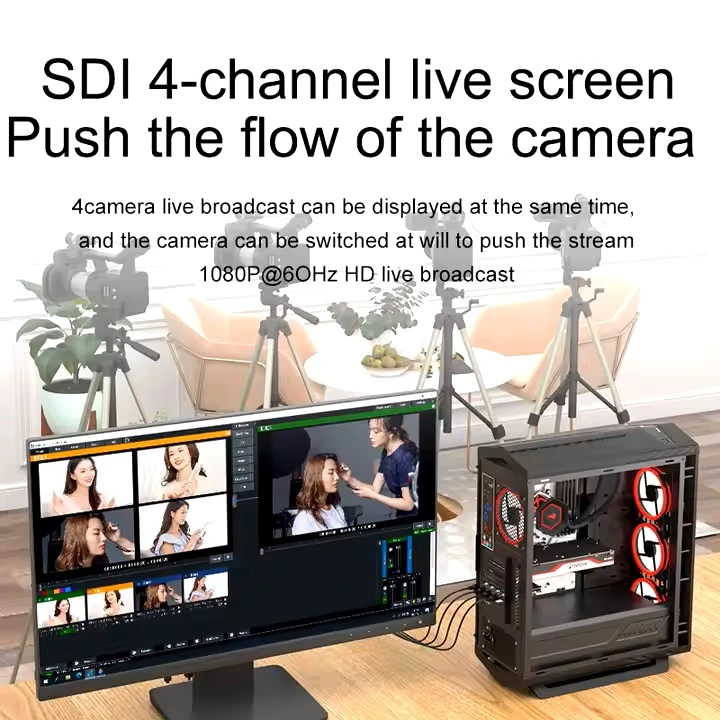

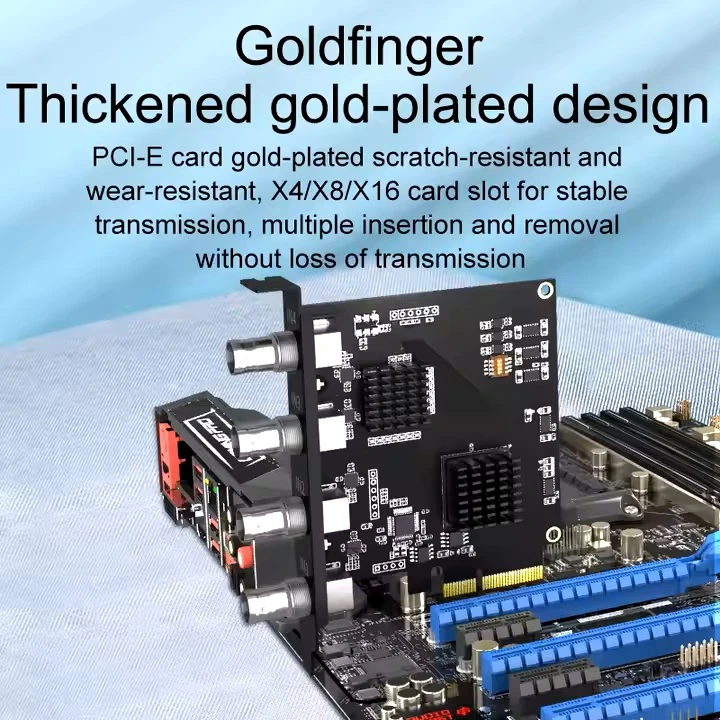
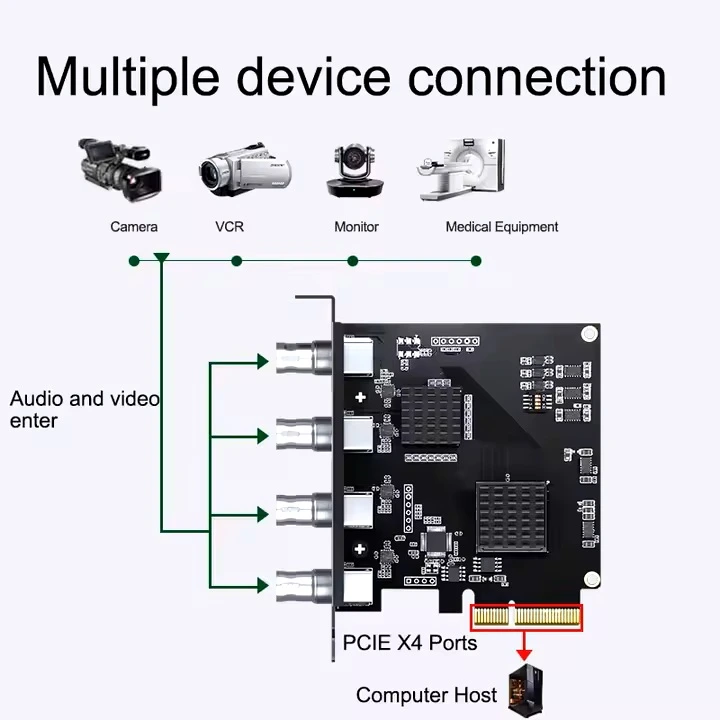

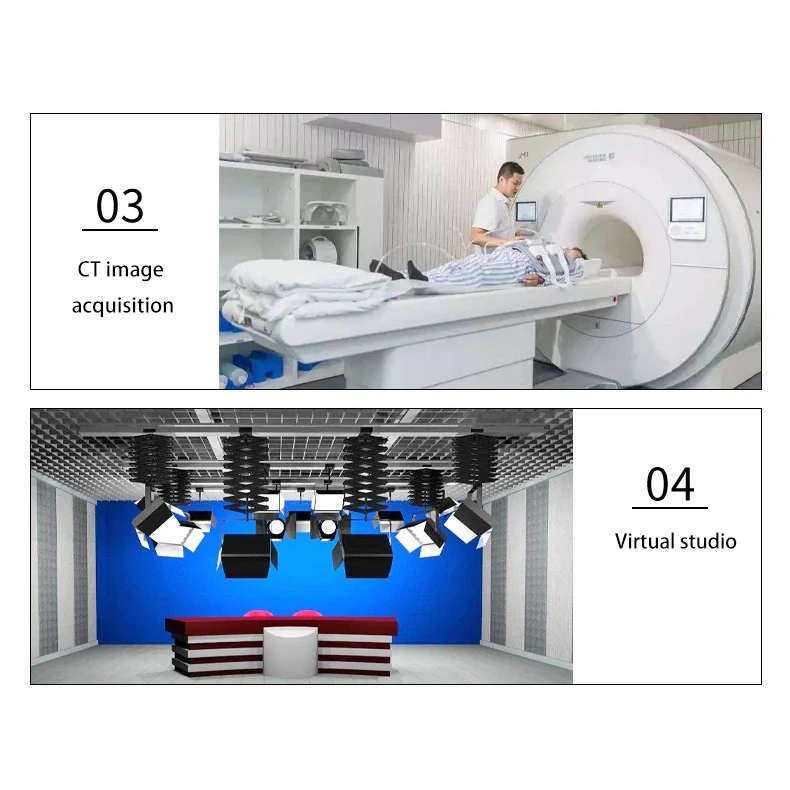
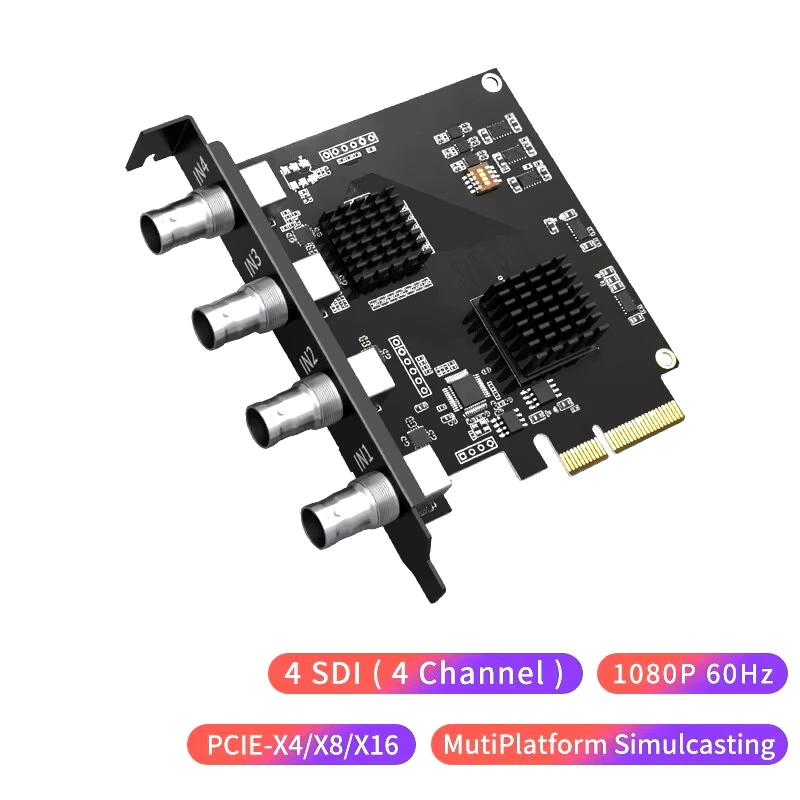
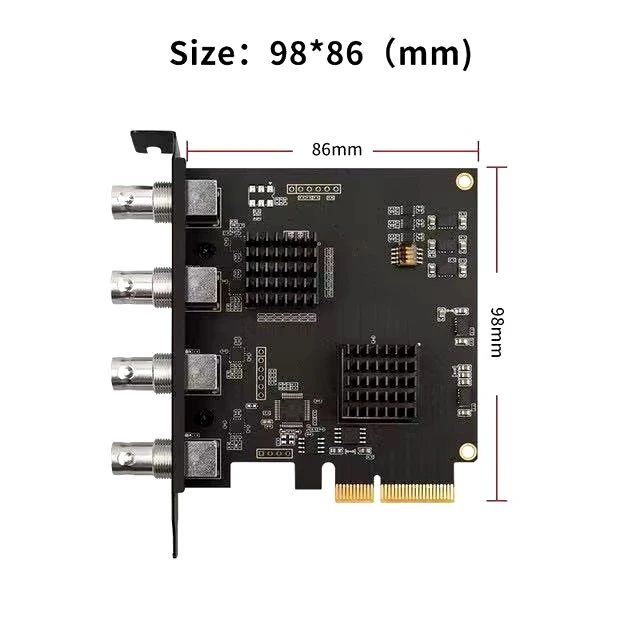
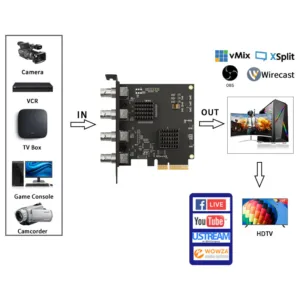
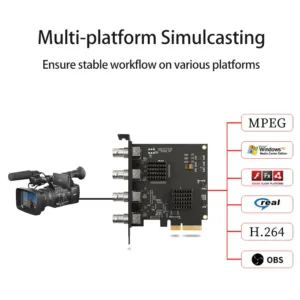
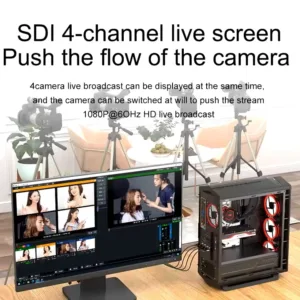

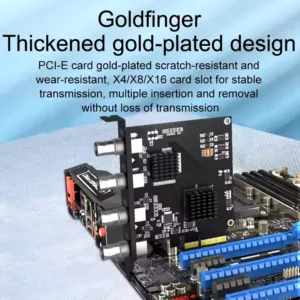
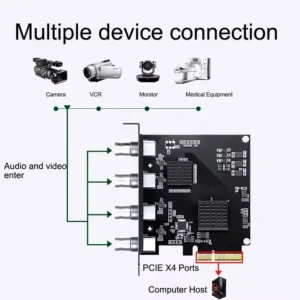

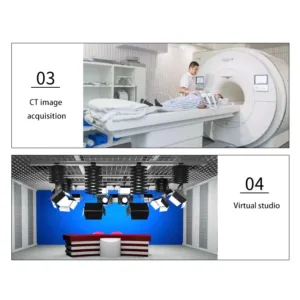
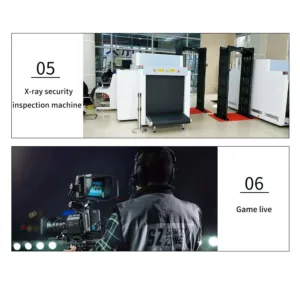
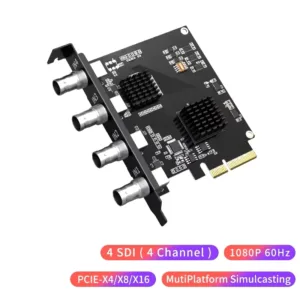
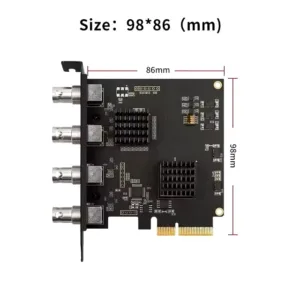
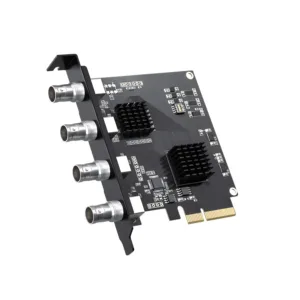 ACASIS 4 SDI Input 1080P 60FPS...
 Products
-
 Original price was: ₹14,999.00.₹5,499.00Current price is: ₹5,499.00.
 -
Original price was: ₹69,999.00.₹26,999.00Current price is: ₹26,999.00.
-
Original price was: ₹59,999.00.₹28,999.00Current price is: ₹28,999.00.
-
Original price was: ₹19,999.00.₹6,999.00Current price is: ₹6,999.00.
-
Original price was: ₹29,999.00.₹14,999.00Current price is: ₹14,999.00.

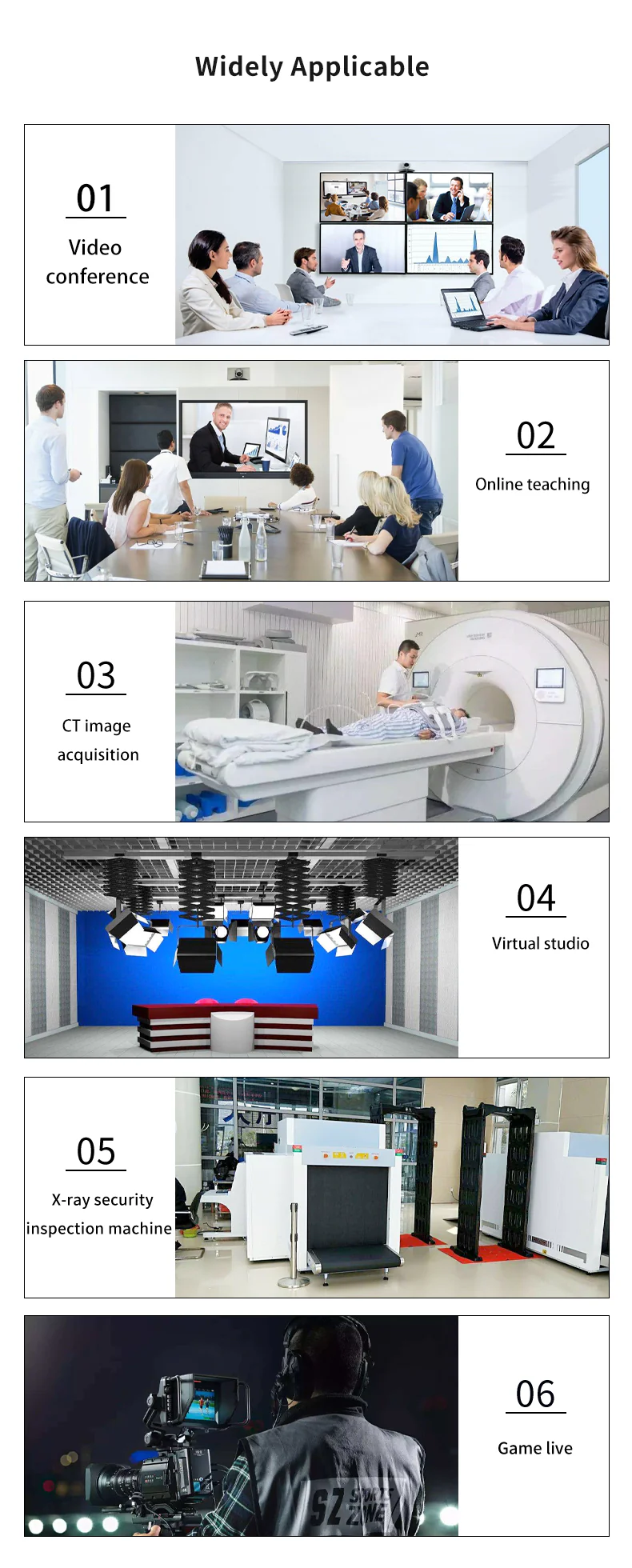
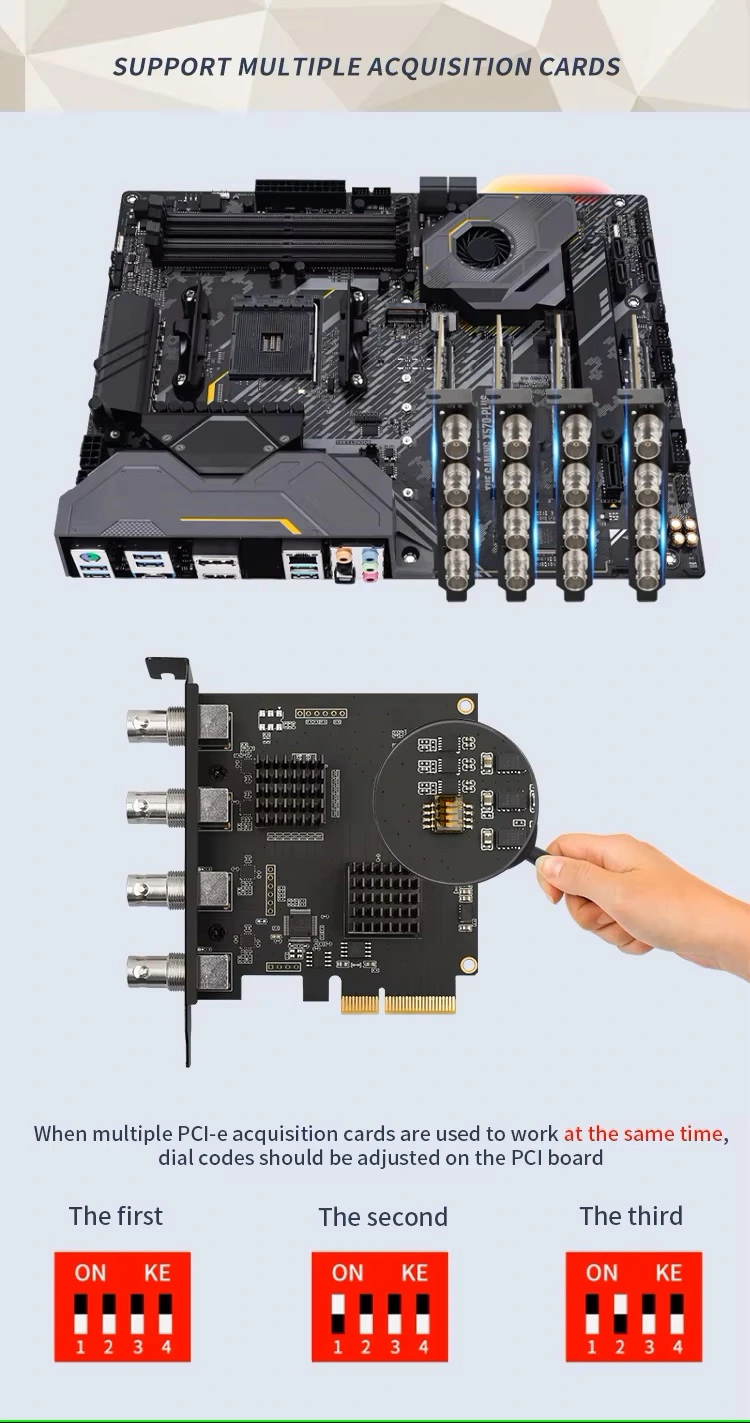
Specifications
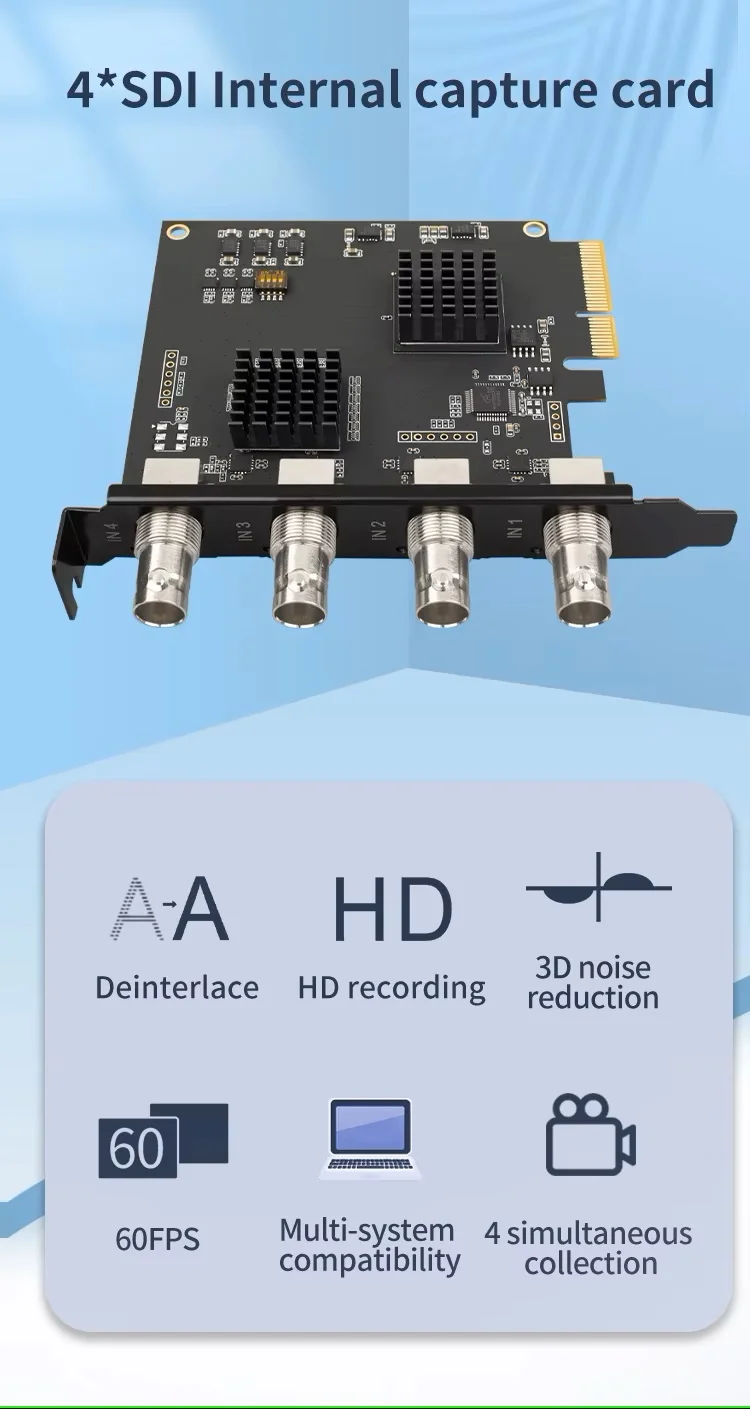
Host interface: PCIe 2.0 X4
Transmission bandwidth: Up to 20Gbps
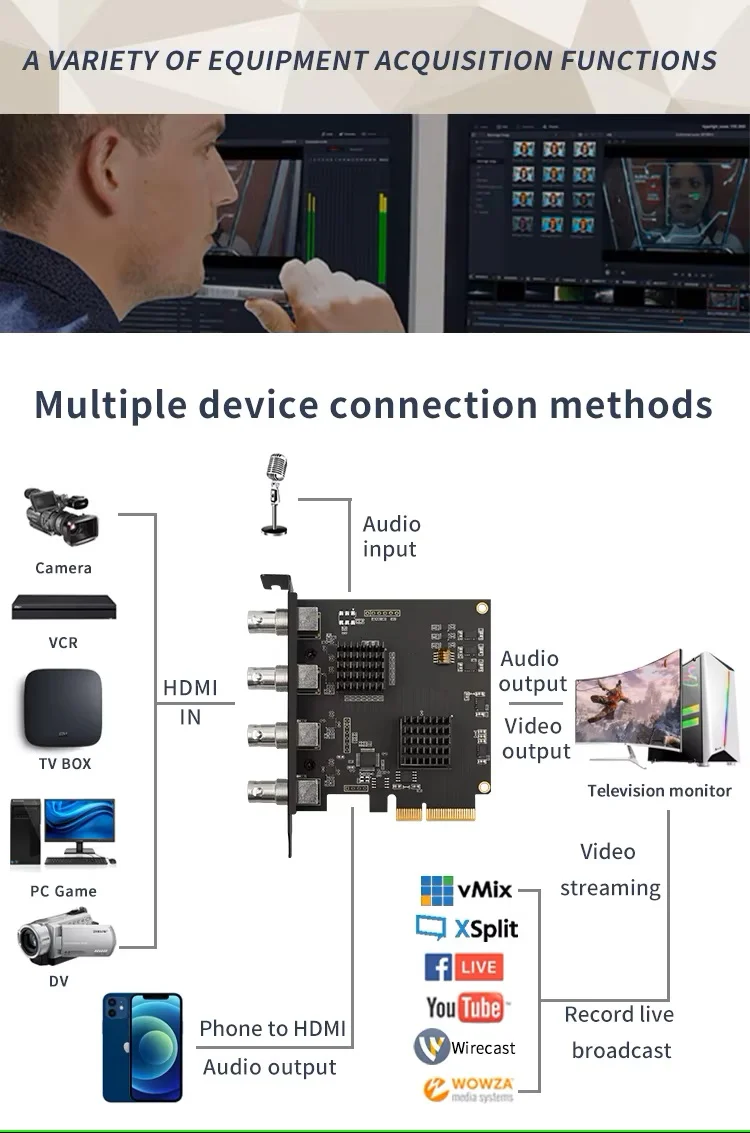
Input interface: SDI*4
Compatible development interface: Directsound, Directshow (Windows)
Output color space: YUY2
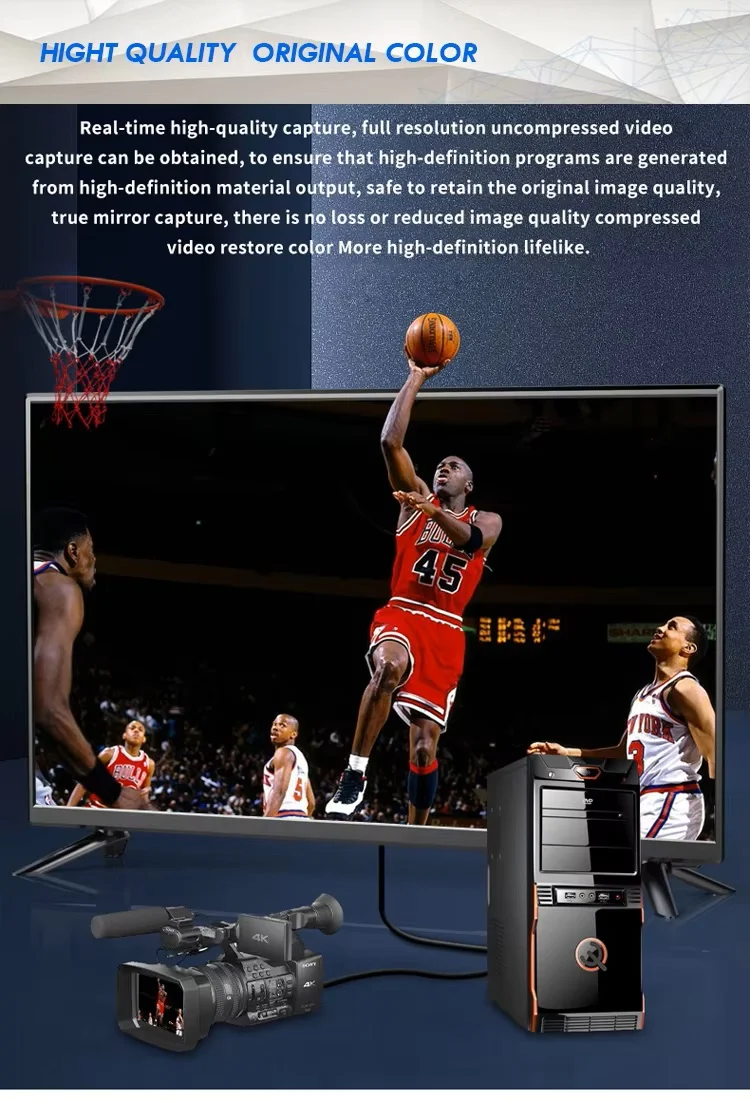
Capture resolution: Resolution within 1080p
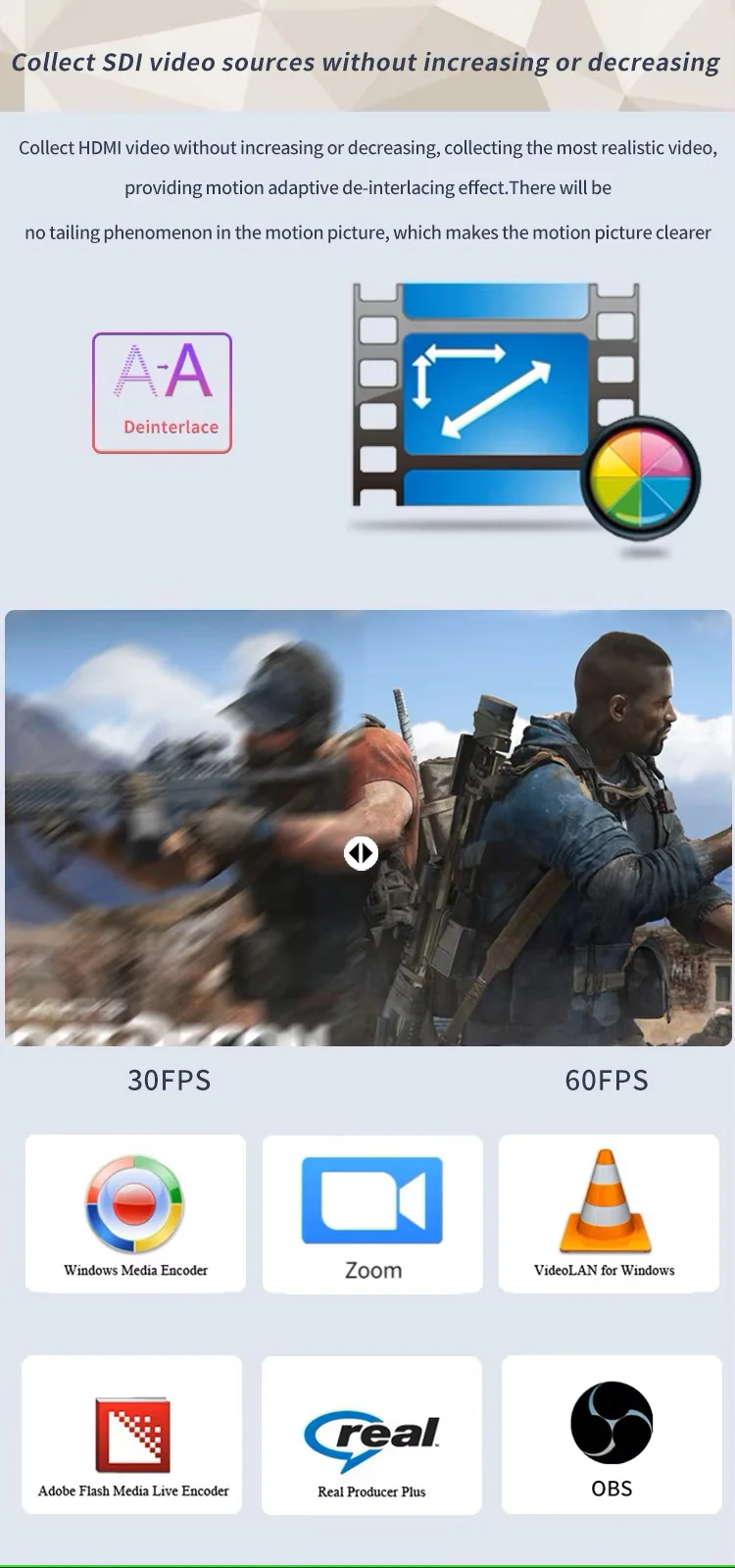
De-interlacing: Hardware de-interlacing + 3D noise reduction algorithm
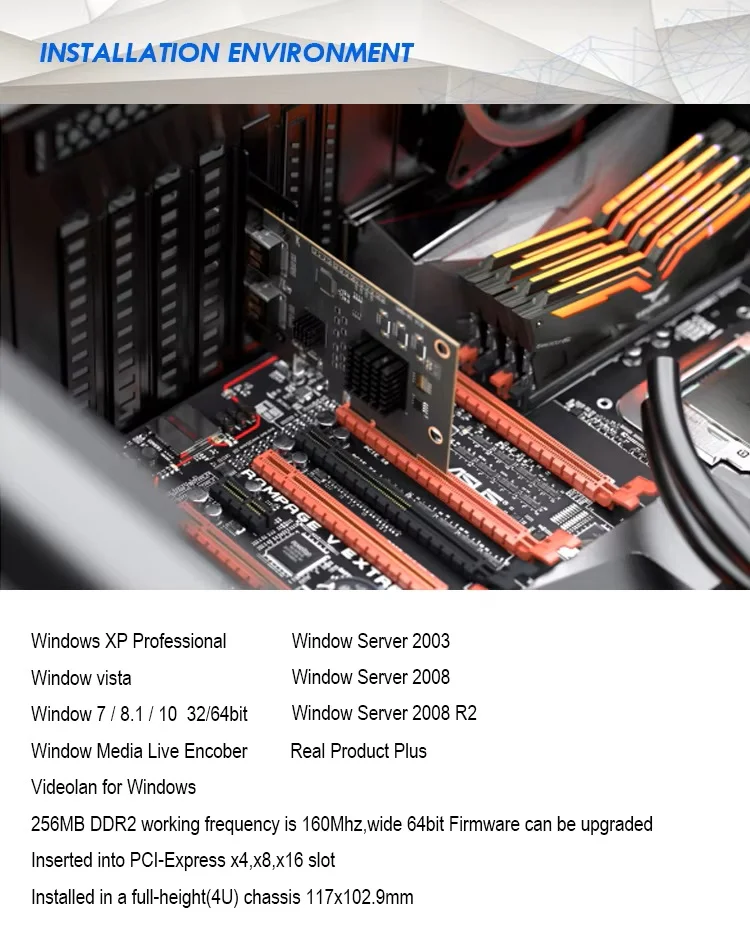
System requirements: Windows XP/7/8.1/10 32bit/64bit
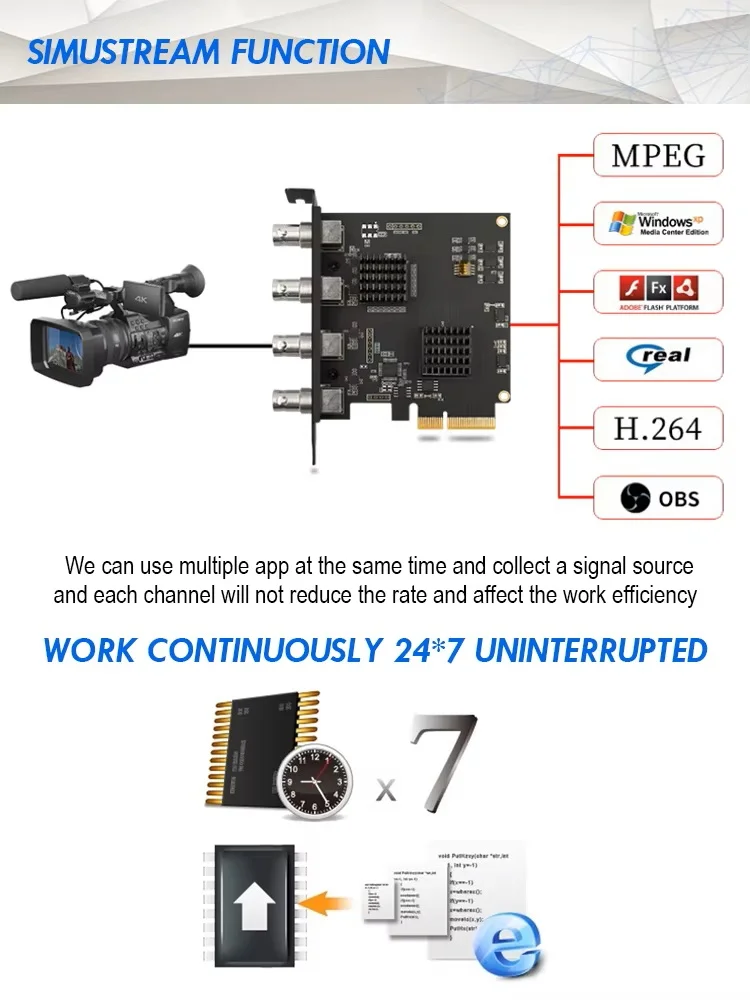
Compatible software: Windows Media Encoder, Adobe Flash Media Live, Encoder, Real Producer Plus, VLC, Wirecast VMIX, and etc.
Operating temperature: 0-85 ℃
Package Included:
1* Quad SDI Video Capture Card
1* User Manual
8 reviews for ACASIS 4 SDI Input 1080P 60FPS 4 Channel PCIe Video Capture Card, Stream and Record with Ultra-Low Latency on PS5, PS4/Pro, Xbox Series X/S
Related products
Sale
ACASIS 2 Channel HDMI/SDI 4K 30Hz Input USB 3.0 Video Capture Card, 4K HD Live Streaming with Instant Source Switching, Mixer/Switcher Audio Mixing
Original price was: ₹24,999.00.₹12,999.00Current price is: ₹12,999.00. Add to cartSale
ACASIS Capture Card for Nintendo Switch & Docking Station 2-in-1, 1080P 60FPS Video Capture Card for Nintendo/Streaming/Meeting, 2*USB-A 3.0
Original price was: ₹14,999.00.₹4,999.00Current price is: ₹4,999.00. Add to cartSale
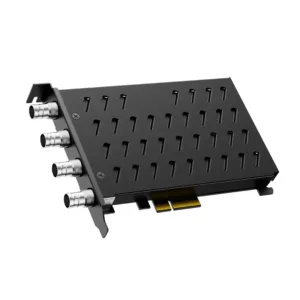
ACASIS 4 SDI Input 1080P 60FPS 4 Channel PCIe Video Capture Card with Built-in Fan, Stream and Record in with Ultra-Low Latency on PS5, PS4/Pro
Original price was: ₹49,999.00.₹27,999.00Current price is: ₹27,999.00. Add to cartSale
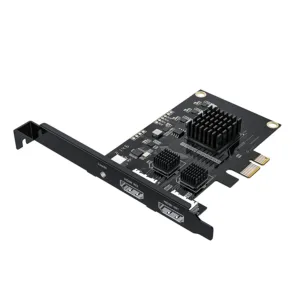
ACASIS 2 HDMI in 1080P 60Hz PCIe Video Capture Card with Line in Port Stream and Record with Ultra-Low Latency on PS5, PS4/Pro, Xbox Series
Original price was: ₹29,999.00.₹24,999.00Current price is: ₹24,999.00. Add to cartSale

Vaibhav Kamat –
Handles long streaming sessions without any issues.
Naman Chitale –
Excellent capture card for SDI workflows. Very stable even with 4 inputs running.
Rituraj Phukan –
Perfect for multi-camera events. No frame drops at all.
Utkarsh Gawande –
Very reliable capture card. Works perfectly with OBS.
Ojas Bendre –
Using it for studio production. Performance is smooth and reliable.
Pallavi Kunte –
Works well but requires proper PCIe setup knowledge.
Sakshi Ranade –
Video output is very clear. Ideal for professional setups.
Tapan Bora –
Good performance, but beginners may need technical guidance.