No products in the cart.

Sale
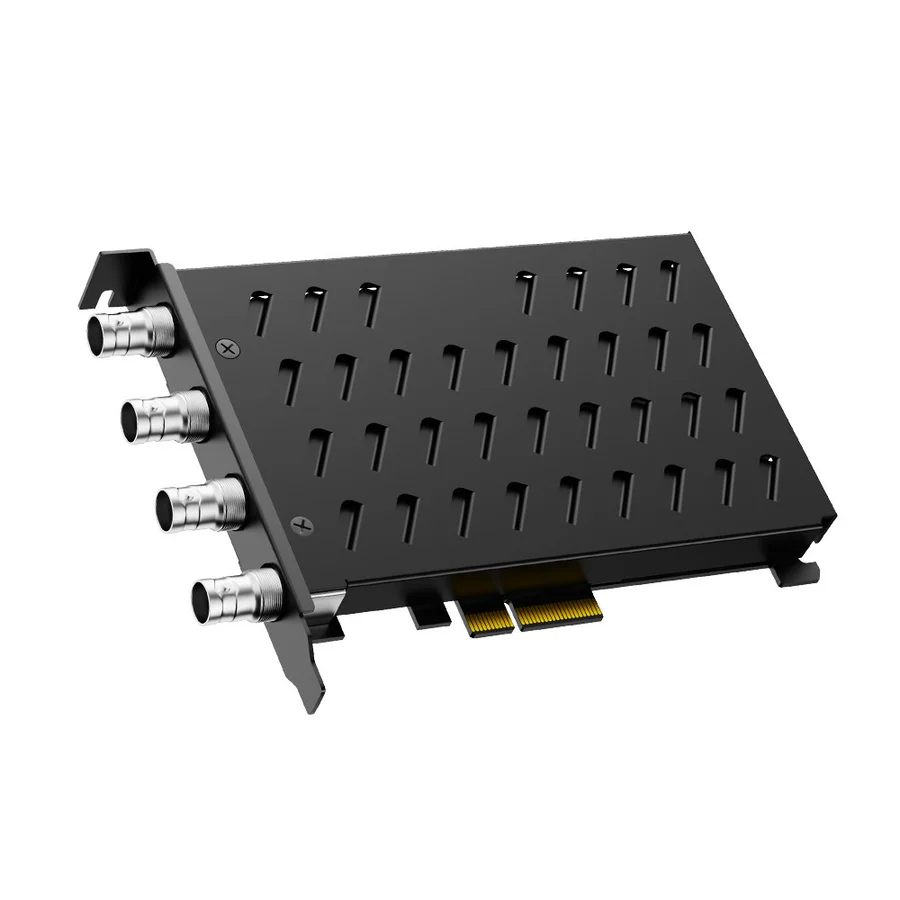

 ACASIS 4 SDI Input 1080P 60FPS...
 Products
-
 Original price was: ₹14,999.00.₹5,499.00Current price is: ₹5,499.00.
 -
Original price was: ₹69,999.00.₹26,999.00Current price is: ₹26,999.00.
-
Original price was: ₹59,999.00.₹28,999.00Current price is: ₹28,999.00.
-
Original price was: ₹19,999.00.₹6,999.00Current price is: ₹6,999.00.
-
Original price was: ₹29,999.00.₹14,999.00Current price is: ₹14,999.00.

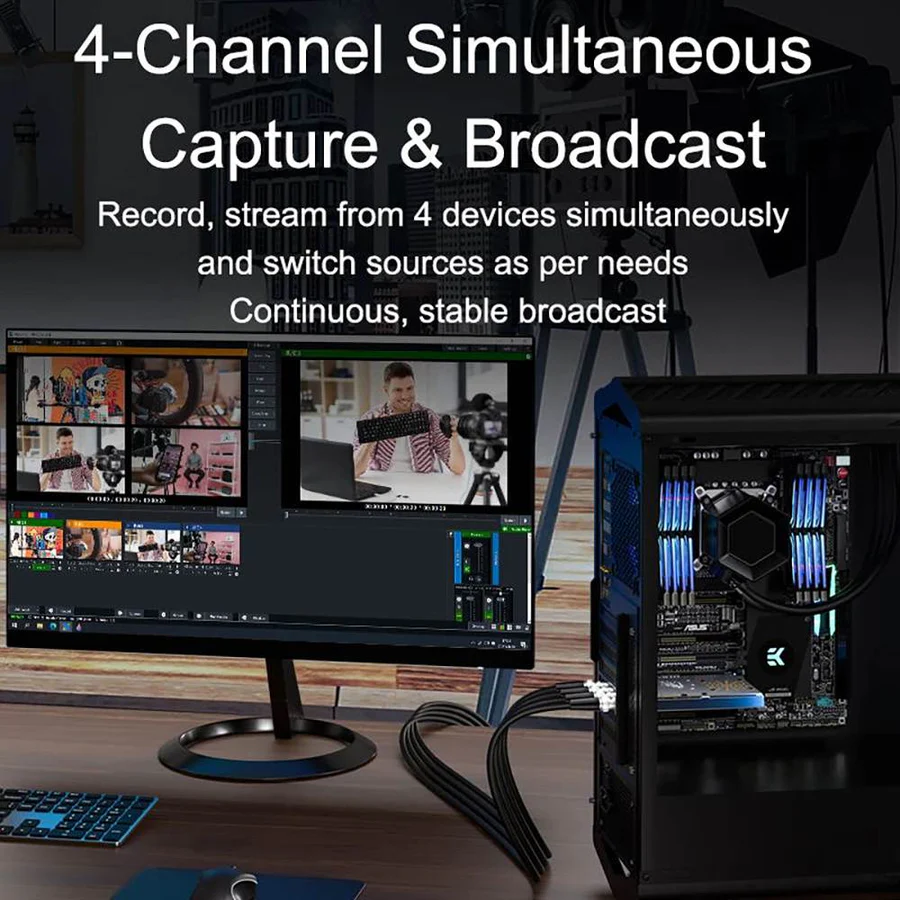
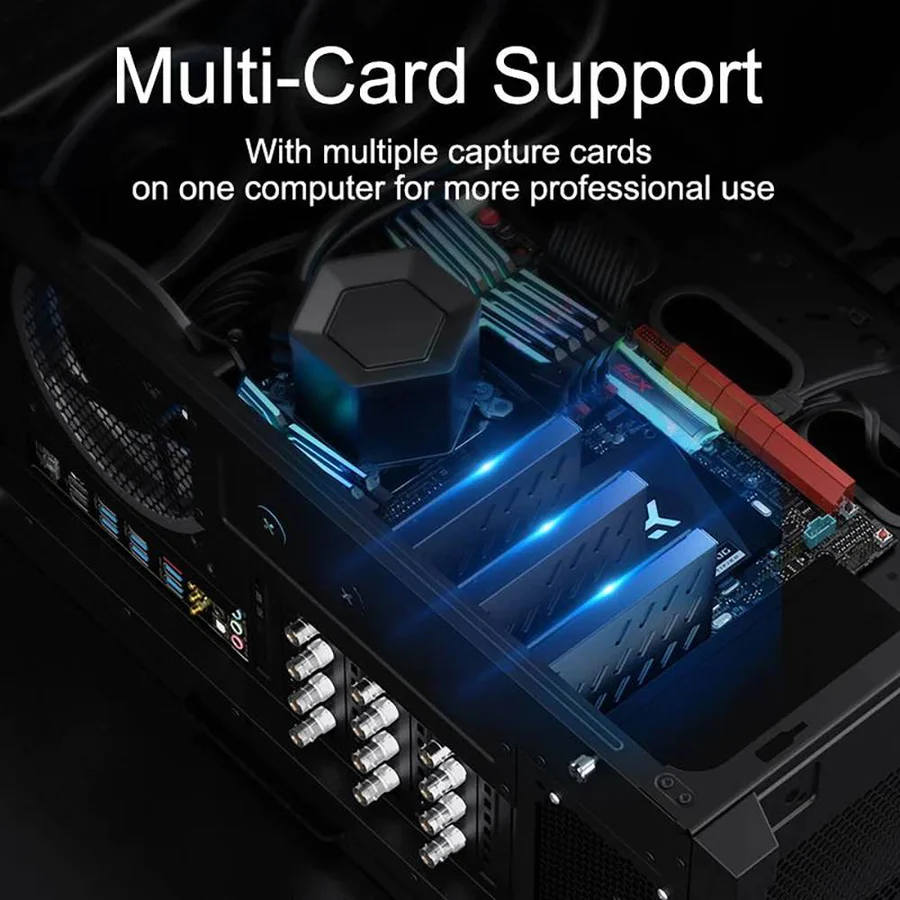
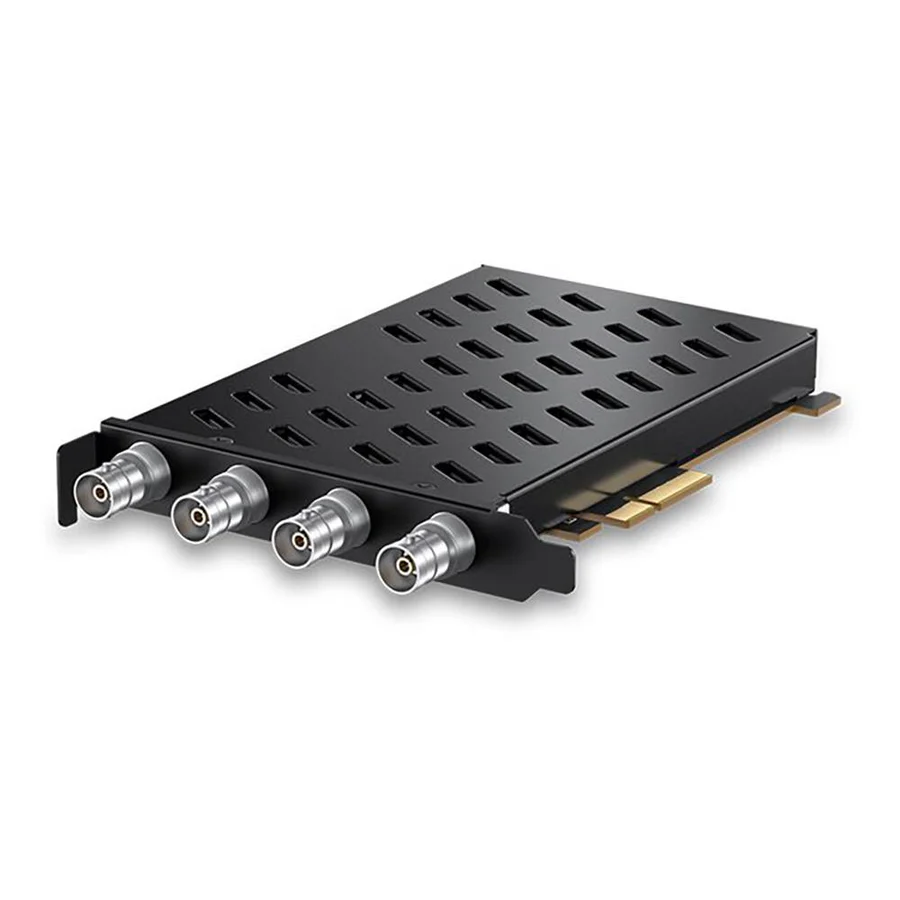
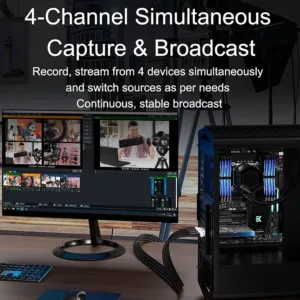
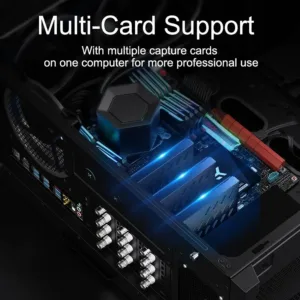
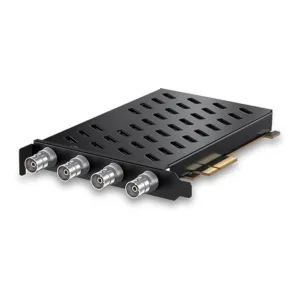
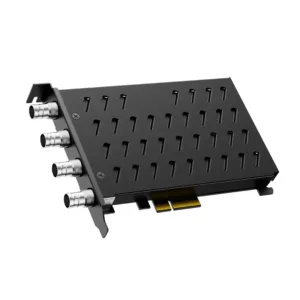
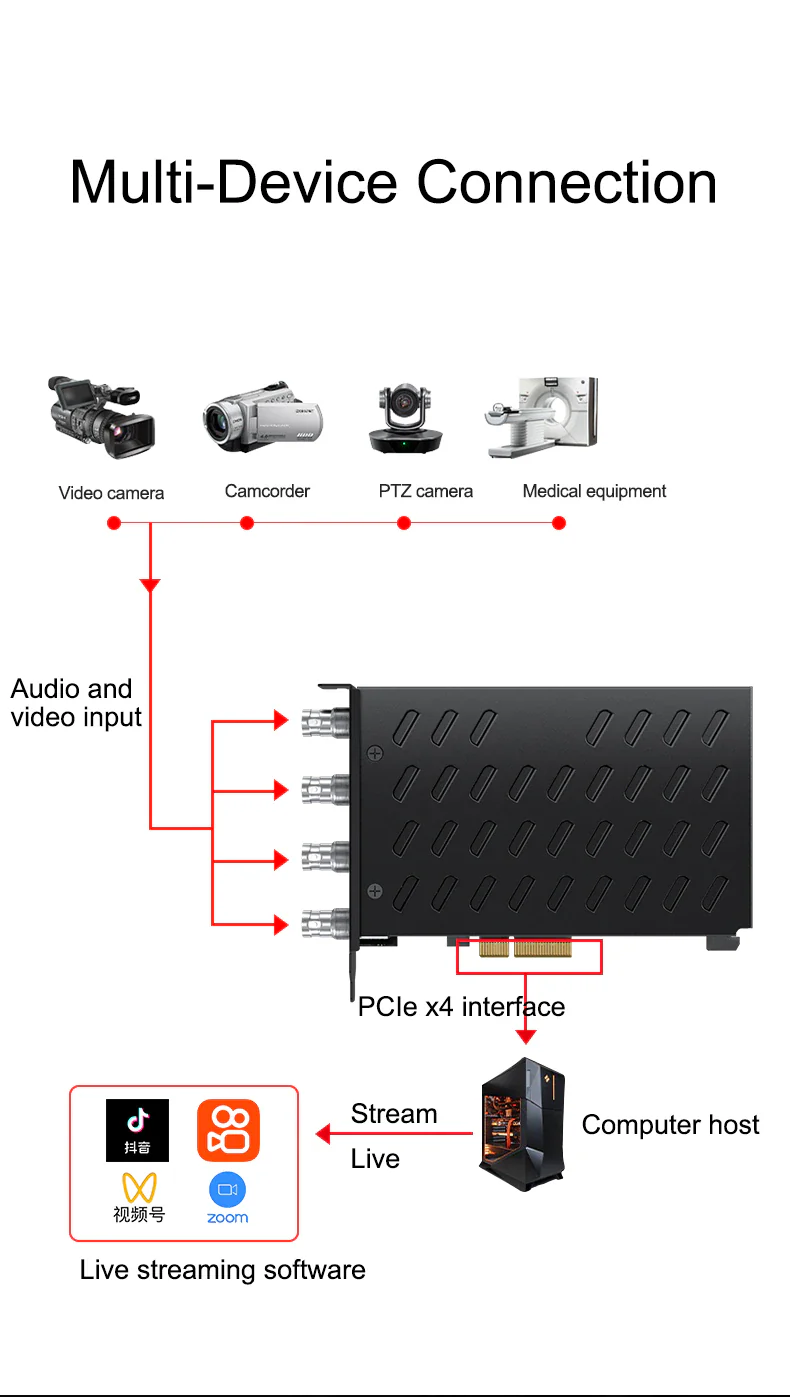
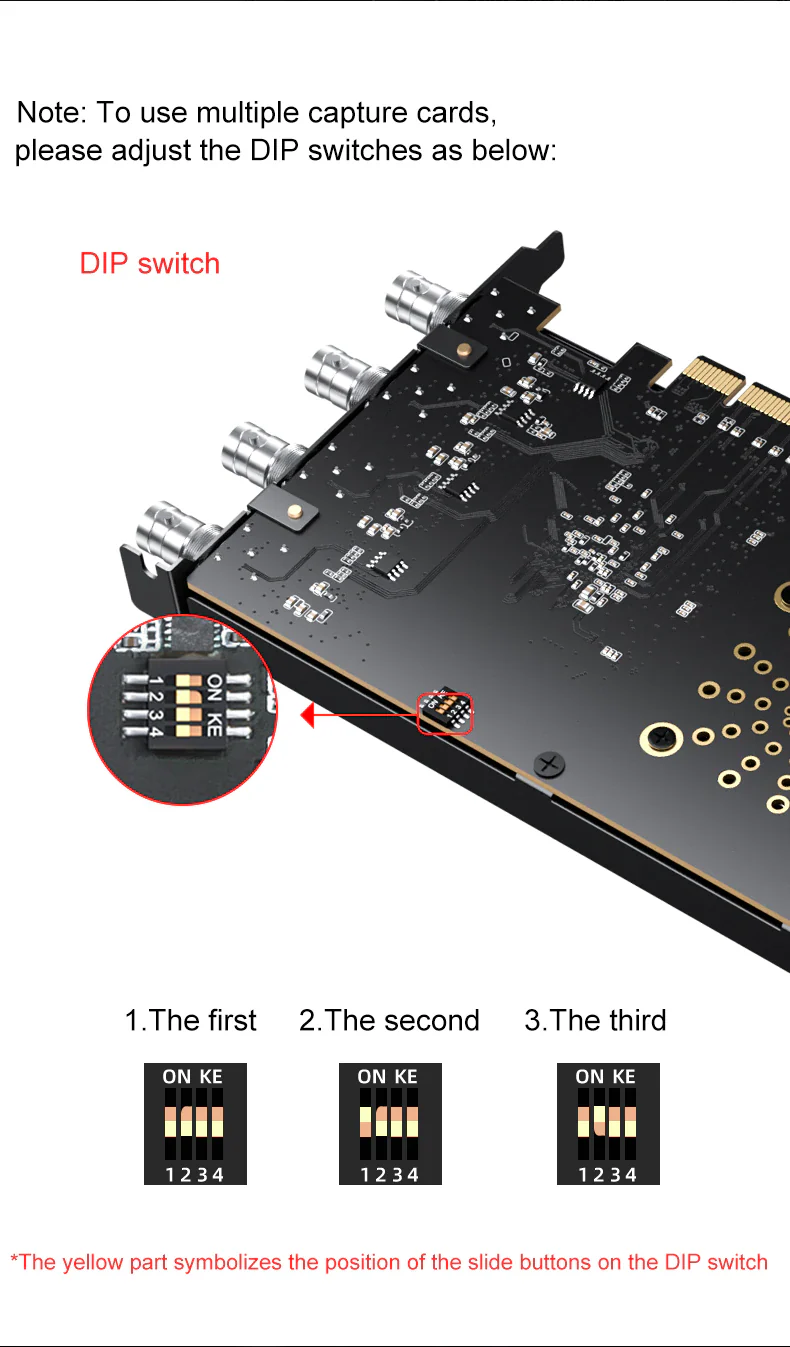
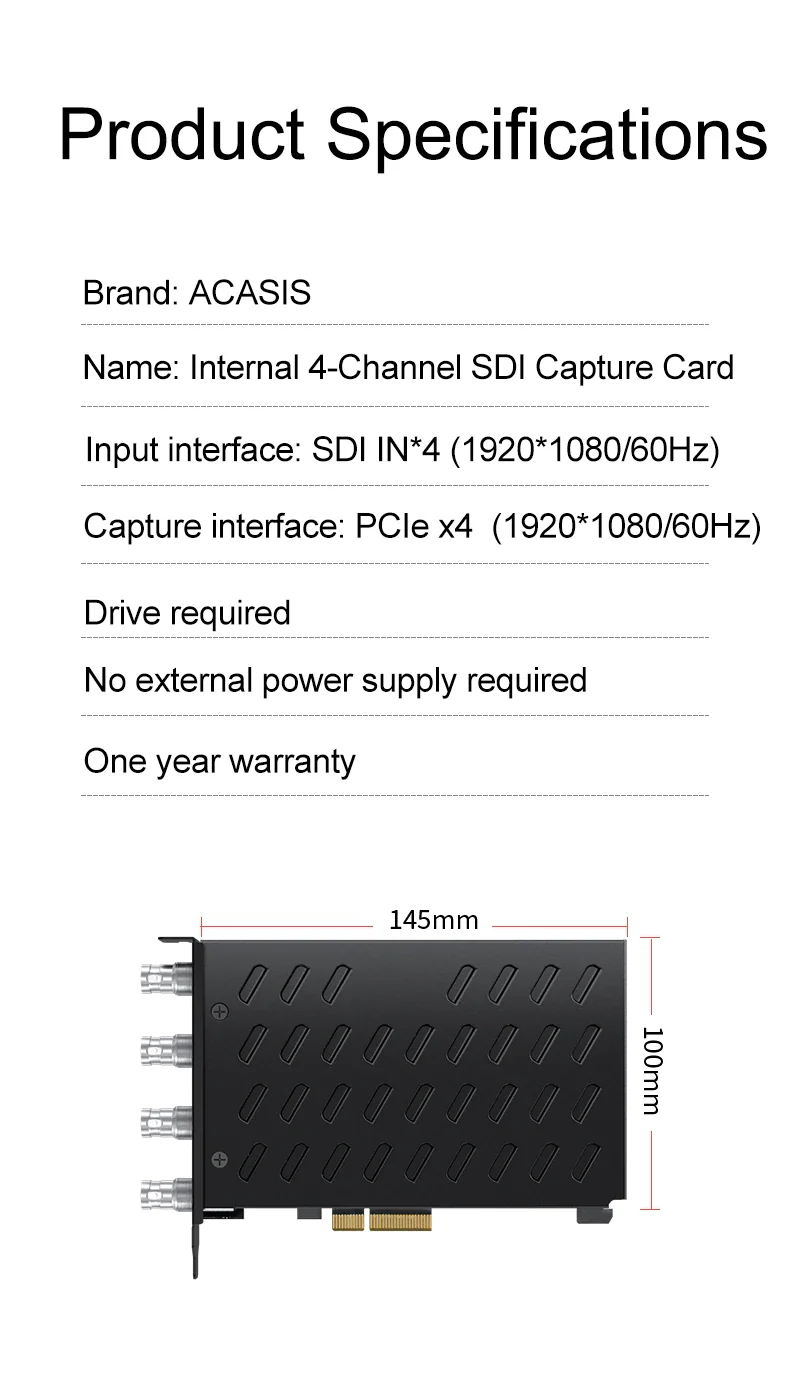
[4-Channel Simultaneous Capture] With 4 SDI signal inputs, this capture card can record and stream from 4 devices simultaneously and switch sources seamlessly as per needs.
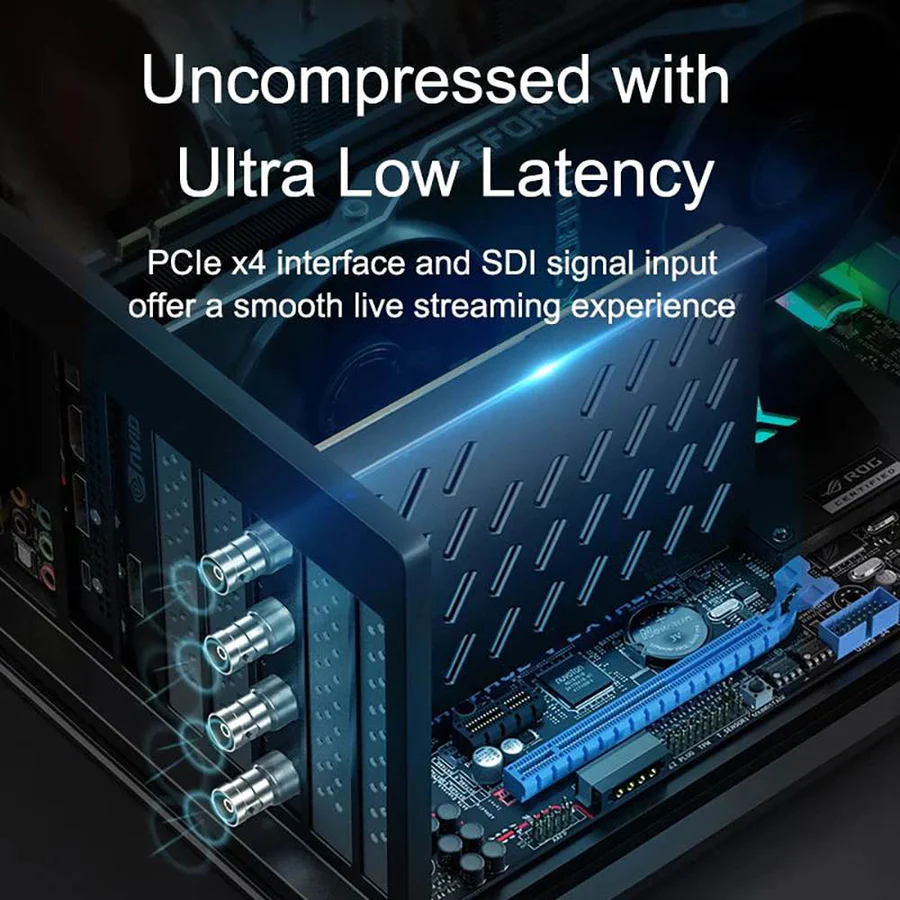
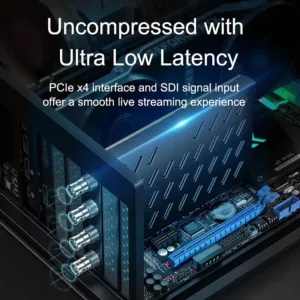
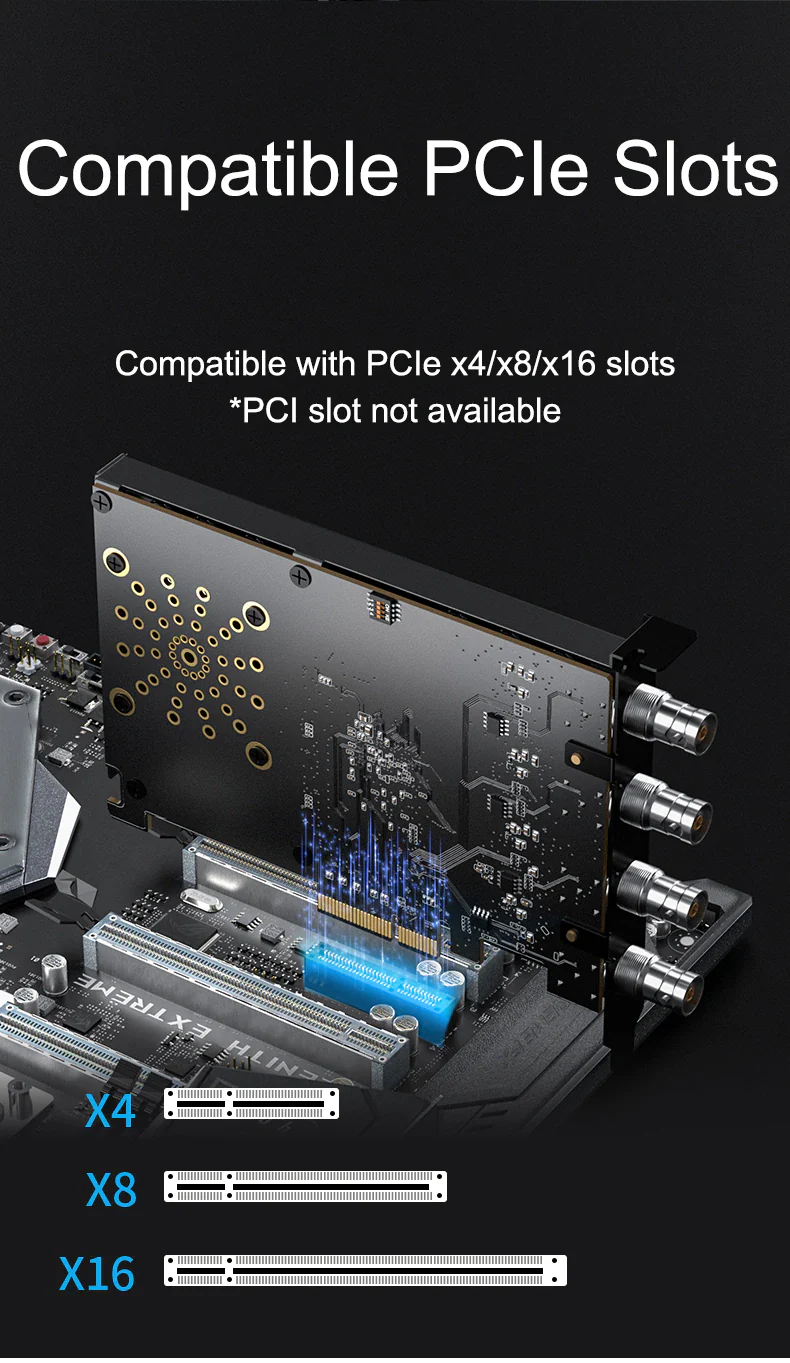
[Universal Compatibility] The SDI capture card works well with most operating systems such as Windows 7/10/11 x64/x86 and Linux; Compatible with PCIe x4/x8/x16 slots.
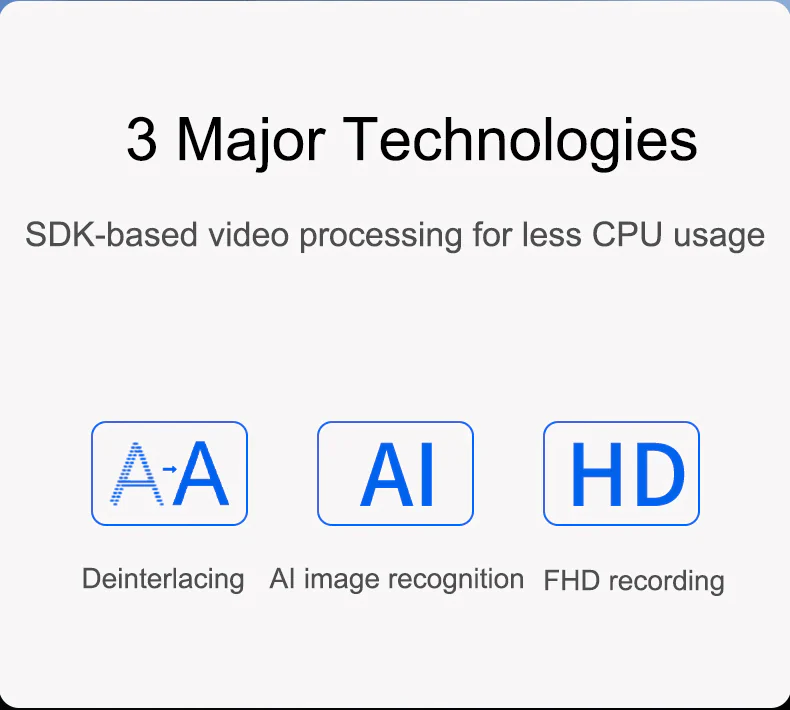
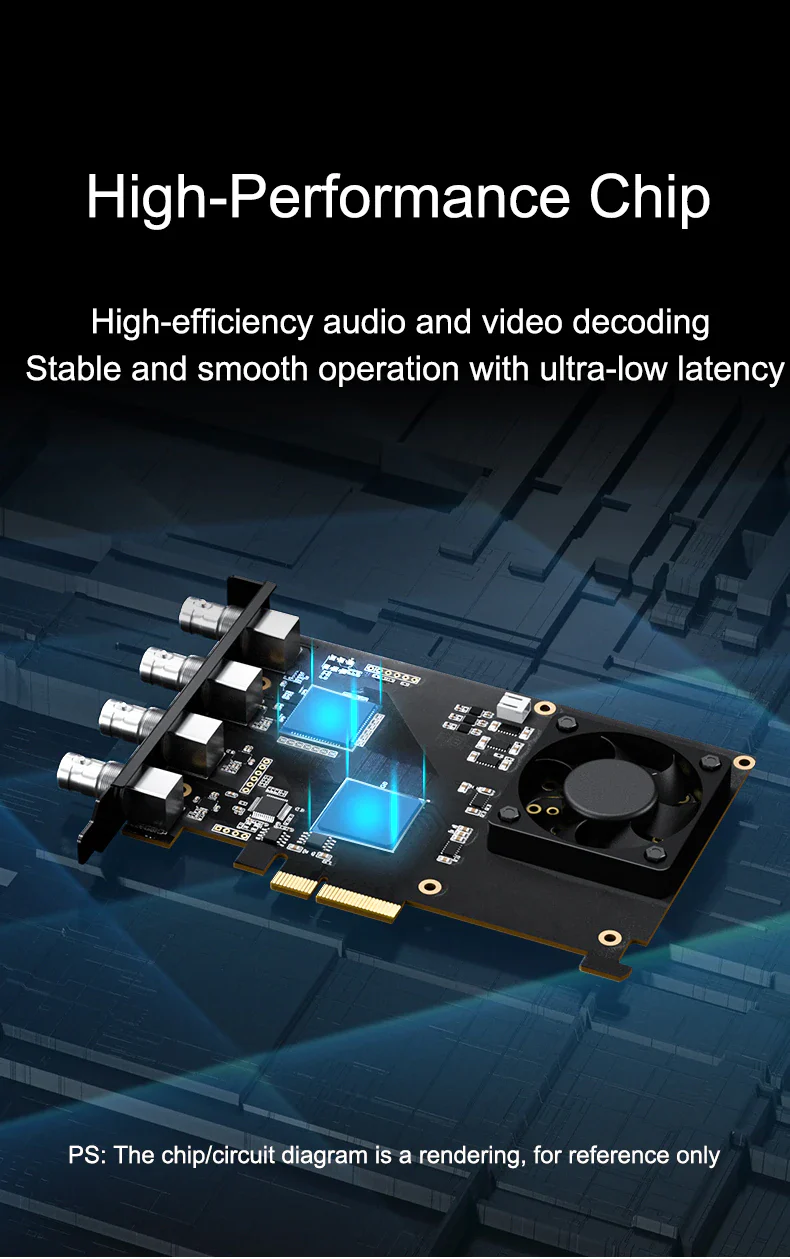
[1080p60Hz with Ultra-Low Latency] Stream live or record in 1080p60Hz by this internal capture card with ultra-low latency, allowing you to enjoy a real-time visual feast.
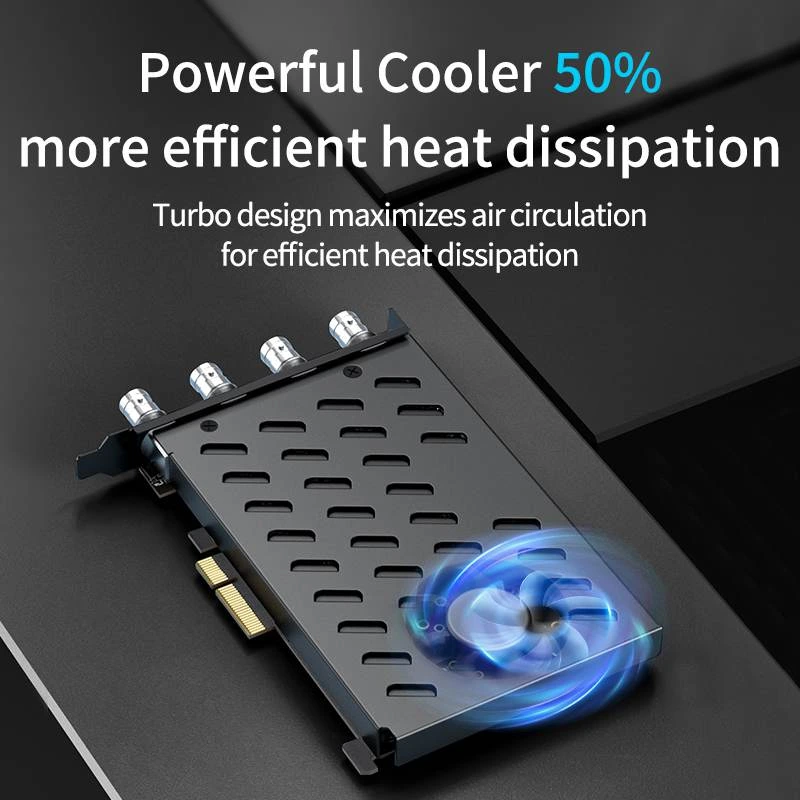
[Excellent Heat Dissipation] With turbo design, powerful cooling fan optimizes air circulation for intense cooling, ensuring 50% more efficient heat dissipation.
[Wide Application] Get the flexibility of 4 separate capture or playback cards in one, ideal for game/teaching/surgical live broadcast, video conference, and various high-definition video capture.
[SDI Video Connection] SDI is a trusted technology for its rugged connector as well as signal distribution lengths, great when you have to move cameras frequently or the cameras are far from a computer.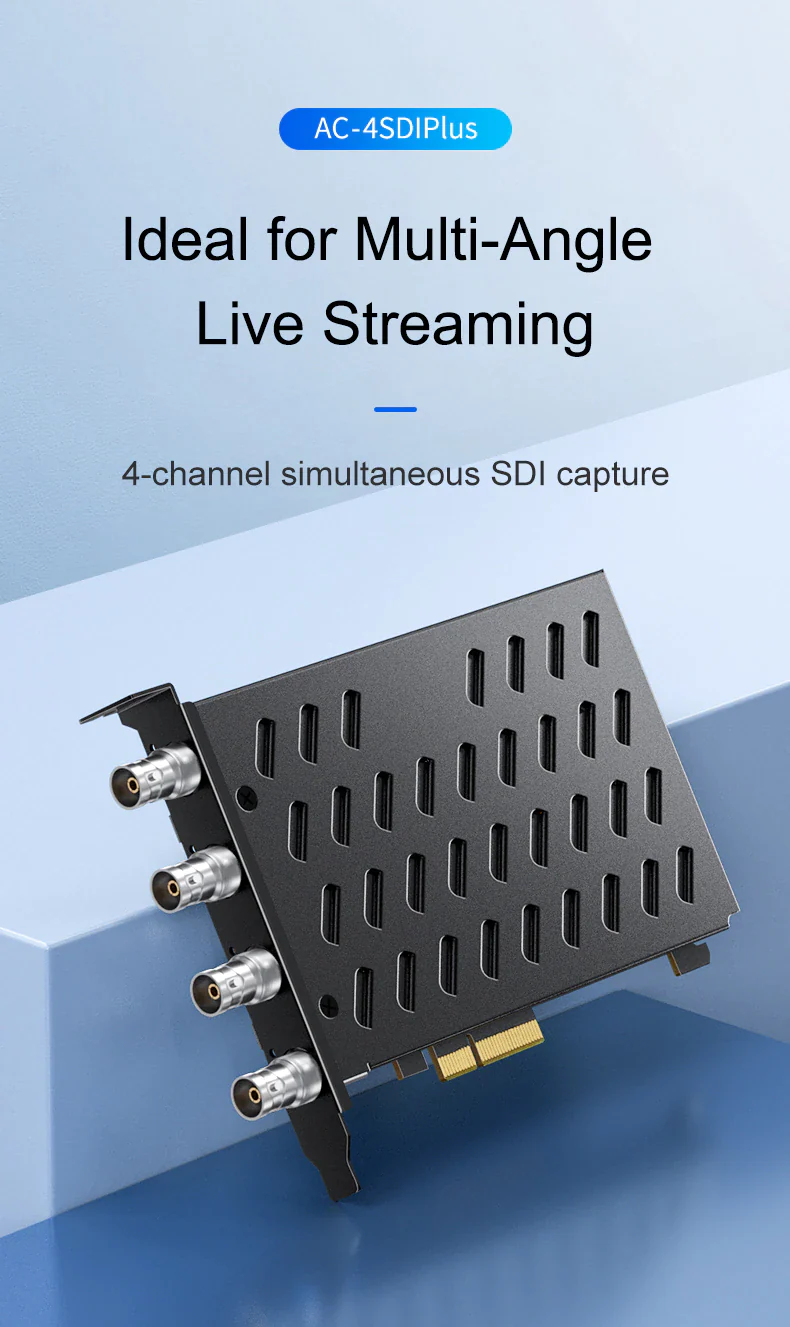
12 reviews for ACASIS 4 SDI Input 1080P 60FPS 4 Channel PCIe Video Capture Card with Built-in Fan, Stream and Record in with Ultra-Low Latency on PS5, PS4/Pro
Related products
Sale
ACASIS 40Gbps External GPU (eGPU) Dock with in-Built Cooling Fan,PD 85W+15W Charging,Ultimate Gaming Experience,Only Compatible with TB 5/4/3,USB4
Original price was: ₹59,999.00.₹28,999.00Current price is: ₹28,999.00. Add to cartSale
ACASIS 2 Channel HDMI/SDI 4K 30Hz Input USB 3.0 Video Capture Card, 4K HD Live Streaming with Instant Source Switching, Mixer/Switcher Audio Mixing
Original price was: ₹24,999.00.₹12,999.00Current price is: ₹12,999.00. Add to cartSale
ACASIS 40Gbps 3 HDMI 1 SDI 1080P 60FPS Video Capture Card for Windows Compatible with Thunderbolt 4/3, 3 HDMI 1 SDI Simultaneous Capture, DP 4K60Hz
Original price was: ₹119,999.00.₹69,999.00Current price is: ₹69,999.00. Add to cartSale
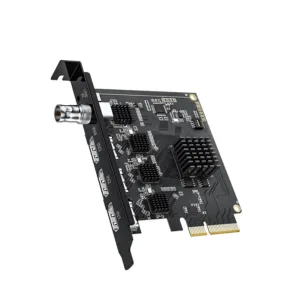
ACASIS 3 HDMI 1 SDI in 1080P PCIe Video Capture Card with Linein Port Stream and Record in Ultra-Low Latency on PS5, PS4/Pro, Xbox Series X/S
Original price was: ₹49,999.00.₹34,999.00Current price is: ₹34,999.00. Add to cartSale
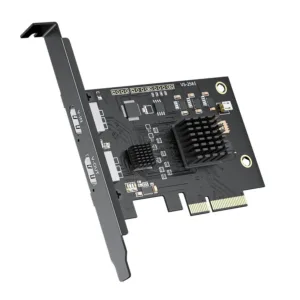

Umesh Khatri –
Using it for event streaming. No frame drops even with 4 cameras.
Vaishali Dongre –
Excellent product for professional use. Output quality is very sharp.
Dhruv Kansal –
Works great but only for users with SDI equipment.
Aarohi Karmakar –
Good device but needs technical setup understanding.
Zahid Mirza –
Works perfectly with vMix. Smooth switching between channels.
Pranay Wadekar –
Perfect for SDI camera setups. Handles 4 inputs smoothly without any lag.
Yuvraj Salunke –
Best SDI capture card I’ve used so far. Highly recommended.
Chetna Bhagat –
Perfect for multi-camera interviews and shoots
Brijesh Choudhary –
Very reliable for long streaming sessions. No crashes
Tejas Raut –
Good performance, but requires proper PCIe installation knowledge.
Wasim Akhtar –
Solid performance. Slight heating but fan handles it well.
Saloni Ghosh –
Very stable capture card. Works flawlessly for my studio recordings.