No products in the cart.

Sale
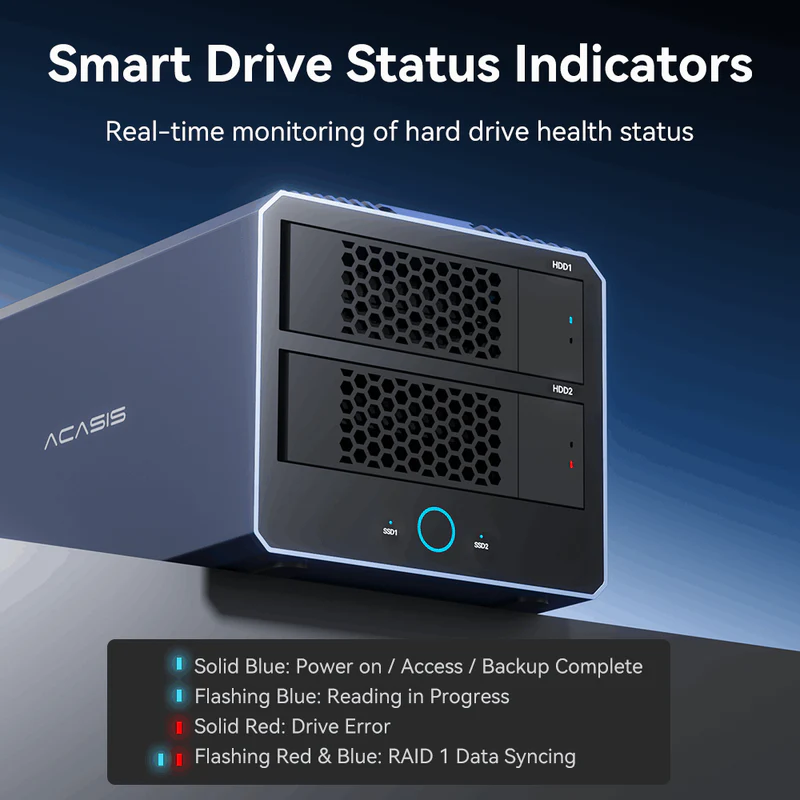

 ACASIS 40Gbps 4-Bay (2 HDD + 2...
 Products
-
 Original price was: ₹14,999.00.₹5,499.00Current price is: ₹5,499.00.
 -
Original price was: ₹69,999.00.₹26,999.00Current price is: ₹26,999.00.
-
Original price was: ₹19,999.00.₹9,999.00Current price is: ₹9,999.00.
-
Original price was: ₹34,999.00.₹16,499.00Current price is: ₹16,499.00.
-
Original price was: ₹34,999.00.₹18,999.00Current price is: ₹18,999.00.


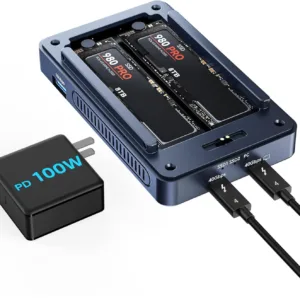
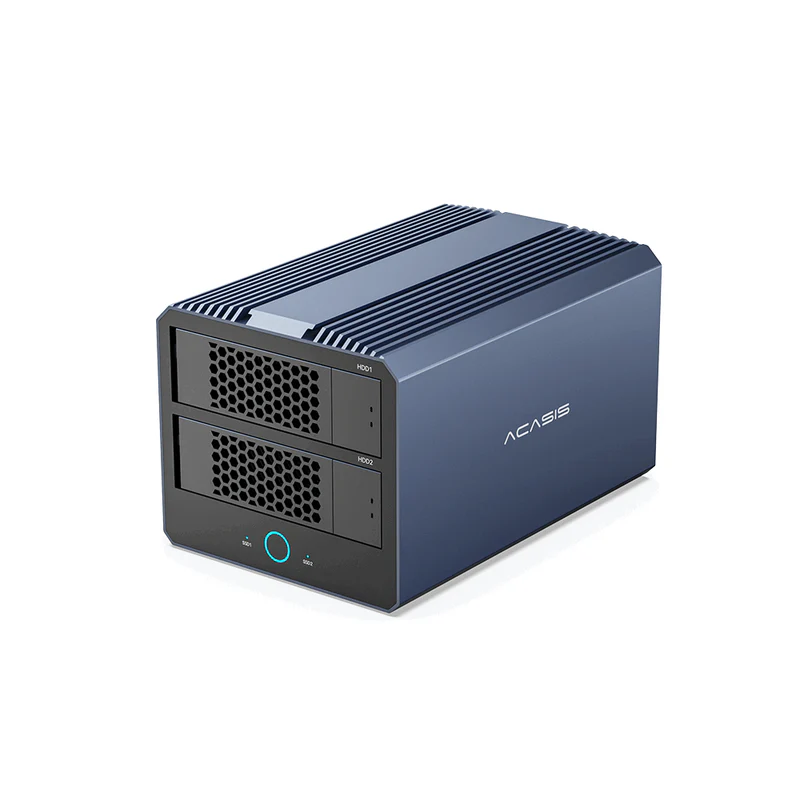
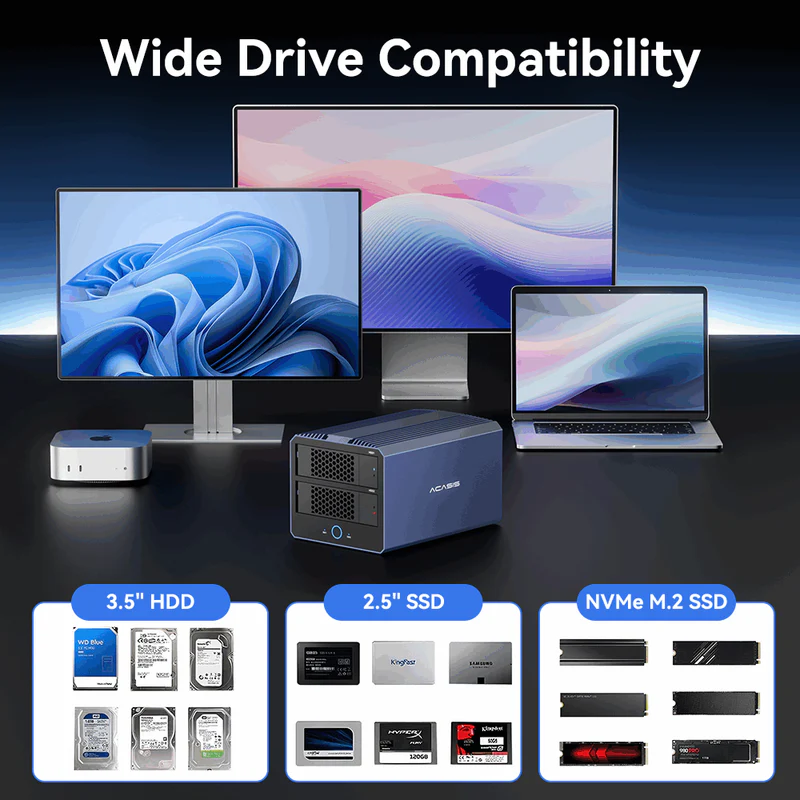
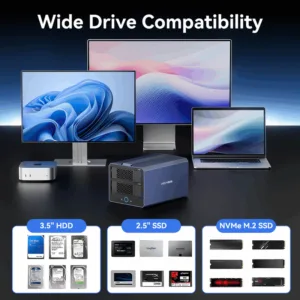
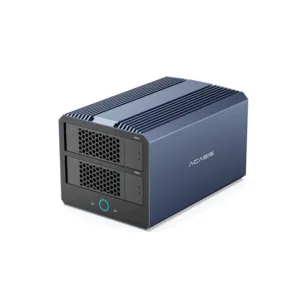
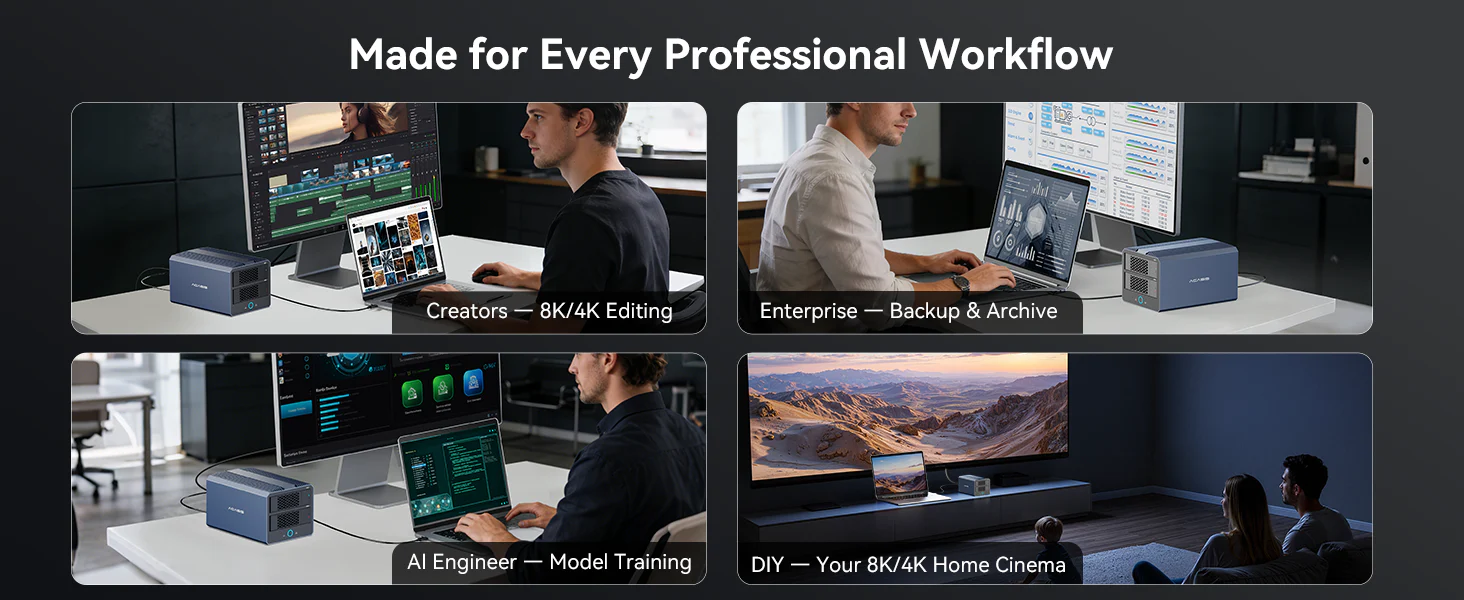
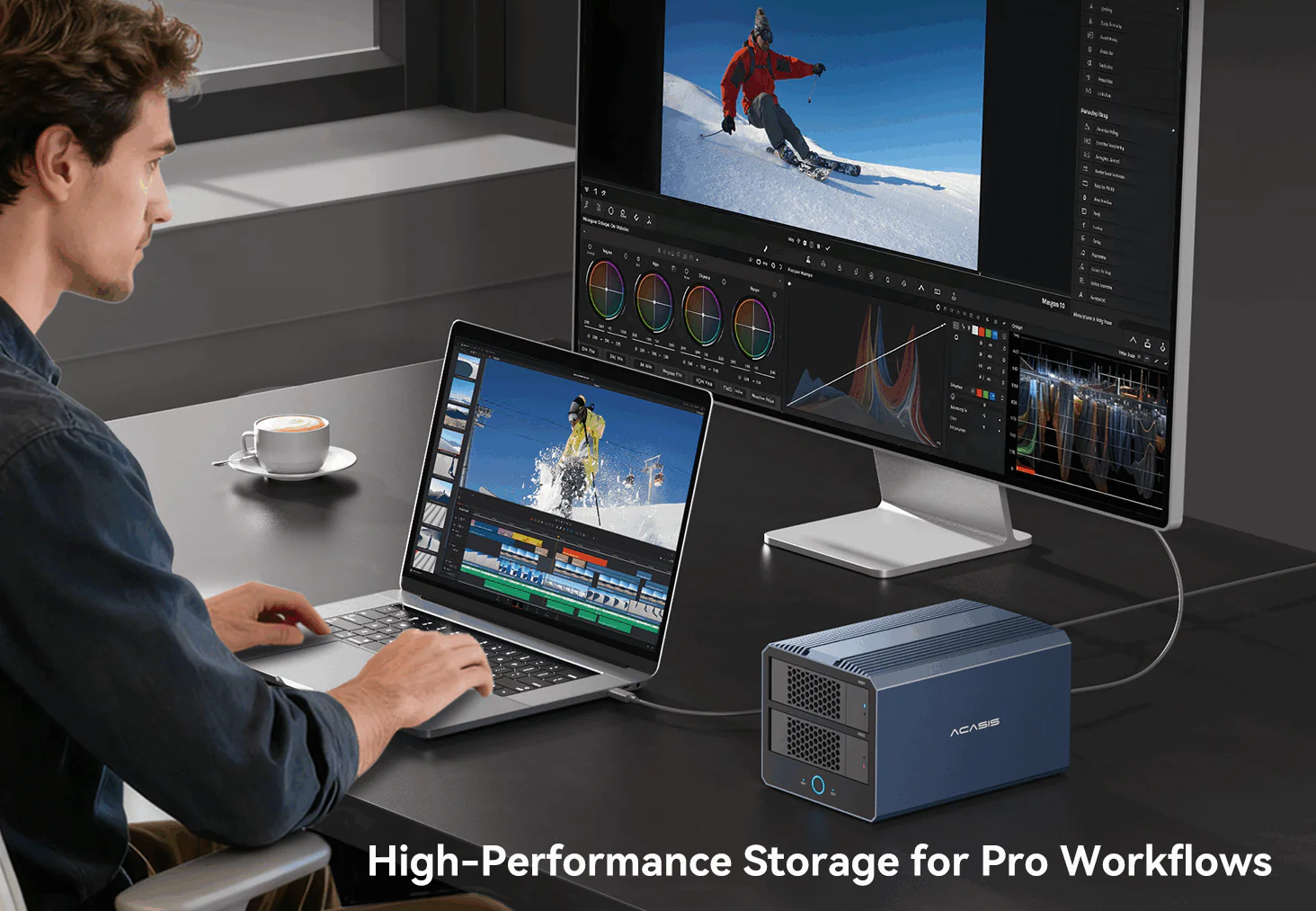 Combine NVMe SSDs and SATA drives in one enclosure for an efficient tiered workflow: keep active projects on high-speed SSDs for instant access, then seamlessly move completed work to HDD bays for long-term archival—all within the same device, no external transfers needed. 40Gbps Thunderbolt/USB4 connectivity and flexible hardware RAID modes ensure fast transfers, reliable data management, and smooth performance under heavy workloads.
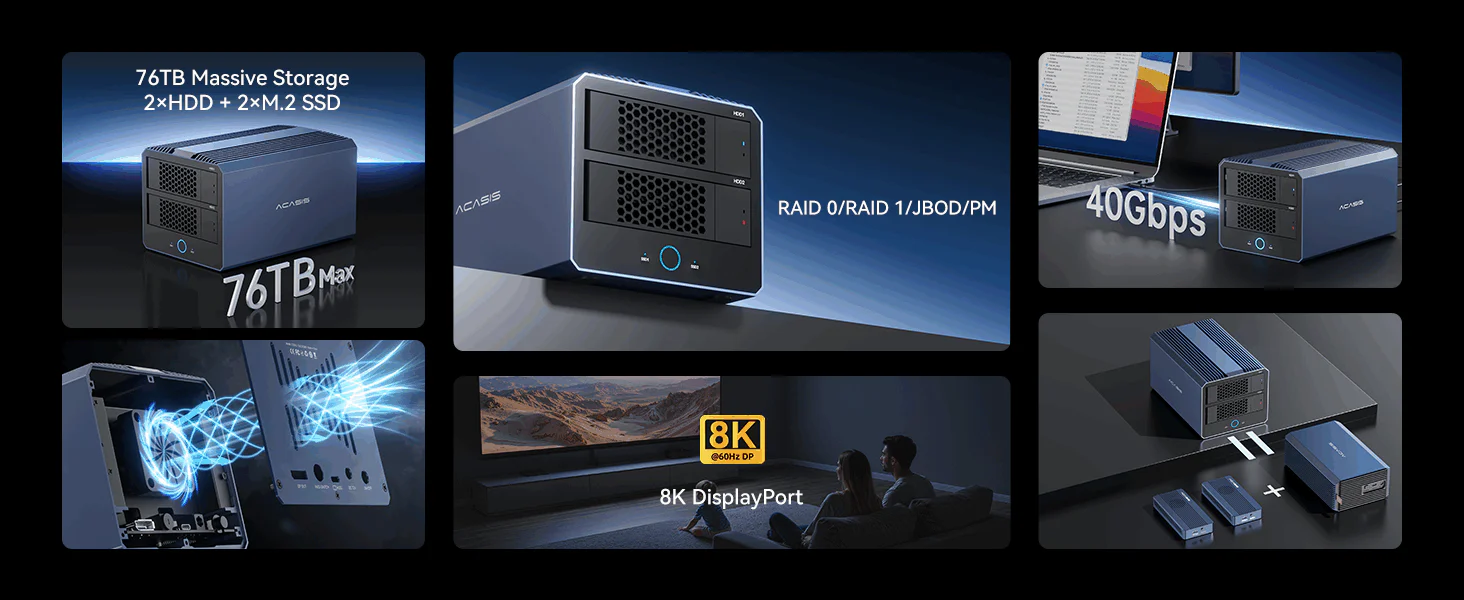
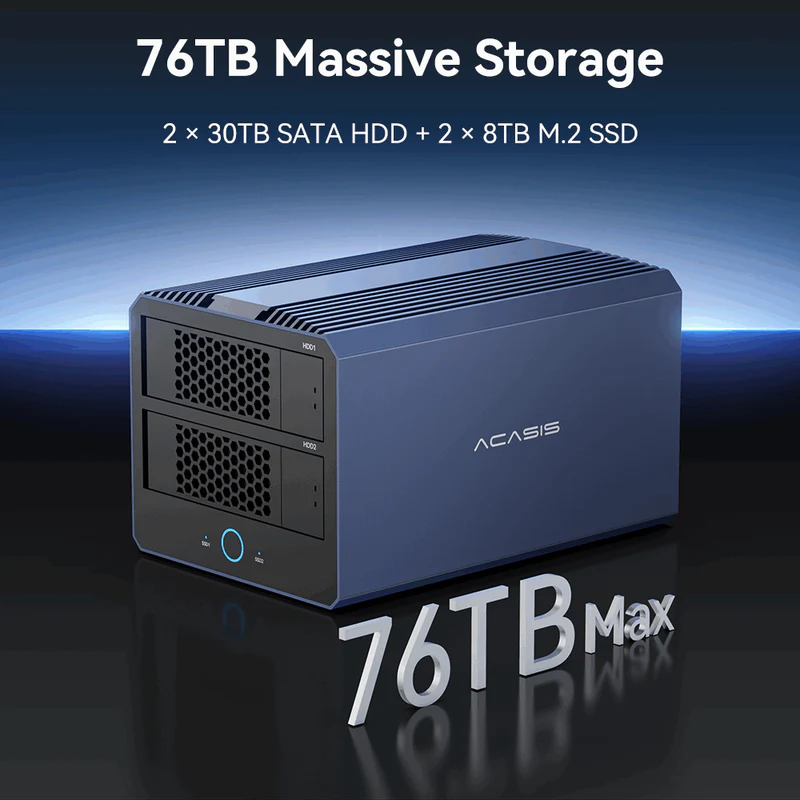
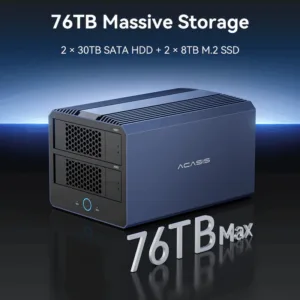
– Up to 76TB Storage – Store large files and backups easily.
– 4 Hardware RAID Modes – Flexible, fast, and reliable data management.
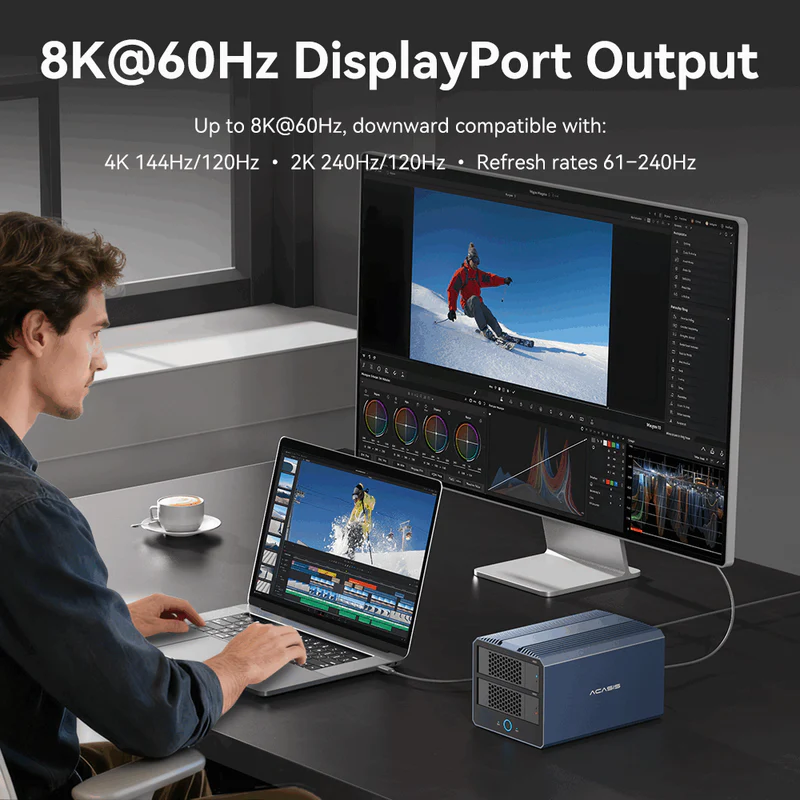
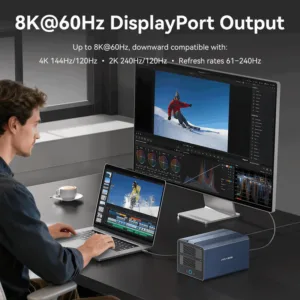
– 8K DisplayPort Output – Supports high-resolution monitors.
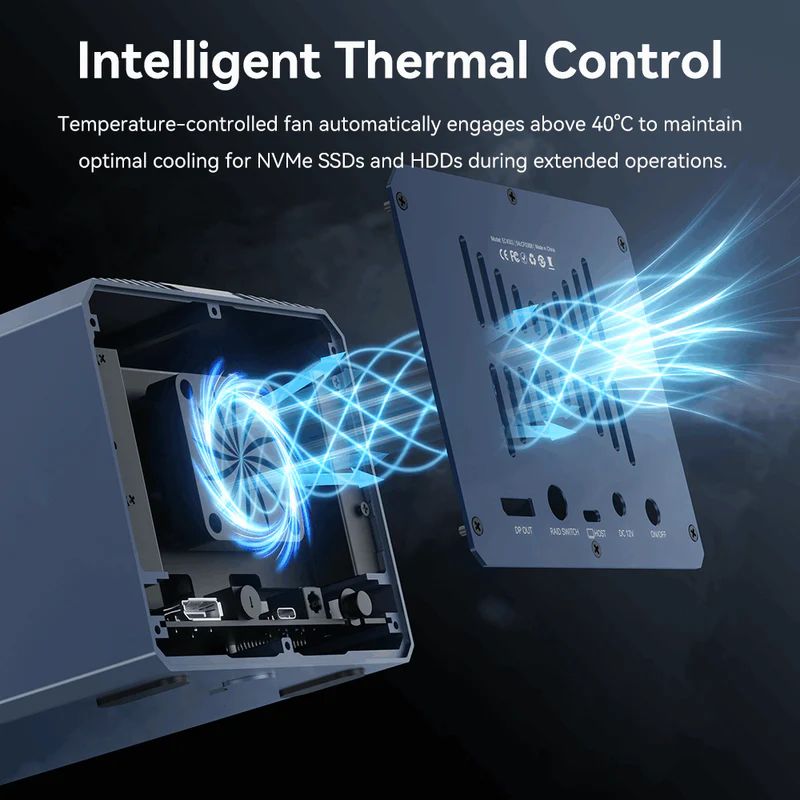
– Smart Temperature-Controlled Fan – Automatic cooling for stable performance.
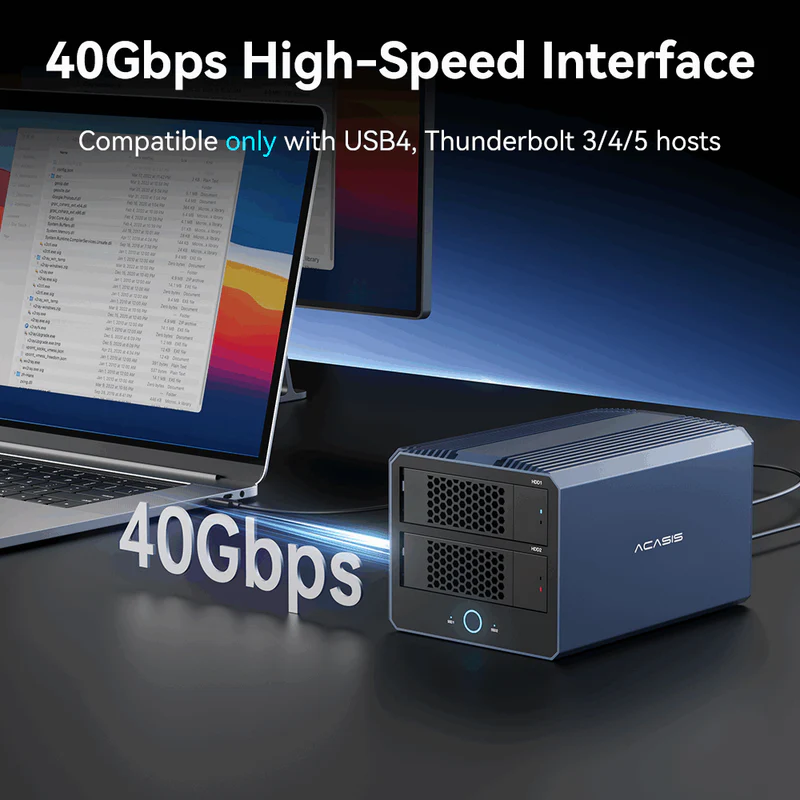
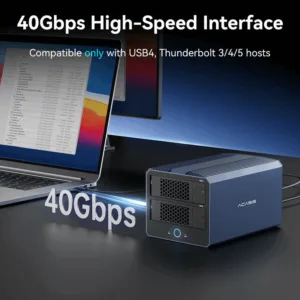
– 40Gbps High-Speed Interface – Ultra-fast transfers via Thunderbolt/USB4.
– All-in-One Solution – Replaces multiple SSD and HDD enclosures.
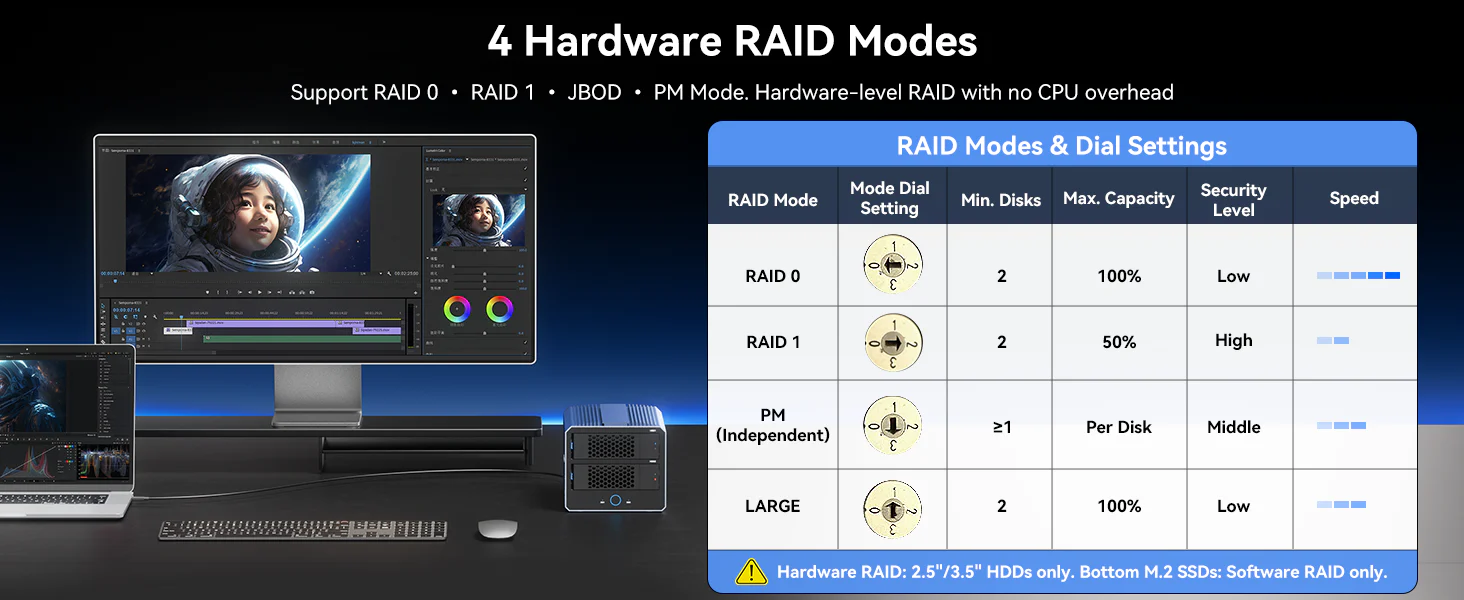 Flexible 4-Mode Hardware RAID. Supports RAID 0, RAID 1, JBOD, and PM, letting you choose the best balance of speed, data protection, and storage flexibility.
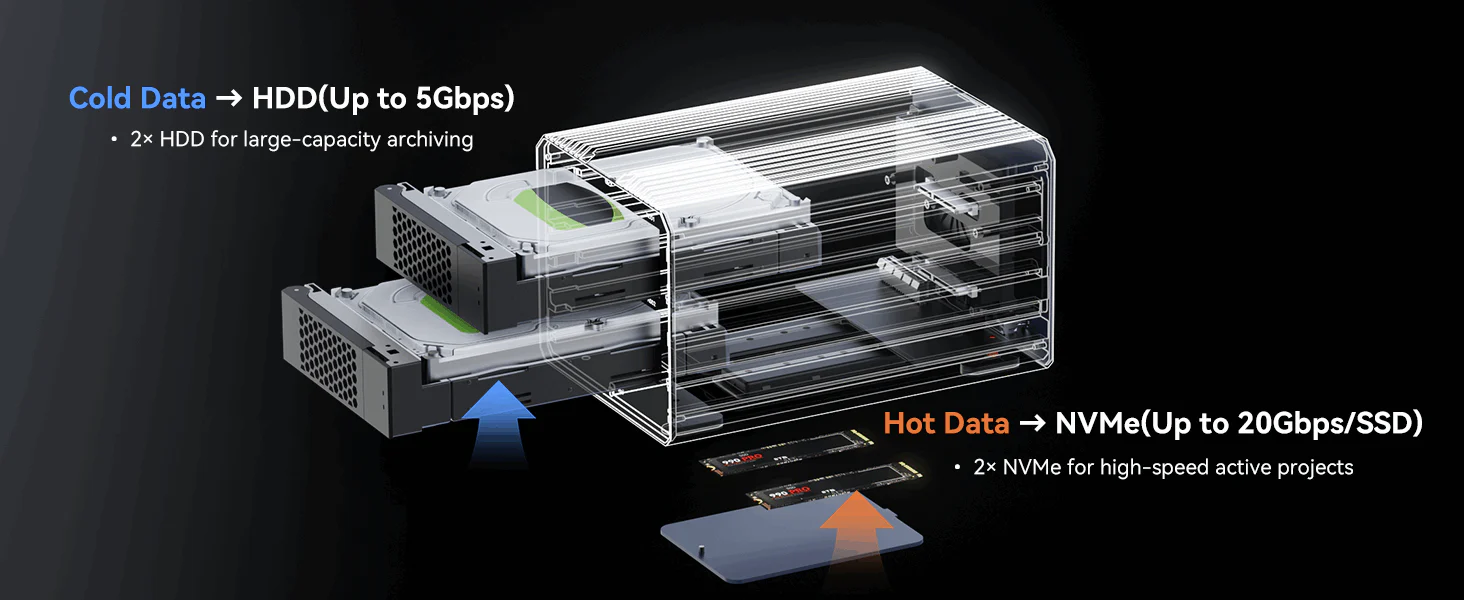 Keep your active projects on ultra-fast NVMe SSDs for lightning-speed access, while storing less-used files on large-capacity HDDs for efficient archiving. This hot-and-cold storage design ensures both speed and storage efficiency.
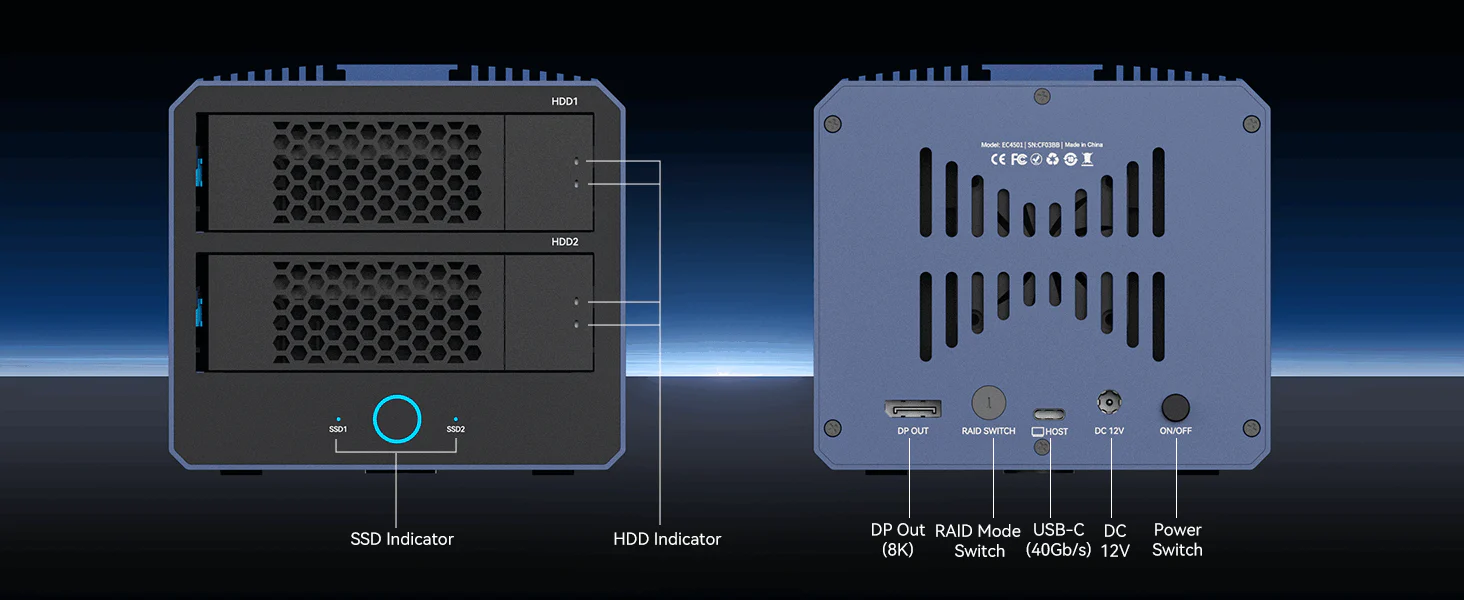
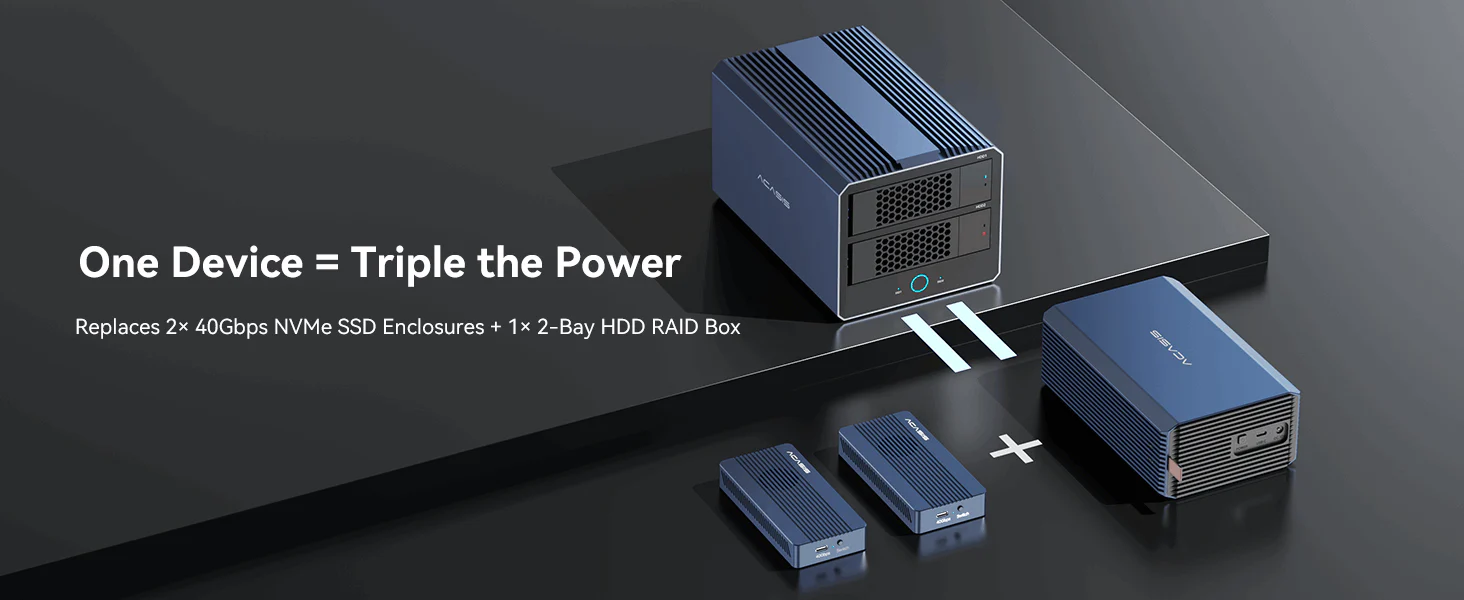 Save space, cost, and setup time. Instead of buying three separate enclosures, get all-in-one performance with this device—2 NVMe SSDs + 2 HDD bays in one box.
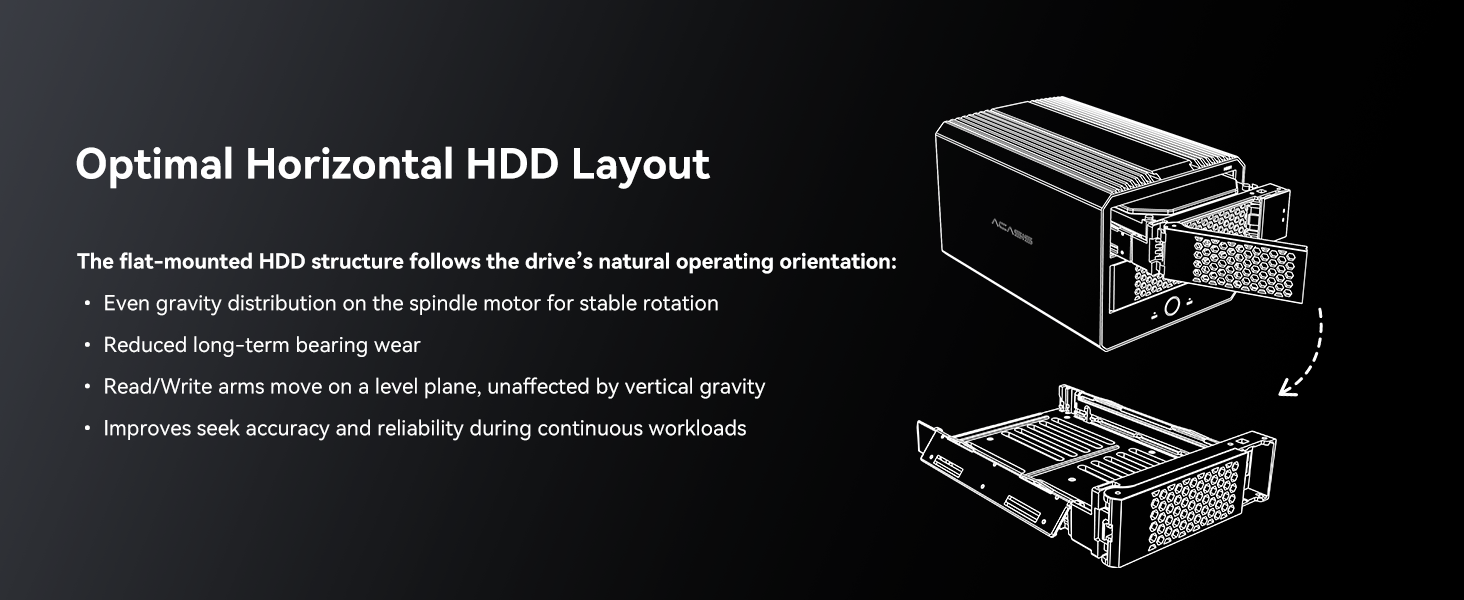 The flat-mounted HDD layout ensures stable rotation, reduced wear, and precise read/write performance, keeping your drives reliable during continuous, high-load operations.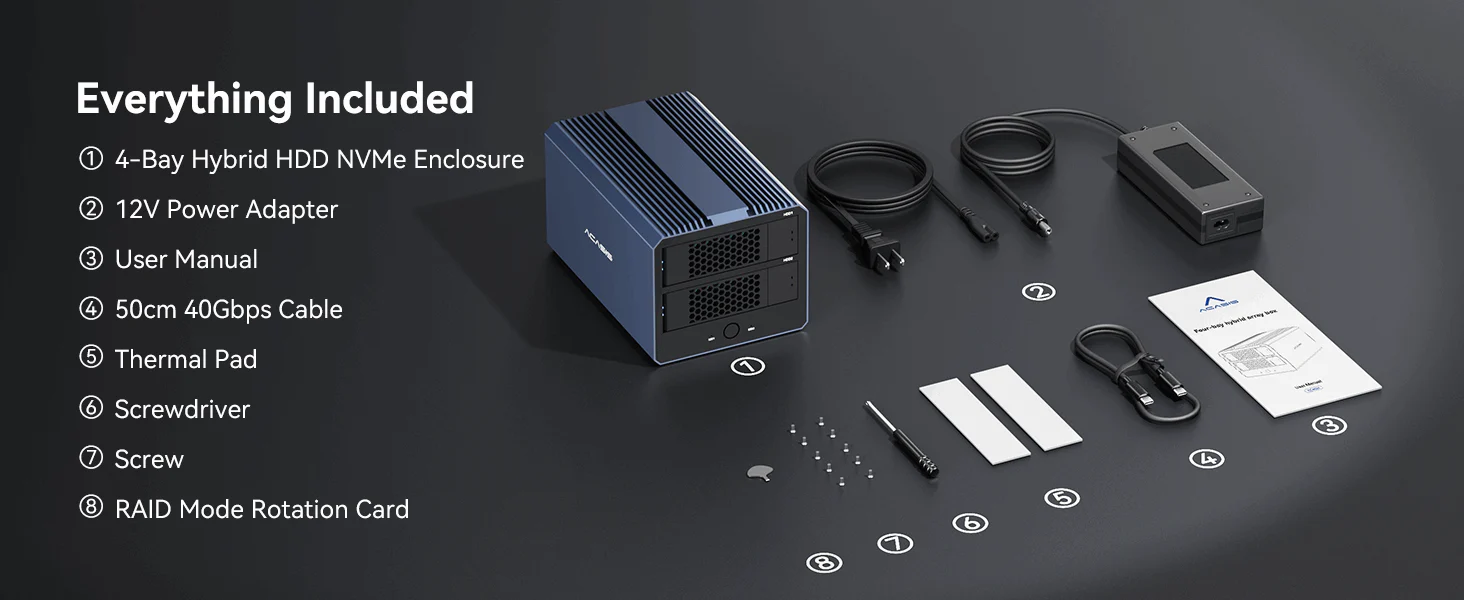
20 reviews for ACASIS 40Gbps 4-Bay (2 HDD + 2 SSD) Hybrid HDD & NVMe Enclosure , Support 4 RAID Mode, In-Built Cooling fan, 8K DisplayPort Output, Up to 76TB Storage
Related products
Sale
New
ACASIS 40Gbps M.2 NVMe SSD Enclosure with Cooling Fan, TBU405Pro for M1/M2 Pro/Max, Compatible with USB4/3.2/3.1/3.0/2.0, SSD Size 2280 B+M M-Key
Original price was: ₹24,999.00.₹9,499.00Current price is: ₹9,499.00. Add to cartSale
New
ACASIS 40Gbps M.2 NVMe SSD Enclosure, Tool Free Installation, Compatible with Thunderbolt 4/3/USB4, Support M-Key/B+M 2280 Size, for M1/M2 Pro/Max
Original price was: ₹18,999.00.₹6,499.00Current price is: ₹6,499.00. Add to cartSale
ACASIS External Dual-Drive RAID Enclosure with Cooling Fan for 2.5/3.5″ SATA HDD/SSD, USB A/C 3.0, Support RAID 0/1/JBOD/SPAN, 6Gbps with UASP, 36TB
Original price was: ₹19,999.00.₹7,999.00Current price is: ₹7,999.00. Add to cartSale
ACASIS Swappable 10Gbps High-Speed SSD Storage & 10-In-1 Hub Docking Station with PD 100W/SD/TF Card/1000Mbps LAN/3.5mm Audio, Support upto 8TB
Original price was: ₹24,999.00.₹8,999.00Current price is: ₹8,999.00. Add to cartSale
New

Aarav Bhatia –
As a video editor, I always struggled with managing SSDs and HDDs separately. With EC4501, I finally have a clean workflow—NVMe for editing and HDD for storage. It feels like a proper studio upgrade.
Ishaan Malpani –
The hybrid system is very practical. I can keep active work on SSD and archive on HDD without switching devices.
Rajeev Tandon –
Performance is excellent, but RAID setup took a bit of time to understand initially. Once configured, everything works smoothly.
Shweta Luthra –
8K display support is a bonus feature. Didn’t expect it but it’s quite useful.
Pranav Desai –
Cooling system works efficiently. Drives stay stable even during long transfers.
Mehak Arora –
Very helpful for organizing data. I no longer worry about scattered drives.
Tirth Patel –
If you need a high-speed Thunderbolt RAID storage with NVMe and HDD combination, this is a great solution.
Faizan Kapadia –
I invested in this for long-term storage and workflow improvement. It feels like a professional-grade system that I can rely on daily.
Danish Malhotra –
RAID modes are flexible and easy to switch depending on usage.
Riya Jhaveri –
Upgrading to EC4501 felt like moving from a messy setup to a professional workstation. Everything is faster and more organized now.
Akhil Bansode –
Works flawlessly with my MacBook Pro. Plug and play experience was smooth.
Kunal Chitnis –
A bit pricey, but considering the features and performance, it justifies the cost for professionals.
Pooja Bahl –
Very useful for office backups. We use RAID 1 and it gives peace of mind for data safety.
Siddhi Patankar –
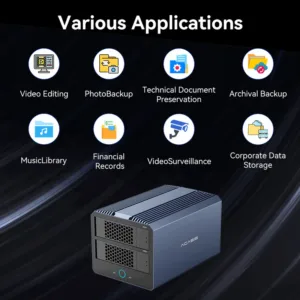
Best hybrid NVMe + HDD RAID enclosure for professionals. Great for editing, backup, and large data workflows.
Kabir Anand –
Earlier my desk had 4 different drives. Now everything is inside one box. Clean, organized, and efficient.
Niharika Suri –
Build quality is premium. The aluminum body feels solid and professional.
Rohanveer Gill –
Transfer speed over Thunderbolt is impressive. Definitely one of the fastest setups I’ve used.
Lavanya Iqbal –
Perfect for content creators. Handles large 4K video files without lag.
Deepanshu Nagpal –
Fan noise is slightly noticeable during heavy use, but it’s understandable given the performance and cooling requirements.
Simran Kohli –
The speed is amazing. Transferring large design files is much faster compared to my previous setup.